CFB
Resident Member
-
Joined
-
Last visited
-
Would the VIN number help you?
-
I did find an option to deactivate the TSR in the assist systems screen so did that. It worked for the first drive but reset to enabled on the next. It seems it is another that needs to be disabled on every drive. 🙄
-
I’ve had a similar experience and have been looking how to deactivate TSR. Could you point me in the right direction please?
-
And all this because I was posted about the economy of my particular model. 😂😂😂
-
ACC does exactly the same in standard form. For me, travel mode is only really useful on the motorway and dual carriageways, where there are clear road markings down the carriageway and is not really suited for driving on any other type of road due to road markings not always being present. It can pick up kerbs but is easily confused on rural roads.
-
ACC adjusts to the speed of traffic ahead and to speed limit signs. Travel mode does exactly the same. The only difference between the two is travel assist steers to keep the car between the lines on the road even round bends. There are a few circumstances where it gets a bit confused though.
-
No idea about the grille LEDs but yes, the rear long lamp is fake. Maybe it will become “live” in future updates or sold as an option?
-
I can’t remember if I set it up like this, but I have an autohold icon at the top of the infotainment screen. It may be slightly different using pedals, but I use hand controls and find a very gentle pull on the accelerator ring achieves a smooth pull away. I am assuming that being gentle with pedals does the same.
-
I started to use Waze but the annoying comments get right in my tits! Any way to disable them? I’ve tried but gave up
-
Yup. I used to use ACC on the same route because I was lazy, getting low 600’s, but just using human powers of observation improved things. The car has very little engine braking so I can let off quite early for speed limit changes and approaching slower vehicles in front. We get a lot of tractors round here. Also letting off to coast down hills and only applying throttle when needed to maintain speed help massively. In the current fuel price hike I’ve also started driving on dual carriageways and the motorway at 65mph. It seems to make little difference to journey times. We’re doing a 400 mile trip shortly and I worked out that it will only add 30mins so I call that a win. BTW, has anyone else noticed that quite a lot of other drivers seem to be doing the same?
-
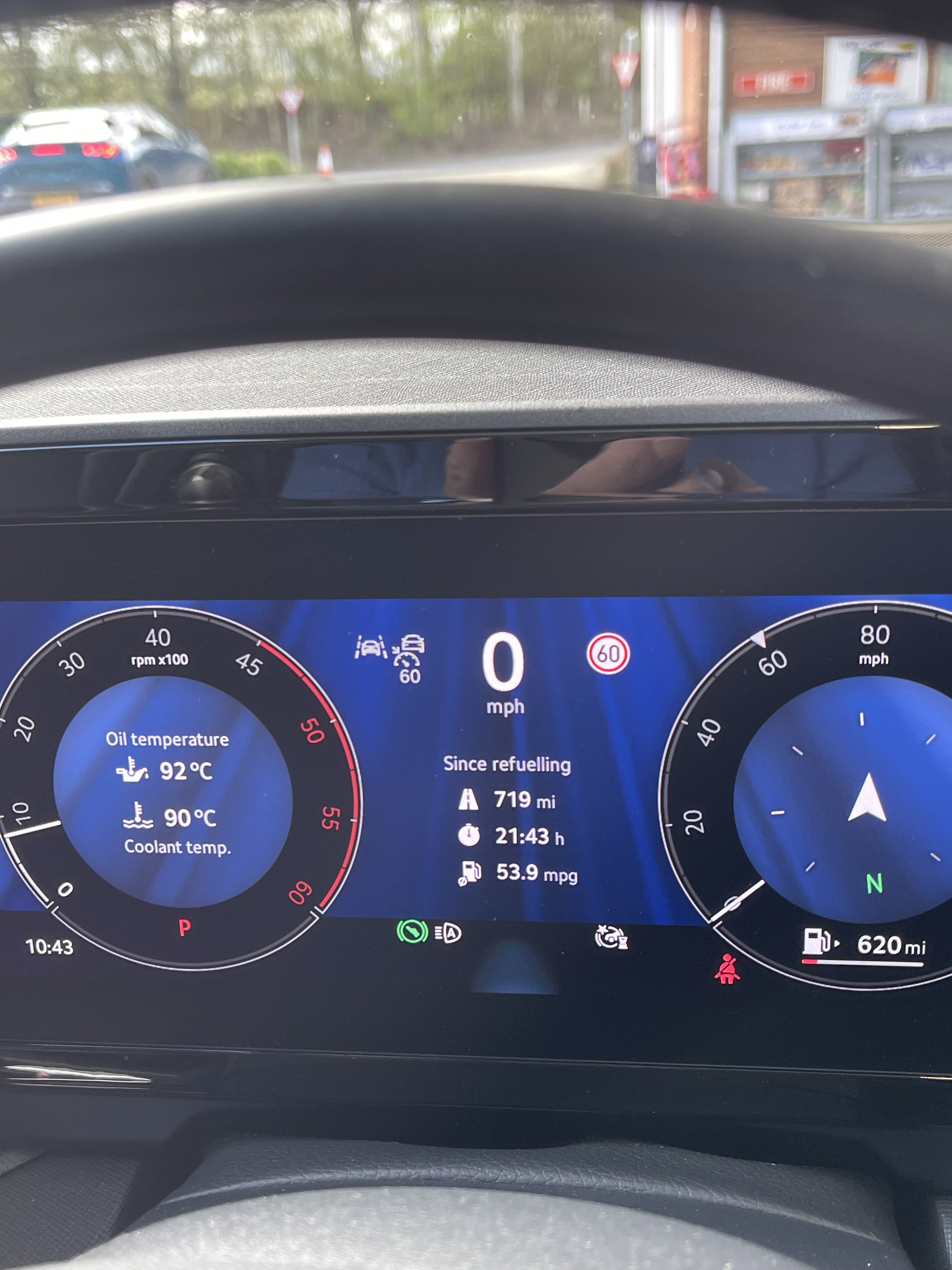
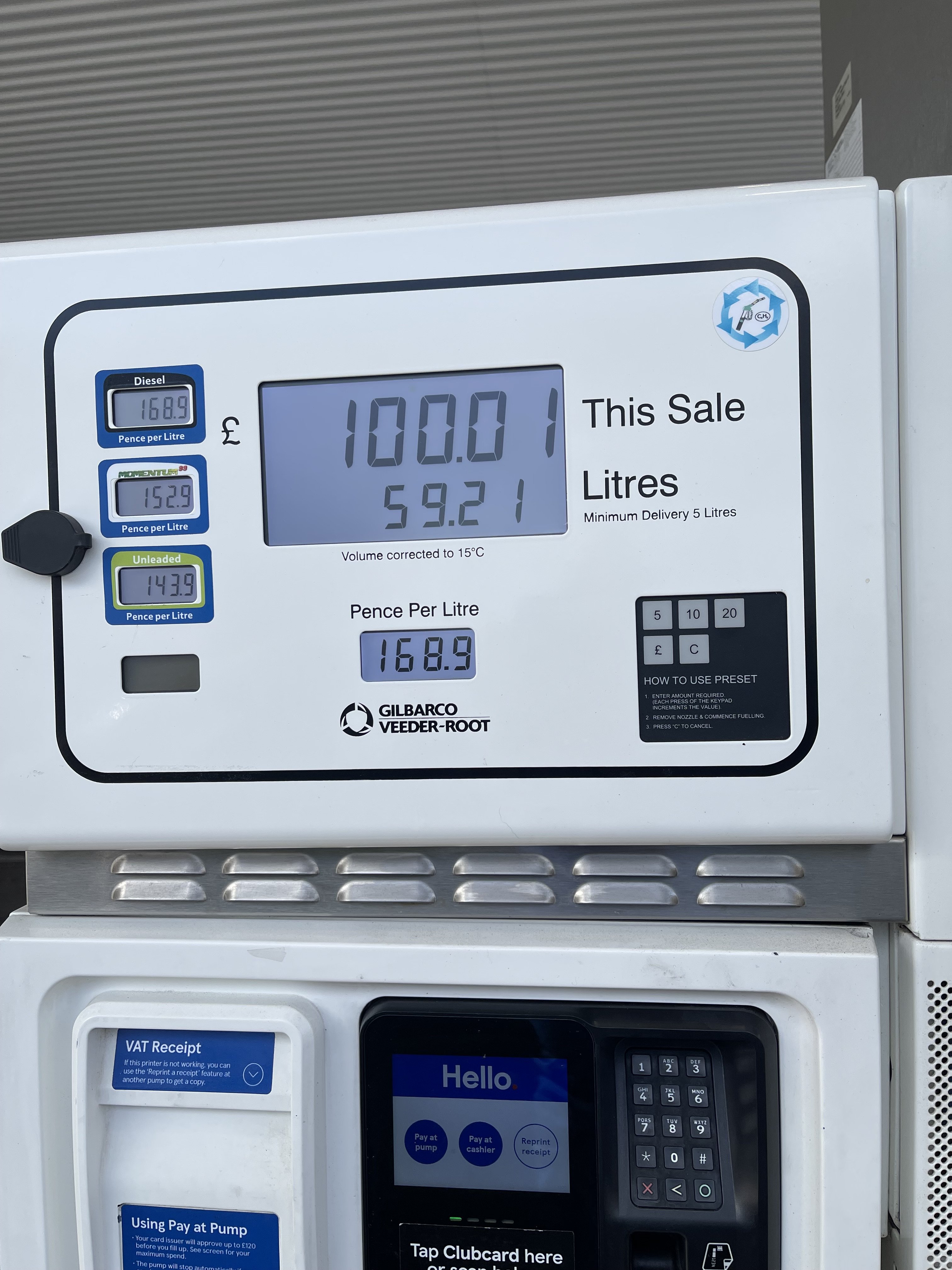
2.0 SEL DSG Driving slightly more gently but still making progress, and my highest range so far, mind you it cost £100!! to refill it against the normal £75. Not a lot we can do about that though, eh?
-
-
It’s a bit strange that the wife’s android stays connected all the time.
-
I believe if you have ACC then travel assist comes as part of that package. I added ACC as an optional extra and have it. I must confess that I didn’t know anything about TA until I saw it when turning lane assist and speed warning off using the steering wheel controls.
-
One of the salesmen at my local dealer has the same problem when he goes over a certain bridge. Apparently he thinks it is due to a 5g mast right by it. Who knows? I have a similar issue. Having recently had the software update, both my iPhone and the wife’s android will connect but after about 15-20 mins, disconnects and we are unable to reconnect without turning the car off, locking and restarting it. Also having a problem with the car wifi. I have a new data plan, after the first 12 month free with the car expired which worked perfectly by the way. It is now impossible to set up and I keep getting an error message saying something like eSIM owner not assigned. It’s going back to the dealer in a couple of weeks, let’s hope they can resolve it.