.jpeg.24e3fbc45a8dee520fbfd773e7559058.jpeg)
Jonboy984
Members
-
Joined
-
Last visited
-
-
Thanks @pab567
-
Hi @pab567 Is there any update here please? Thanks in advance
-
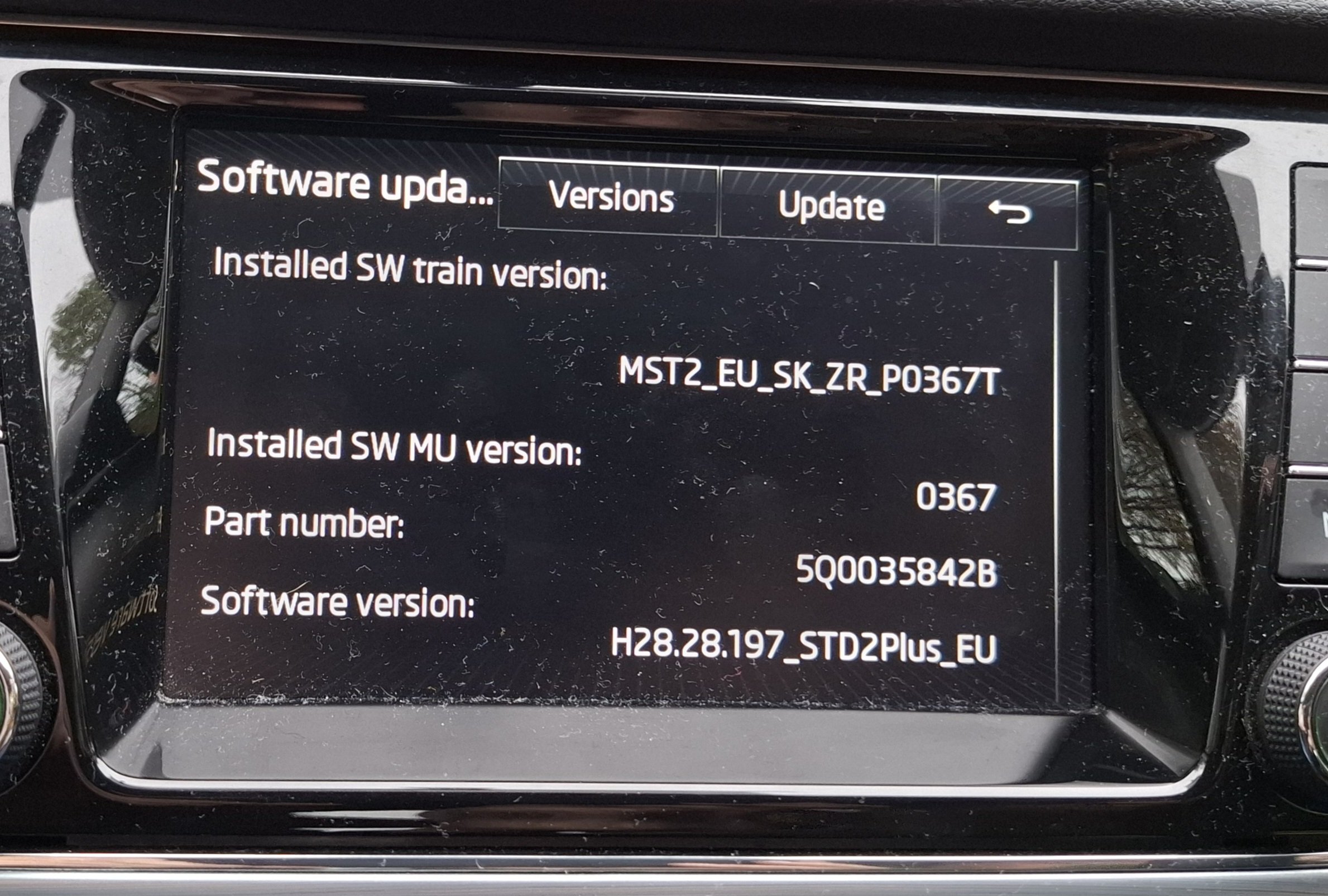
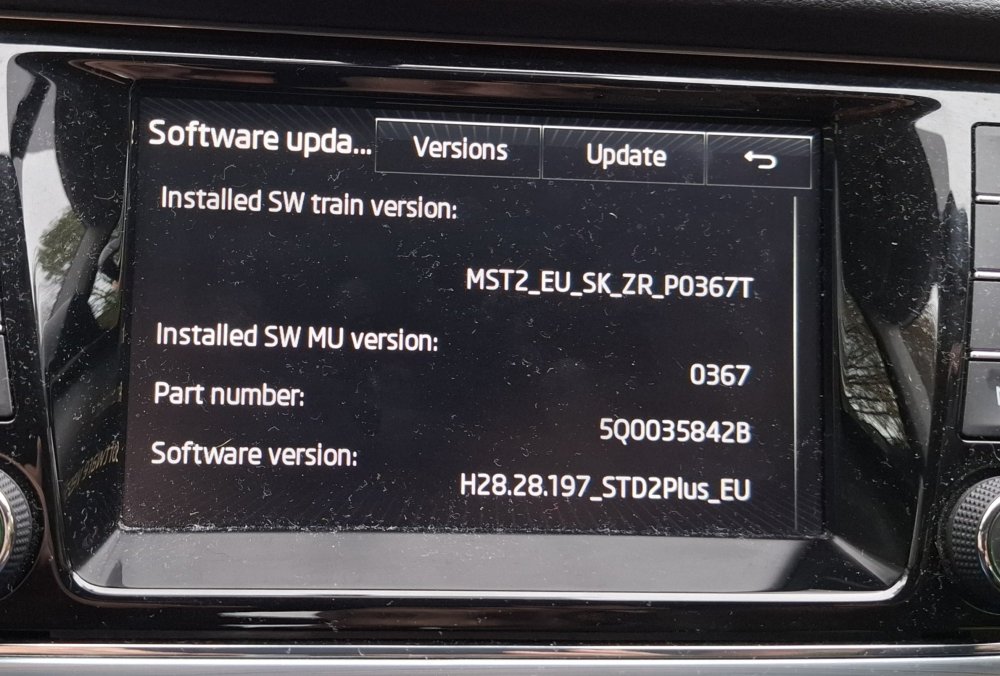
Thanks @MartiniB and @Tell, maps updated today 👍
- 27 replies
-
-

- 2
-
-
- columbus
- discover pro
- mib
- mib2
-
Tagged with:
-
I bought some from Ebay and they looked good but were ever so slightly too small. They initially fitted and looked good but one worked loose pretty quickly and disappeared when on a long drive on the motorway. I ended up buying a set of new OE which fitted perfectly and are still on the car.
-
Amazing read so far, I have followed this thread and will look forward to updates.
-
Thanks @MartiniB, maps uploaded today but had to use a 64gb card for the first time
- 142 replies
-
- columbus
- discover pro
- maps
- mib
-
Tagged with:
-
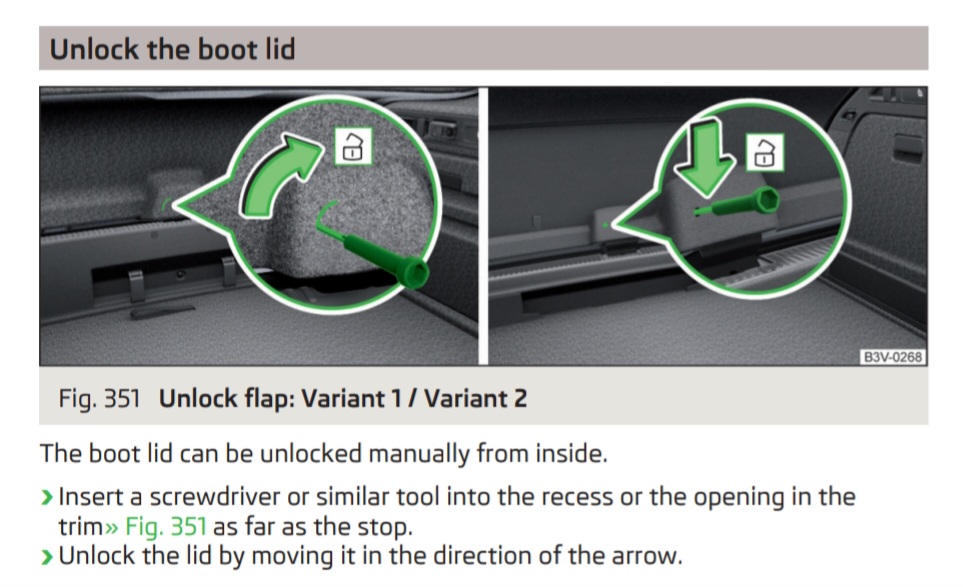
P293 of my 2017 manual
-
Post a pic of the front of your car, many on here will be able to tell you if it's a pre FL or FL 👍
-
This happened to me when I replaced the batteries in both keys fobs not long after purchase. I had to synchronise both key fobs one by one. From p57 of the manual: Synchronising the remote control If the buttons on the remote control key have been operated several times beyond the effective range of the system or the battery in the remote control key has been replaced and the vehicle cannot be unlocked using the remote control, the key must be synchronised. › Press any button on the remote control key. › Unlock the door with the key in the lock cylinder within 1 minute of pressing the button.
-
-
-
Yes still available. I'm south Birmingham near to J4 M5. Drop me a PM if you're still interested?
-
Mines a 2017, just ticked over 60k so 10k per year on average at this rate
-
Thanks @Rizmod I'll try and find someone local with VCDS etc to assist
.thumb.jpeg.94e70ca799af41a23d28202540d38088.jpeg)