jonny boy
Resident Member
-
Joined
-
Last visited
-
Yeah, I will, but my cut off is beginning of March for my current lease. I'm certainly not hiring a vehicle indefinitely, although I do appreciate that things may improve. There's still loads of other cars available out there in stock for lease with decent terms too 👍
-
The leasing company send a monthly update. It's not moved from there from July. I'm literally at the point of cancelling it. Lose money, OK, but I'm not waiting another 5 months for a bog standard car. Octavia Estate 1.0 tsi no options.
-
Ordered end of July 🙄
-
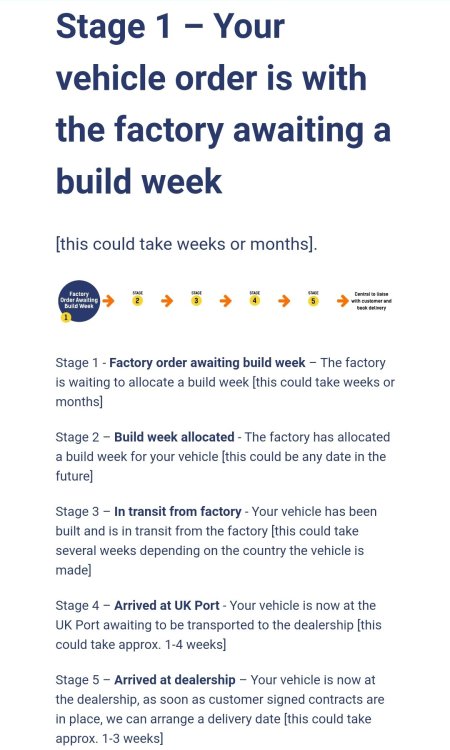
That looks like a miraculous result! Nice one 👍
-
I wonder if this is the opposite for lease companies who order huge amounts vehicles, but are generally standard spec with no options?
-
Anyone thinking of a new order might as well wait for the Mk5 🙄
-
Absolutely.... I think that my July order will be past my current lease, expiring April 2022 🙄
-
I think Matrix headlights are completely unnecessary. I'm all for decent illumination as I live in the sticks, but come on, really? How did we all manage before.... 🤔
-
Lease dealers have you over a barrel in some ways. I paid an admin charge (£180) for the initial order and if you cancel once they've ordered the car, it's £360 cancellation fee. I don't fancy losing £540 to pull out. Guess it's a wait and see next year. Ordered 30th June.
-
Yeah, I agree. I'm looking at end of April because my current lease ends there. With any luck, I'll be OK.
-
It's unbelievable really. It's not as if we're ordering a Lamborghini with a bespoke interior 😂
-
End of June.
-
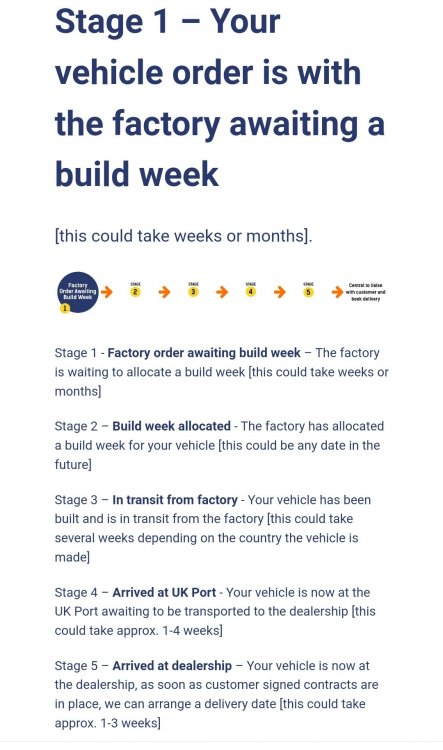
Looks ominous.....
-
Probably explains why I've hardly seen any new Octavias on the road..... 🙄
-
June...... 🙁 1.0 TSi