




RABAH
Members
-
Joined
-
Last visited
Everything posted by RABAH
-
Before removed the protection components I have the MirrorLink and carplay and Android auto but now when I removed the protection I lose it
-
I remove the protection compenent but I lose smartlink+ now I see : this function has not been enabled please contact your dealer And I lose instaled function enabling codes in SwaP what is the solution please
-
Software version MEN2_EU_SKGPx_P7381L MU VERSION 8740
-
Can I removed with odis !?
-
Update of my swing mib2 6V0035871J
-
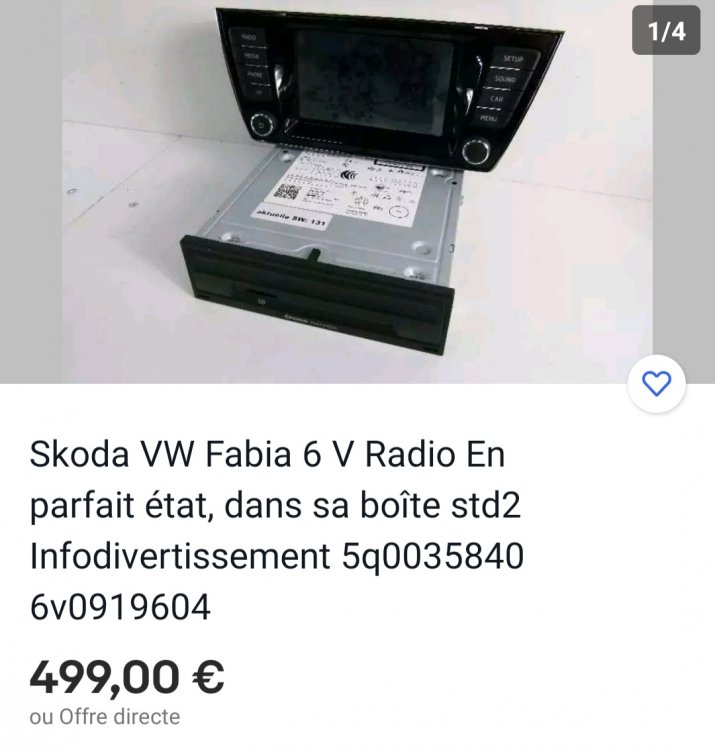
I change my radio of fabia how can I remove this message : components protection is activated
-
Can I add rear view camera to this unit
-
-
How can I fix this problem plz
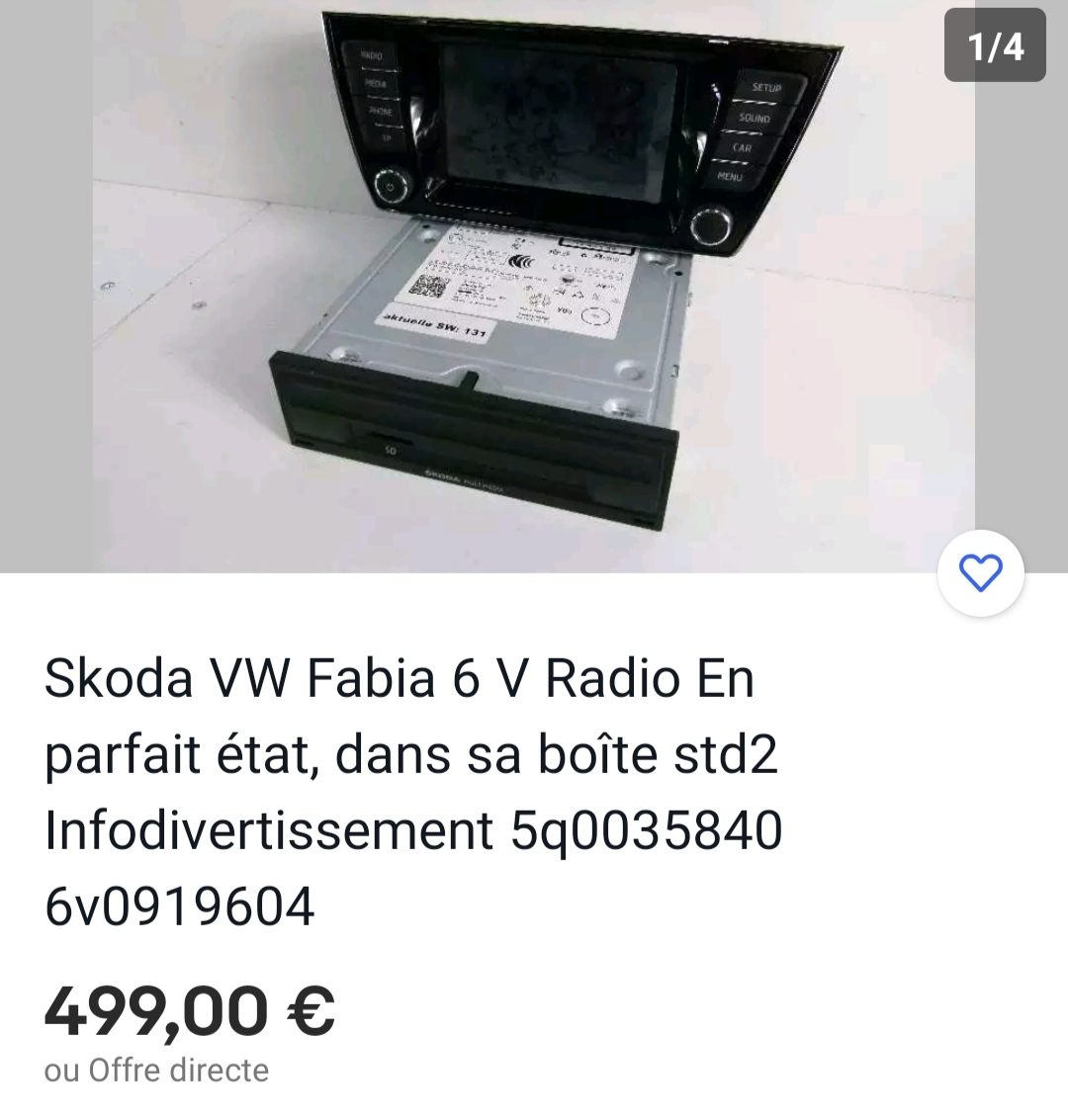
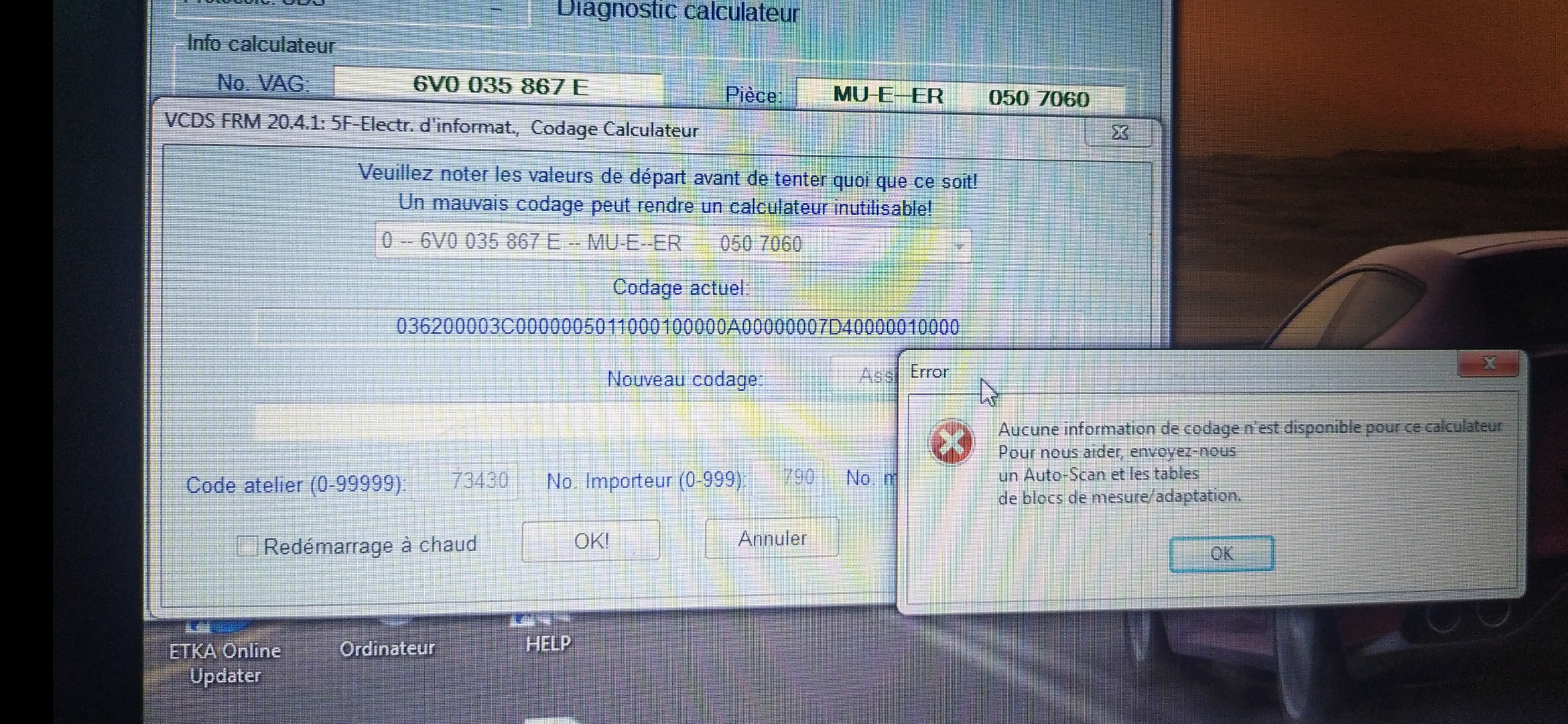
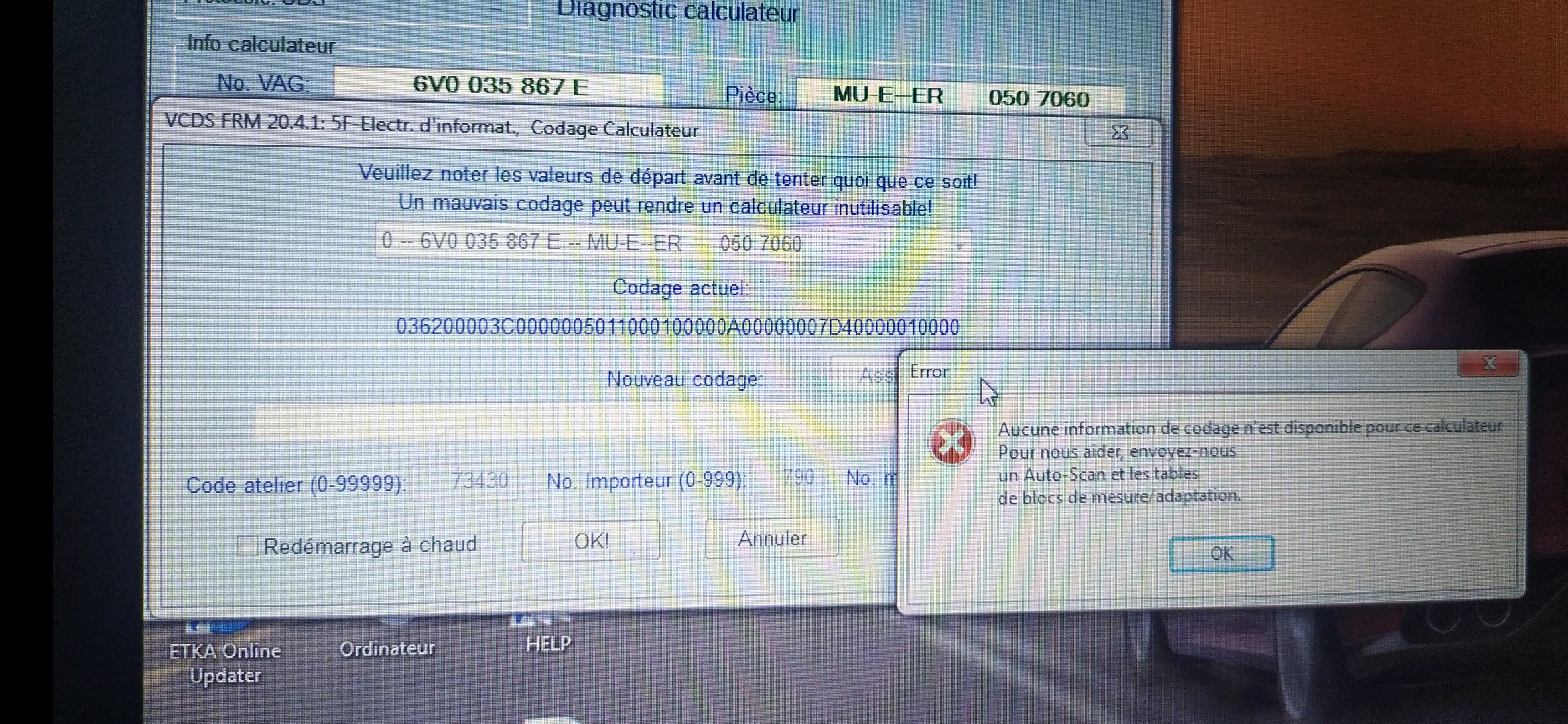
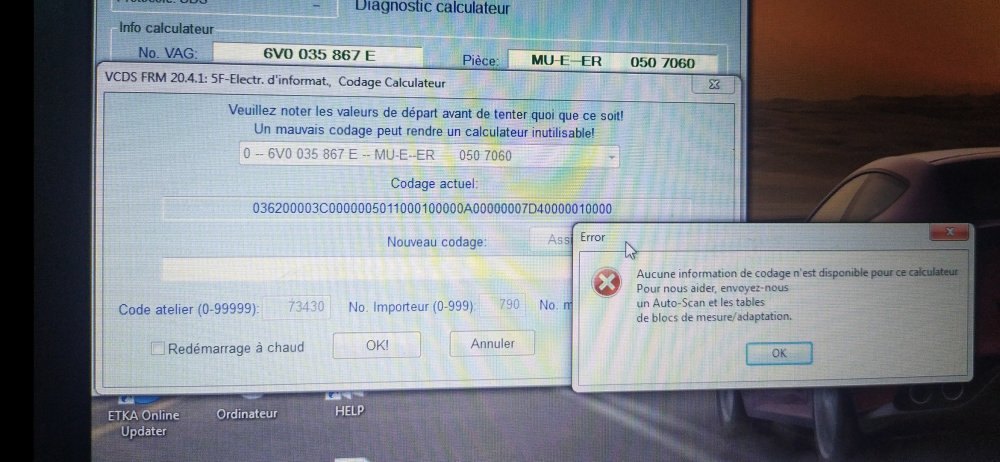 So the solution plzPosted 10 hours ago How can I add rear camera to my fabia Monte Carlo 2017 dvd 6v0035867E with rca cable .plzHow can I add rear camera to my fabia Monte Carlo 2017 dvd 6v0035867E with rca cable .plz How can I add rear camera to my fabia Monte Carlo 2017 dvd 6v0035867E with rca cable .plzHow can I add rear camera to my fabia Monte Carlo 2017 dvd 6v0035867E with rca cable .plzPab567 Can I add rear camera in my new unit 6V0035869H Can I add rear camera in my new unit 6V0035869HCan I add rear camera in my new unit 6V0035869H6V0035869H can I add Rear cameracan I add rear camera to my unit 6v0035867ECan I add Camera plzThanks. other questions plz can I add rear camera to my unit 6v0035867ECan you buy nice one plz for me and I will send you the money plzPab567 pleas help me6v0035867E 050 7060
Important Information
Welcome to BRISKODA. Please note the following important links Terms of Use. We have a comprehensive Privacy Policy. We have placed cookies on your device to help make this website better. You can adjust your cookie settings, otherwise we'll assume you're okay to continue.