luca2006
Finding my way
-
Joined
-
Last visited
Everything posted by luca2006
-
-
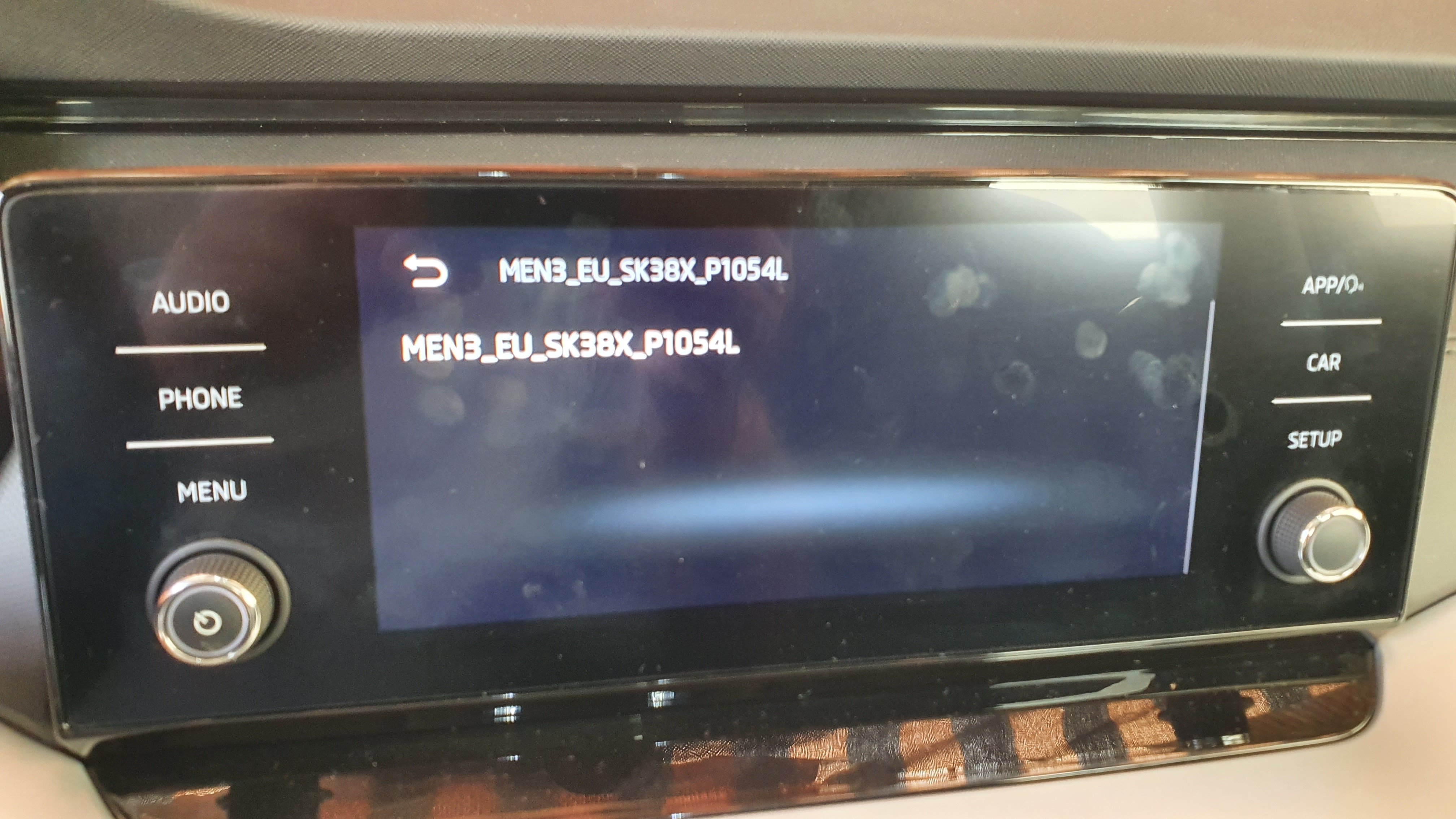
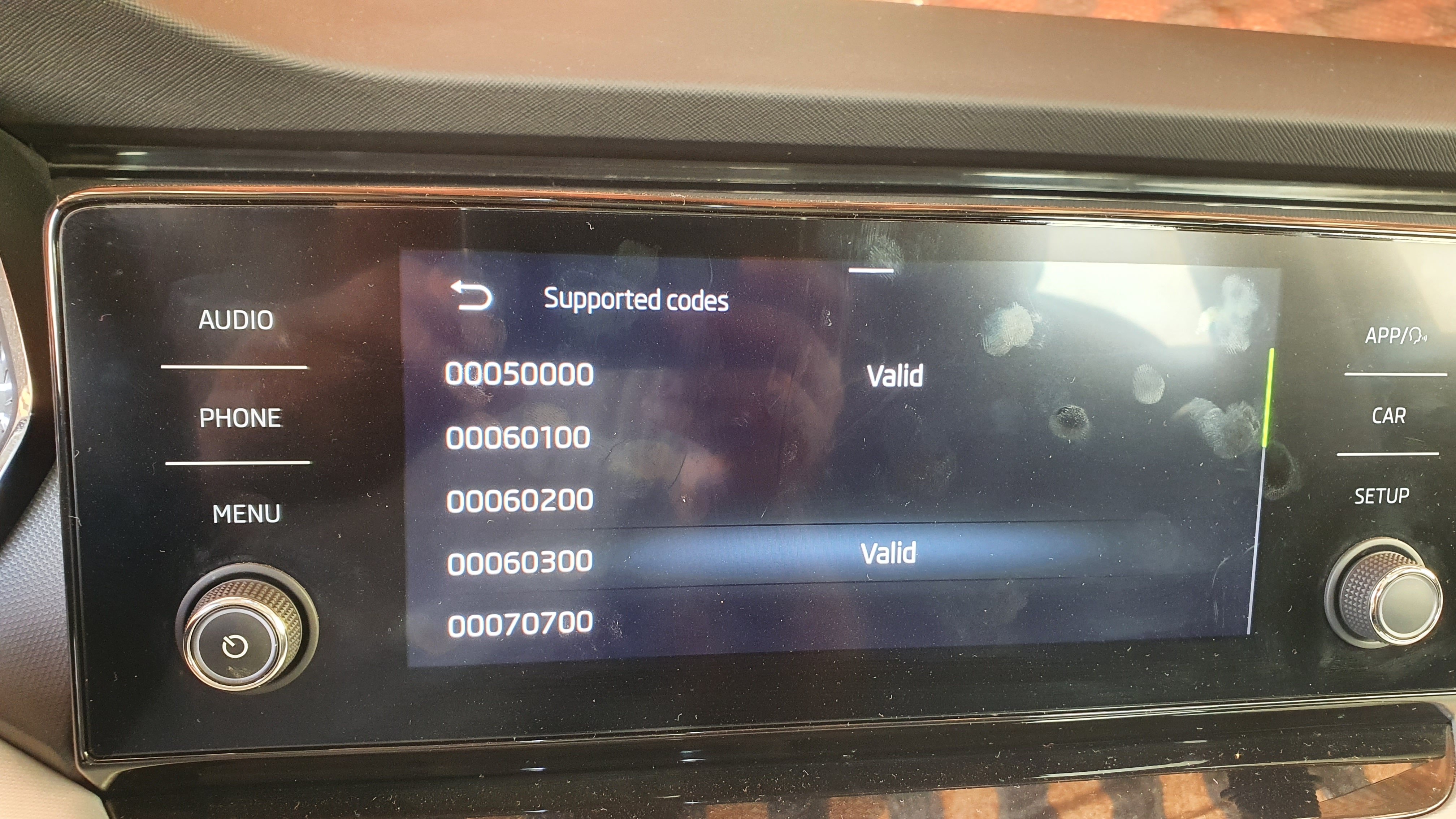
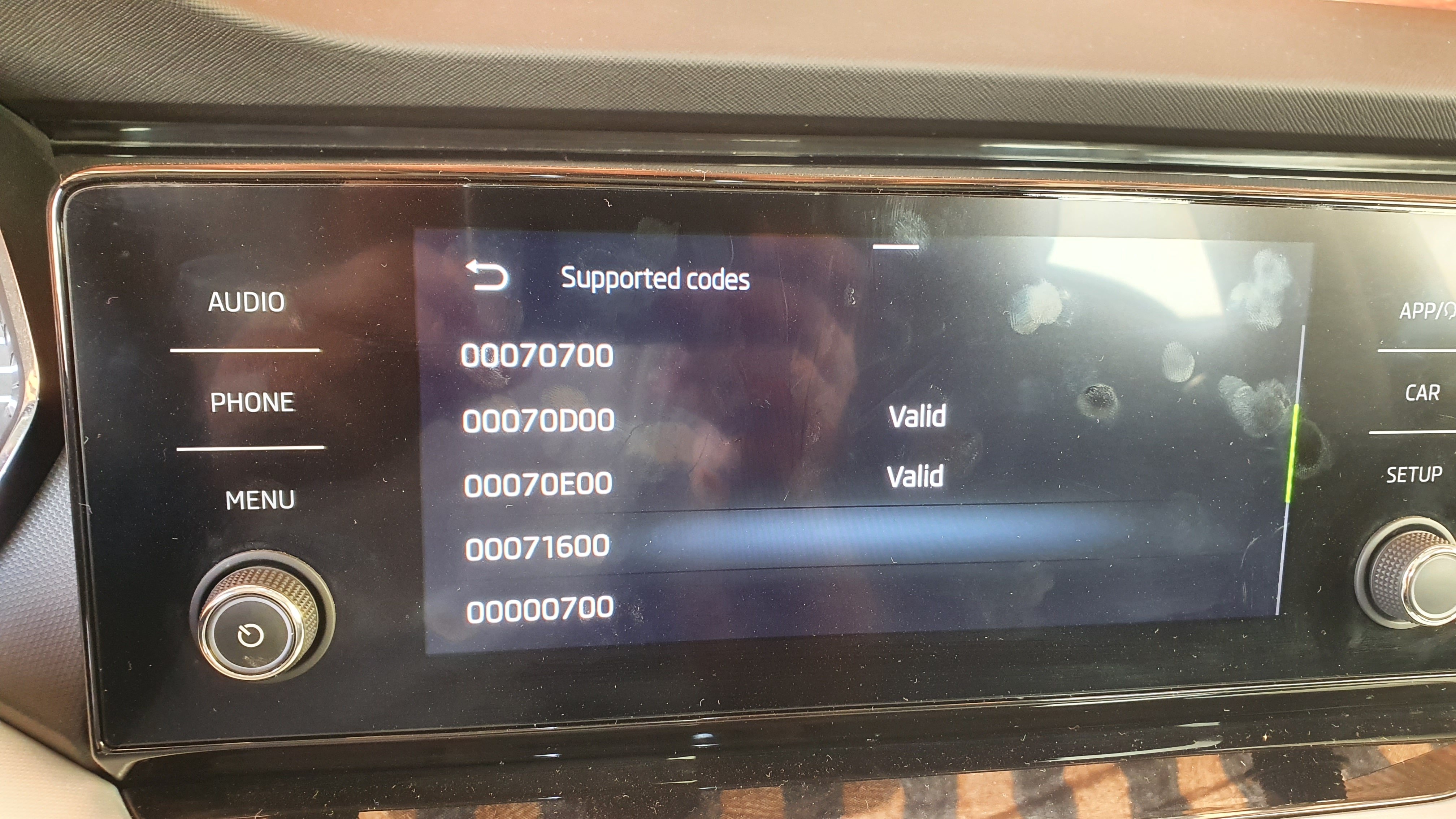
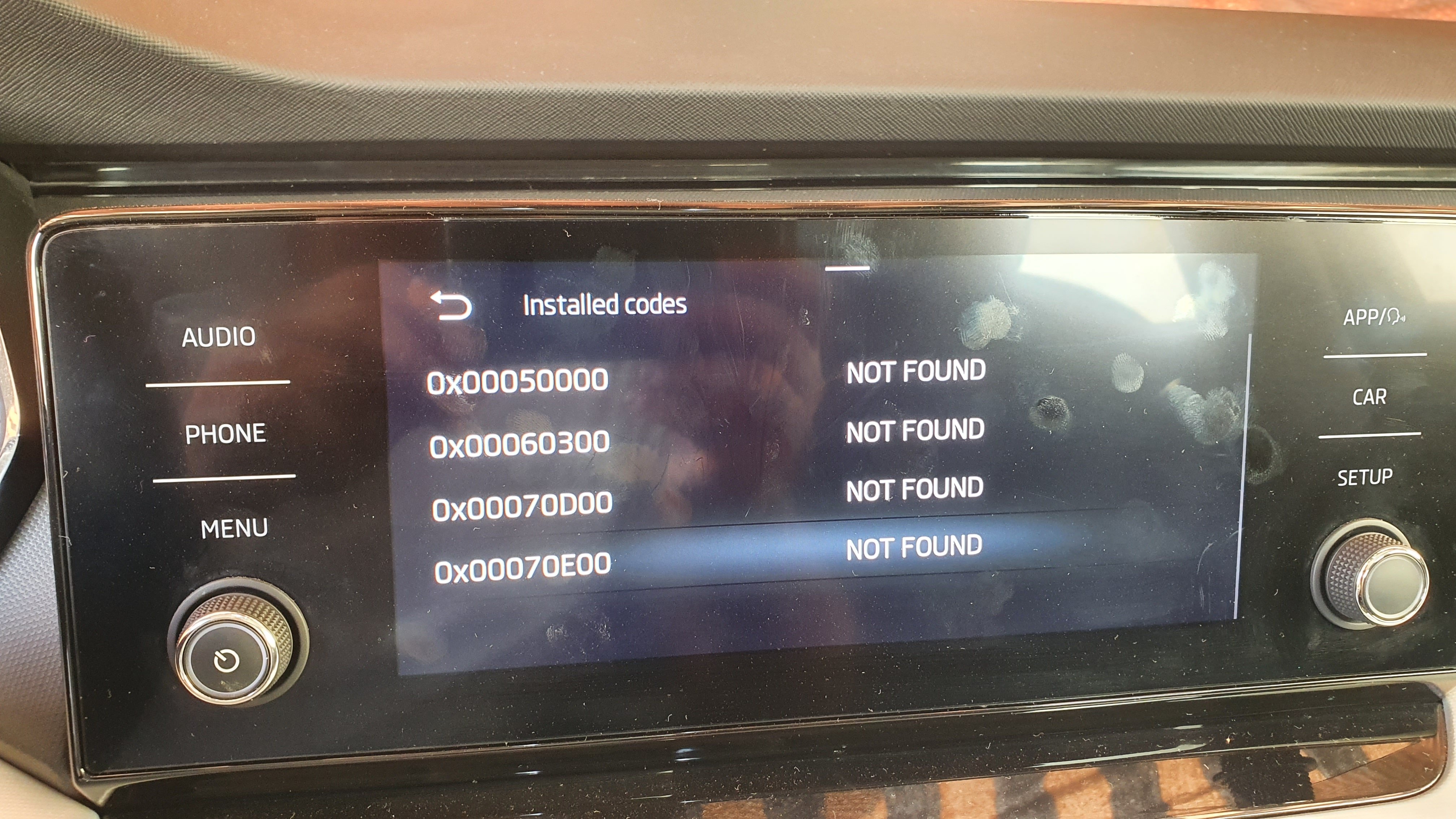
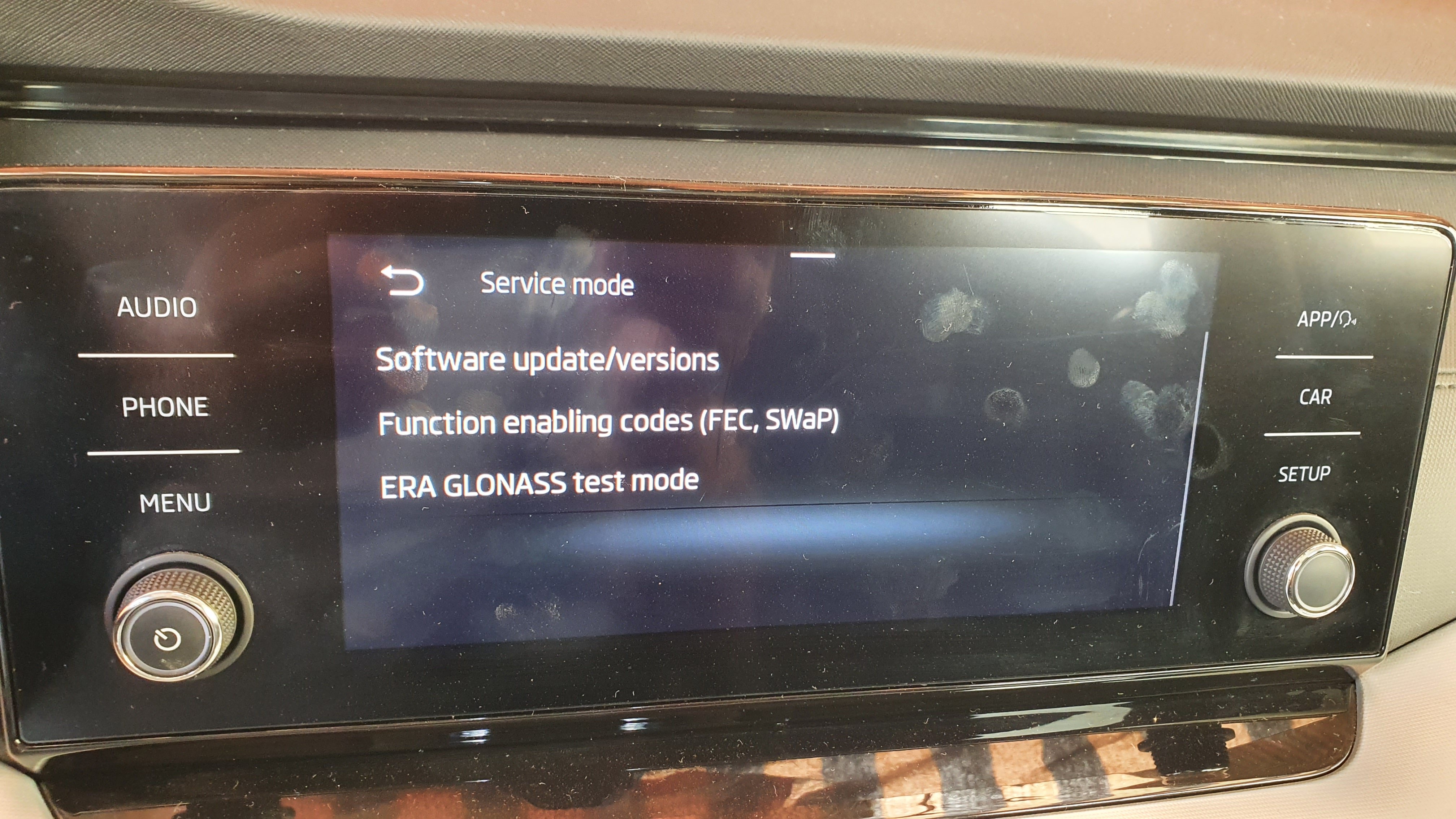
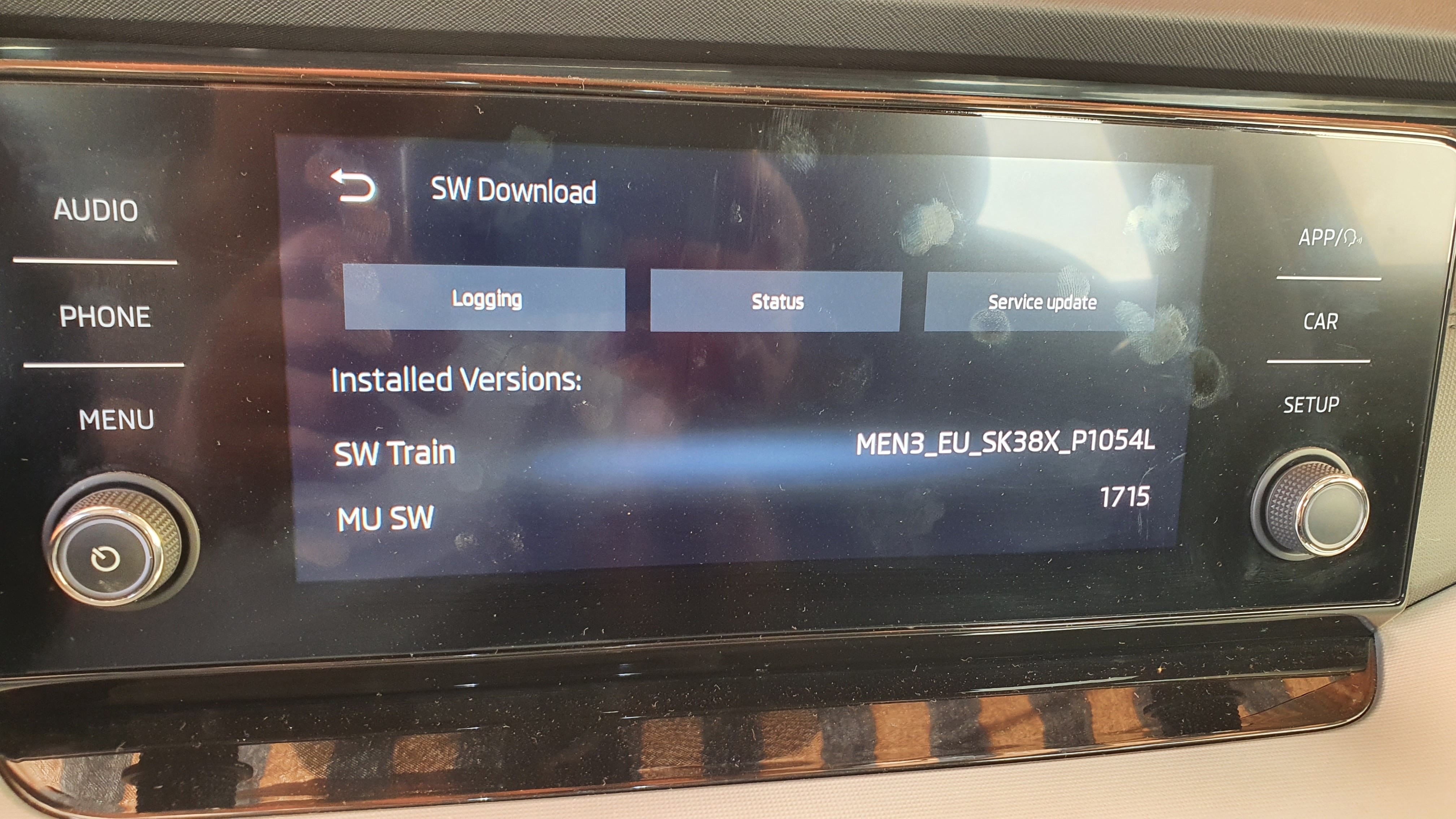
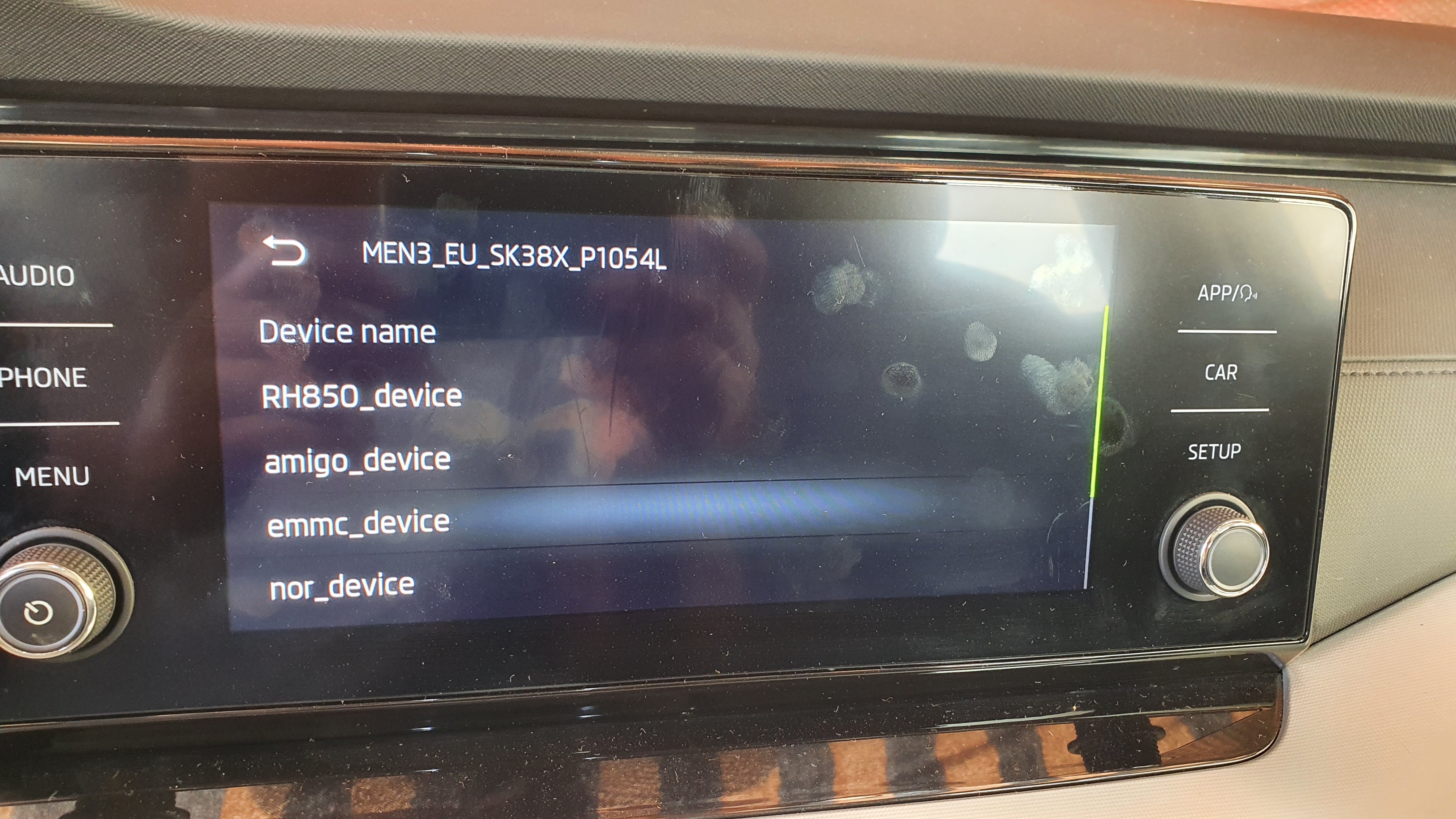
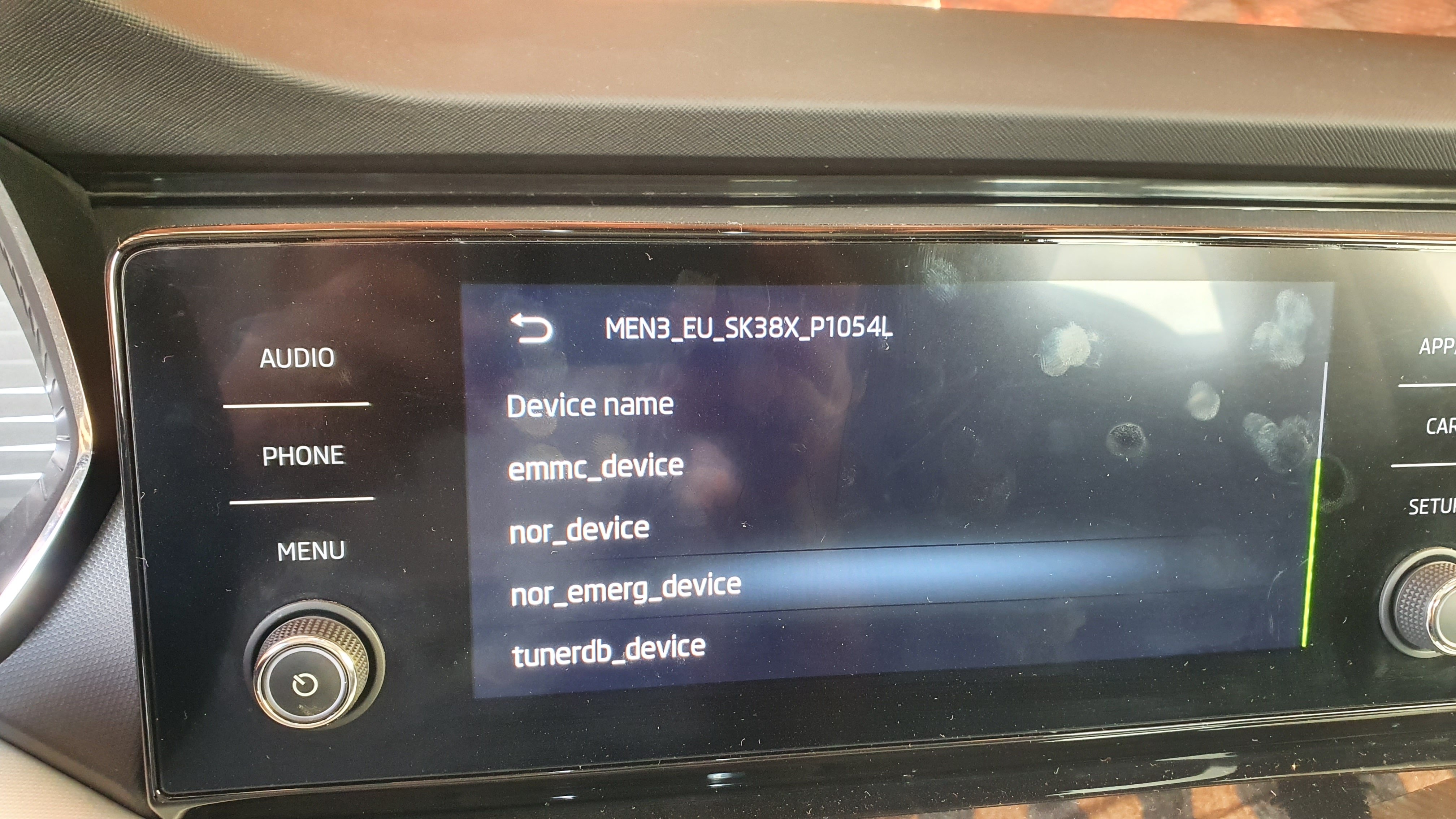
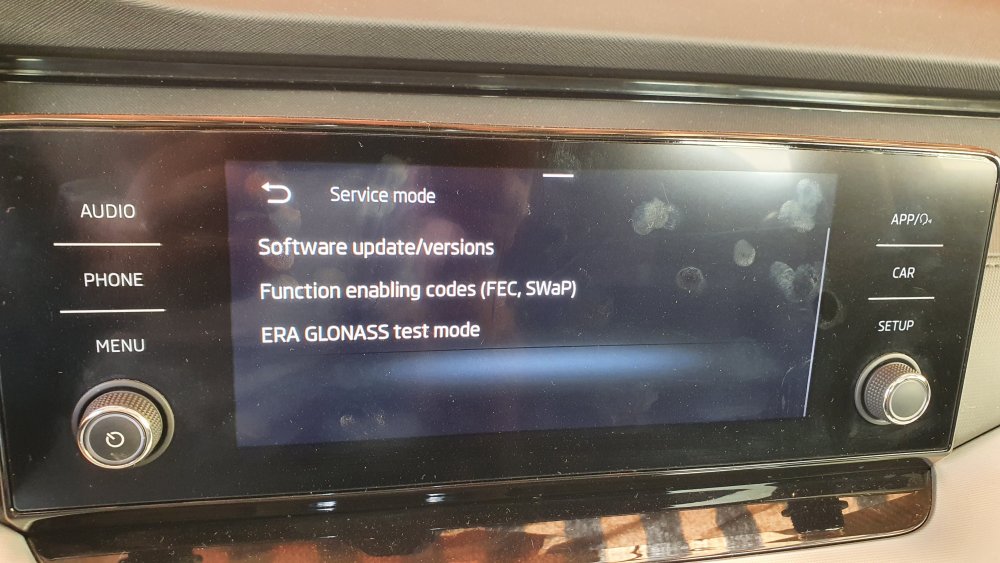
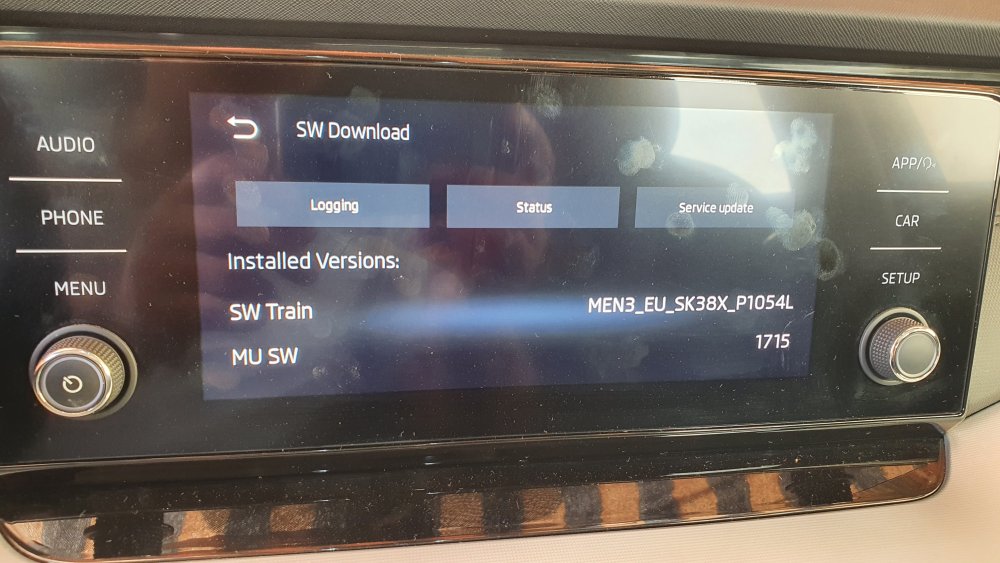
It is a for DAB radio broadcast. But I need it for fm radio normally we can to set the logo from infotainment database or external source both not working for me. Others photos from menu hold
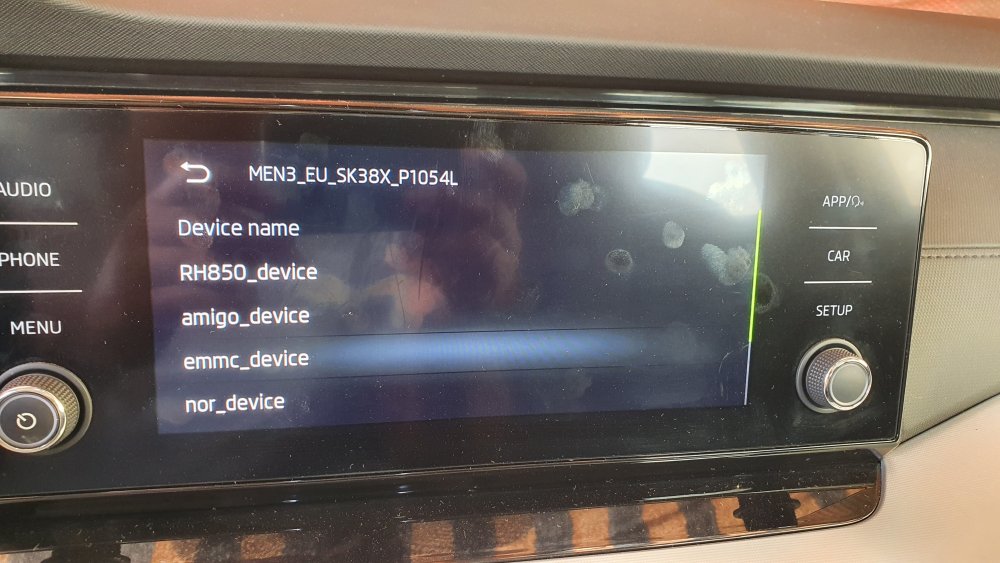
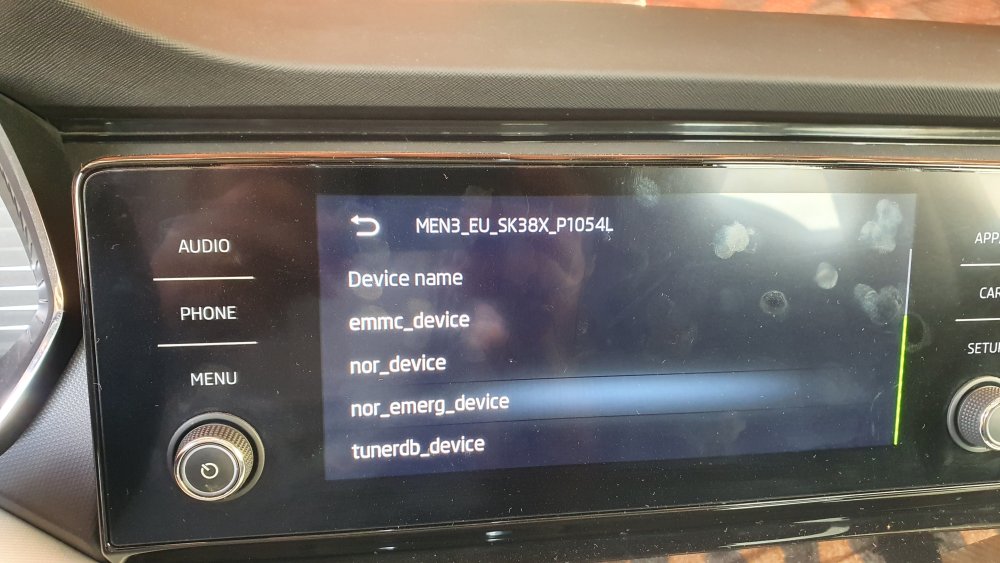
-
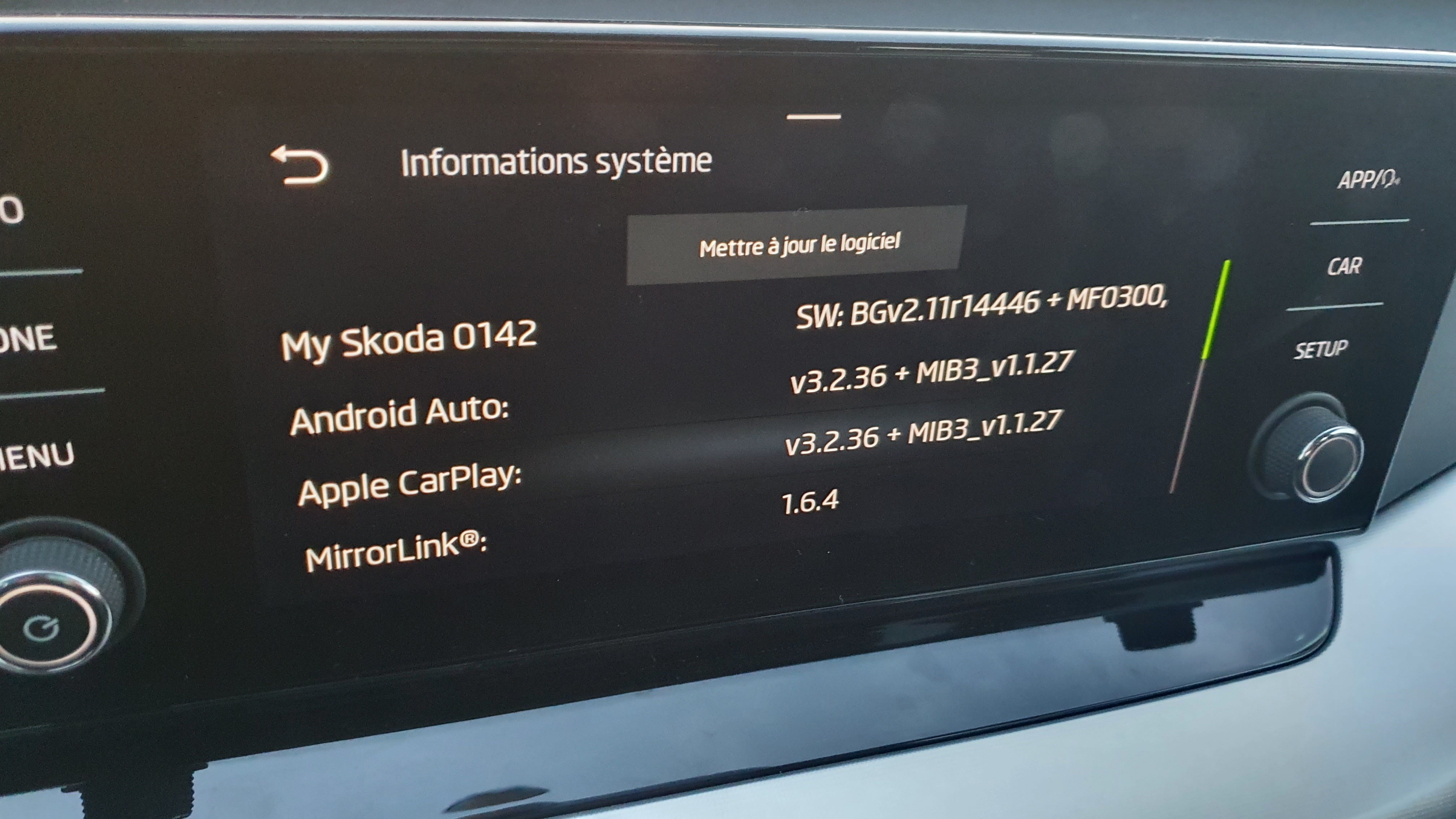
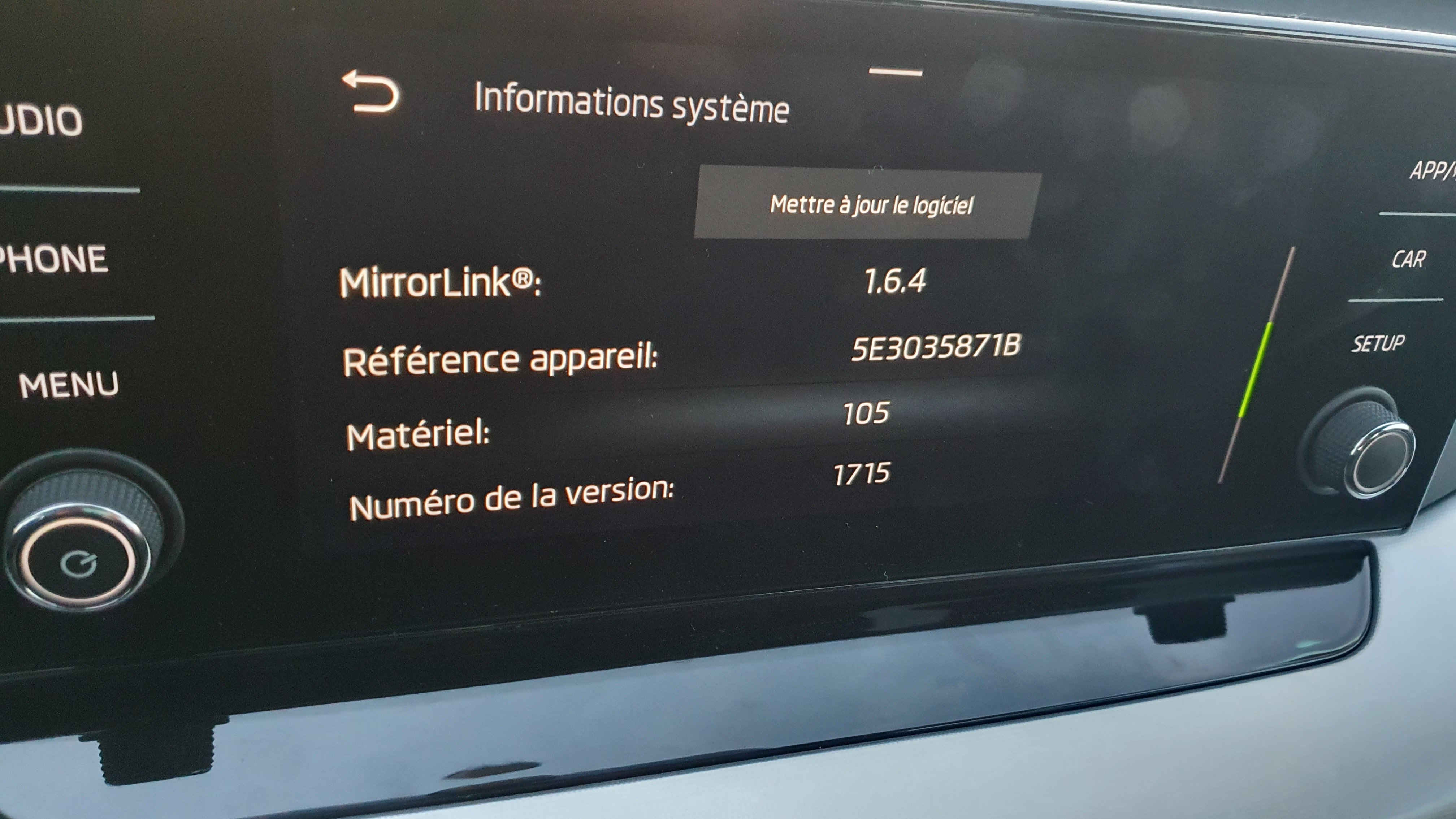
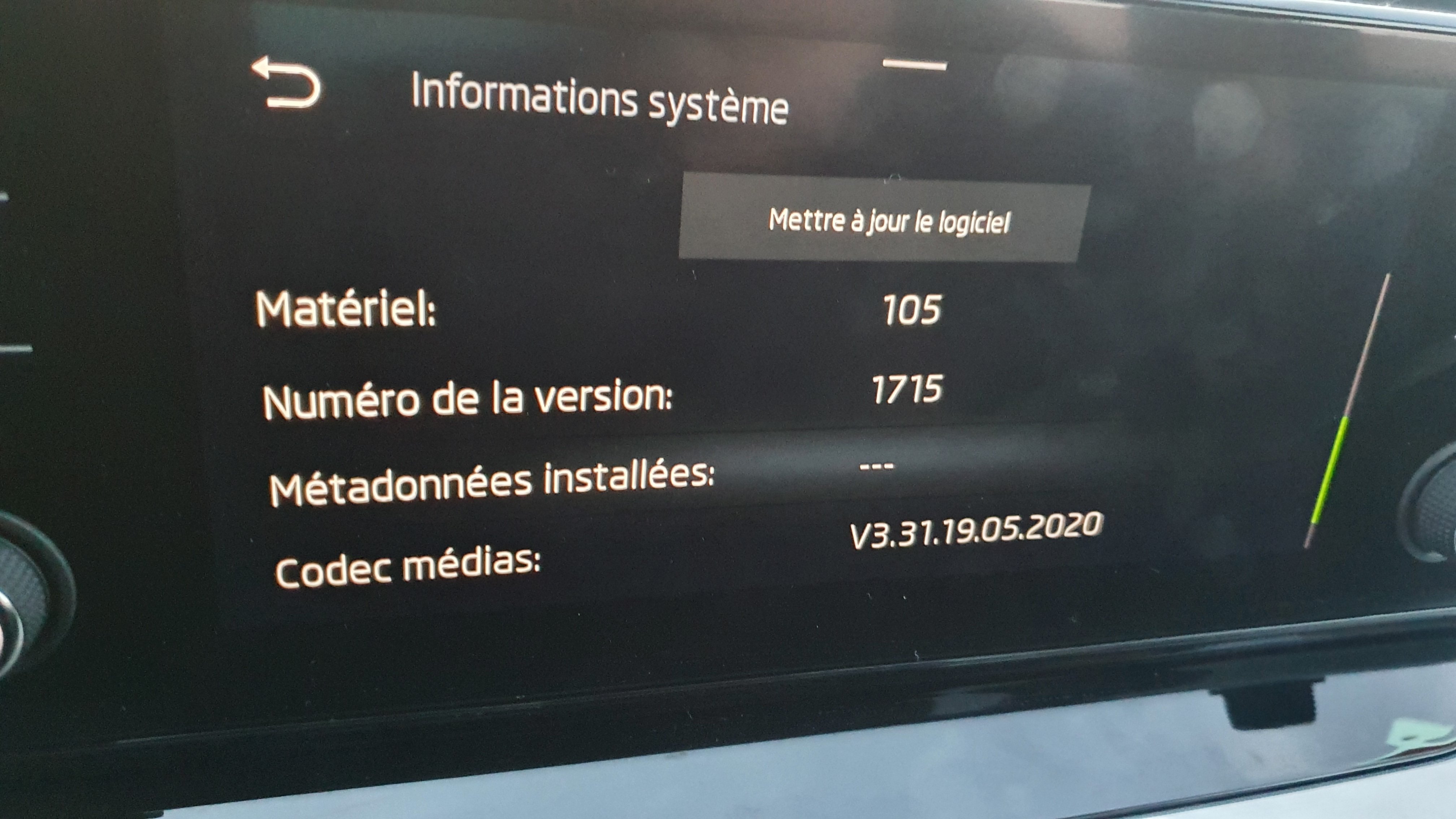
Others photos.
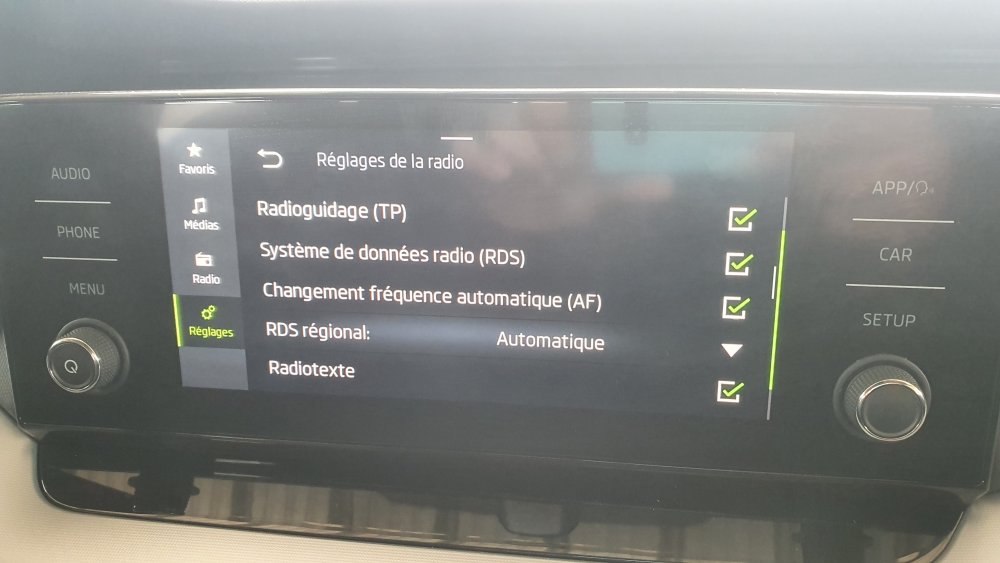
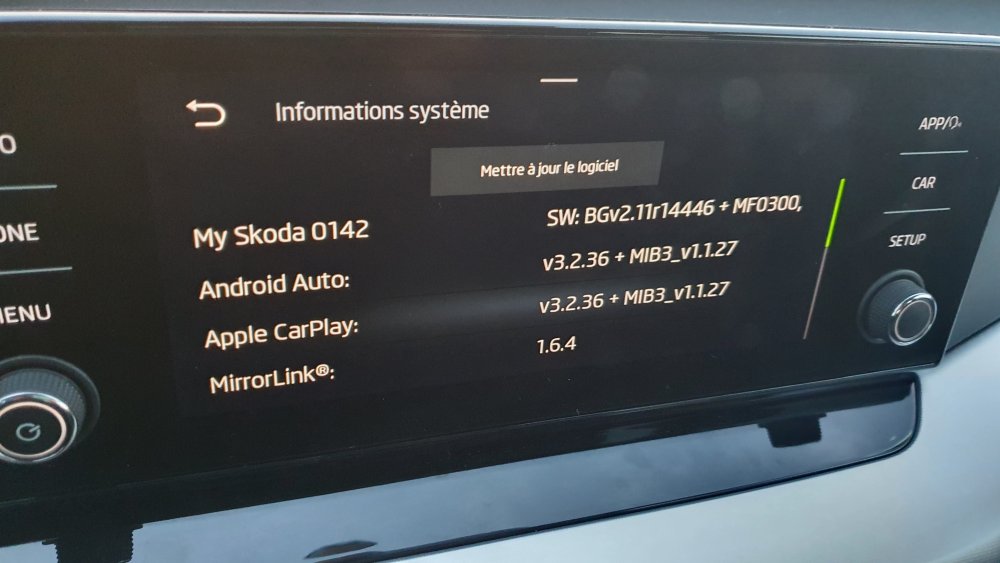
-
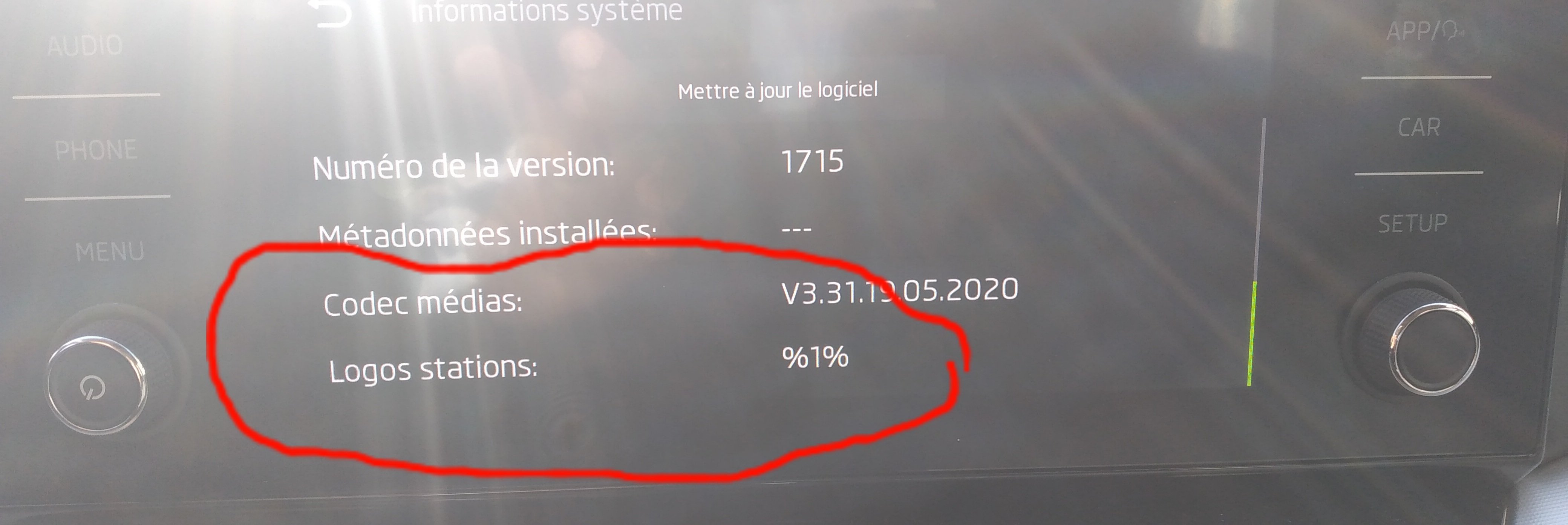
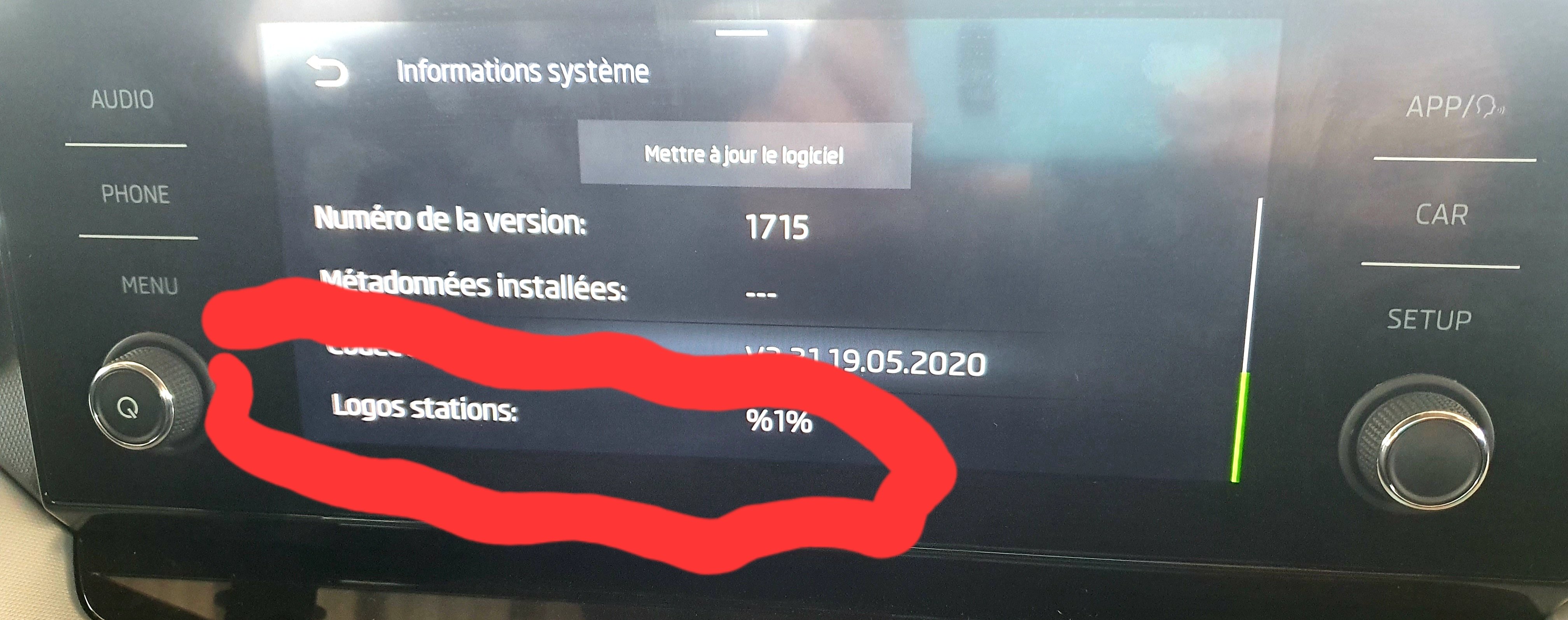
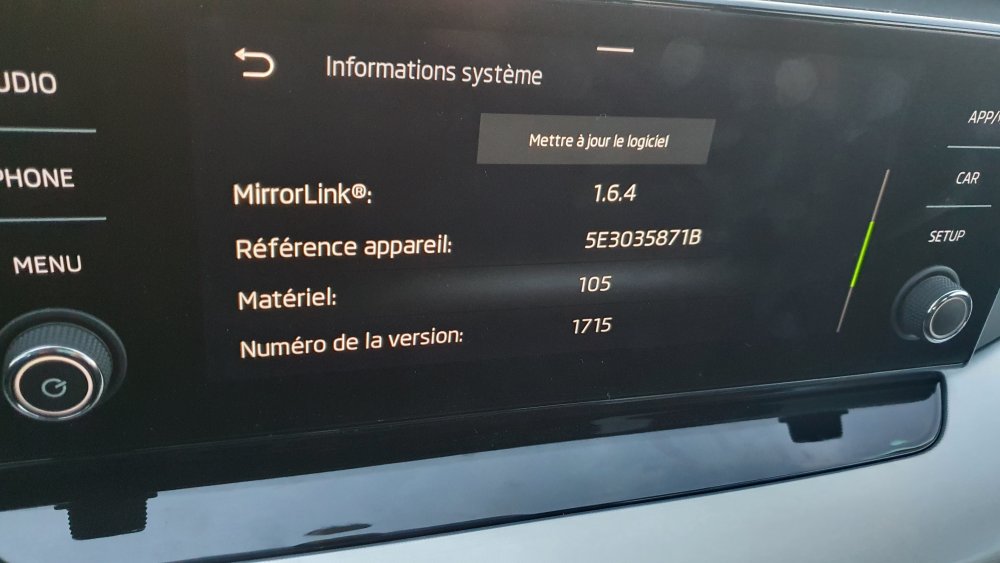
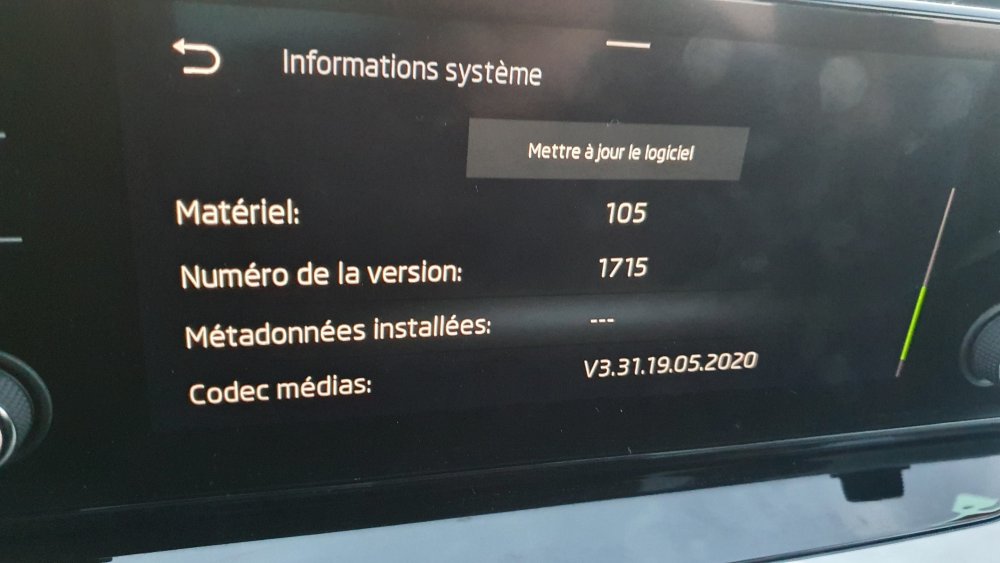
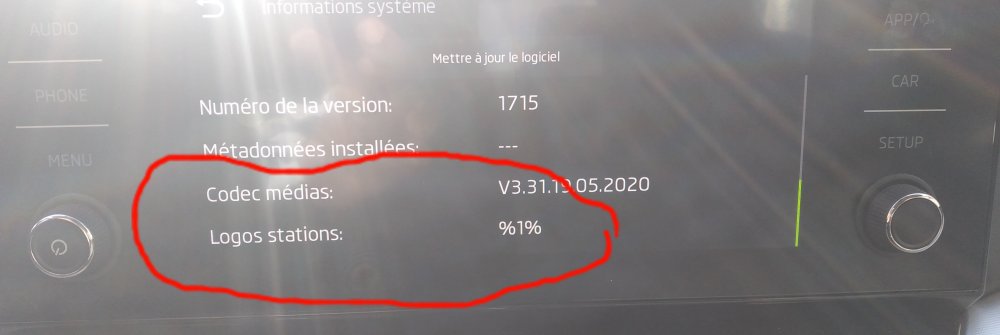
Hi . I have an O4 with mib 3 swing infotainment Hardware : 105 version : 1715 I have not the ability to set the FM stations logos as mentioned in the manual and I found in the set up menu under system information a raw for logos stations with value %1%. What does it mean ?
-
Hi. Have you News about this upgrade? I am interested in too
-
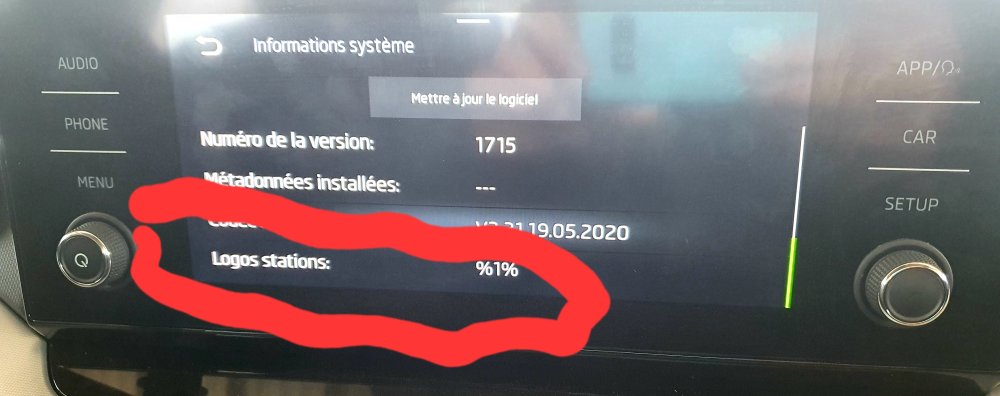
A little update. I have not the menu to change the logo of the radio station even if the user manual says that is possible. And I found this under settings system information Radio logo %1% What should this mean?
-
Hi I have the same autoradio but no wlan icon and no possibility to get logo on radio station do you 🤔 that it is an adaptation to activate with obdeleven or vCds
-
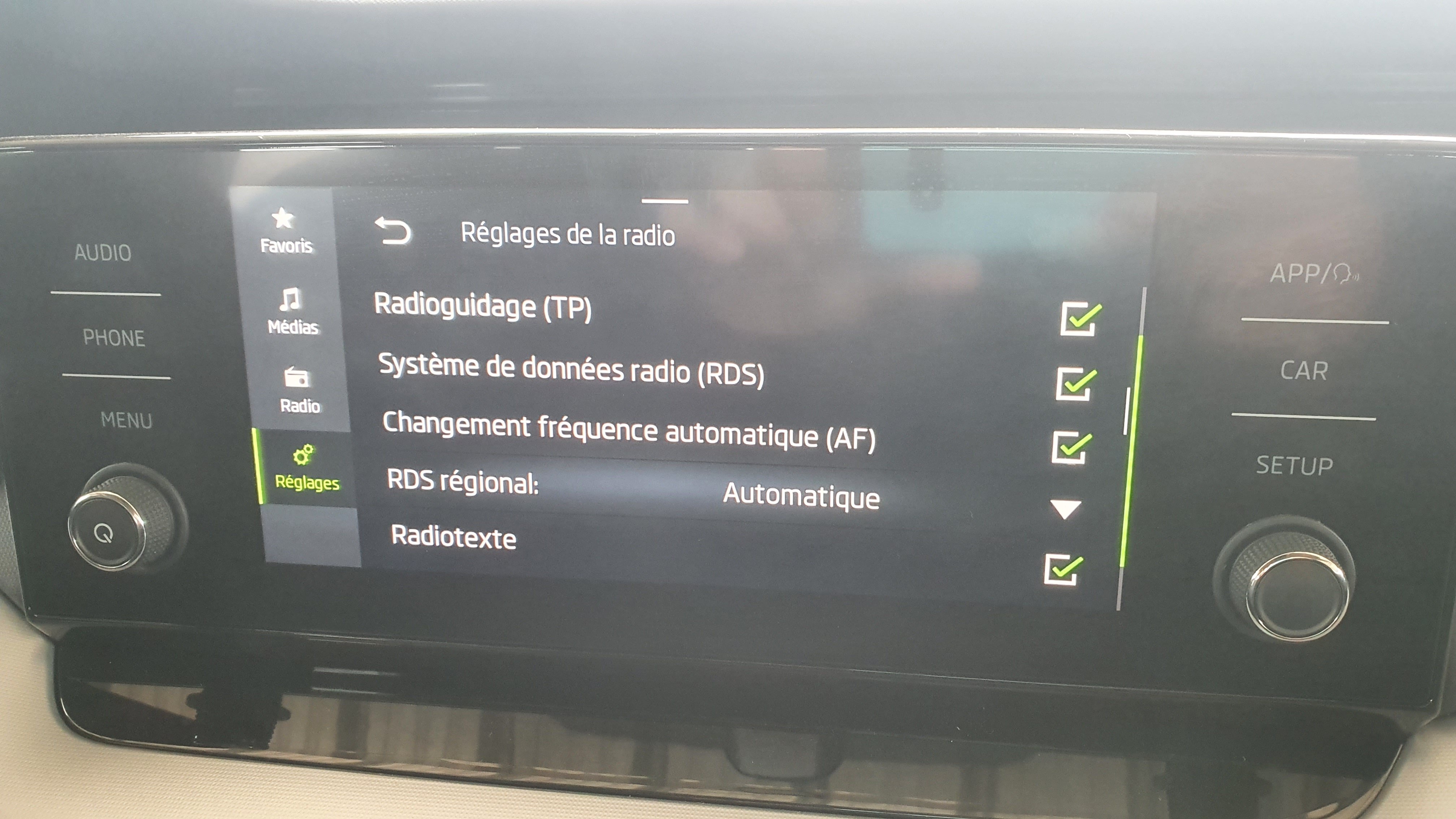
After some research. The autoradio swing must have RDS activated to get the capability to change logo on fm radio station. And that I have and it is activated. But I don't have the menu under radio setting that allows radio station logo to change. Could some one help me.
-
Hi, I am new owner of octavia iv with the new swing autoradio (with two material buttons) i am looking to update logo for fm radio station but no success . can not find the menu of logo station update under Radio >> settings