Skip to content

nopowerman

Members
  • Joined

  • Last visited

Everything posted by nopowerman

  1. Thank @PetrolDave , I have spoken to a local retrofitter and he said you need VAS6350 + ODIS to reset it all to a Škoda and code it.
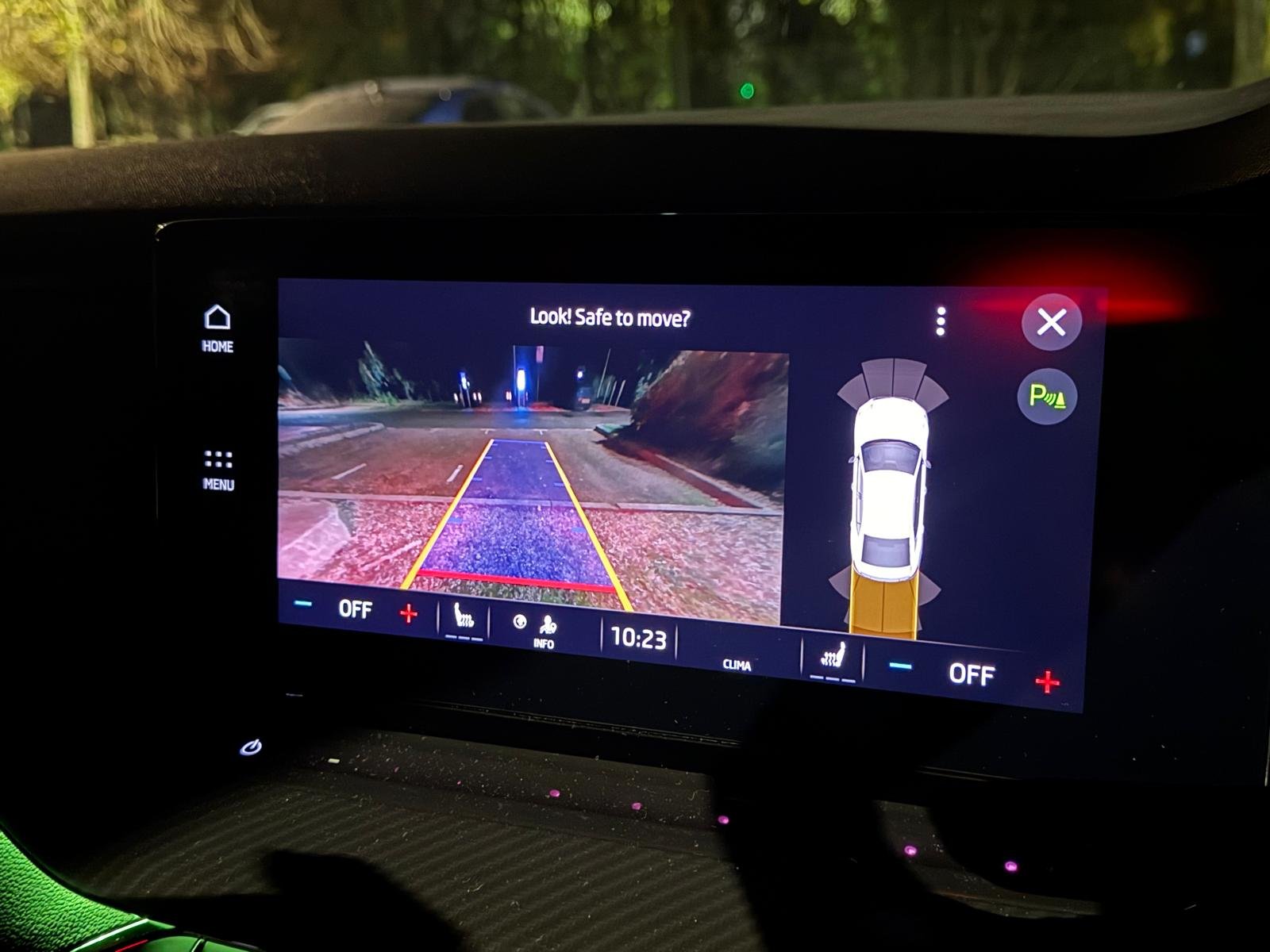
  2. Hello, does anyone know if it is possable to recode a rear camera 5WA 980 556 B. I got a used camera off ebay from a (SKODA NX) but will only show me AUDI view and will only code as an AUDI? It works perfect just would like the other views Any advise would be greatfully Thank you
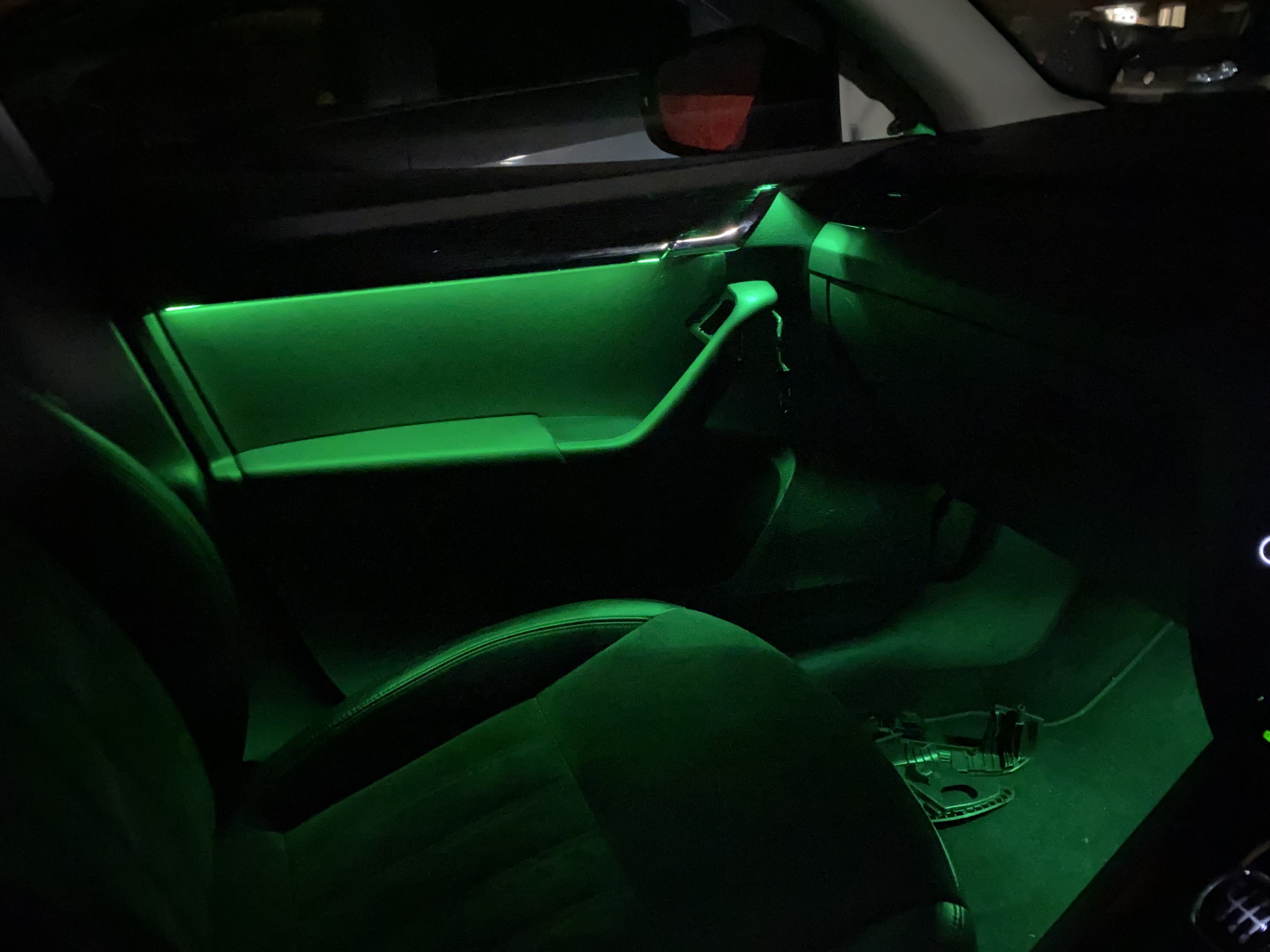
  3. Hello, I added a kit like this to my 2018 Octavia SEL. I wired them into the window switch light and the footwell to the ashtray light. Been over 1year no issues at all. Any questions DM me
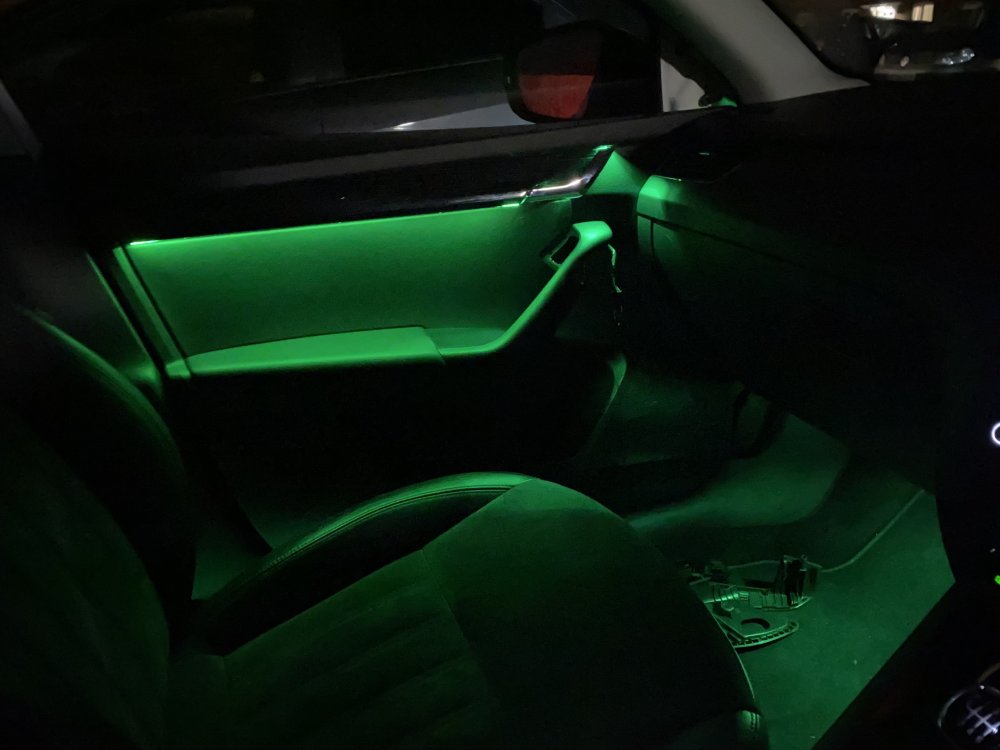
  4. Thank you for this diagram Langers2k. does this mean the rear lights need to be wired from the front door module please. I am looks to get this fitted but need to find all the part numbers
  5. Hello I have a Amunsen MIB2 with MST2_EU_SK_ZR_P0359T SW0359 HW28 PART NUMBER 5Q0 035 874B I have been looking very where to find an update as i believe there is SW 0363 H31 that will work on my system. I have also read that SW 0456 HW41 also works but i am not 100%. is there anyone that has either of these software or hardware they are will to share or has anymore information that could help me please would be much appreciated. I have seen @SashaGrace @pab567 seem to know a lot about this topic. Hope you don't mind me tagging you both. Thank you

Important Information

Welcome to BRISKODA. Please note the following important links Terms of Use. We have a comprehensive Privacy Policy. We have placed cookies on your device to help make this website better. You can adjust your cookie settings, otherwise we'll assume you're okay to continue.

Account

Navigation

Configure browser push notifications

Chrome (Android)
  1. Tap the lock icon next to the address bar.
  2. Tap Permissions → Notifications.
  3. Adjust your preference.
Chrome (Desktop)
  1. Click the padlock icon in the address bar.
  2. Select Site settings.
  3. Find Notifications and adjust your preference.