MILF
New here
-
Joined
-
Last visited
Everything posted by MILF
-
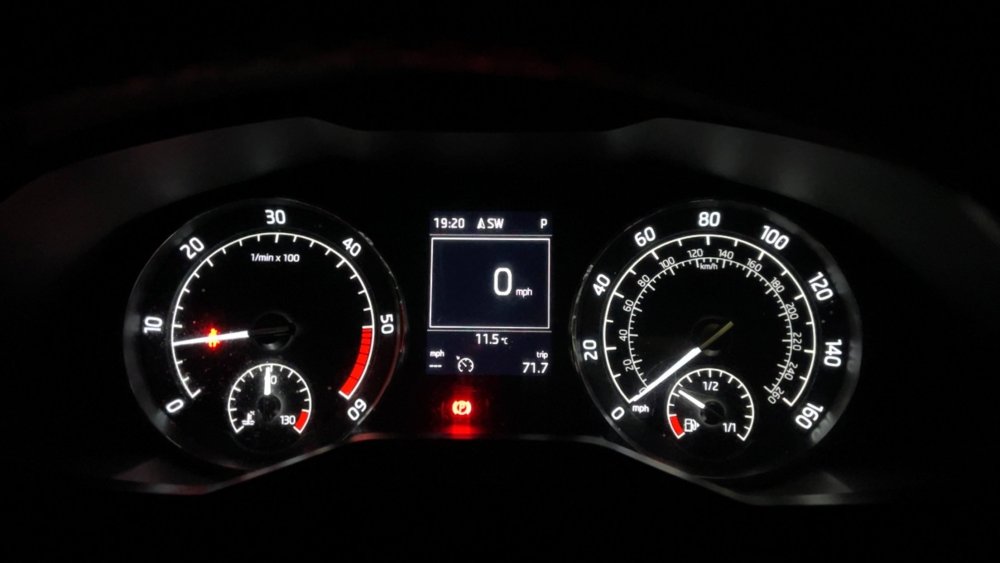
Hi guys it’s sorted. it was the crank sensor. I can’t believe it caused the car to have multiple failures such as park distance, radar and cruise etc. Crank sensor from tps and it’s sorted for anyone else experiencing this fault in the future. Did 71 miles this evening on some b roads through Leicestershire, Stamford, Peterborough, Corby and back to Oadby. Didn’t cut out once and drove perfect. Thanks to those who helped👍🏻
-
Hi, I’ve had the battery replaced today, but unfortunately it’s still got the same issue. Will be getting alternator removed tomorrow and taken to local parts factor to be tested. It’s just a weird fault, as to why suddenly all the lights appear on the dash and car goes into limp mode
-
Hi, Car is a 2016 Superb 2.0 TDI 150 DSG.
-
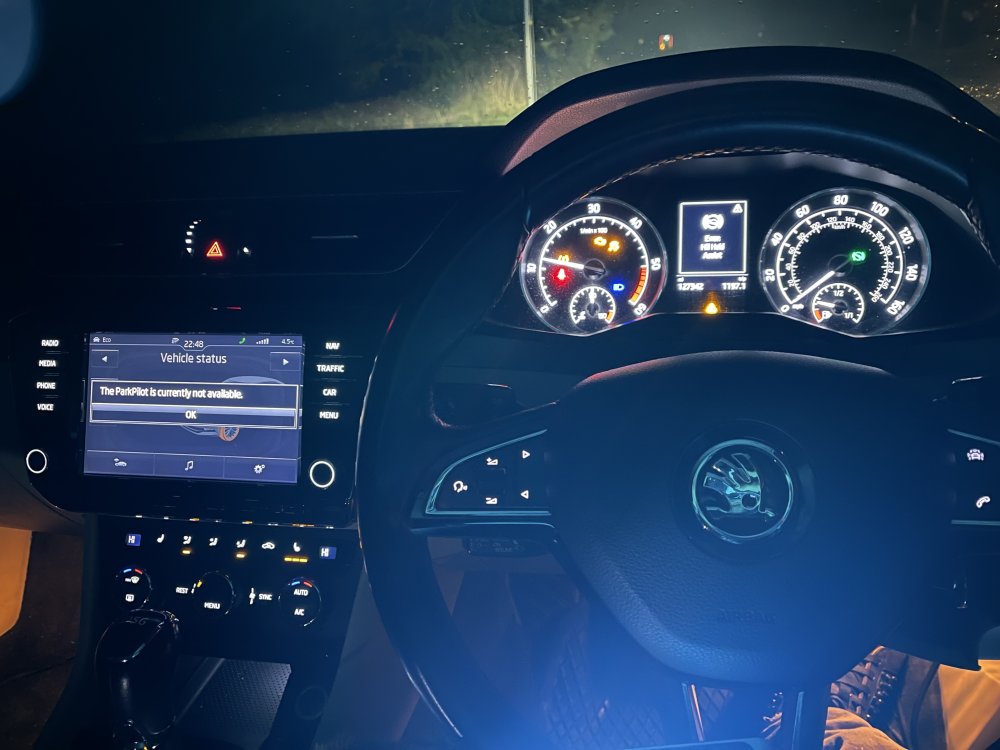
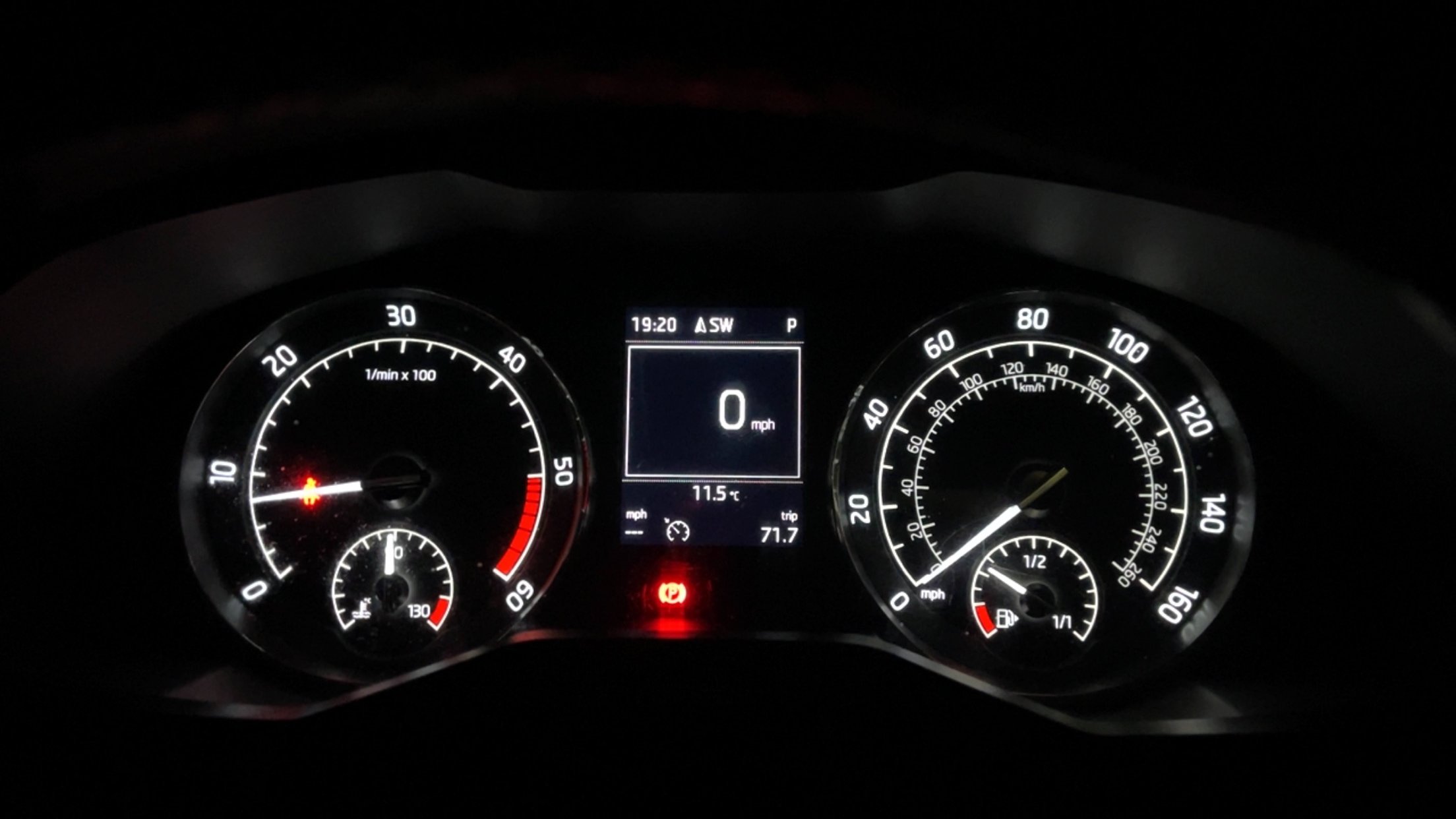
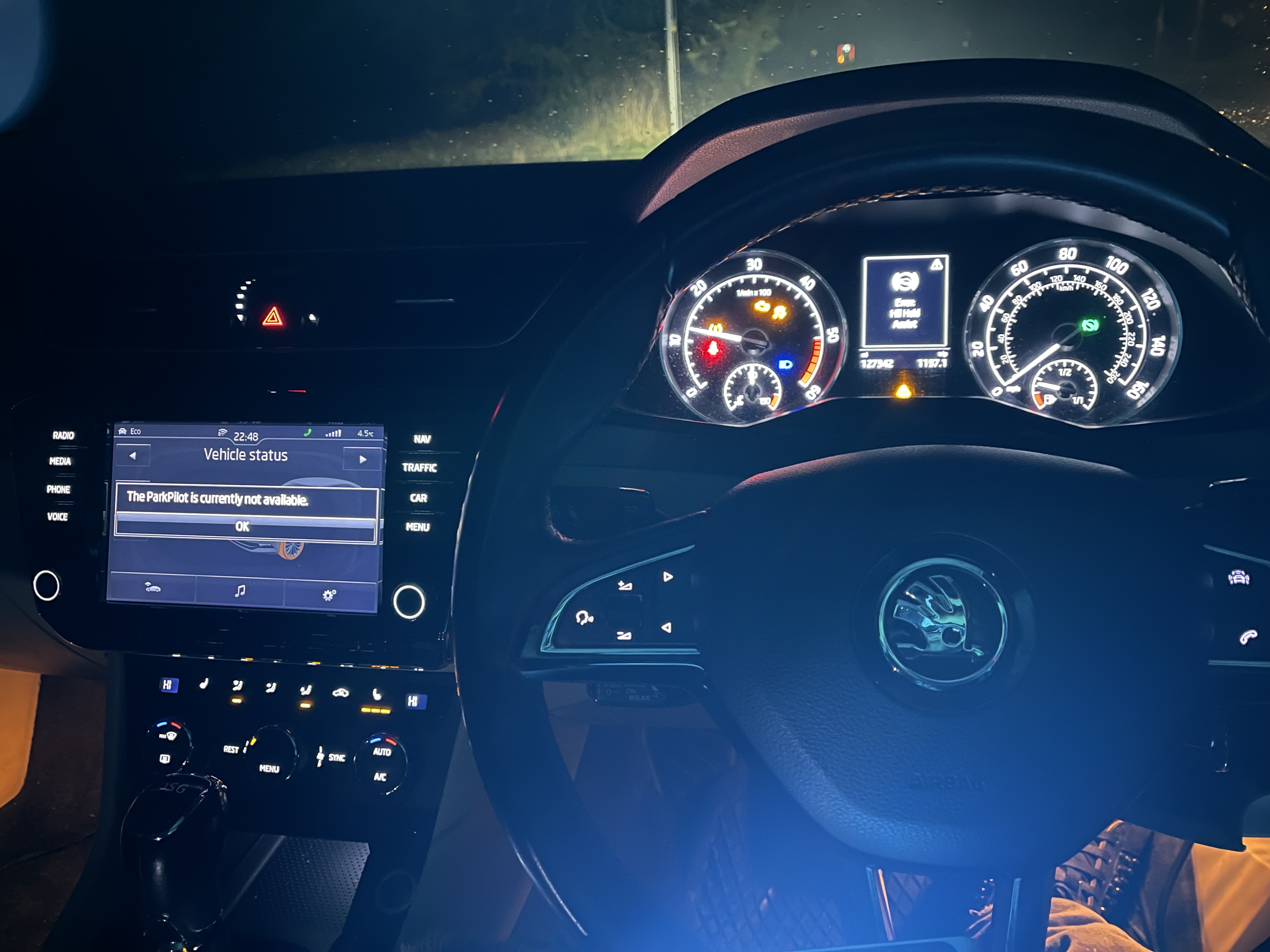
Yes Gabbo, I’ve got lots of warning lights from a cold start such as park distance, hill start, hand brake, radar etc etc. I’ve got a delayed crank same as you’ve mentioned when cold start and even a raised idle even when warm. It sounds exactly as the symptoms you’ve described. here is a video I’ve uploaded to YouTube https://youtu.be/vvCaG6UQwK0?si=7BF-r-D6Rs3uxEmM
-
Hi guys, I have a 2016 Superb DSG, and I am having a weird problem with it. So on cold starts/first start of the day, the car has a delayed crank and starts with loads of warning lights on the dash. During this period as well, car is jerky, feels like it has loss of power etc. When the car is warm, it drives fine and no issues. If I leave the car again for about 30 mins ish etc, or longer, even if the coolant temp is around 90, it starts again with a delayed crank and revs around 1300rpm almost like a cold start again. I’ve scanned the car, it comes up with a crank sensor no signal, which may explain the long crank, but what about the million dash lights?. This is why I’m also wondering if it could be something else. Can anyone please help Kind regards