silasramsbottom
Members
-
Joined
-
Last visited
Everything posted by silasramsbottom
-
Tried both suggestions and it Still wouldn't fit properly. So I briefly took a 5mm drill to its inside and now it fits.
-
Tried cleaning it with wire brush attachment on drill. Should I continue brushing?
-
I've benefitted from several of your posts over the years (Y).
-
Isn't it number 40 in the diagram here?: https://skoda.7zap.com/en/cz/octavia/oct/2011-663/8/823-823010/#40 Searching that part number on eBay gives me the right part: https://www.ebay.co.uk/itm/Public-6502-07-7521992P-Support-radiator-grille-for-SKODA-/165099346629?mkcid=16&mkevt=1&_trksid=p2349624.m46890.l49286&mkrid=707-127634-2357-0 That said, roottoot's suggestion is probably still a better solution.
-
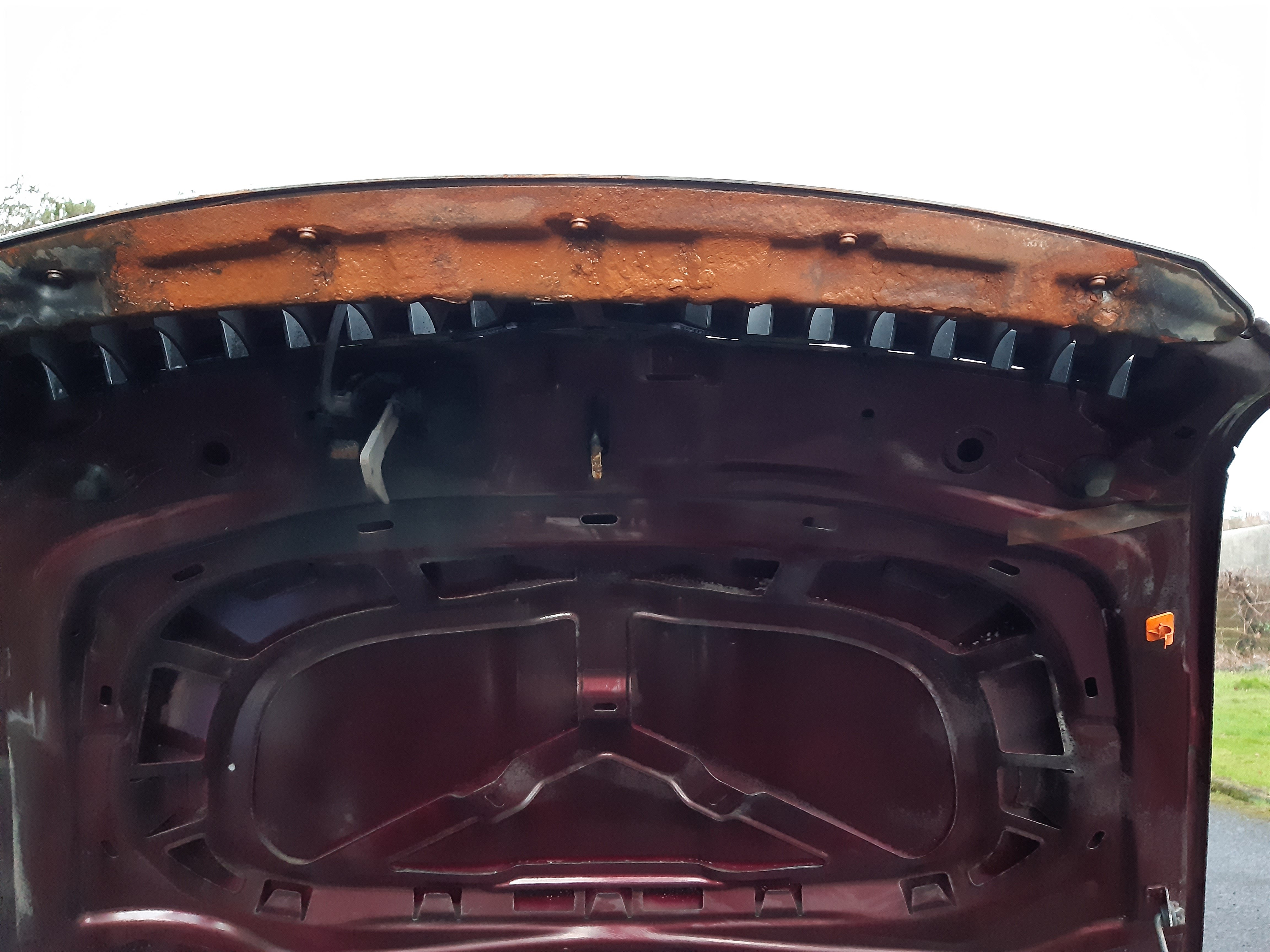
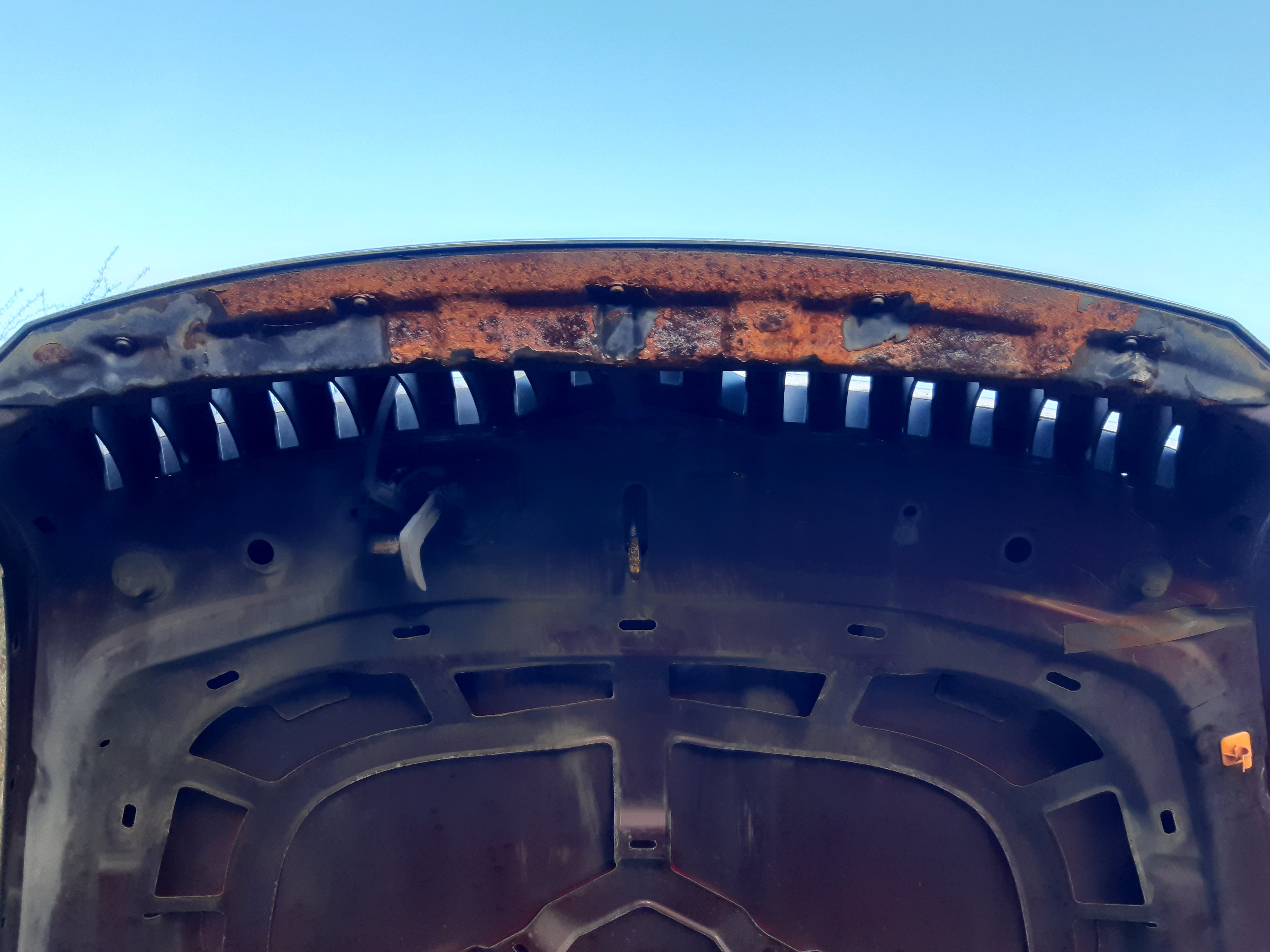
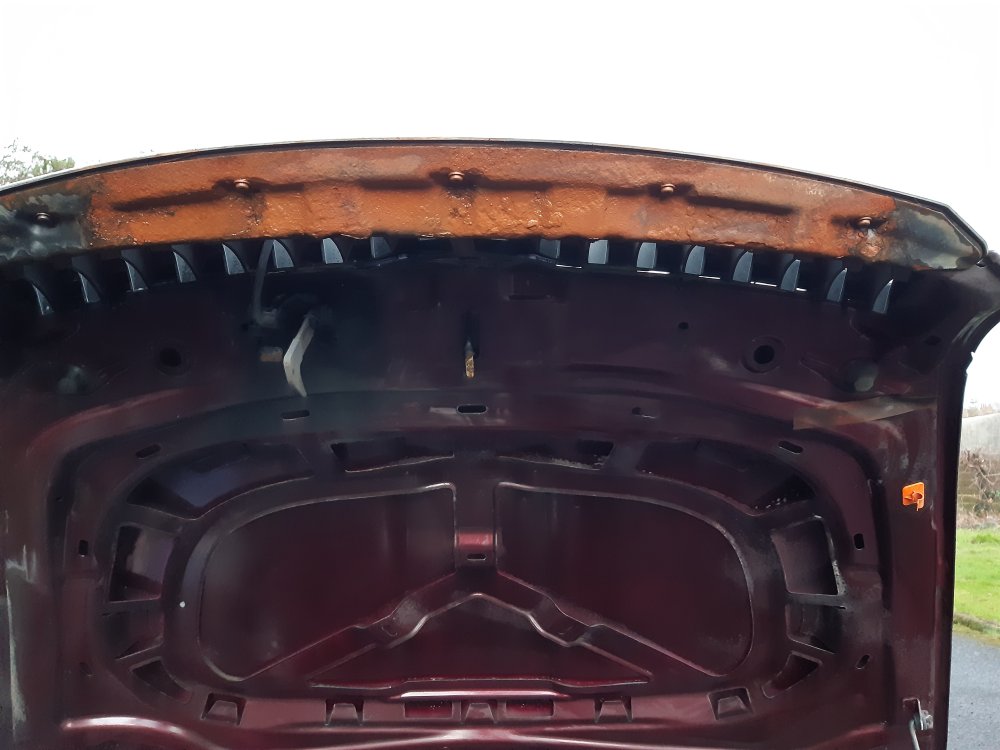
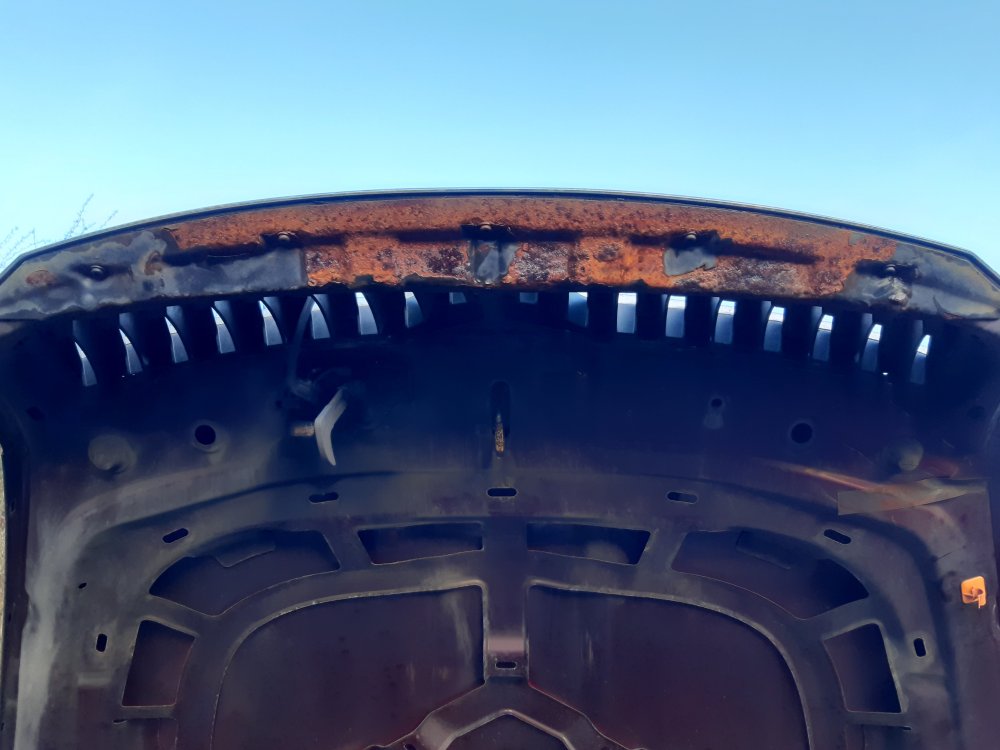
I would like to improve the look of this corroded panel underneath my bonnet (see attached picture) and have a few questions that I would be very grateful to anyone who can help 1) what is this part called and what is its purpose? 2) Is the part sold separately (local scrapyard would prefer to sell the entire bonnet as opposed to this part itself)? 3) There are 5 Torx t15/20 screws that can be easily removed, but how do I deal with the rivets that are also fastening it to the bonnet? If I can't get a replacement then I want to take it off, remove the rust and flaky paint and paint it.
-
Thanks everyone. Managed to get one plus the separate housing part from a local scrapyard for £5.
-
Good point. But I cracked the plastic housing upon removal so would at least like that part (unless it's a separate part).
-
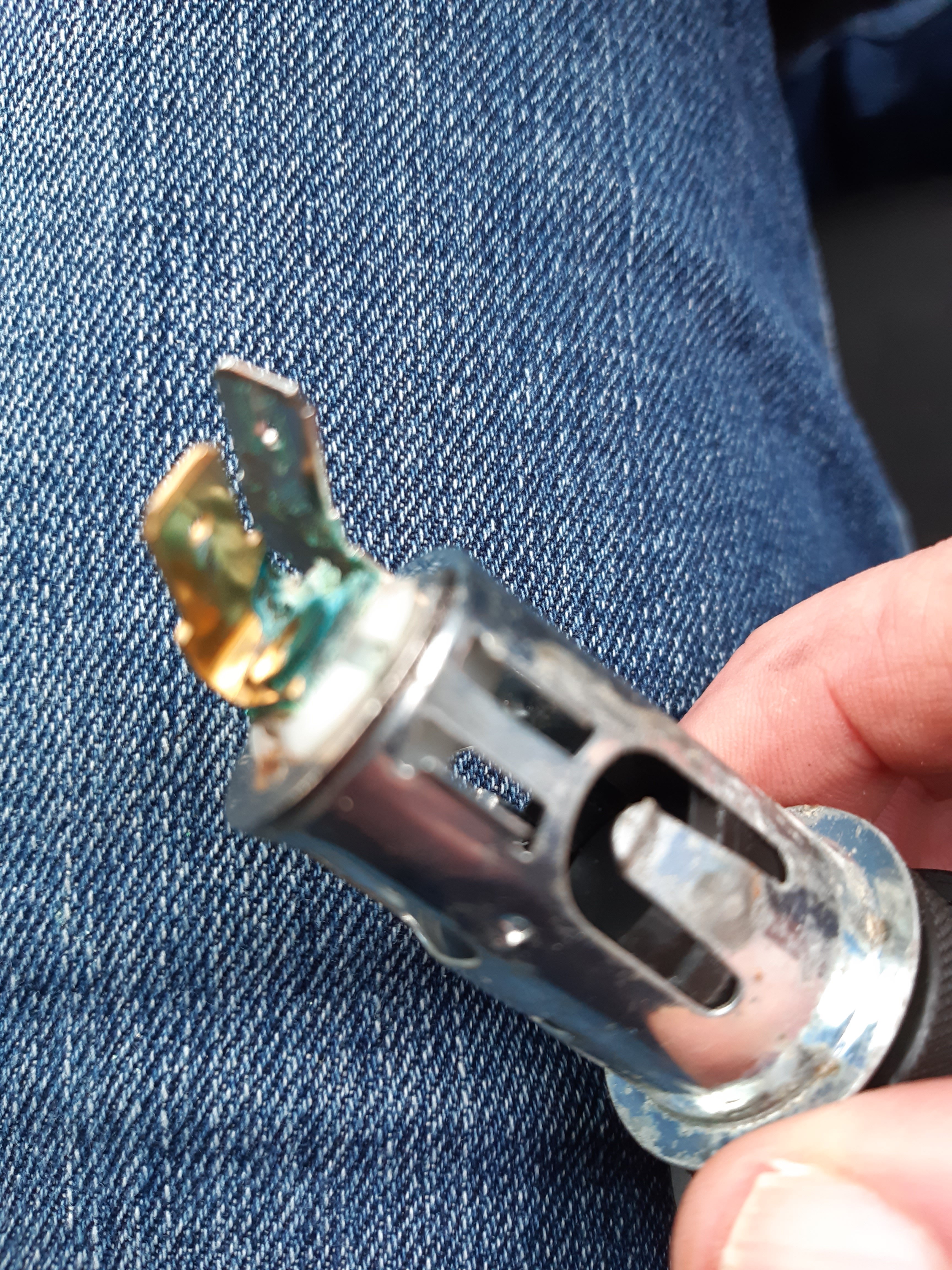
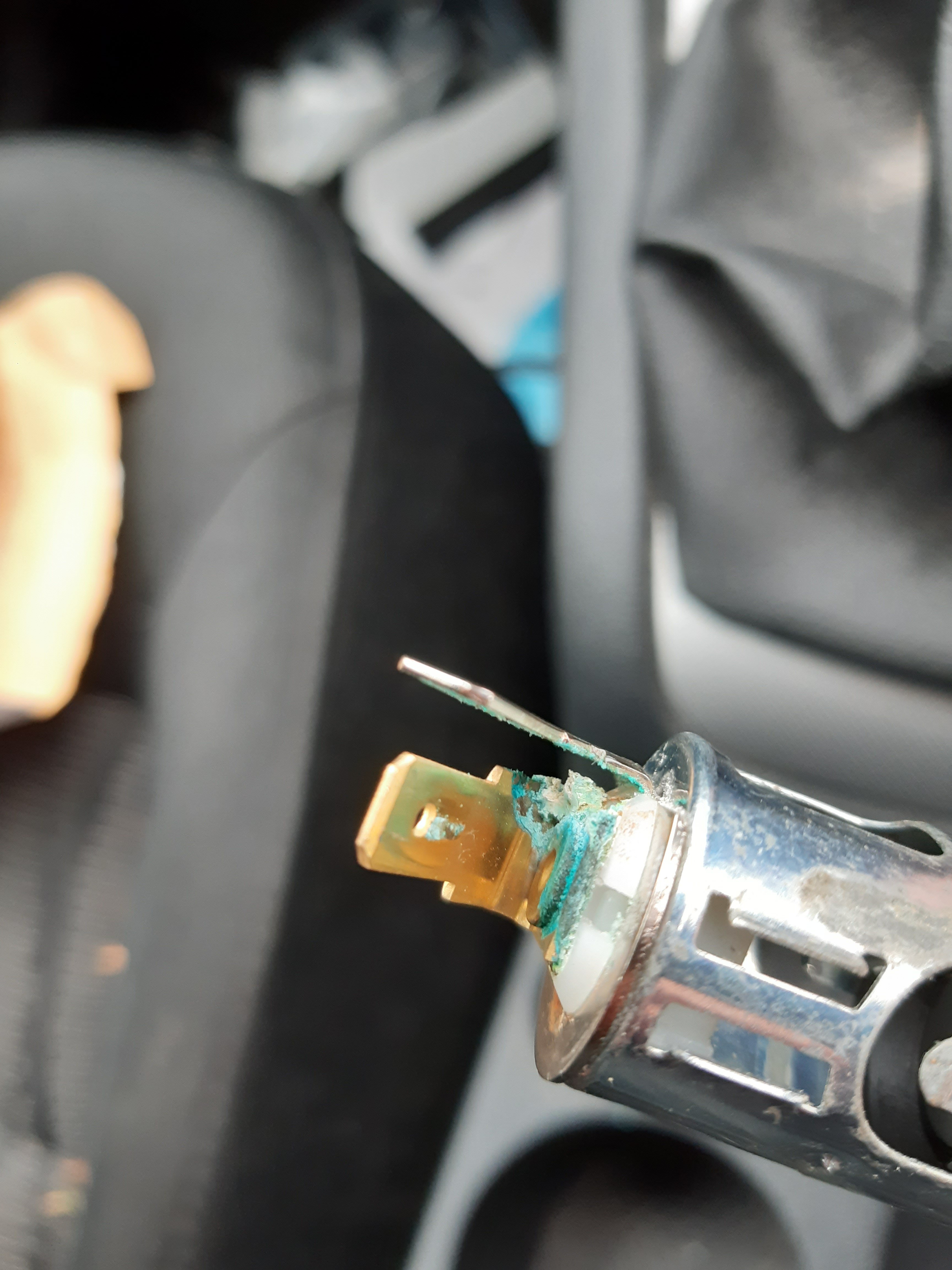
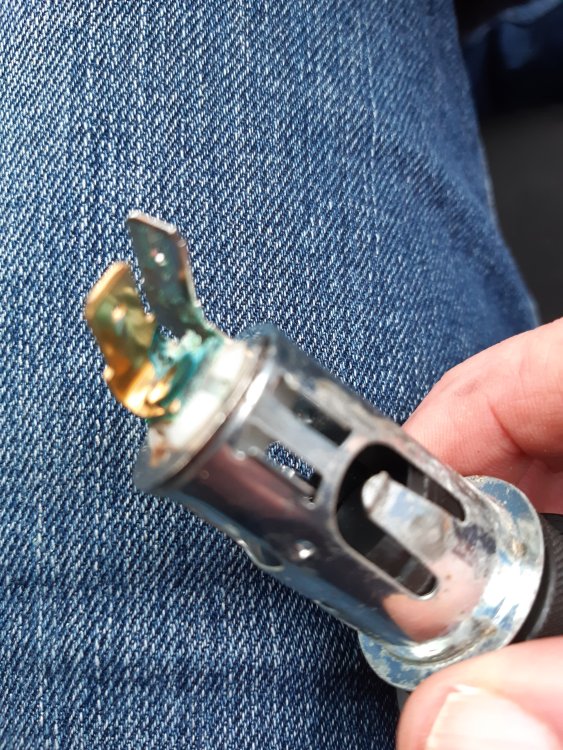
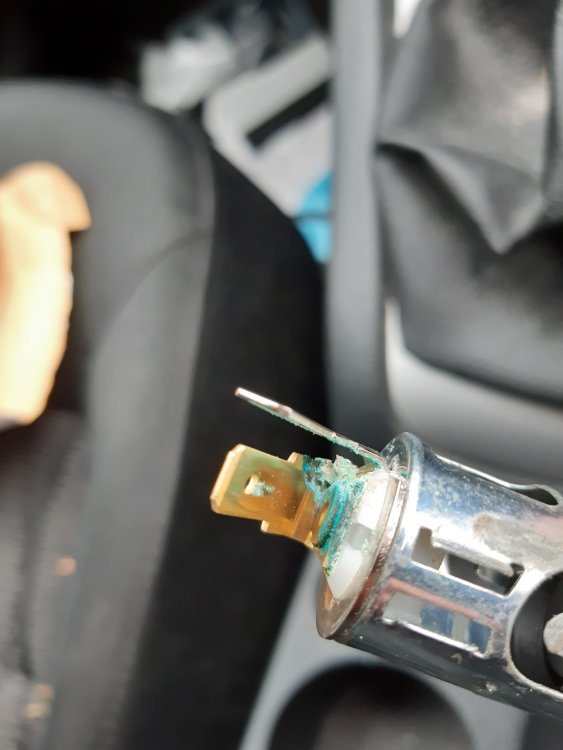
Mine is faulty as you can see from the pictures, but the part number of partially worn off. Can anyone tell me the part number for this?
-
I've bought two rear washer jets - one from a dealer and another from eBay. Both new jets have the same part number on them as the old jet, but neither of them fit - both are slightly too tight. Could the part number have changed? The new jets are identical, just slightly narrower where the push in.