Chris1606
Finding my way
-
Joined
-
Last visited
Everything posted by Chris1606
-
Thanks guys! Job done! I don't know why I couldn't remove it before, I didn't knowingly do anything different, but having watched the video I could see what I should be doing and what to expect and it pretty much came straight out. So all fixed now.
-
Any suggestions please? Before I break out the Dremel and fix the problem that way. Thanks.
-
I have bought the replacement part, removed the screw and tried removing the plastic moulding but so far have not managed to move it far enough to gain access to the locking part. Is the filler flap attached to this moulding, and is it just a question of wiggling / pulling it to free it at the flap hinge end? Thanks in advance.
-
Thanks for that, that's a great help. At least the flap is unlocked at the moment so I can put some more fuel in, as there isn't much in there right now! I'll get a replacement part ordered and have a bit more of a rummage around when I have a bit more time.
-
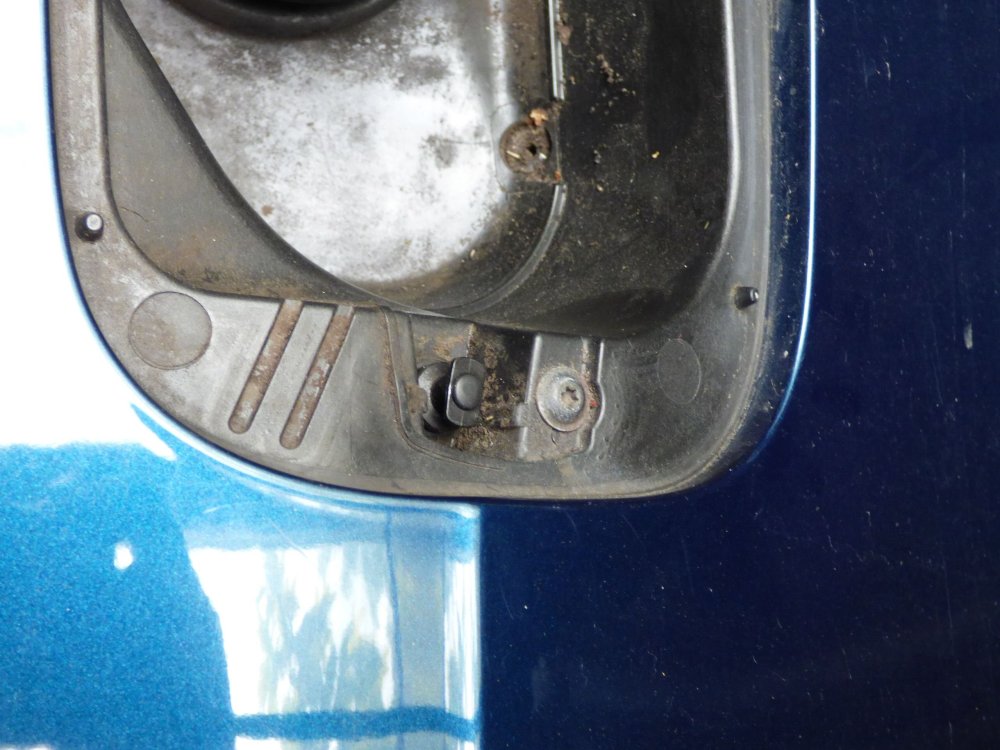
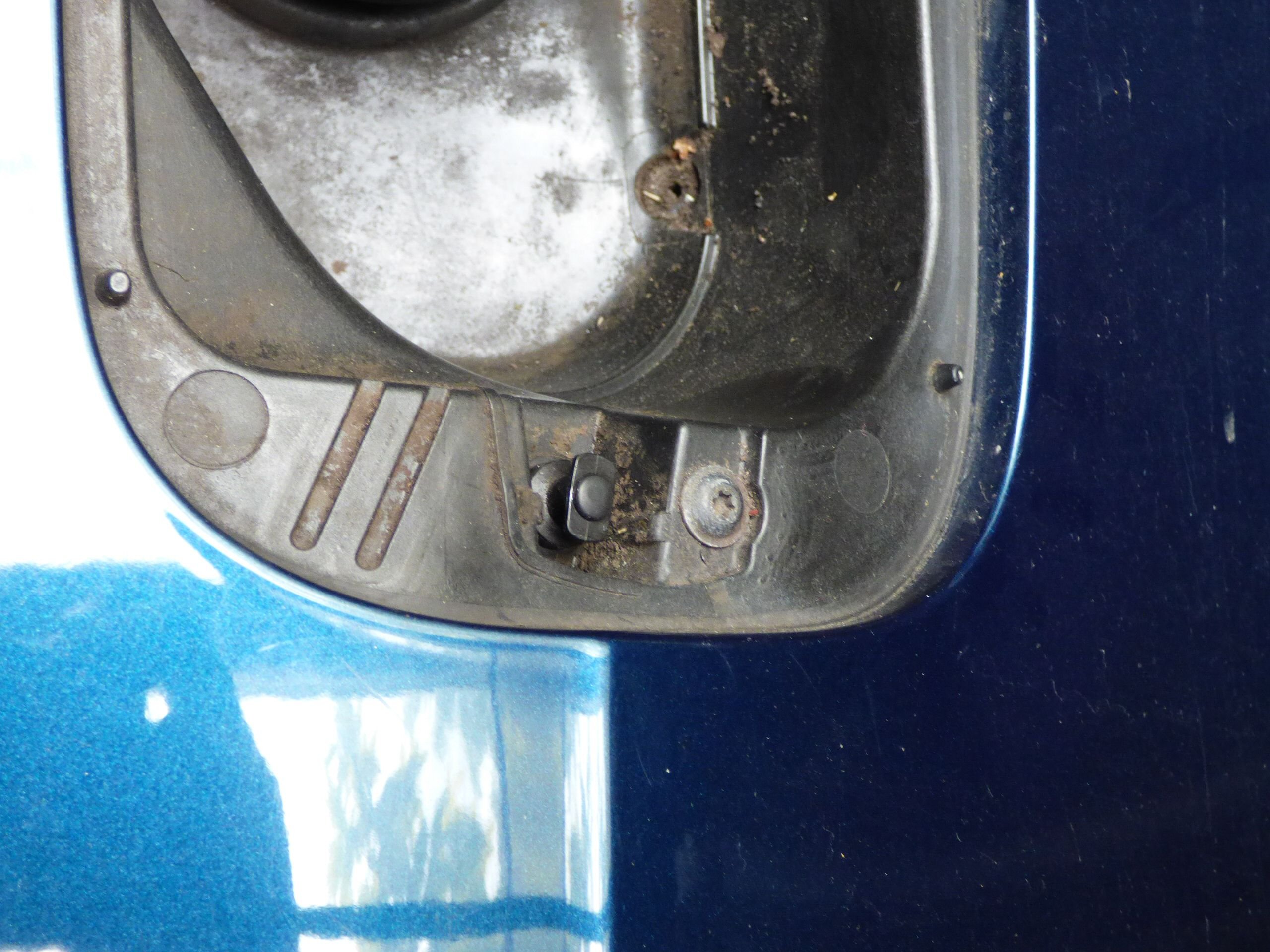
Hope it is OK to continue on this thread. The lock on my 2013 hatch has started to play up. Fortunately I managed to get it open but the plunger part seems to have locked up again, fortunately this time with the flap open. Earlier in this thread a screw was mentioned that needed to be removed, can someone confirm if it is the one pictured please, below the flap lock? I haven't had a chance to have a look inside the boot yet to see what access is like but the replacement part mentioned complete with emergency access cord seems like the way to go. Thanks in advance.