rosboy
Finding my way
-
Joined
-
Last visited
-
No problem. Maybe I didn't state it clearly anyways. The joys of communicating on forums! Thanks for confirming I'm not crazy 🙈
-
Hi. I swapped the bulb first. With the "new" bulb that was swapped over, it didn't function properly in the "rogue" location. I switched it back to the other side and it worked fine. Can you expand on why you think the idea that it's the holder is incorrect? I've swapped bulbs, and the problem stays in the same spot. Moving the holder and demonstrating that the good one works on the rogue side would suggest the wiring is ok leading to the holder. This leads me to conclusion that the problem is somewhere between the bulb and holder connectors. Can you let me know where my logic fails?
-
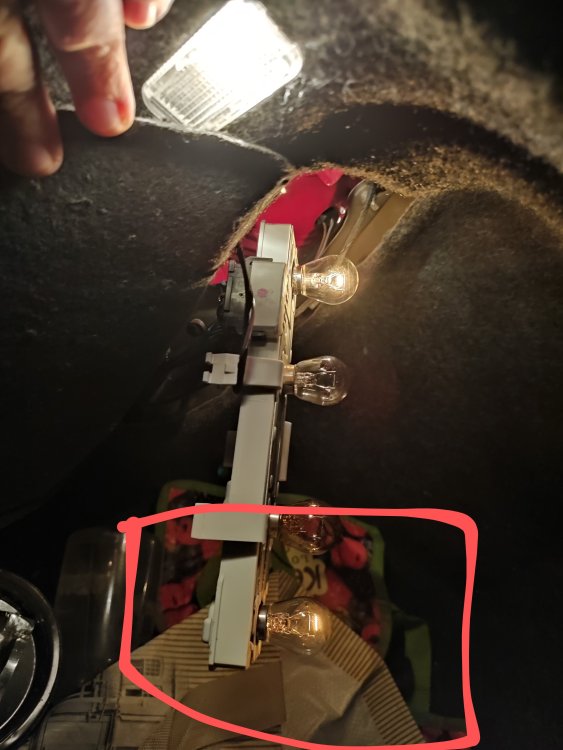
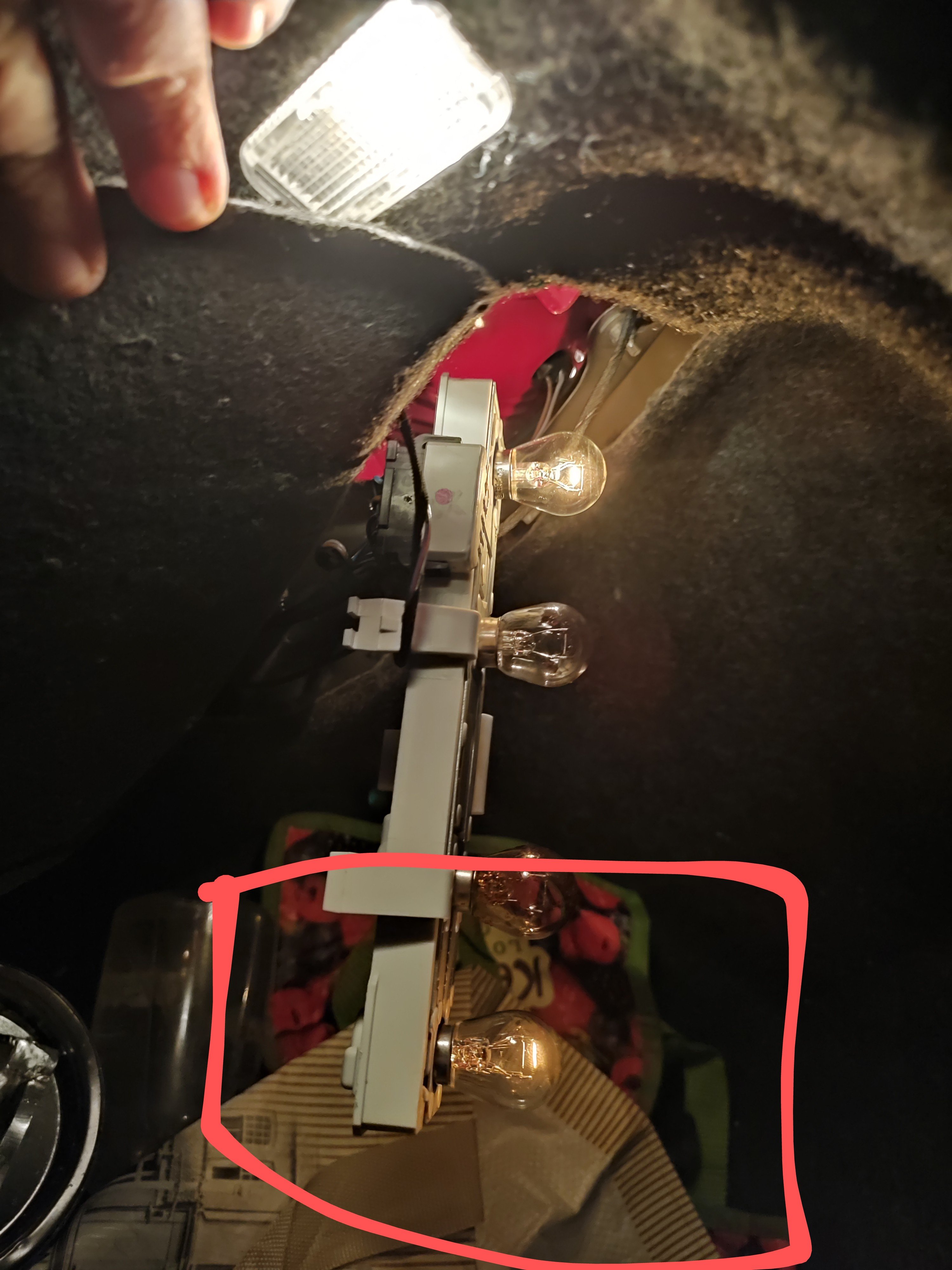
Thanks for all the suggestions. I took the bulb housing from the other side and connected it to the problematic side. The top bulb worked no problem. Which I'm guessing means it's the bulb housing indeed to replace, possibly due to connection issues like Pikpilot mentioned. I also tried to clear the error using VCDS. The error came back straight away.
-
Hi all. Have a 2006 Diesel Octavia with a bulb warning light in the dashboard. It's one of the rear bulbs, and when I check it, there is a faint light on the filament. I got a new bulb and tried it, but it was the same faint light. The equivalent bulb on the other side is fully lit. Any suggestions?