SzosszeNET
Finding my way
-
Joined
-
Last visited
Everything posted by SzosszeNET
-
Got my car through them, had only issues with it. Failed to tell me that their approved used car wasn't serviced to the manufacturer's requirements and the bodywork warranty was voided. Poorly handled the issue, never contacted me, but had to chase them and at the end anything servicing promised was just empty promises.
-
-
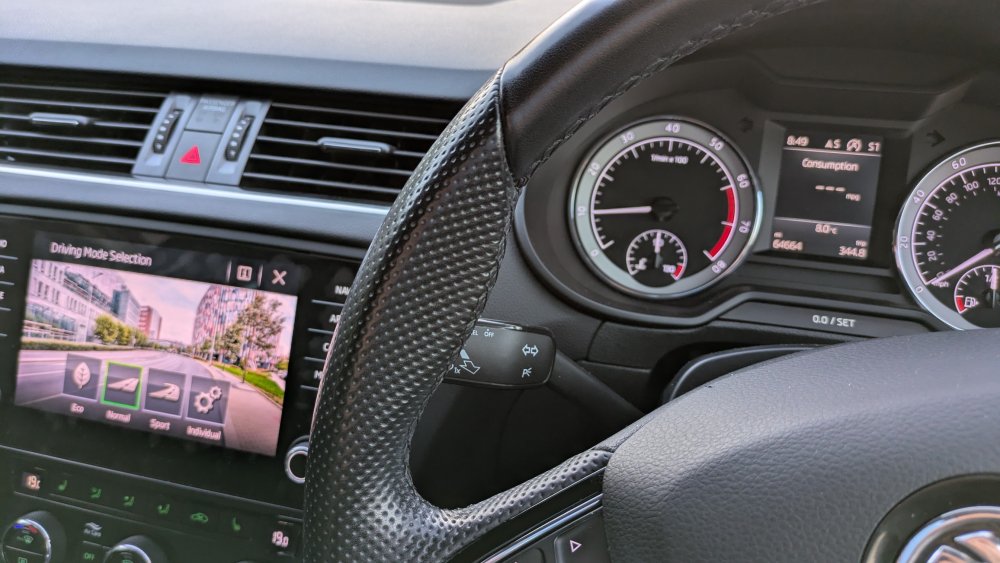
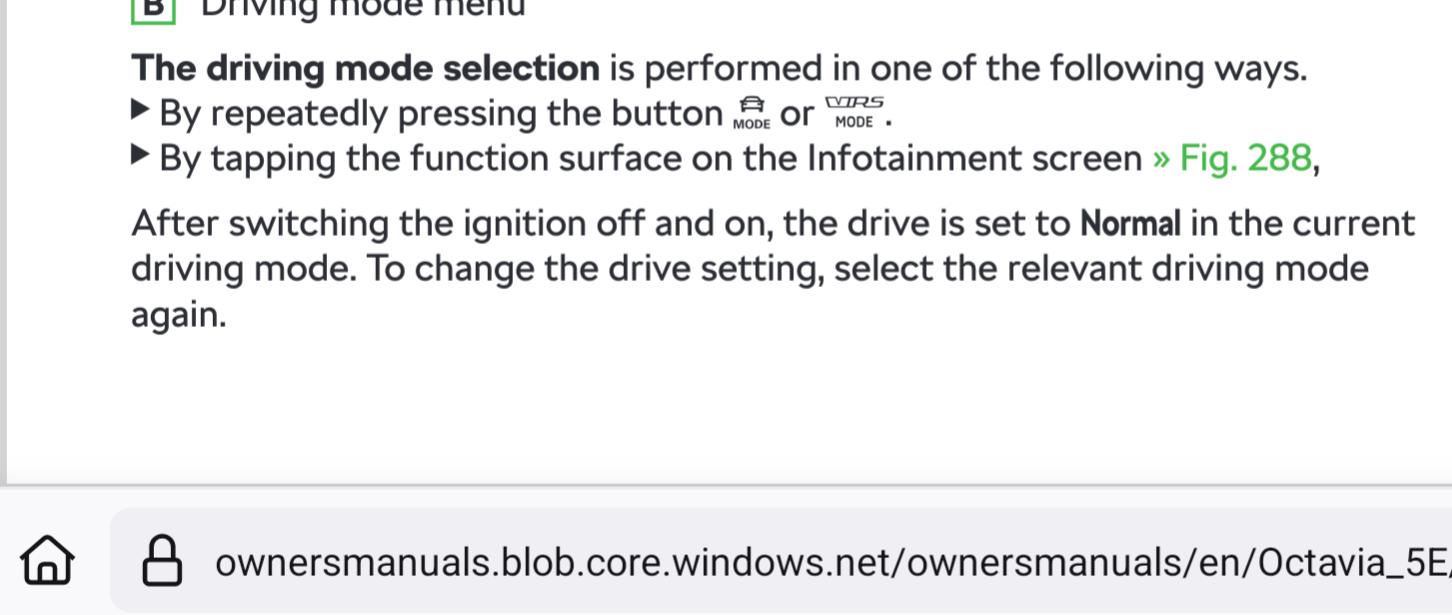
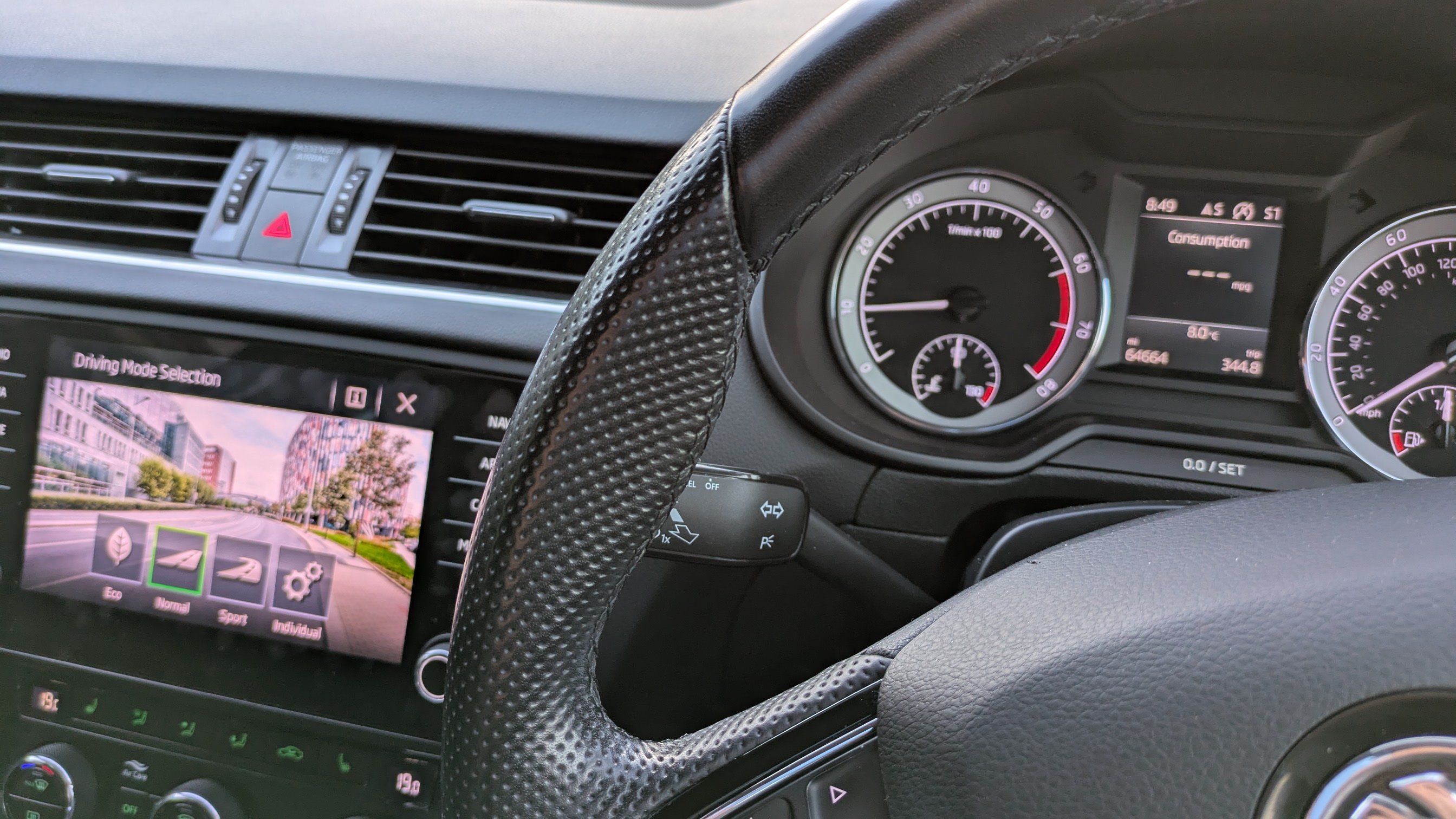
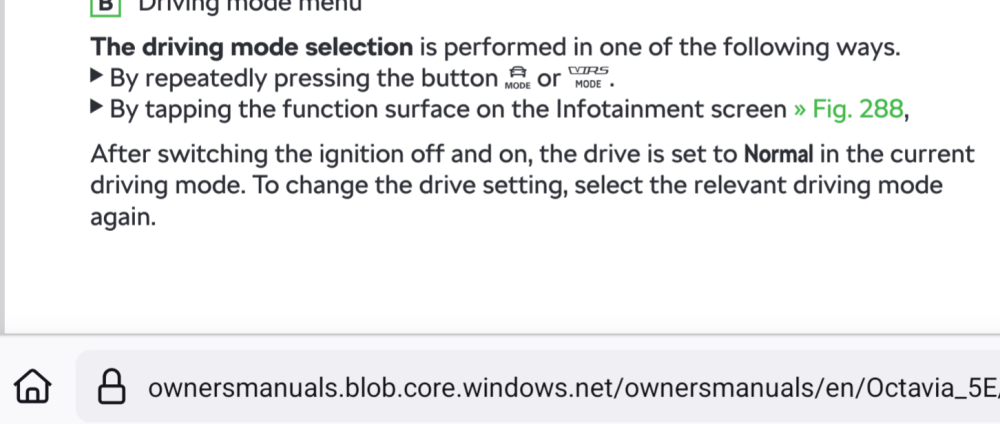
Thank you, it actually turns out to be expected... The drive mode and the "drive" are different and while the drive mode persist the drive (gearbox mode) resets to normal every single time the car starts... Also being new to dsg I think I inadvertently flicked the gearbox to sport... Anyhow sounds like a lame explanation for a software bug or something...
-
Recently to got a facelift Octavia and wondering if it's "normal" that the selected drive mode and what's displayed on the dash is sometimes out of sync? Had it in eco for some time and noticed that instead of the expected "E" and speed it suddenly started displaying "D" which is for normal drive mode? Also this morning when in normal drive mode I noticed the dashboard was showing "S" for sport mode? Is that everyone's experience or do need to take it back to Skoda? Seeing this on a 2018 1.5 TSI with the 7 speed automatic gearbox.