FilipC
Finding my way
-
Joined
-
Last visited
Everything posted by FilipC
-
no update for me though, still 'stuck' on 20.7 after ~45min drive with the stick plugged in, with or w/o reseting Columbus
-
I doubt the car has enough CPU power to decompress tens of GBs of data in a reasonable amount of time anyway (and storage to keep the temporary files)
-
I extracted the files ...
-
I am from Eastern Europe (though not from Russia, I do have the MySkoda app in App Store and on my phone if it makes any difference) and I was not able to do the offline update (pending a longer drive with the stick inserted) ... btw, the file name I downloaded from the portal for my VIN is OI_P41_EU_202025_Offline_Update.zip
-
I downloaded the updated maps from the portal as well, copied them on a stick and tried to use it in the car but nothing appeared to be happening in the first few minutes so I gave up ... I know the stick was readable by the car (tried both exFAT and NTFS) because I could browse thru the files in the Media menu but nothing showed up in the System Infor > Update software ... I guess I can leave the stick inserted on a longer drive ...
-
which version of iOS are you using? I also use wireless Carplay and Spotify (iPhone SE 2020, iOS 14.3=latest) but the music never stopped once I started going thru other menus the whole sound/audio stopped a few times until I received a call or got out of the car for a few minutes a new annoiance I found is if I start using Waze and the phone is tucked away somewhere so that the GPS can’t locate it precisely, Waze will calculate the route relative to the last GPS position and will not update the current location even if I put the phone in its charging box (or close to a window) or if I cancel the route and i put another one... I have to turn off the engine to have Carplay disconnect and then turn on again with the phone in an ‘localizable’ position
-
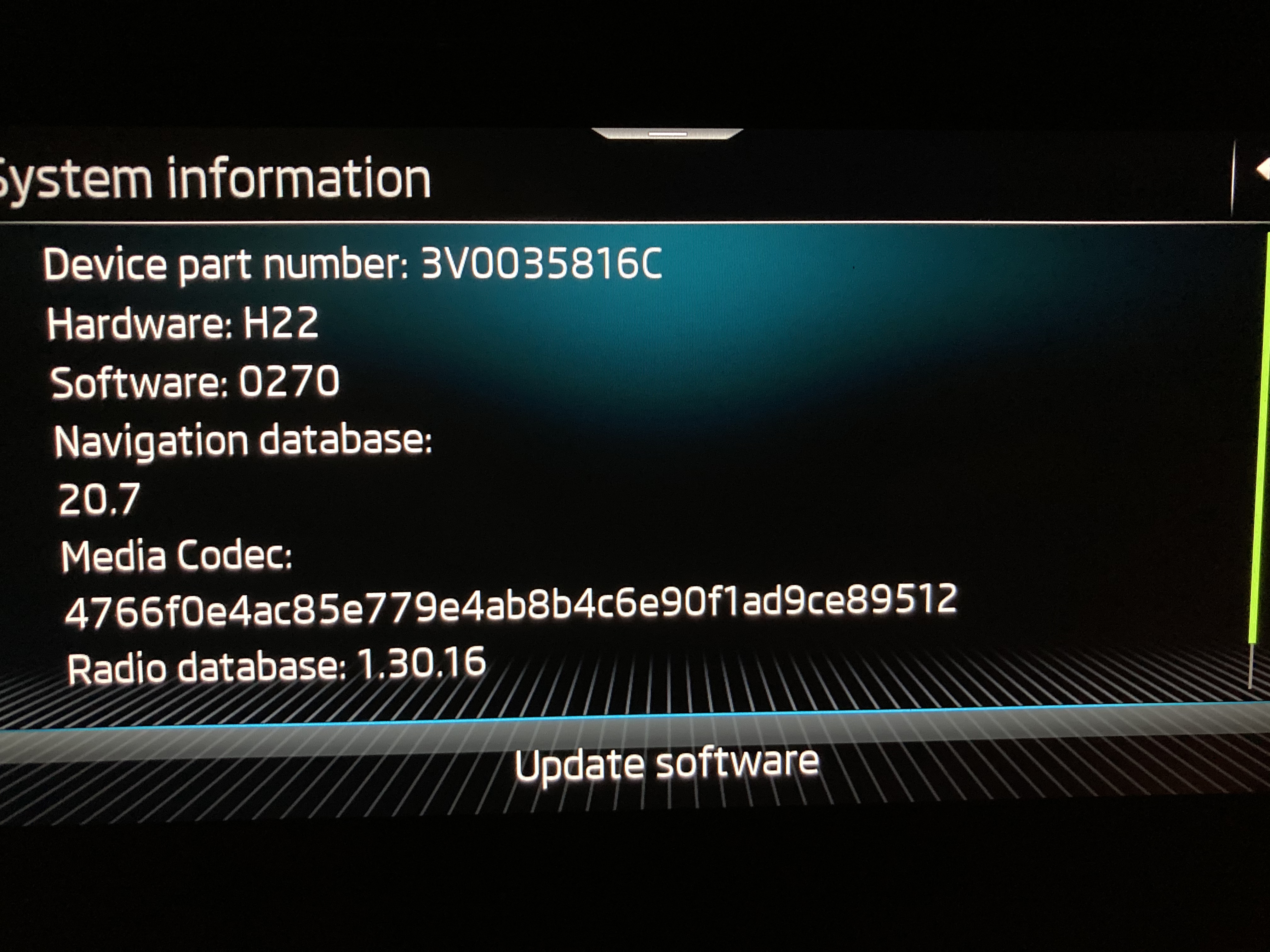
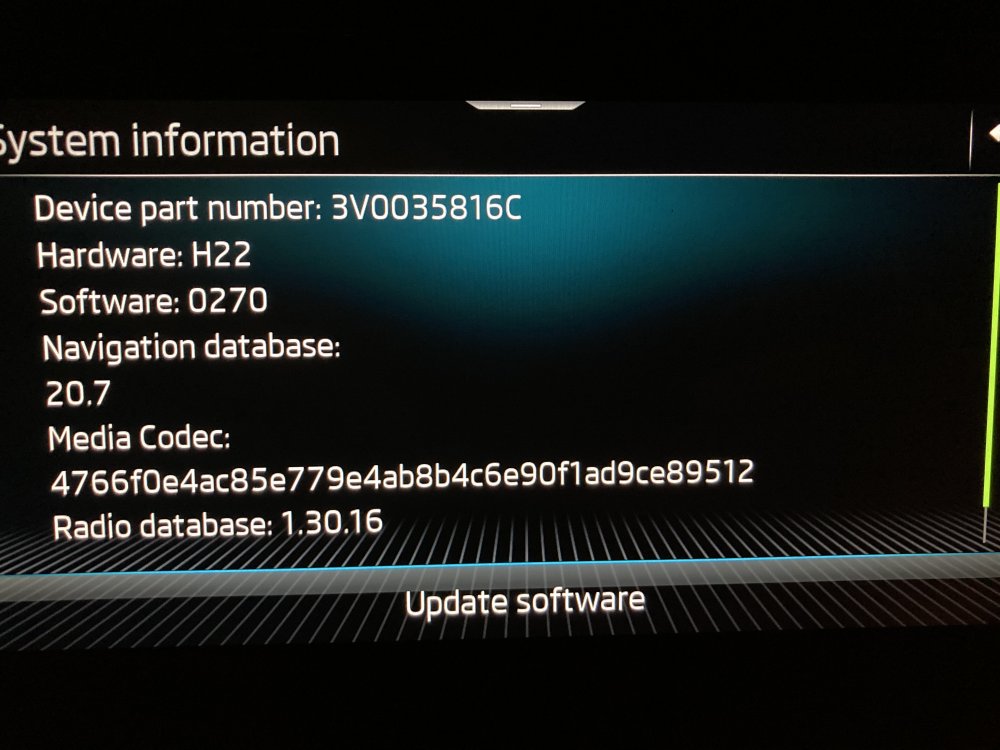
my navigation db is still ‘stuck’ at 20.7 so my update was not related to that
-
same here, no changes in the System information page after
-
no smart watch here
-
I've had a similar issue several times by now: while driving and listening to music via wireless Apple Carplay (either music from phone's internal storage or via Spotify) the sound will simply mute by itself and even if I switch to radio, play with the sound volume (which is shown to be increasing/decreasing) or with the mute button or activate parking sensors the sound doesn't come back, everything is muted until I turn off the engine and wait for several minutes (turning it back on immediately doesn't solve the issue, neither a soft reset). By chance however I discovered that if I get a phone call while all sounds were muted I can answer it and the 'bug' is gone, all sounds are 'back' again. I'm hoping that this issue (along with several others MIB3 related) will be fixed with a future update ASAP. Kodiaq MY21 + Columbus MIB3 + Canton