marktabs29
New here
-
Joined
-
Last visited
-
@pab567 Many, many thanks for the file. I was able to update the software successfully. Just for others, how it worked for me: 1. Download the file. 2. Extract it to a folder. 3. Copy the folders/files INSIDE the MST2_EU_SK_PQ_P0253T folder, NOT the whole folder. 4. Paste the folders/files to the empty/formatted SD card. The first folder should be the Bluetooth folder. 5. Radio off, ignition off, Insert the SD card. 6. Ignition on, turn radio on. 7. Press and hold the physical plastic 'Menu' button on the right hand side. 8. 'Service Menu' appears after 5-10 seconds. 9. 'Update'. 10. Sit back with fingers crossed while the screen turns on and off when it is updating. 5 minutes later - success! Good luck........... Many thanks again to pab567 Regards, Mark
-
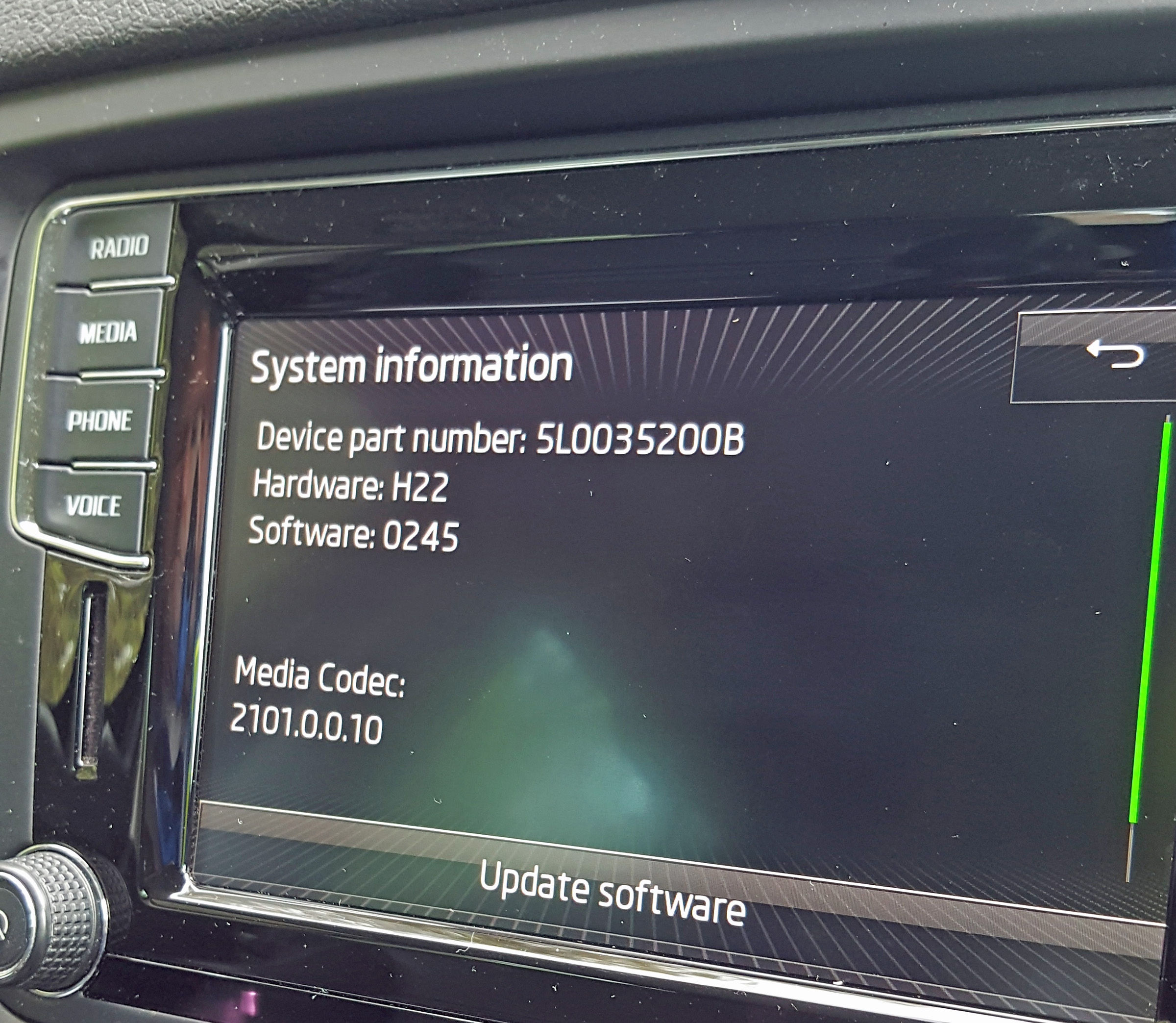
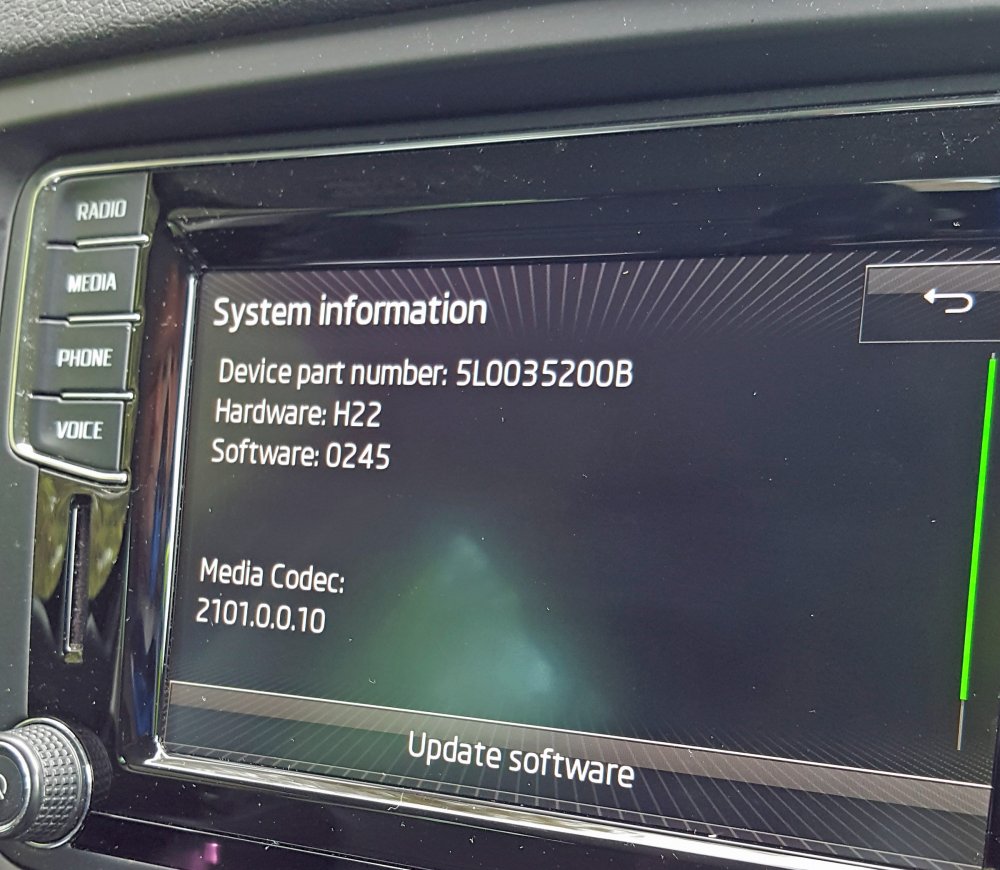
Hi @pab567 Would you be able to help me with a software update for a Bolero in a 2016 Skoda Yeti? Details are: Device part number: 5L0035200B Hardware: H22 Software: 0245 Media Codec: 2101.0.0.10 Many thanks, Mark
-
Hi, I am having some problems with the Bolero unit in a 2016 Yeti Outdoor SE: the screen images judder, the radio preset stations change by themselves, the screen freezes, and other faults....... I was hoping that a software update may help with these problems and would be very grateful if you can tell me if there is any software update for my unit: Device part number: 5L0035200B Hardware: H22 Software: 0245 Media Codec: 2101.0.0.10 Many thanks, Mark