jpuukko
Finding my way
-
Joined
-
Last visited
Everything posted by jpuukko
-
Okay you don't have pre heater option there.. Of course its better than nothing to get ice or mist off you screen but not very powerful IMO. For sunroof you definetly need rainsensors to close it automatically
-
It's most useful in weather when it rains freezing water that blocks visibility. After minute ice is gone on highway speeds.. For removing snow or ice before start I use pre heating (webasto). Never needed windscreen heater for that.
-
If possible I would put car on charge: https://www.ctek.com/uk/seasonal_storage
-
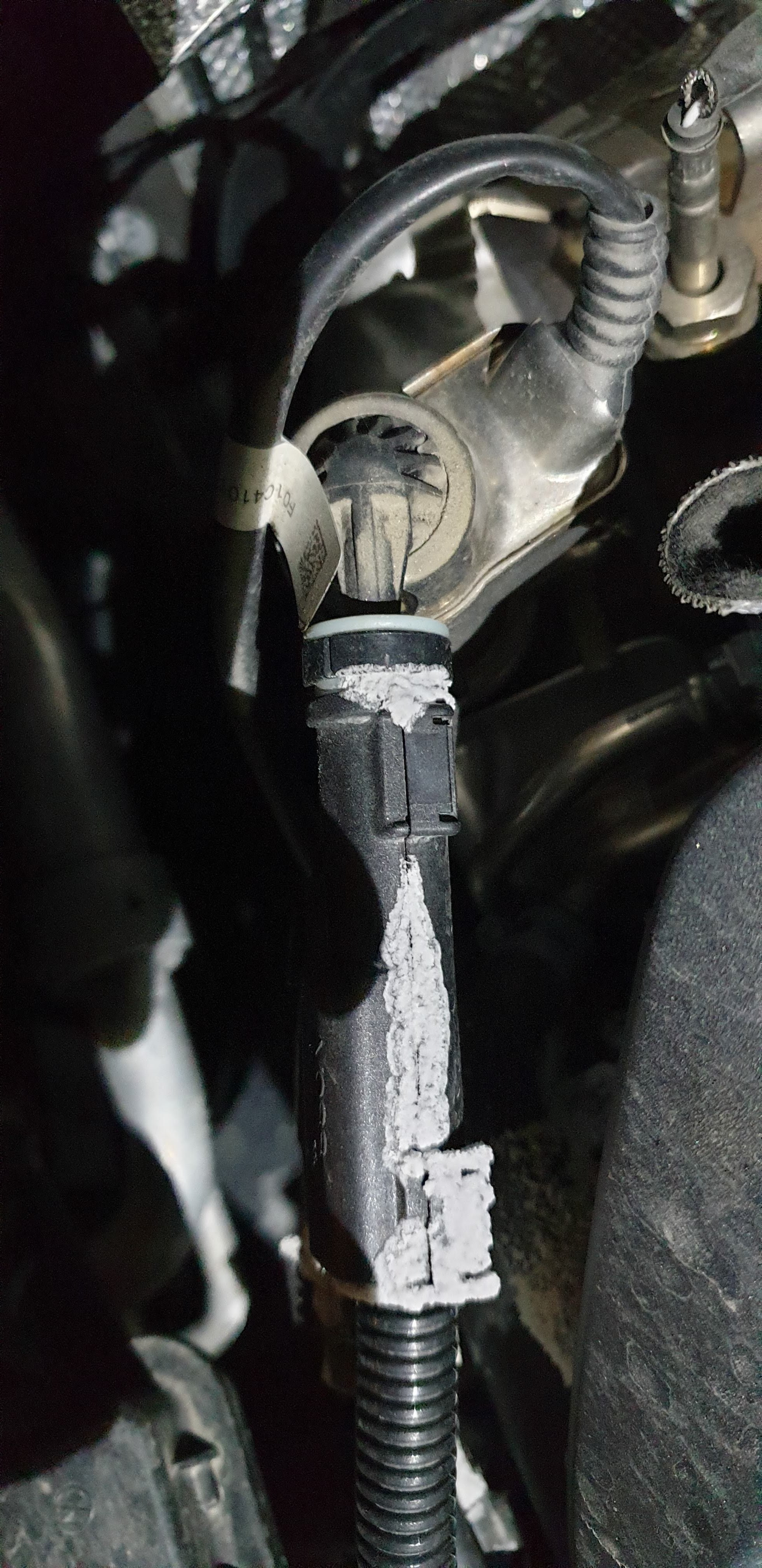
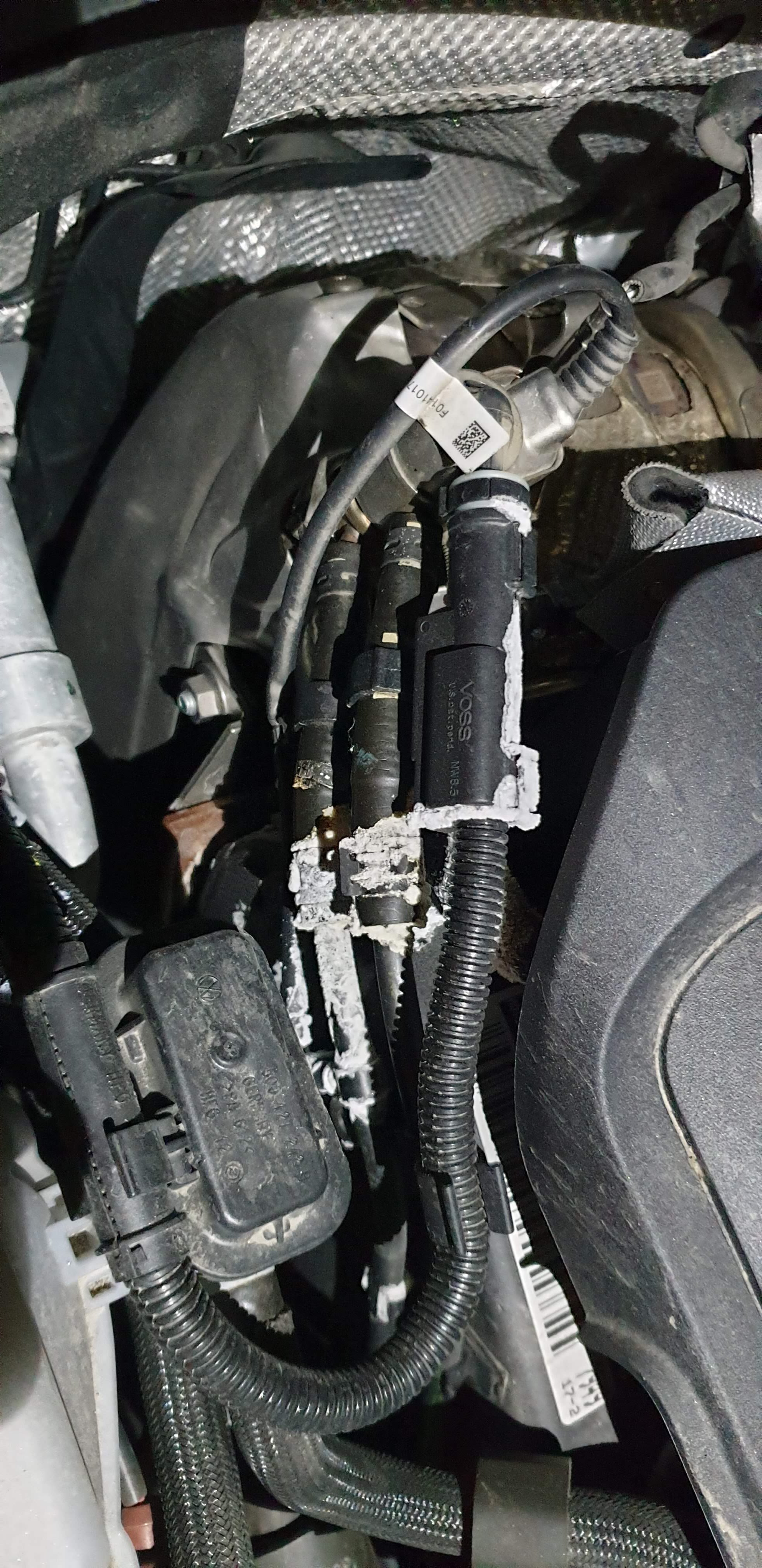
After one week of lower temperatures (-24c max..) I got this error "error adblue (def). no engine start in 1000 km". It disappears first two or three times but then stayed permanently there. Diagnostic returned error P20E800 and it was not possible to clear this code off. After looking under the hood I don't need guess what is wrong = there is leak on top of the adblue injector. Adblue feeding tube is cracked.. so booked repair for next week. Luckily car is under warranty. I'm surprised how weak this system is. That kind of cold is not uncommon here. It would be long winter if I need to go repair this adblue system after every cold night here
-
My experience is that dpf burning works very well even in short trips. During covid lockdown my work journeys dropped all off and it can be week or two I drive only short 5 - 30km trips per day. No problems at all and weather here is much colder than in sydney, under 0 degrees for weeks now. Go for it, it will work without issues.