Oli
Members
-
Joined
-
Last visited
-
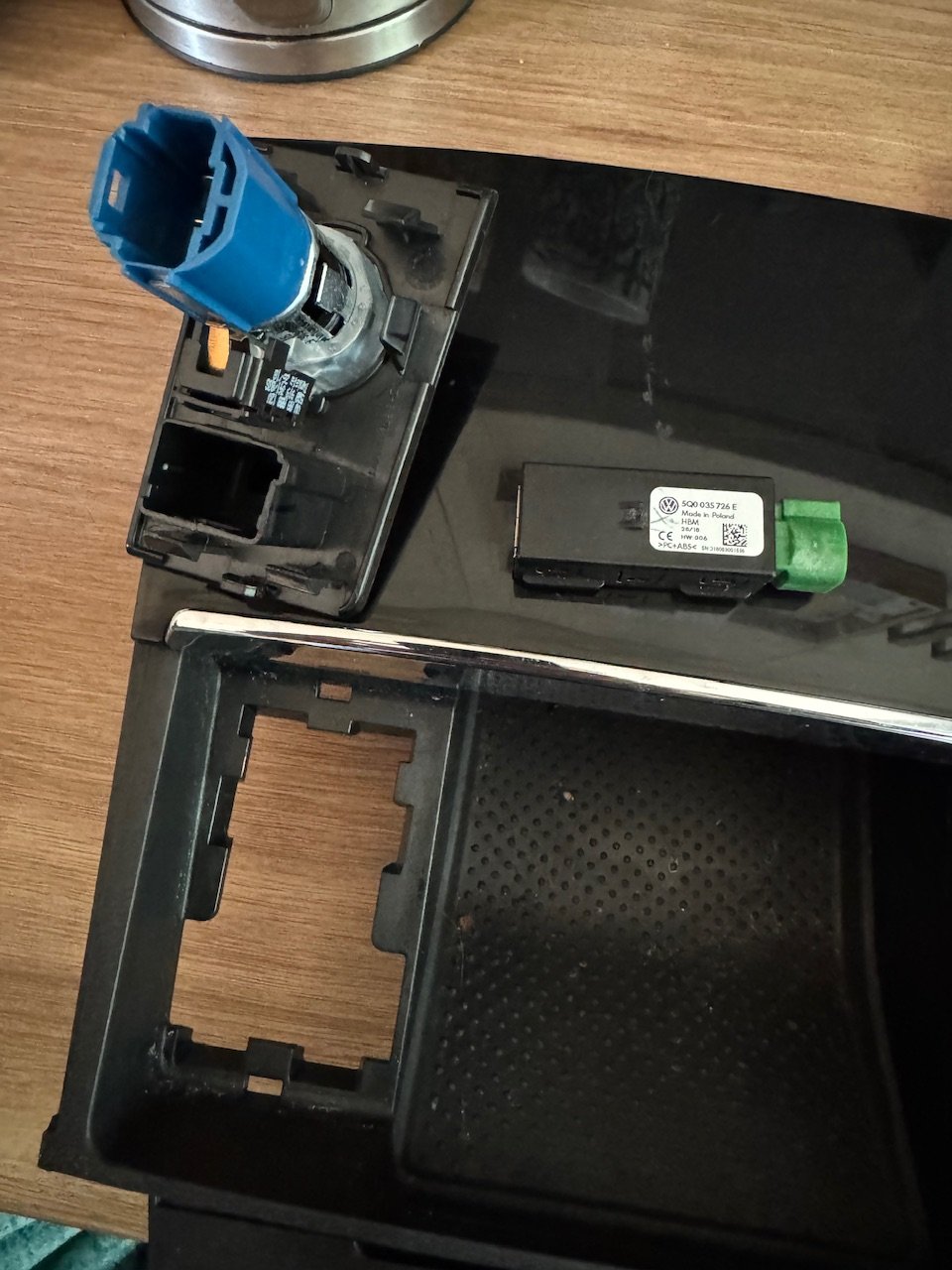
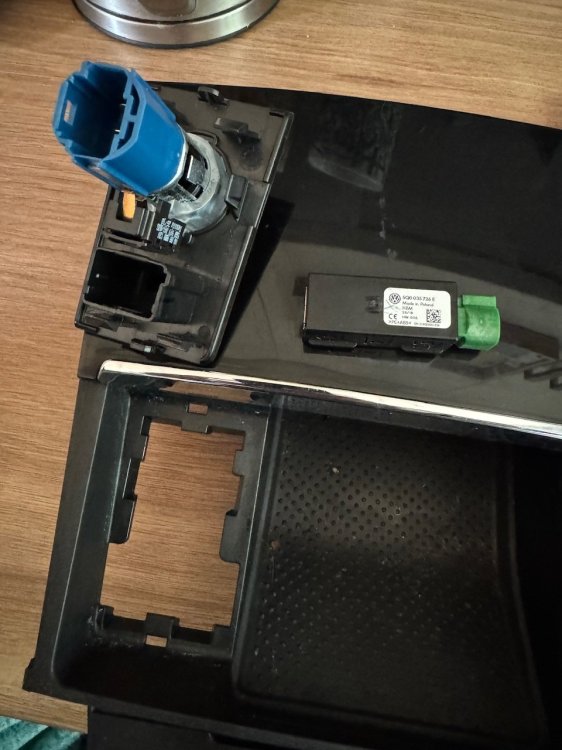
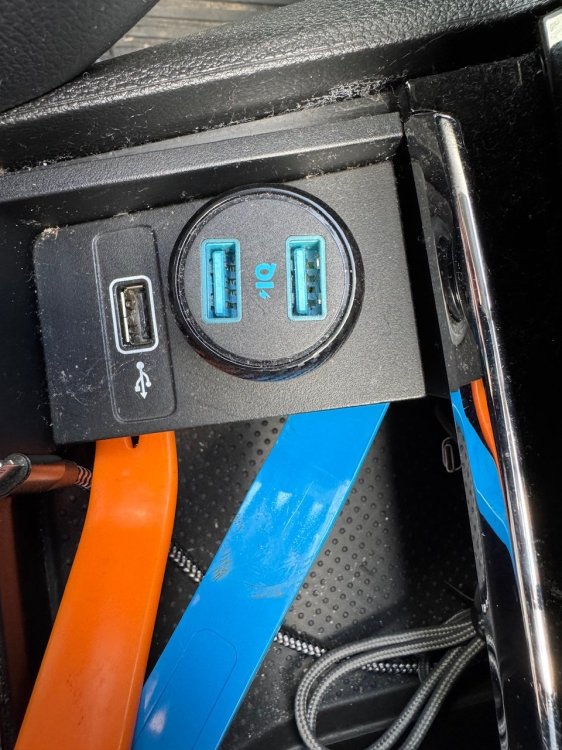
So for anyone looking to do this you don’t have to pull all the console plastics. If you look at how the plastics clip in you and carefully pop the clips with a trim remover and carefully pull the square that holds the 12v and USB up to gain access. Replacement took a few minutes.
-
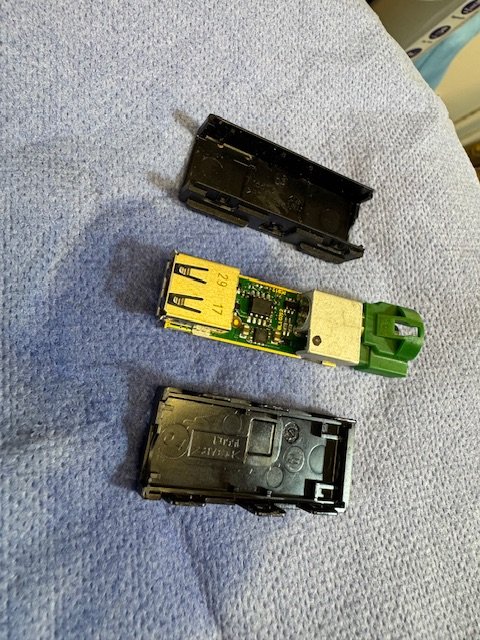
Breaker part arrived. Cover popped on new USB socket and board and plugs cleaned with contact cleaner, tiny carb brushes for the USB pins and reassembled. Now to pop the plastics and swap the plug.
-
So for anyone who has similar problems ours in now fixed. We had an oil leak from the cover and a diesel leak from the low pressure return line in at least one place. Final replacements were the high pressure feeds to 3 and 4, new orings on the return line and a new return line. The problem with fault diagnosis and taking things in and out is that most of the parts are considered single use and to be replaced after they are removed. If anyone has leaks from the oil seals around the injectors my advice is don’t bother getting new seals for the cover, get a new third party cover as the seals come with it. A lot of the time the cover cracks anyway when you pop the new seals in due to age and heat damage. The tiny green o rings for the low pressure line need to be swapped every time you pop the lines. Obviously (and sadly) the hold down bolts and arguably the sealing washers and orings for the injectors need replacing every time you pull of fiddle around. Just my own personal findings!
-
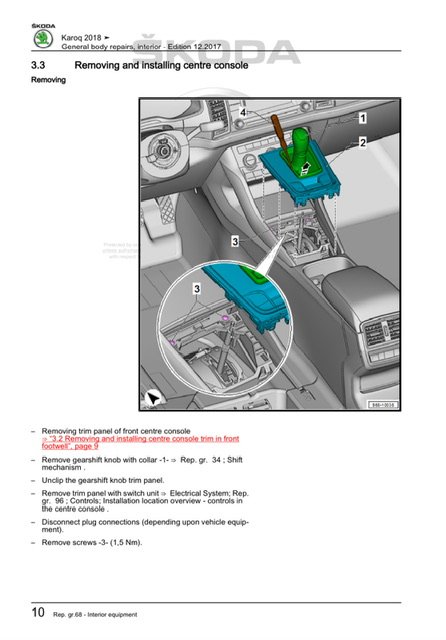
So I think I have found the relevant pages in the workshop manual. Looks like have to lift the gear shift cover, undo two screws and can then take the entire cubby unit out.
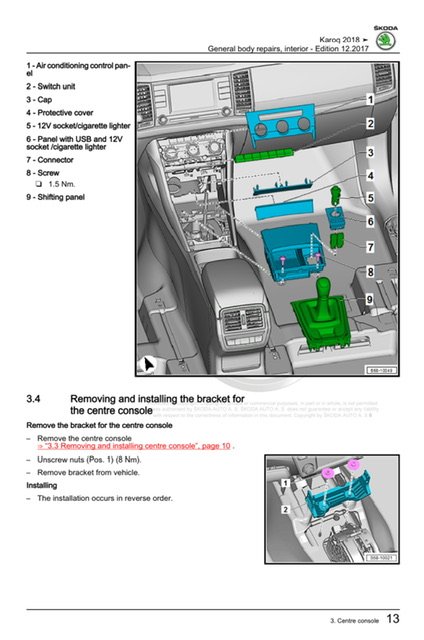
-
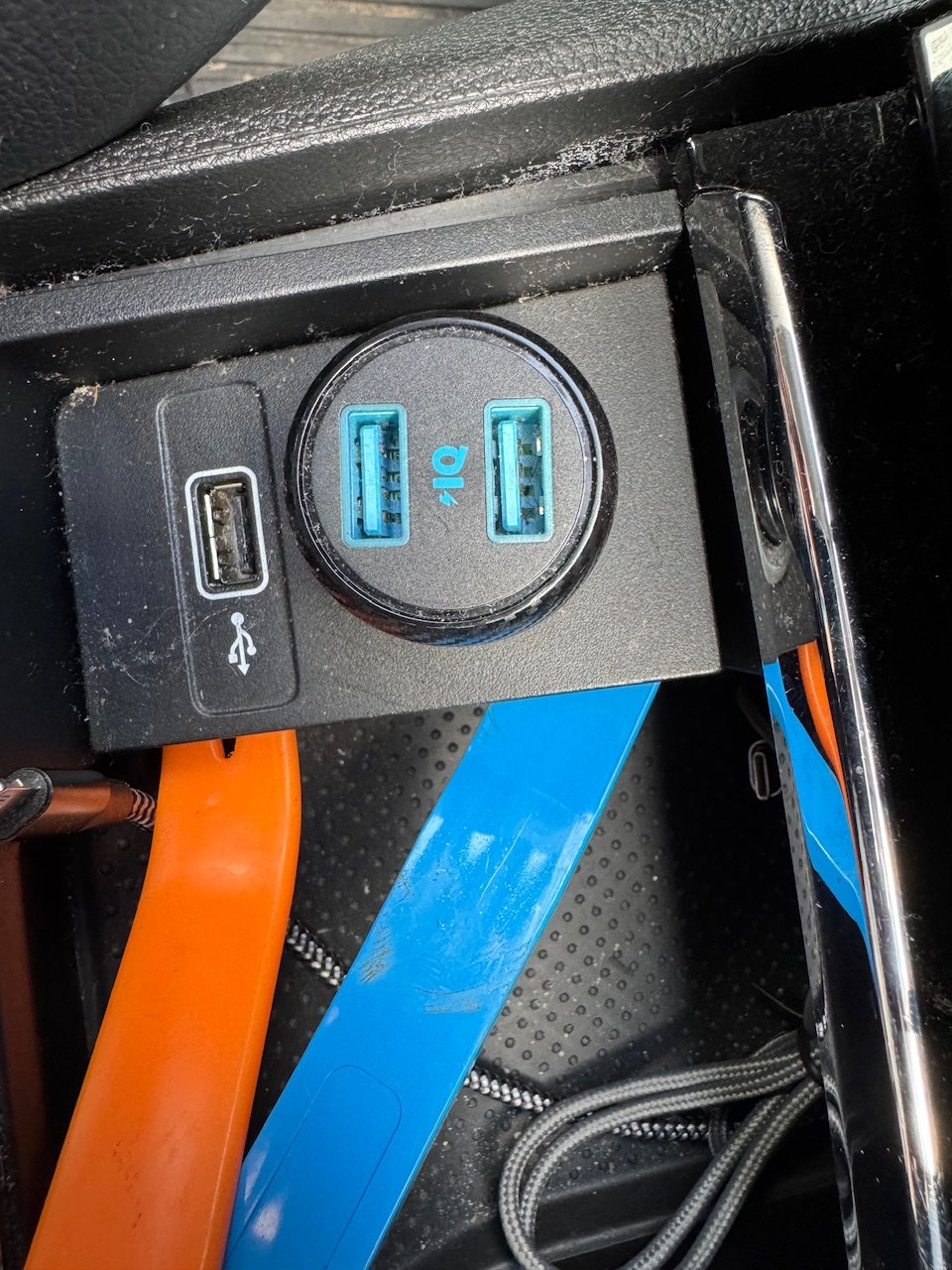
Sorry to dig up an old topic. I am looking to replace the USB socket that’s in the centre console under the radio. I can’t find any guides anywhere for removing the panels to get it out. Did anyone find a guide anywhere?
-
For anyone that’s looking to remove the cover for the boot lid and finds that it gets stuck at the top. You need to pull the panel away from the door and keep it parallel rather than pulling it off at an angle. The top of the door cover secures into the upper boot cover piece with some long pegs so you have to pull it down “straight”. I know it’s an old thread but it popped up on a Google search and I just replaced our boot antenna today and didn’t see the answer on here.
-
Cheers. Have ordered one and waiting for it to arrive.
-
Tried here? https://mib-helper.com Sorry saw you’ve posted the link. Ask Pab567 on here or chime in on the Octavia MIB thread for an up to date firmware for your device.
-
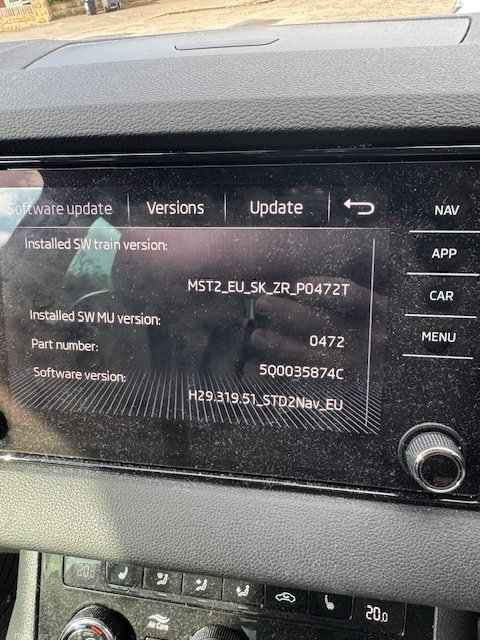
You need… The new firmware. Pab567 has posted on a few locations with them. You’ll then need to copy the new firmware to an SD card and run the update. You’ll need VagCom or ODBEleven to run a small fix to the 5F module after the update. More details here: https://mib-helper.com
-
Figured it out. didn’t realise that the system expects a Skoda certified card with the new maps copied on to it. My bad!
-
See I was assuming that the new download would replace my original maps card when I got a new SD card and stuck it in. Apparently not. My bad found some links on the forums including this one. I will have a go at sticking it on USB instead rather than the SD card.
-
Thank you buddy. Ran the update today and dusted off my VCDS setup and MicroCAN cable and could update the 5F module. No errors and all working. Now to figure out how to get it to recognise the new map SD card.
-
Am I missing something? I have downloaded the new maps off the Škoda website. Confirmed via vin. I have expanded the archive and copied the contents to the root of a formatted SD card. When I stick the SD card in the radio set scans it and ignores it. Am I missing something? Any help from the hive mind appreciated.
-
Firmware updates for the MIB3 (thanks Pab). Checked my VCDS setup still reads almost all my modules. Not paying £200 for an updated lead yet. Seems high to send my old MicroCan back for a refresh. Confirmed that my rear antenna is dead hence the DAB and FM not working well. Waiting on the new module to arrive next week.
-
I mentioned it above buddy, but I know you get load of messages on here! 😆