Masternet
New here
-
Joined
-
Last visited
Everything posted by Masternet
-
Hi, Canton will be available later. I have the standard audio system for the 82 kWh battery (8 speakers) and the soud is pretty good (similar to my Octavia (2018) with Canton).
-
Hi, I would say it really depends on the conditions: Is the car pre-heated? Are driving on the snow? What is the outside temperature? This tool may help, unfortunately just in German: https://efahrer.chip.de/elektroautos/skoda-enyaq-iv-80-2021_20365 I would also want to drive from Mlada Boleslav to Scotland, currently impossible due to covid :-( I have also compared enyaq and octavia on the snow - Enyaq feels much more safe, Octavia is more funny.
-
The winter tires are compulsory here, right now there is also a lot of snow here. I have Michelin Pilot Alpin 5 SUV (Front: 19", 235/55, Rear: 19", 255/50) and I am satisfied. Overall, the traction of Enyaq is good, because of the RWD and the weight distribution. The Traction control is quite strict - no fun like drifts, but I had no problems in the mountains (some cars had to use snow chains).
-
I think all cars have as an standard equipment the independent heating/ AC. You can set your departure time in the car or in the app and you have following options: Just normal heating/ AC, or you can add as an options: Heating of the seat (you can choose separately), heating of the steering wheel and also heating of the screen. If you do not want to set it before, you can do it immediately in the app or by opening the car with the remote key. I have the heating pump, and in comparison with my diesel Octavia, the heating is much faster. Heating of the seats and of the steering wheel is also automatic - overall I am very satisfied with the heating performance.
-
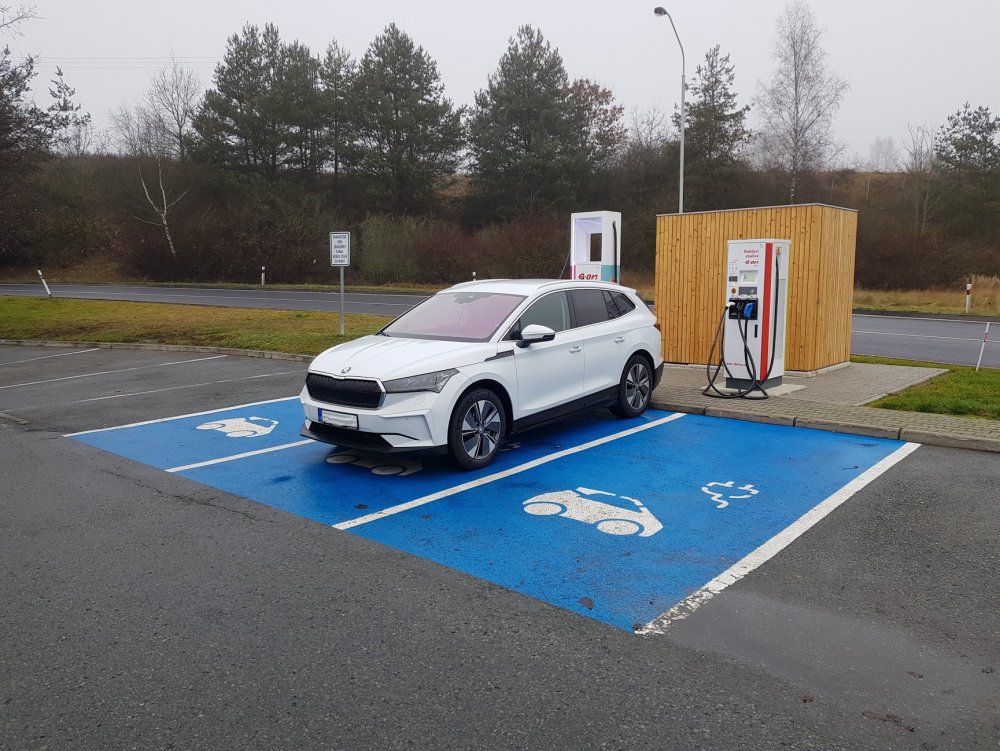
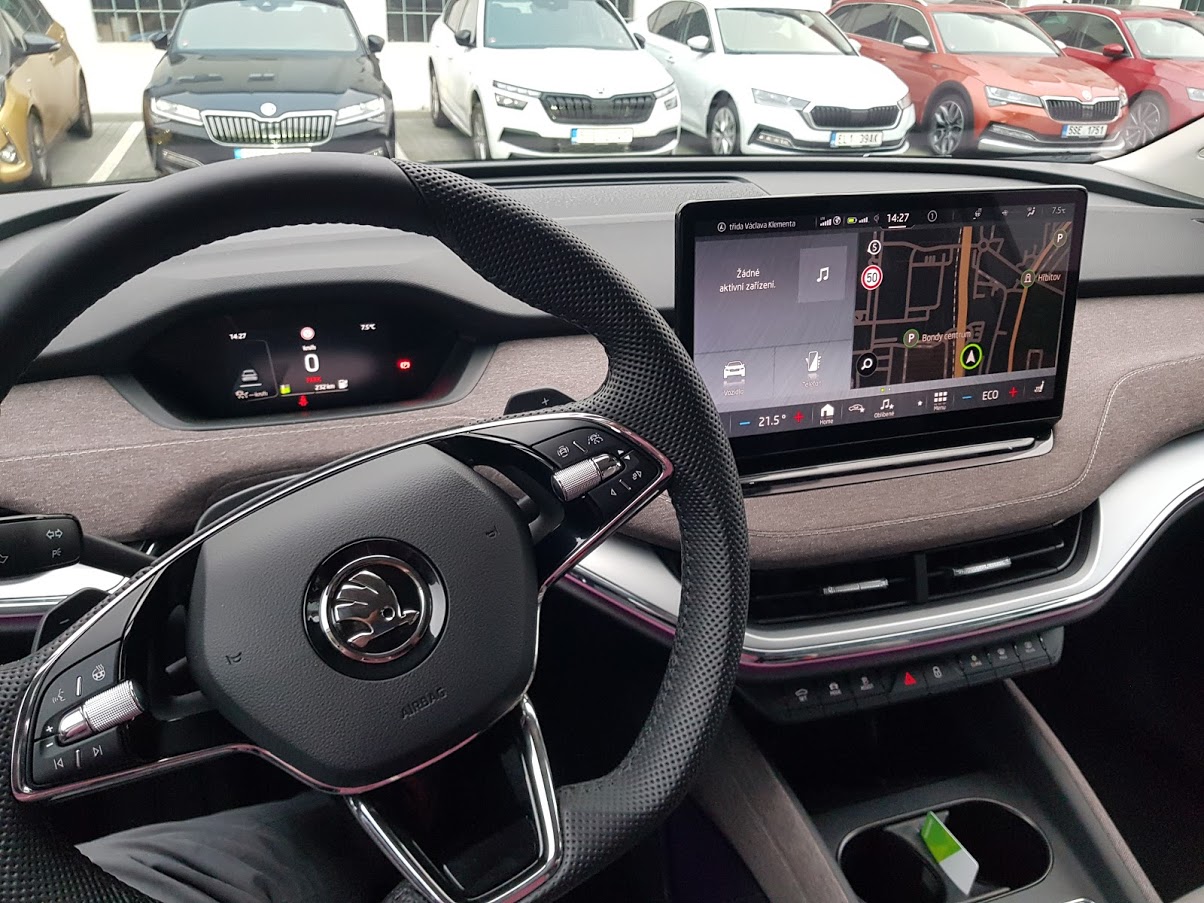
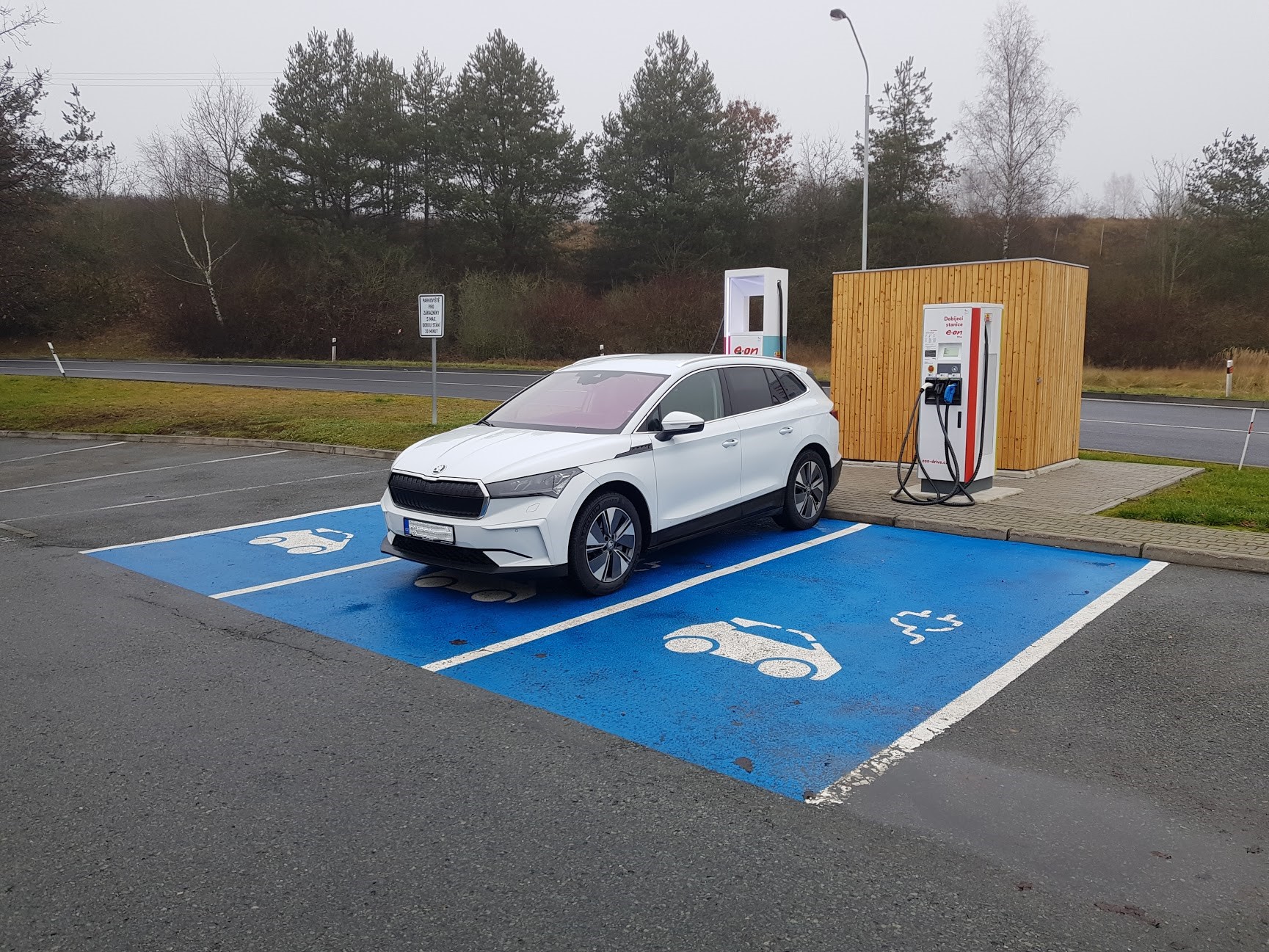
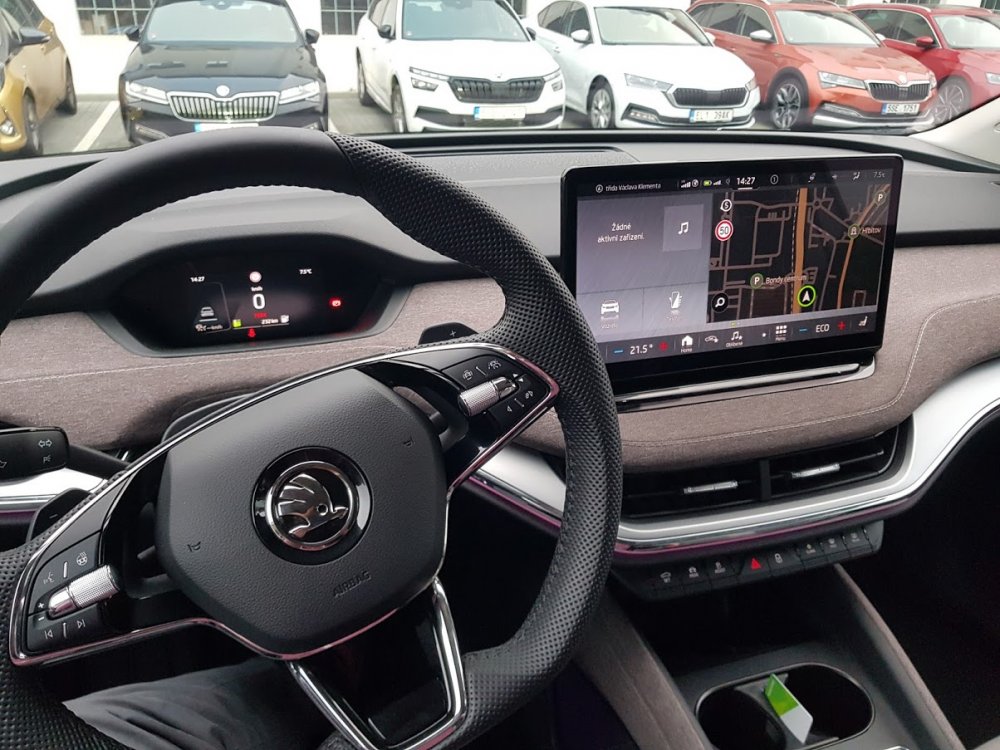
Hi, you are right, that is the Skoda Dealership in Mlada Boleslav. I also work for Skoda, so do not expect any negative comments :-D (My previous car was the Octavia, Gen 4) Interiour: Bigger than in Octavia, more legroom on the rear seats The driver's seating position is quite similar to Octavia, but you seat higher (because of the Batteries), the windscreen is quite far away -> Enyaq feels roomy I was worried, that the size of the FID is to small, but it is perfect - you can focus just on the important data Infotainment is similar to Octavia with some improvements - it is possible to add your favourites settings to the bar with temperatures... Drive: Quiet Well balanced settings - It does not motivate to drive fast, but if you want to, it goes through the corners really easy The weight of the car is well hidden because of the batteries between the wheels, you don't feel it in the corners Acceleration is really smooth, 150 kW is perfect for everyday use, if you need more, you can choose up to 225 kW Charging DC charging speed depends on the SOC and on the temperature of the battery, you can get the best charging speeds (125 kW) roughly to 50% SOC
-
Hi, yes, it is the production car - my guess is CW50. I will add more photos as soon as I can. Right now the car is under the snow.
-
Hi, thank you for the warm welcome. I have version "82", that means 82 kWh Battery, Interiour Lodge, 19" winter wheels "Regulus", almost all equipment except panorama roof and AR-HUD. I have two cables, MODE2, this is a standard equipment and as a extra I have the universal charging cable by Skoda - 11 kW AC. So I am usually charging at home and sometimes I also use the HPC.
-
Hi, I just have got my Enyaq, feel free to ask.