AlanN
New here
-
Joined
-
Last visited
-
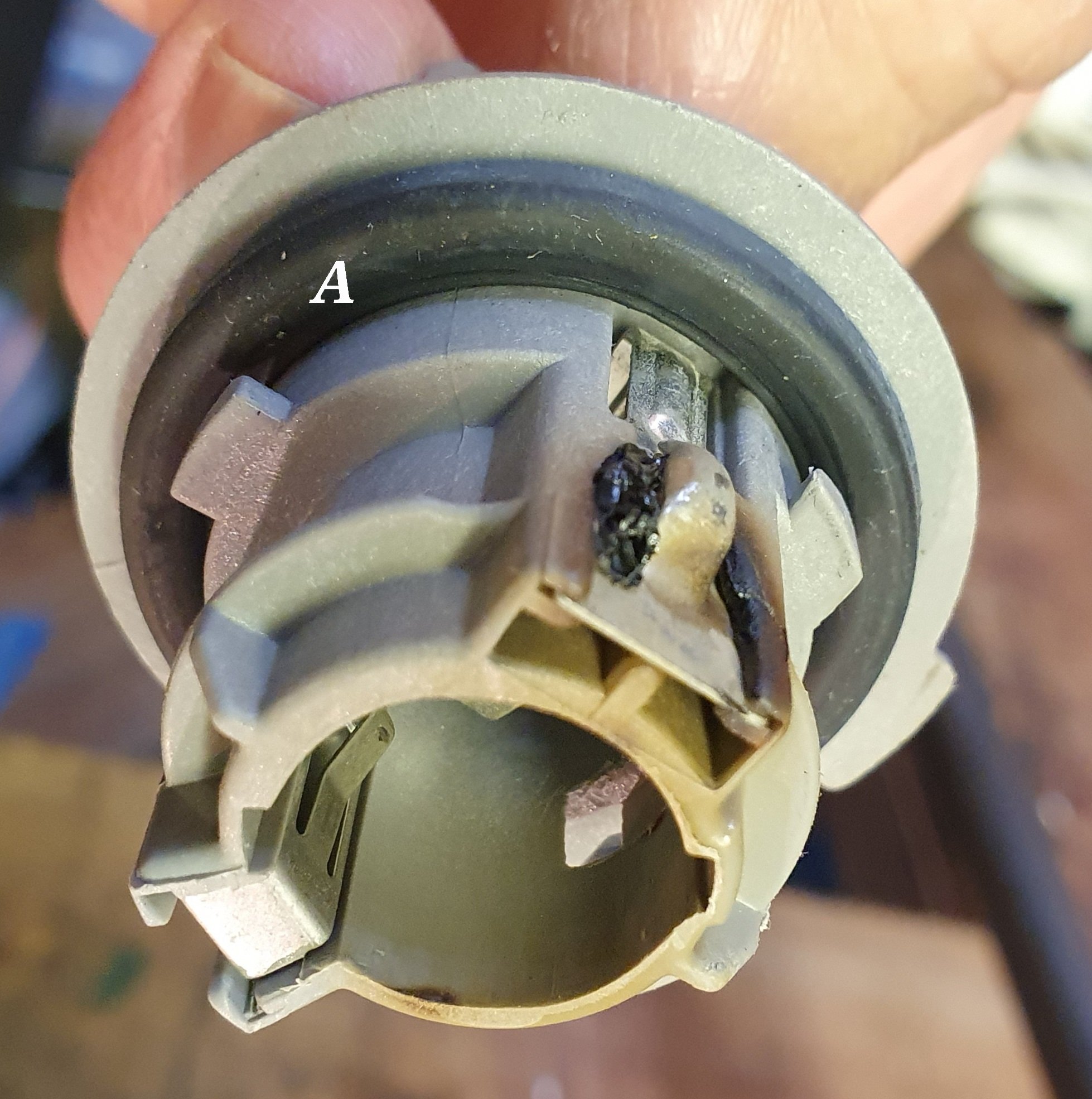
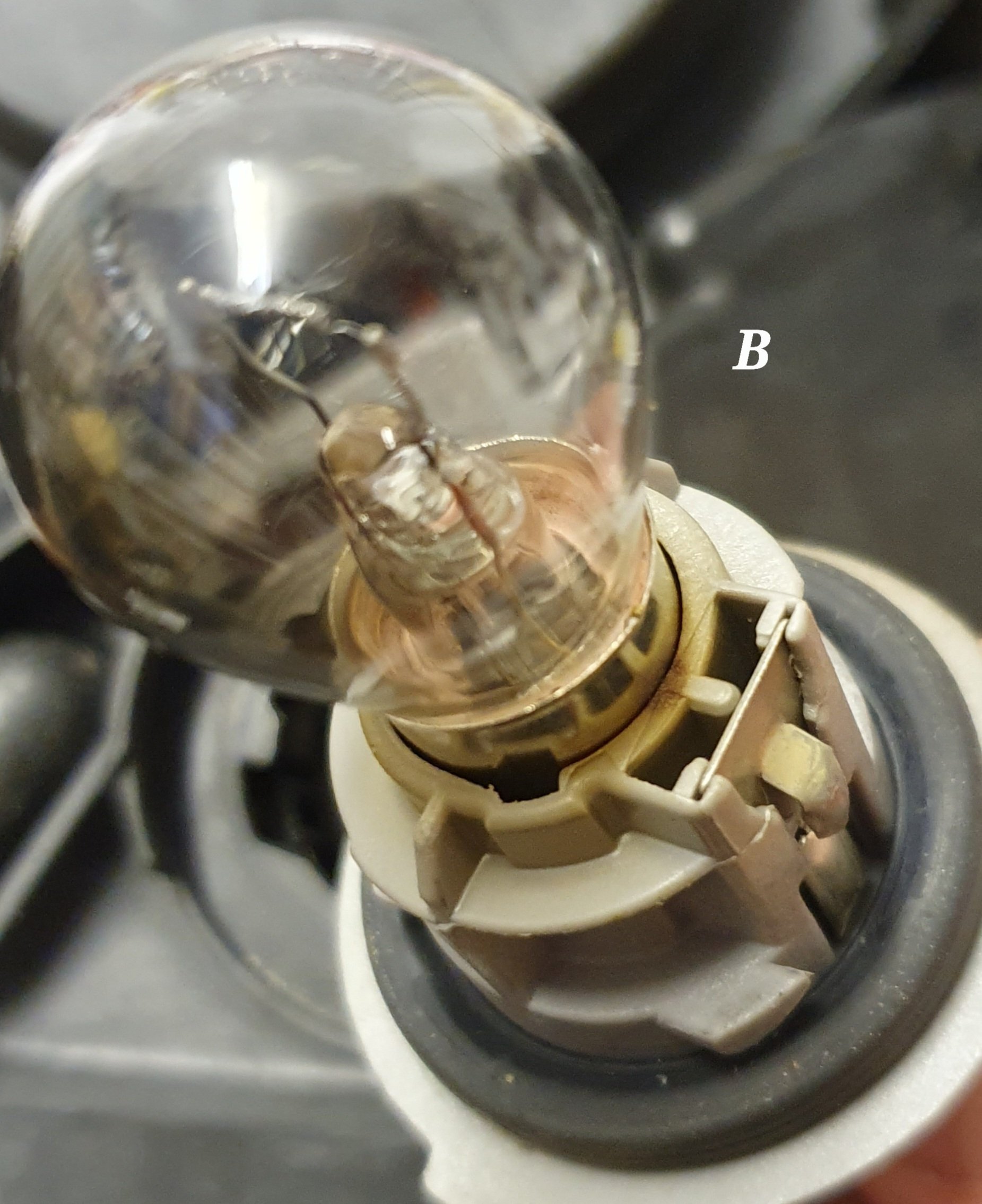
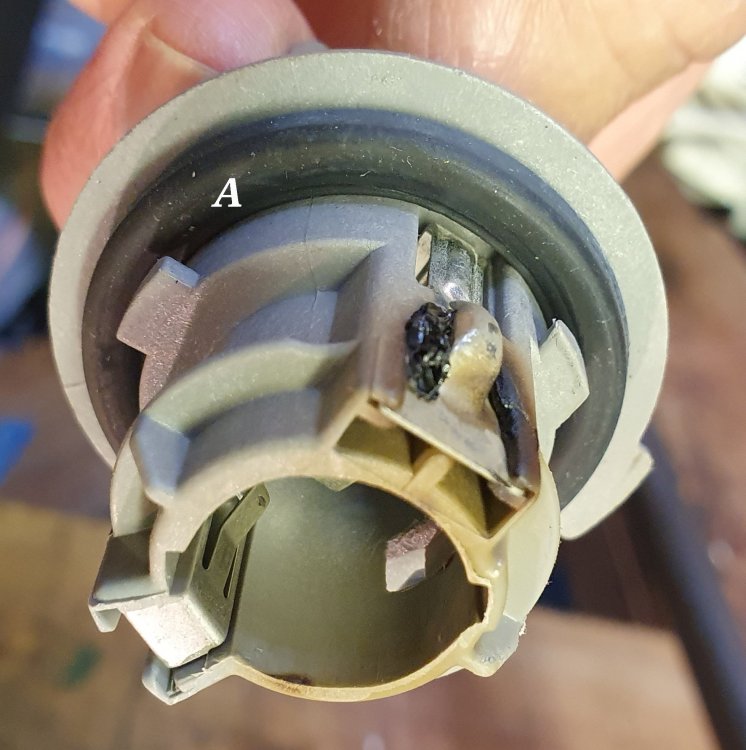
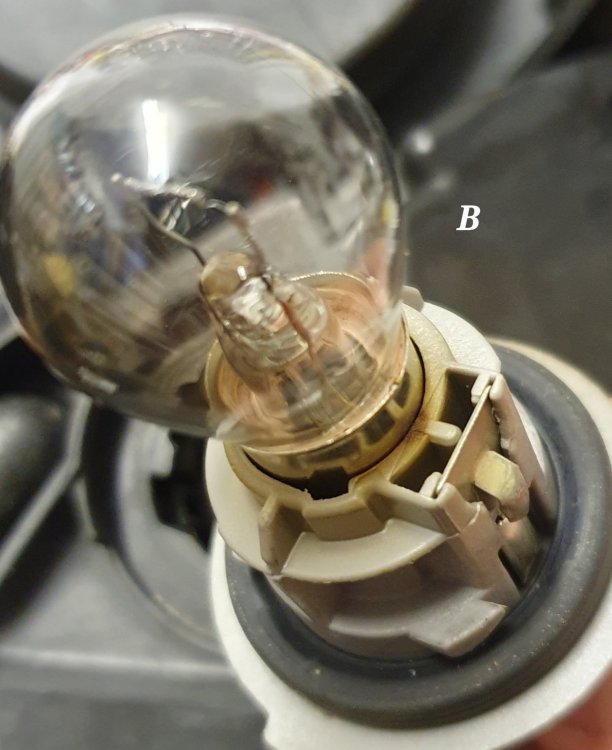
Fabia Mk 3 2018 SE 1.4 TDI, original owner from new Started to get warnings to check LH DRL bulb Found 21W incandescent bulb partially silvered but functional, and bulb holder starting to yellow with some melting (Picture A). Cleaned bulb holder contacts and trimmed back melted material Didnt fix the issue; Tried to see the contacts in headlight using endoscope, but not possible Bought 2nd hand headlight assembly (6V2 941 015C) to minimise the time that car's off the road if I couldn't clean up the headlight contacts Found that 21W bulb in replacement unit had also started to silver, and the bulb holder also had yellowing from heat (Picture B). Looks like the bulb holder - and possibly the headlight body too - was just not up to the heat of a 21W bulb being on all the time. Probably ok for intermittent brake light or indicator, but the heat from 21W continuous DRL looks like it caused a very expensive problem. I'm guessing that the car will object to LED replacement bulbs, cos it won't see the same current draw as an incandescent bulb? Alan
-
Thanks both Problem occurred while we were away from home. New actuator had adjustable length arm, so sounds like that's why indy was having a nightmare To be fair, indy has offered to refund their labour, just charge for the (genuine) part Car now booked into Skoda main dealer in Newport, fingers crossed..... If Skoda Newport will say exactly what they had to do, will post here
-
Hi all, Have 2017 / 67 plate 1.4 90 HP (CUSB?) Fabia Mk 3. Problem was initially glow plug warning light, then stop / start warning light, then Amber engine management light and limp mode. Took to local indy VAG specialist who diagnosed problem with wastegate actuator (sorry don't know codes), which they replaced. My first drive, glow plug light's back, with stop start warning Indy says the codes still point to wastegate, but they're baffled it's not fixed by the new actuator Any ideas guys please?