Rhids
Finding my way
-
Joined
-
Last visited
-
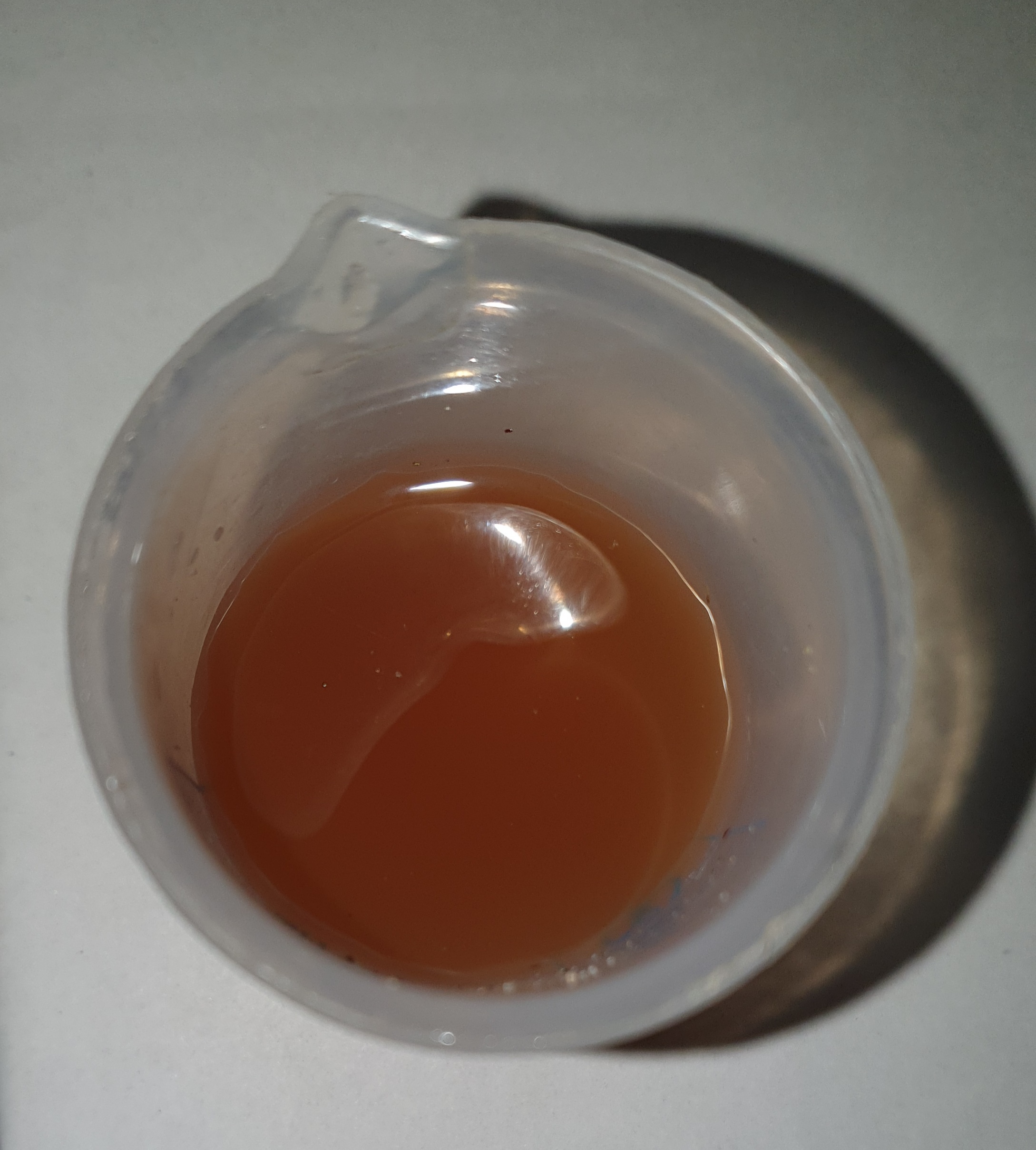
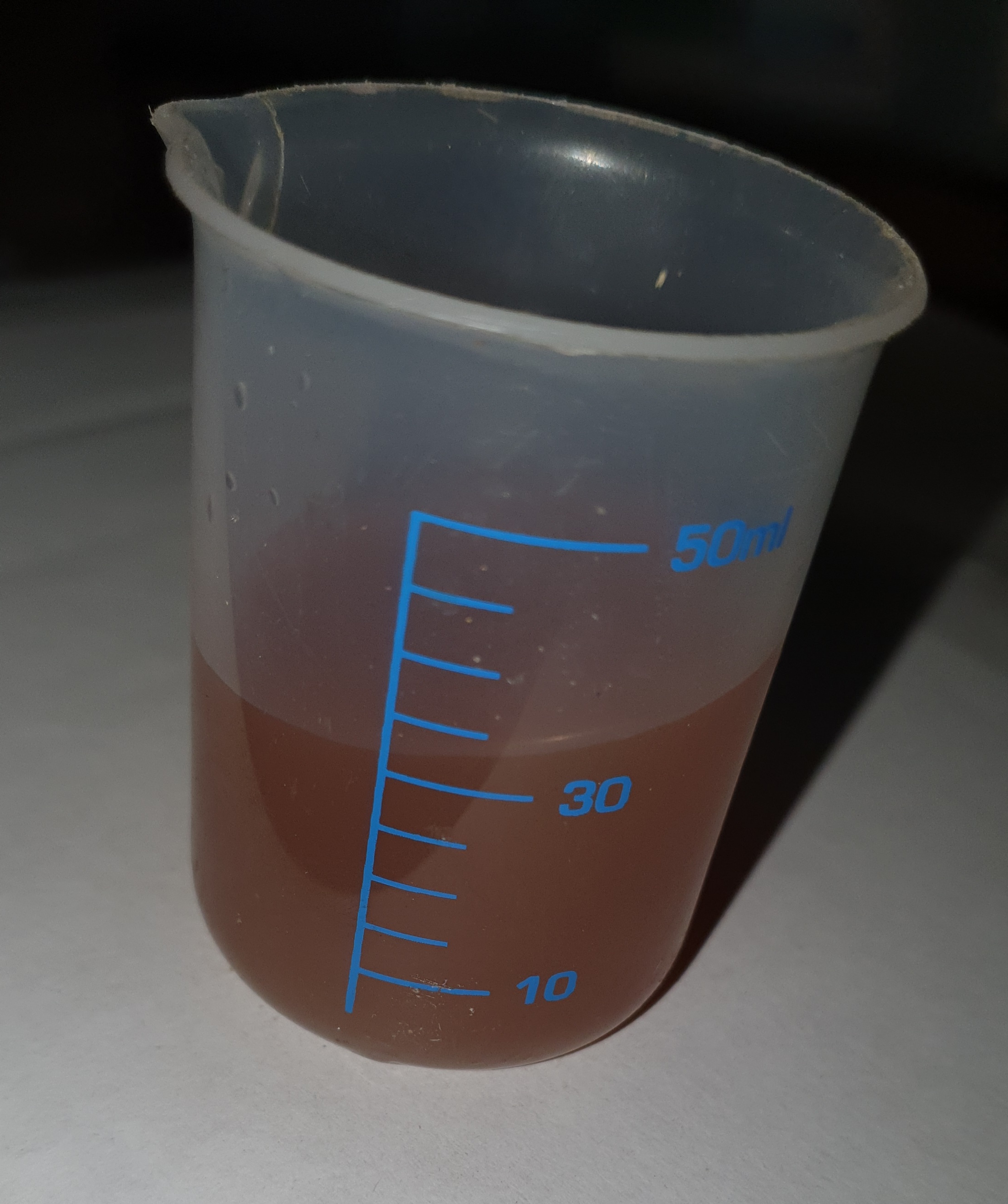
Well after driving home (10 miles) and instructed to check coolant level this am its pretty damn cloudy. Not really what I expected for £1345! Should this be so?
-
She's back! "Debris in coolant", unable to explain or clarify further. Denied presence of silica bag in tank. New matrix, flushed, new expansion tank -£1345. Got a free bottle of coolant though! When I enquired as to why its a bottle of G12evo (vw) and not G13 nice lady told me its all the same. New expansion tank no longer has mit silica on it nor specifies coolant type! Cant wait for the £600 Cam belt change in 3 months.
-
She's at the stealers. New matrix and to be flushed 7 times. That's gonna cost me. Dealer said coolant looks contaminated and tank doesn't have silica bag in it, despite stating mit silica on outside. Could he mean tank is double skinned with silica in between?
-
Would the water pump be replaced by a newer more robust trouble free version?🤞
-
Hi, did you change the expansion bottle and did you replace or remove silicon bag?
-
(newbie 2016 1.6 tdi 110bhp otavia scout, 50,000miles. Dealer serviced from new). OK, so around one-two months ago low coolant light came on. Didn't think too much of it, topped it up (quite more than I anticipated approx 800mls). At no point has car overheated, temp gone up. Wife borrowed car recently and complained that heater not working. Again didn't think much of it.😜 Oil service this week and wife agreed to sales rep selling air con recharge(!). I drive the car today and turns out she is right! Passenger side not too bad (but not great), driver side cold. After a lot of reading suspect silica bag broken and matrix blocked. Questions: 1. Where has the lost coolant gone? 2. Replace matrix and coolant only 3. Replace matrix, coolant, expansion fill bottle. 4. Replace anything else? 5. Dealer or DIY (fairly competentent) 6. Dealer recharged air con on faulty heating system! Thanks for advice.