Interests
Survival bushcraft etc Done some work with rescue animals abroad, Dogs horses cats Rhino Buffallo Giraffe
Bitten twice by a Violin spider etc
Dont like human's although I will do anything for anyone.
Keep finger on what's going on with the New World Order and think we should stand up to the ones trying to control us.
And I like gardening, Tropical plants and stuff like that.
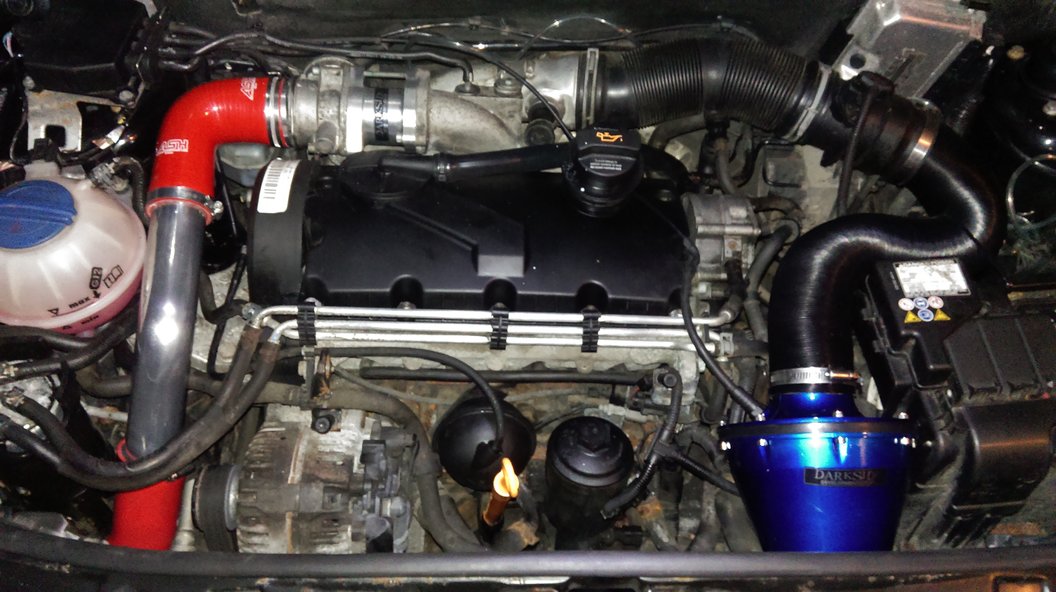
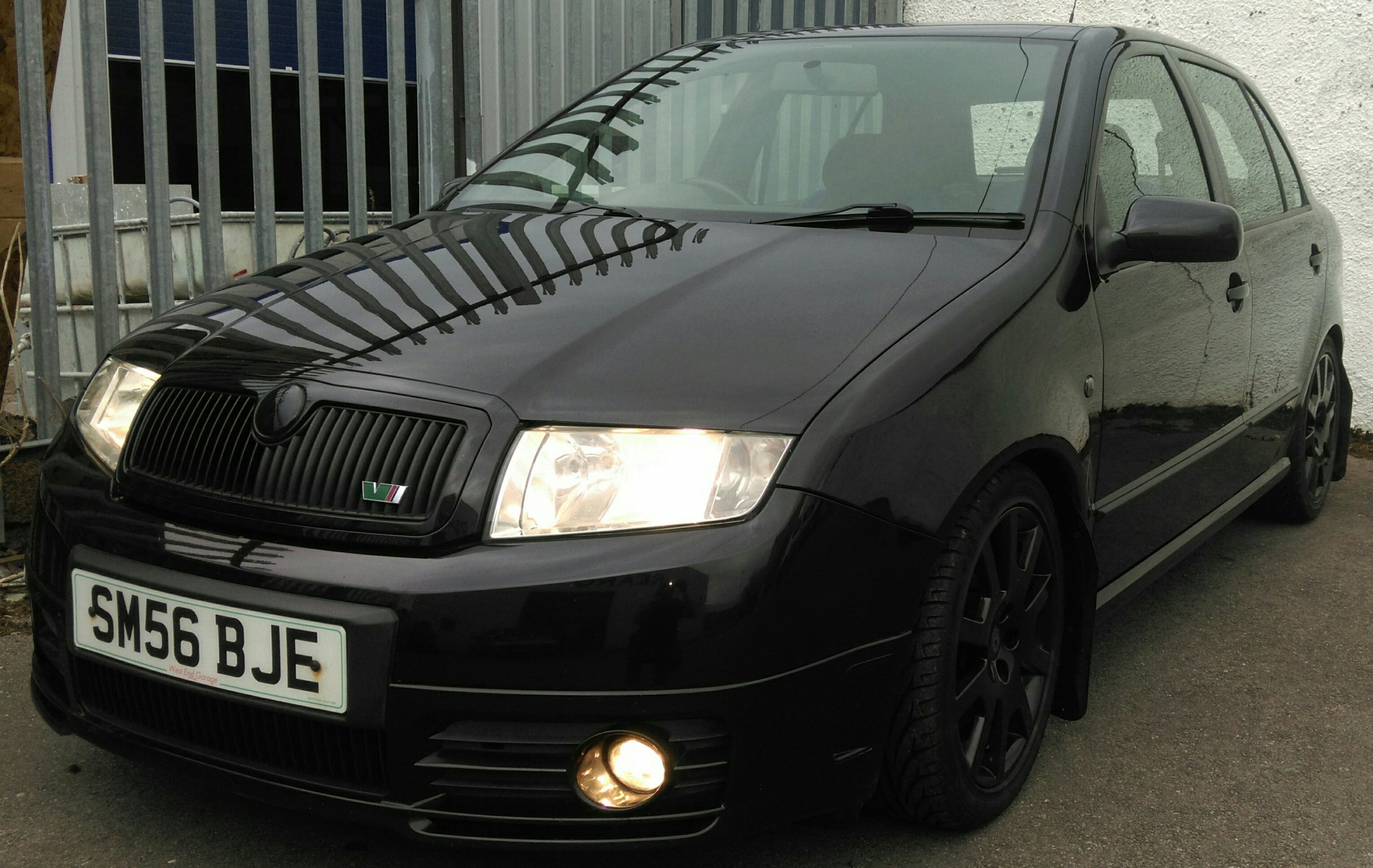
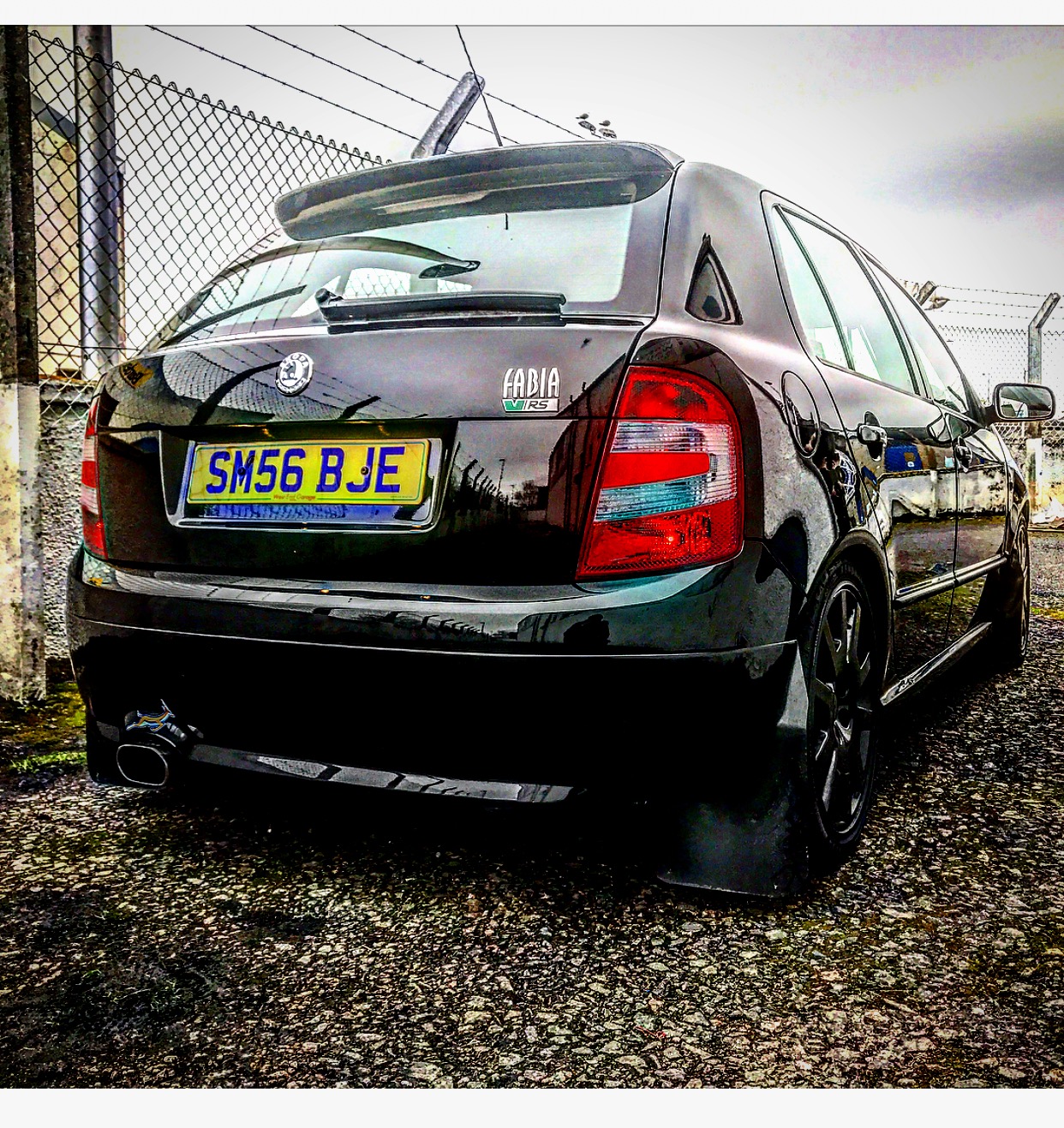
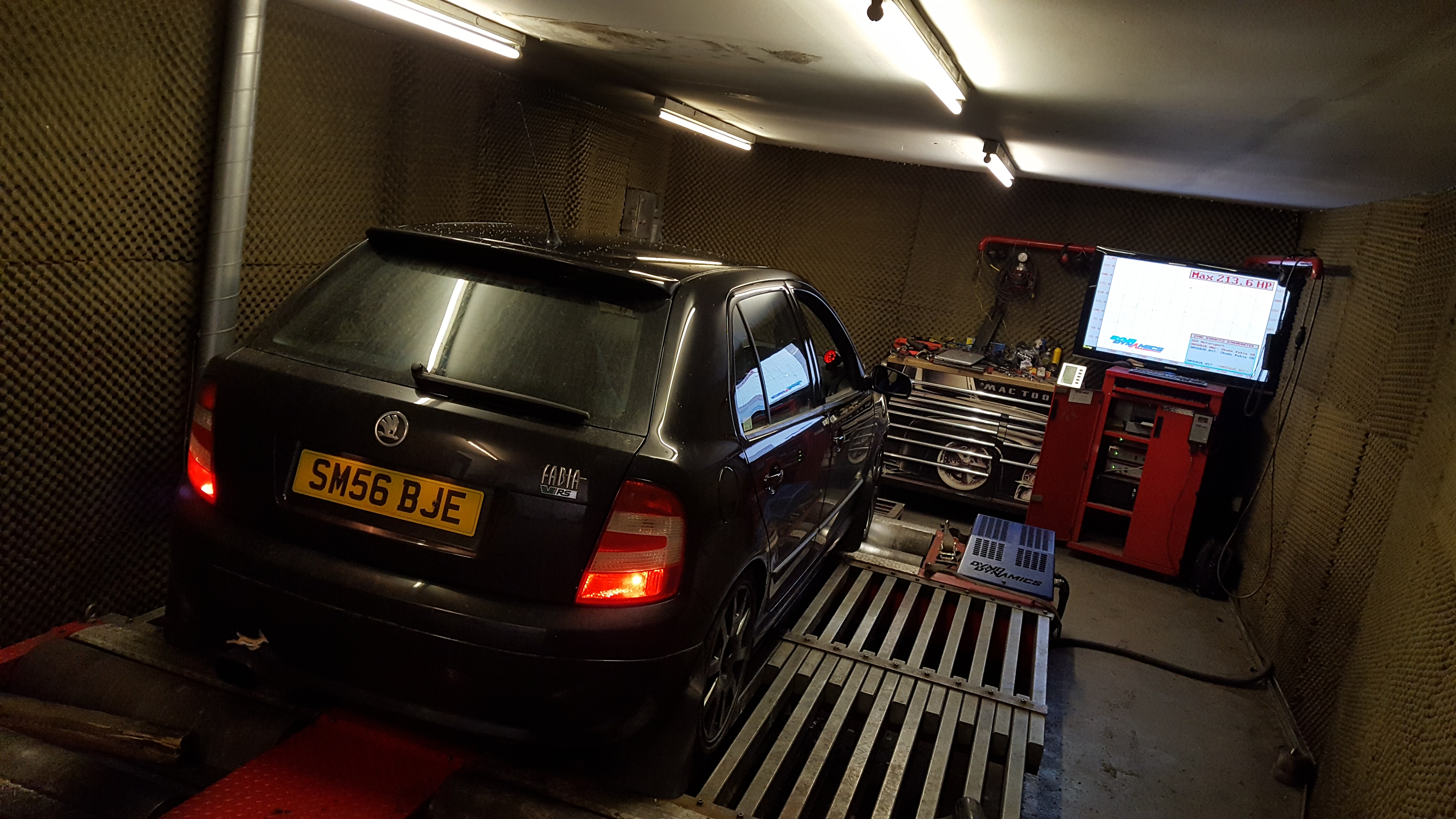
I Love my car and have a 1749 hybrid EGR delete and big intercooler ready to fit. it's all on my living room floor! had op on my leg so I cant kneel down. Its killing me not being able to fit it!
Oh an I like natural medicine.
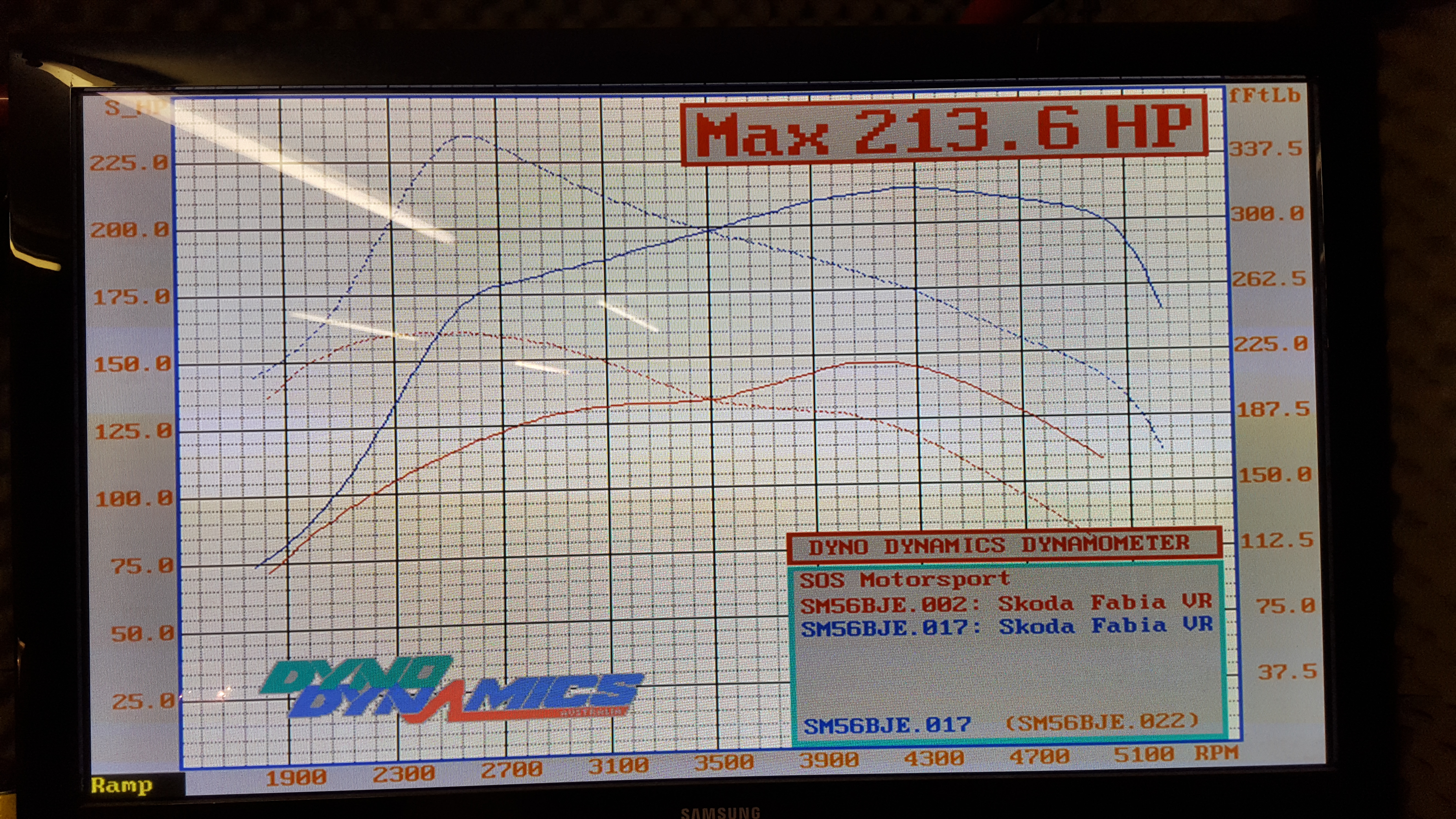
Edit... All done 213.6 bhp and 350 ftlb :)