Coultas
New here
-
Joined
-
Last visited
-
Thanks everyone for your helpful suggestions! Really appreciated. I'll keep an eye on thee needle sweep- not sure it always does this. Tyres were changed a while back, but they were like-for-like replacements. Versus Waze, the speedo normally reads 3 mph high as observed, but now reads 2 mph low, so the "true speed" indication is definitely the closest to reality. It's going in for an MoT on Thursday- I'll see if it can be recalibrated. Cheers!
-
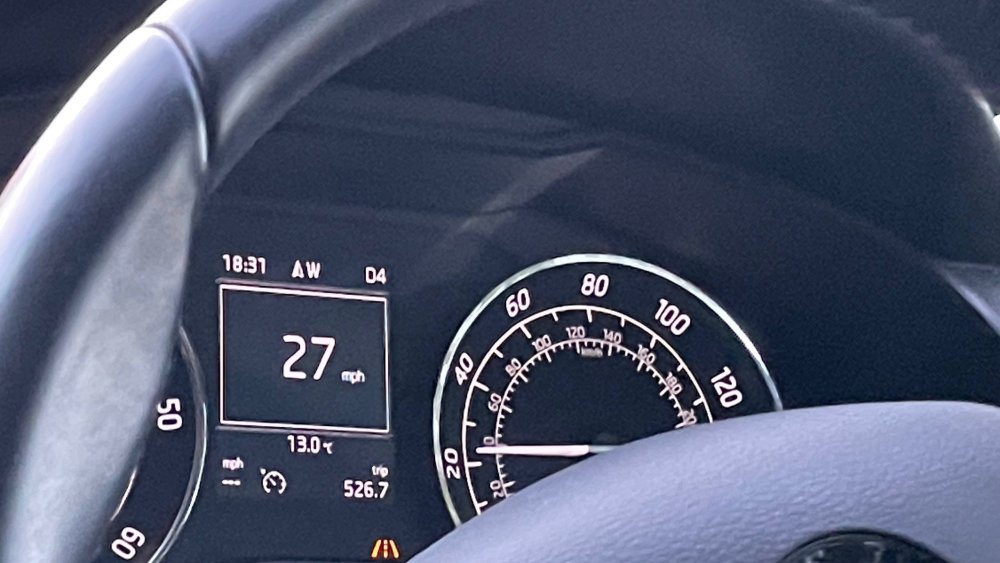
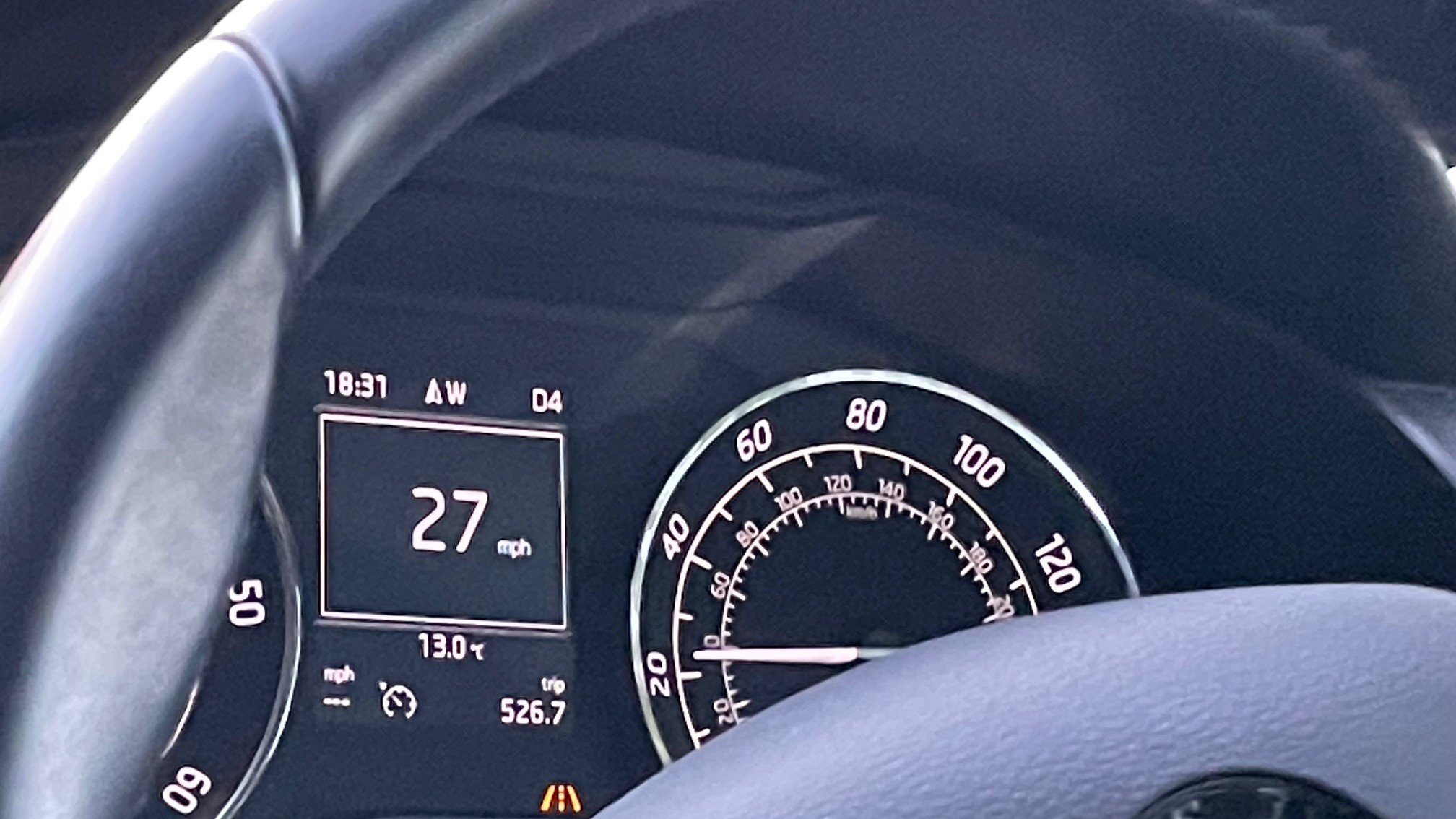
Hi all, I'm a long time member of Briskoda but I've not been moved to post... until now! My speedo has recently decided to read 5 mph lower than my "actual" speed, as determined by the cruise control. It seems the cruise control is giving the more "correct" speed because it agrees most closely with the flashy speed limit things found in most villages these days. The offset is consistent, whatever speed I'm doing. It's also an intermittent thing- sometimes pulling over and restarting will fix it, sometimes not. I got my son to take a picture of the dash- as you can see the "true" speed is 27mph, but the speedo is reading 22-ish mph. Any ideas? What could be causing this, and is there a fix?