Skip to content

Alfa6

New here
  • Joined

  • Last visited

Everything posted by Alfa6

  1. Ok so on Thursday my Sportline will go in for its first service. I have a BMS pedal tuner fitted. My question is A Leave pedal tuner in place B Leave pedal tuner in place but put tune back to stock C Remove pedal tuner from car before service. Anybody had similar ?
  2. Newbie69 good response thanks. I think you laid it out well and got me thinking about the JB4 option. I tend to move my cars on every 3 to 5 years and the thought that I can remove the JB4 and recoup some money or even reinstall into another compatable VAG car. So i think this is the option I will take. Now to cable or to blue tooth?
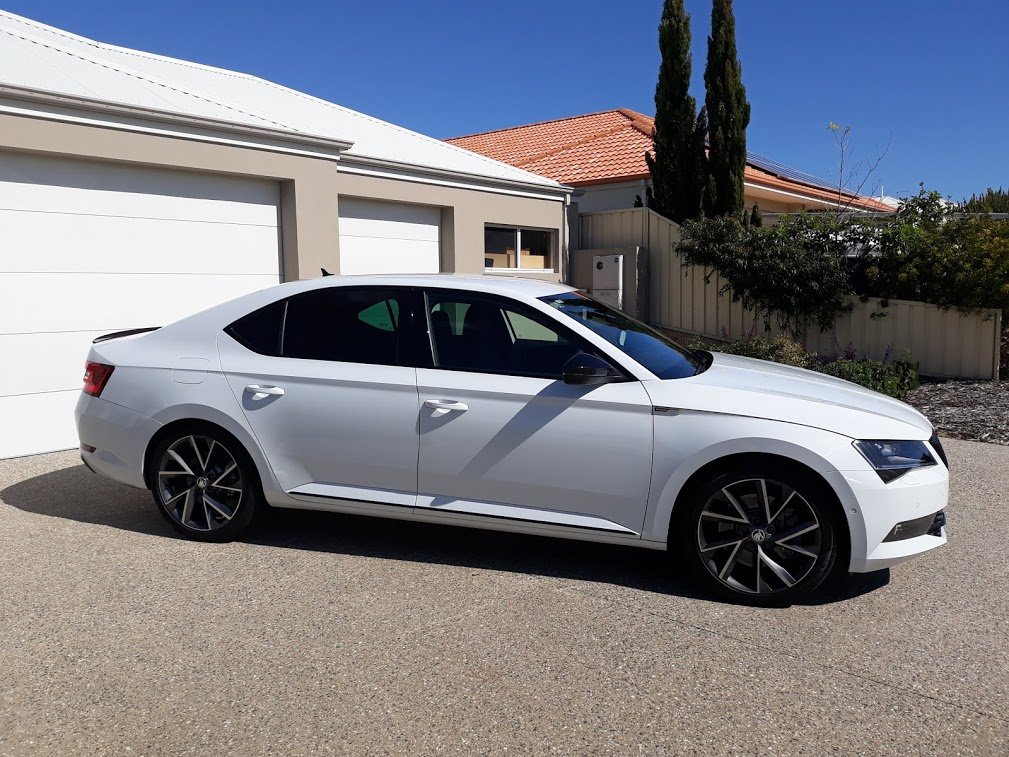
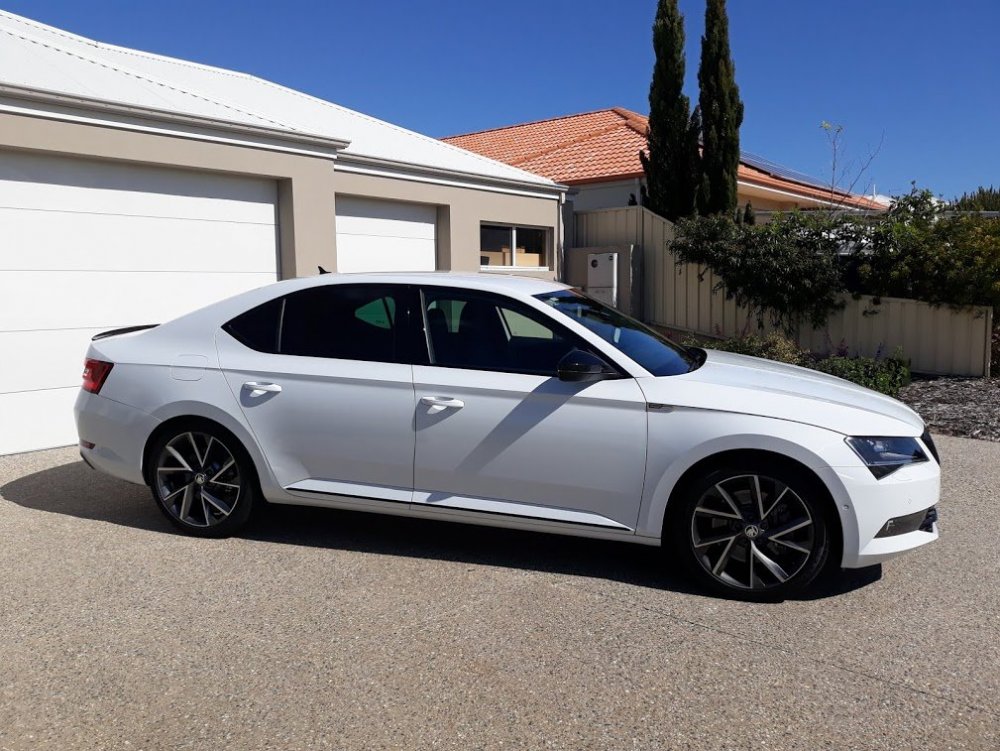
  3. Hi all, Im after some advice opinions. I have had my Sportline 280 for 12 months and love it coming from an RS Octavia. I installed a BMS pedal tuner straight away upon purchase of the car, this made a huge difference. Im now looking to put some type of tune on the car and am weighing up the JB4 over APR stage 1 low torque. Im not interested in track days or drag strips, but just want a bit more for the Q car feel. I have priced up the two here in Australia ( Perth) and JB4 with blue tooth adaptor and freight from US is about $1000. APR tune is $1300, so not a lot in it when you factor in the JB4 self install. From a warranty issue im on the car, not to concerned as both are tried and proven products with safety parameters built in. Would like to drive a car that has either but thats not an option so I thought i would post here. My car and my Wifes Kodiaq Sport line below.
Important Information

Welcome to BRISKODA. Please note the following important links Terms of Use. We have a comprehensive Privacy Policy. We have placed cookies on your device to help make this website better. You can adjust your cookie settings, otherwise we'll assume you're okay to continue.

Account

Navigation

Configure browser push notifications

Chrome (Android)
  1. Tap the lock icon next to the address bar.
  2. Tap Permissions → Notifications.
  3. Adjust your preference.
Chrome (Desktop)
  1. Click the padlock icon in the address bar.
  2. Select Site settings.
  3. Find Notifications and adjust your preference.