remix
Finding my way
-
Joined
-
Last visited
-
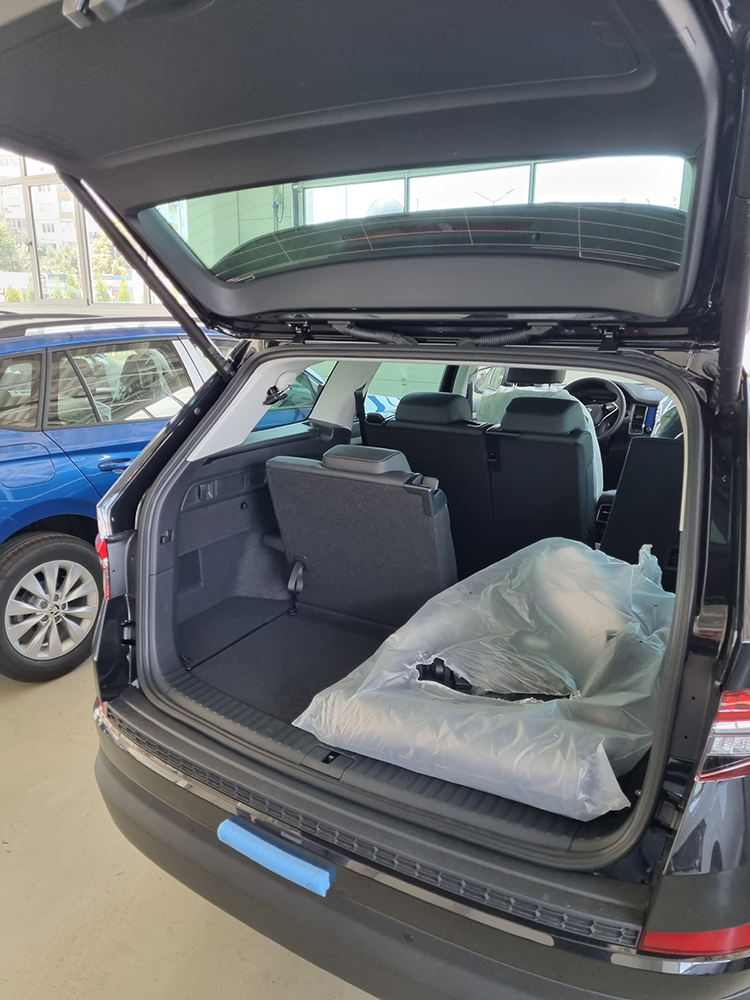
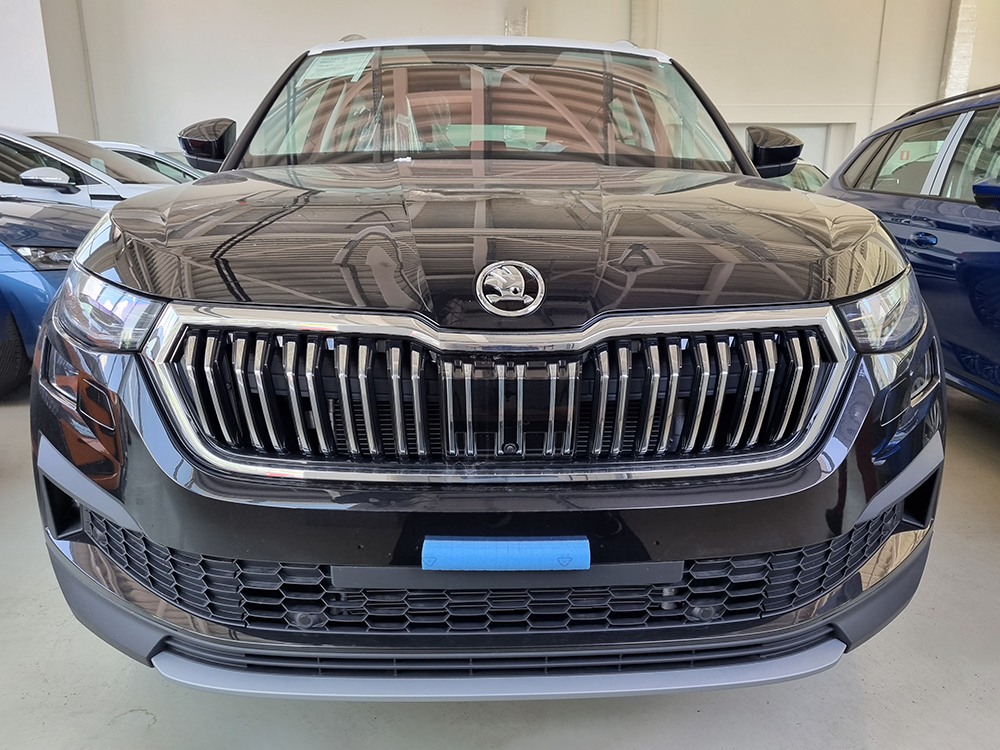
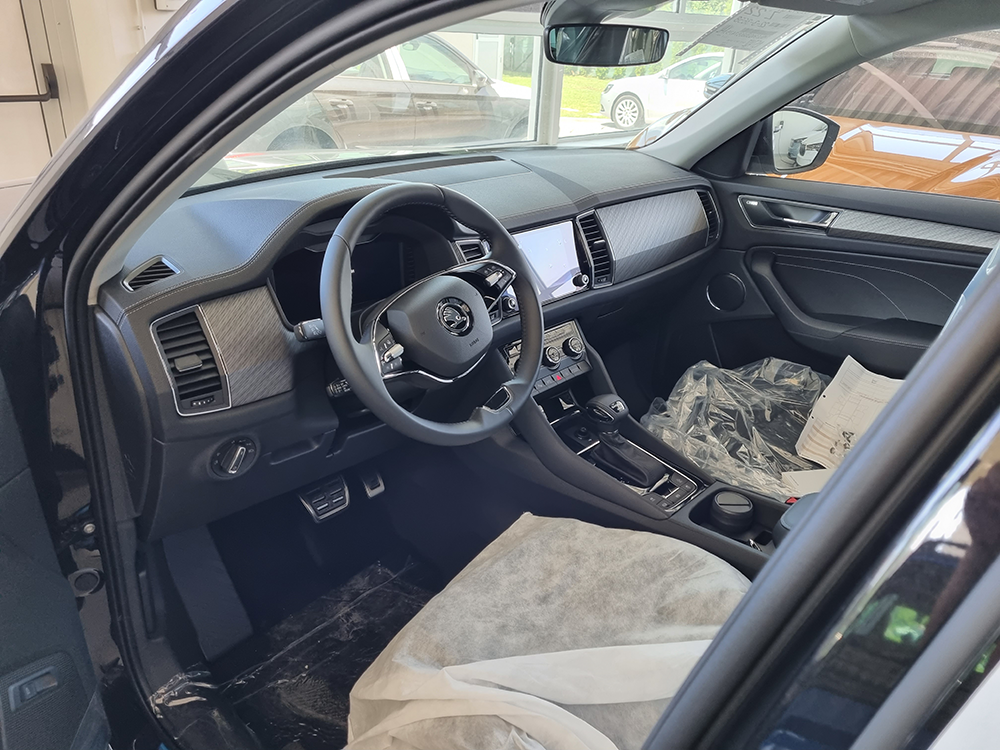
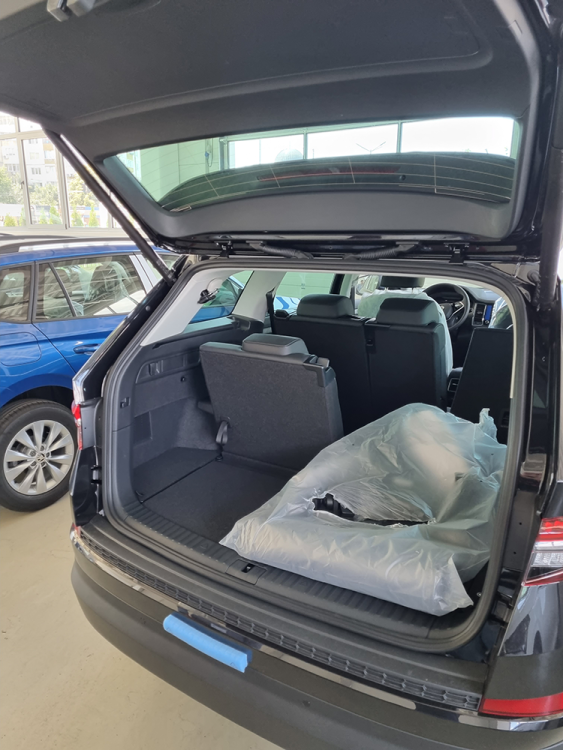
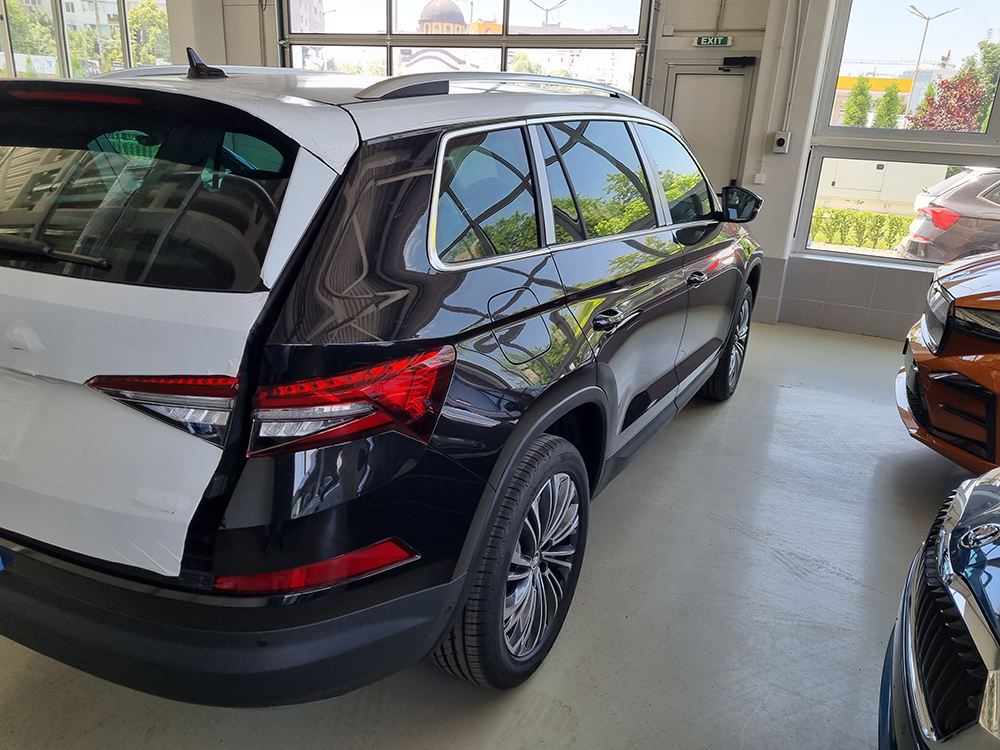
It's here guys. Exactly 1 year from order to delivery
-
It is built. Just spoke with the dealer
-
Long time reader here. I did not have any useful information to share and decided to remain silent ... till now Ordered 1 july 2021 in Bulgaria - 2.0 tsi Vision (Style ++) , Black magic, Canton, Digital dash, Acoustic windows, electric towbar , dcc, blind spot, lane and side assist , Area view , Matrix , 7 seats , electric child lock, ventilated seats, winter pack , crater 19" rims and more Expected delivery - 6 months Mid November the dealer called and said that my order is glowing red because of the rims. Canton , blind spot and the 360 cams are ok, just the rims. I've changed the rims to CURSA 19" anthracite In the beginning of the 2022 there was no info about build week. I have to sign new delivery contract for another 6 months - price guarantee (inflation protection clause) and 1% discount of the end price because of the delay. Since then i have had couple of build weeks. 3 weeks ago i got the first confirmed build week - 25. No information about missing features. I hope everything will be as ordered P.S. the car was paid in full. No leases
-
After extracting the files, you will see a lot of folders . As shown on step 5 in the pdf. Copy ALL of those folders directly to your empty flash drive. You can not mess it up. It is either gonna work or not. Connect your usb stick to the infotainment , go to setting and tap on update. If the update starts your flash driver was correctly setup