jyeatman
Finding my way
-
Joined
-
Last visited
Everything posted by jyeatman
-
I had to set the 4th one down in the list to yes too, now they’re on
-
Thanks. I don't have maxidot
-
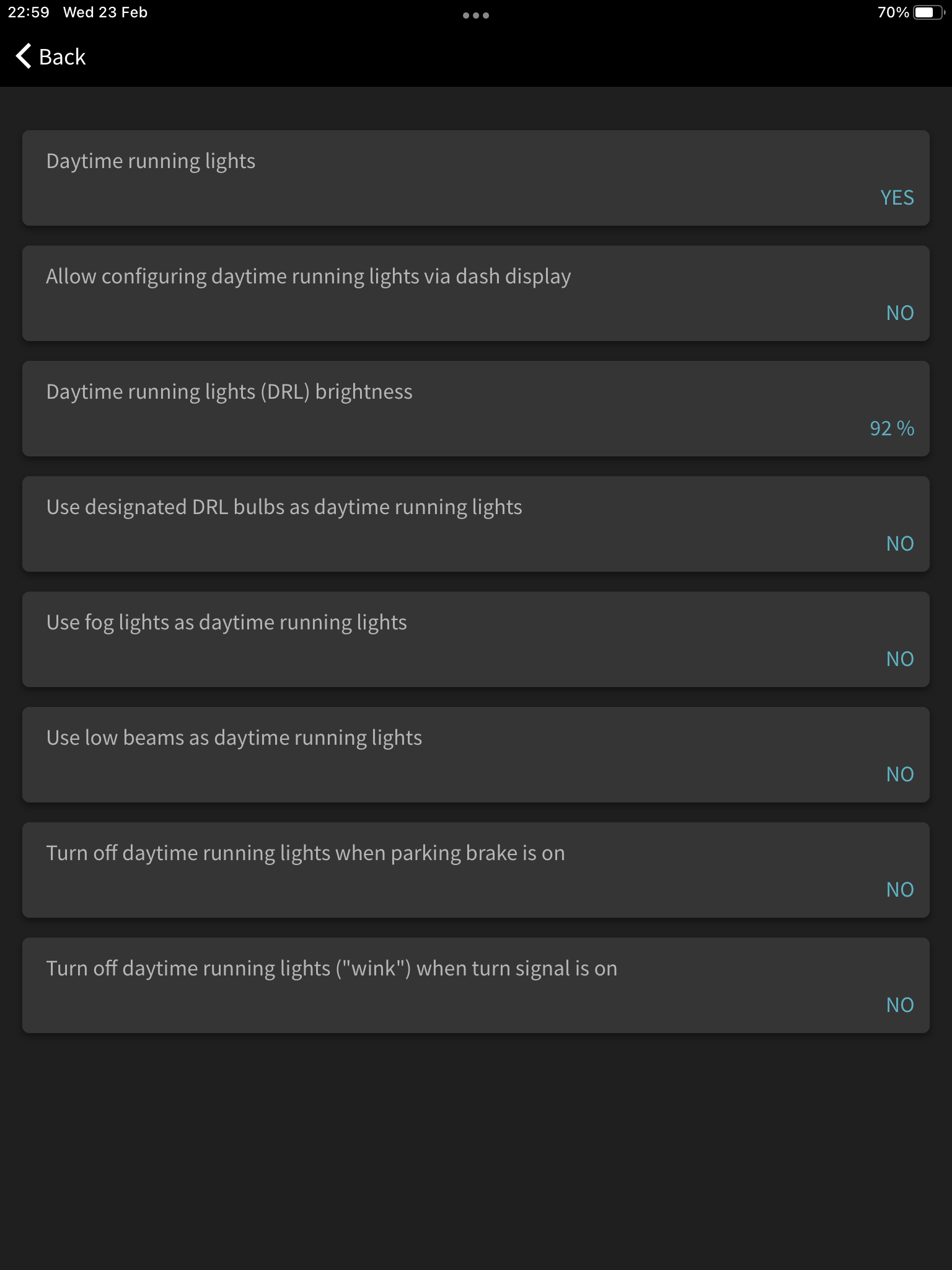
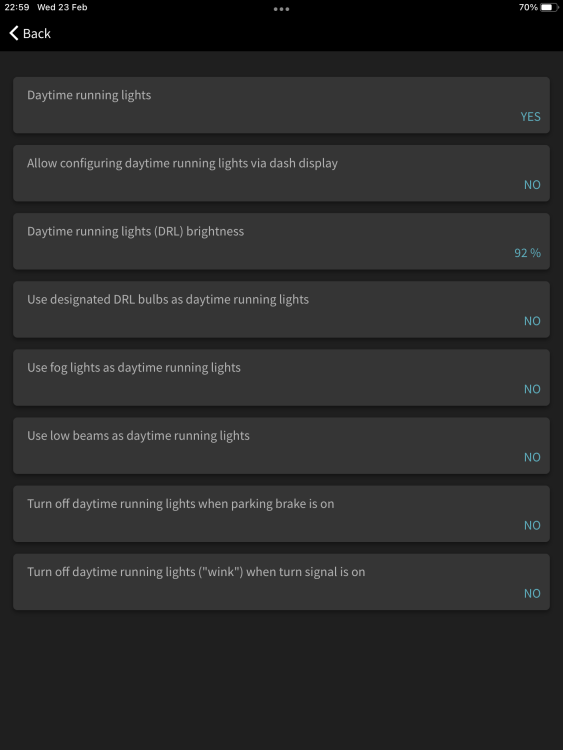
Thanks So my cheapo “CAR DR” is a ELM327 device and I’m able to connect with Carista. DRLs appear to be enabled.. any particular setting I need to choose? Screenshot attached
-
Should that be ELM 327? Not getting any matches for 237
-
Cheers So if you had the Octavia from new you wouldn’t have been able to use the DRLs without some kind of intervention?… seems weird. I do have a cheapo OBD2 wifi thing what I used with my previous Octavia, I’ll look into whether it’s comparable to a ELM unit
-
My FL Elegance is equipped with daylight driving lights but I can’t get them to come on using the instructions in the manual (what I’m reading is pull towards the steering wheel and up within 3 secs of turning on ignition using indicator stick). Searching on here there does appear to be other people struggling.. am I doing it wrong or will this be a VCDS thing?
-
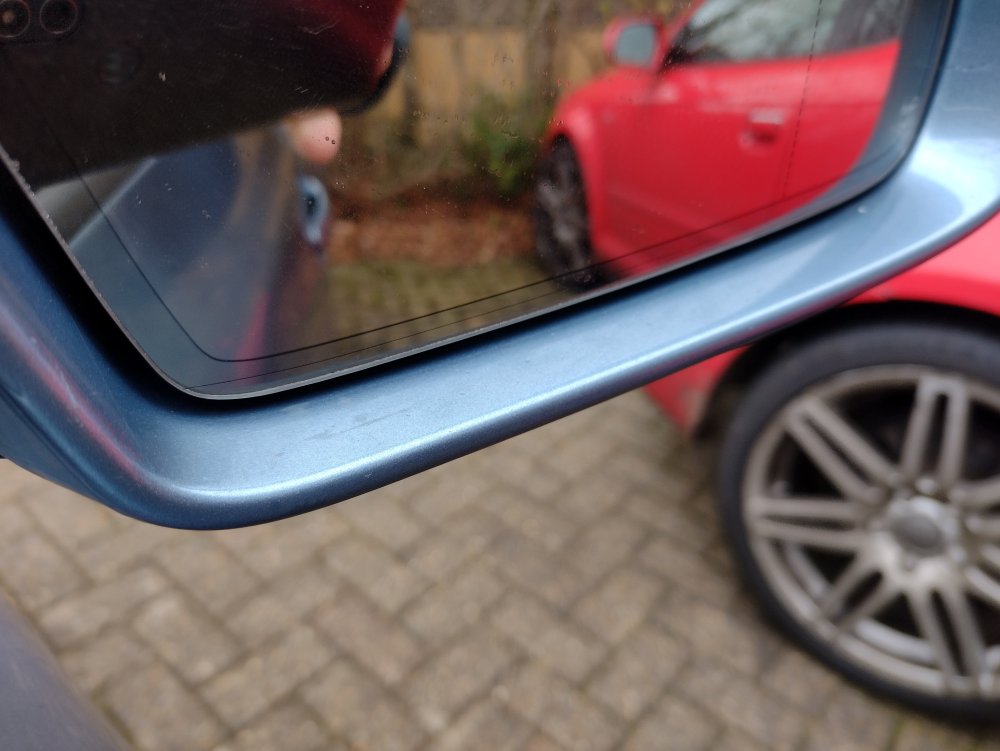
Border around dimming mirror
-
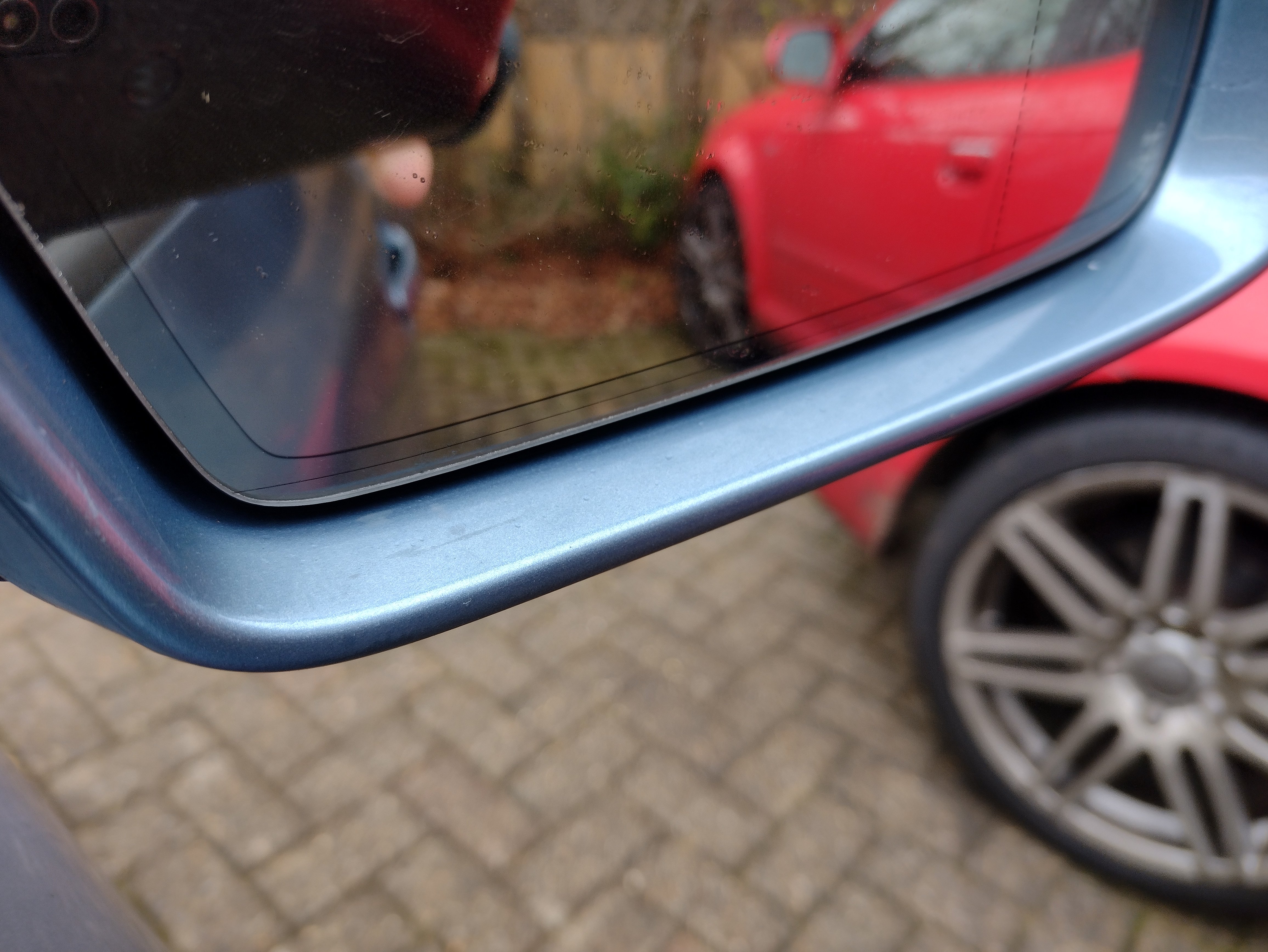
Found this in an old topic: Pre FL had autodimming (if std or ordered as an option) on both sides. FL only on drivers side (doesnt matter whether LHD or RHD). The older mirror glass has a black "piping" around the glass. The newer dont have that anymore. Mine is FL so this makes sense. Driver side is defo auto dimming, and has a faint black border on the glass.
-
Nepomuk what's under your passenger seat? Is it original bluetooth or retro fitted third party? I've added a 5K0 module to my Bolero and it supports Bluetooth audio I think the Bolero sounds great, mine's made by Blaupunkt Updating firmware (which I think only a main dealer can do) won't add bluetooth anyway.
-
I recently got a s/h 2010 Octavia Elegance, very happy so far. It has auto dimming rear view mirror, and the driver side mirror appears to also be auto dimming. However the passenger side isn't,, could this be because the glass has been replaced with a non-dimming replacement or is it not meant to be auto dimming on passenger side?
-
Got it working… The harness has a pair of 2 pin moles type connectors connected, and an unconnected connector to which I connected the mic. I swapped these around, now working. Hope this helps someone else. By the way it’s a big struggle to pack the extra cable and connectors behind the Bolero . Took me about an hour of trying different orientations before it all squeezed in.
-
I opted for a 5K0 Bluetooth module, and a genuine harness from VW Retrofits. It’s connected up, I can connect via my phone, play music, but mic isn’t working. For the mic I measure 8kohm at the harness so that would indicate to me connection is good… Anyone else had this problem? Suggestions?
-
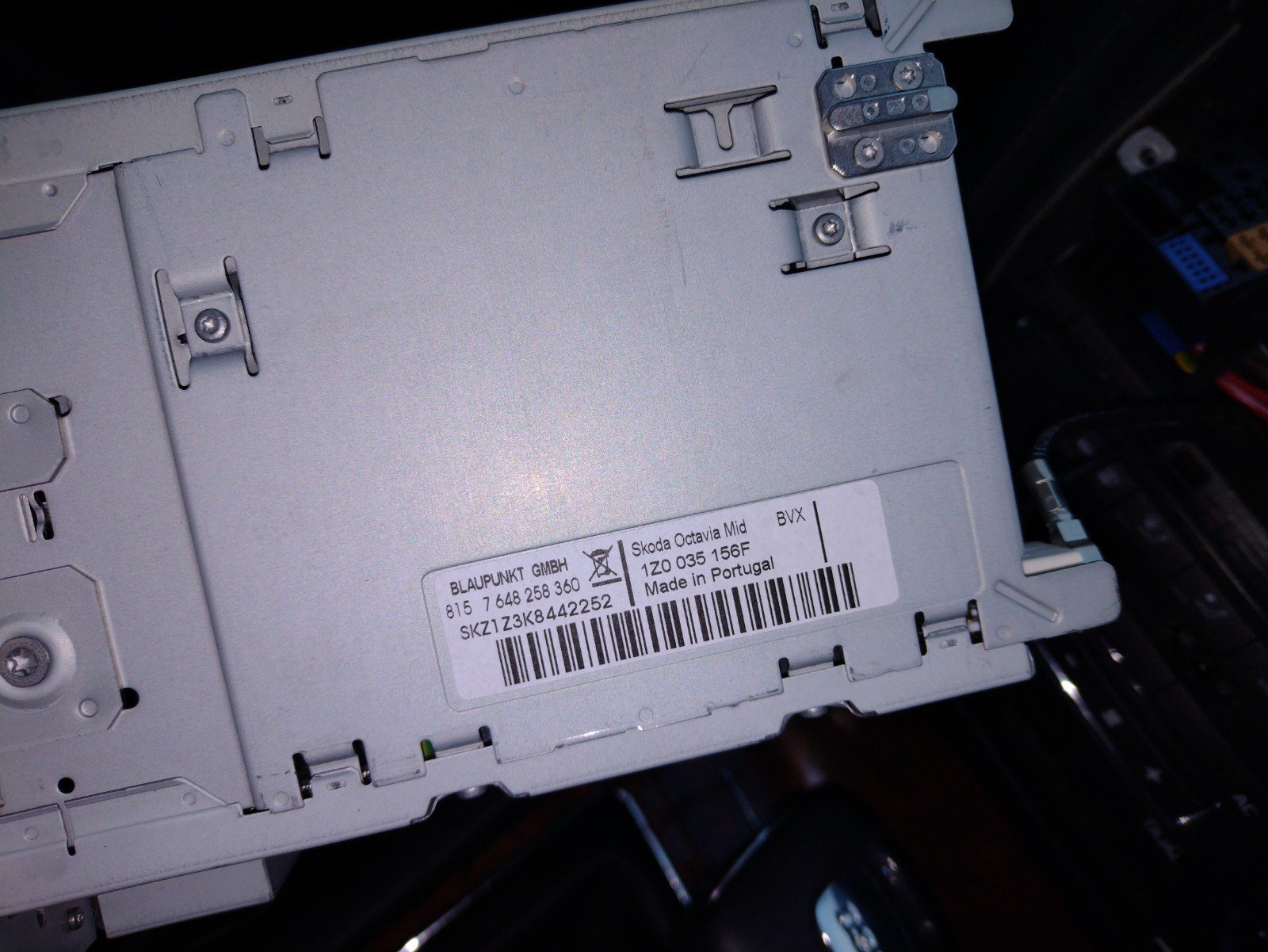
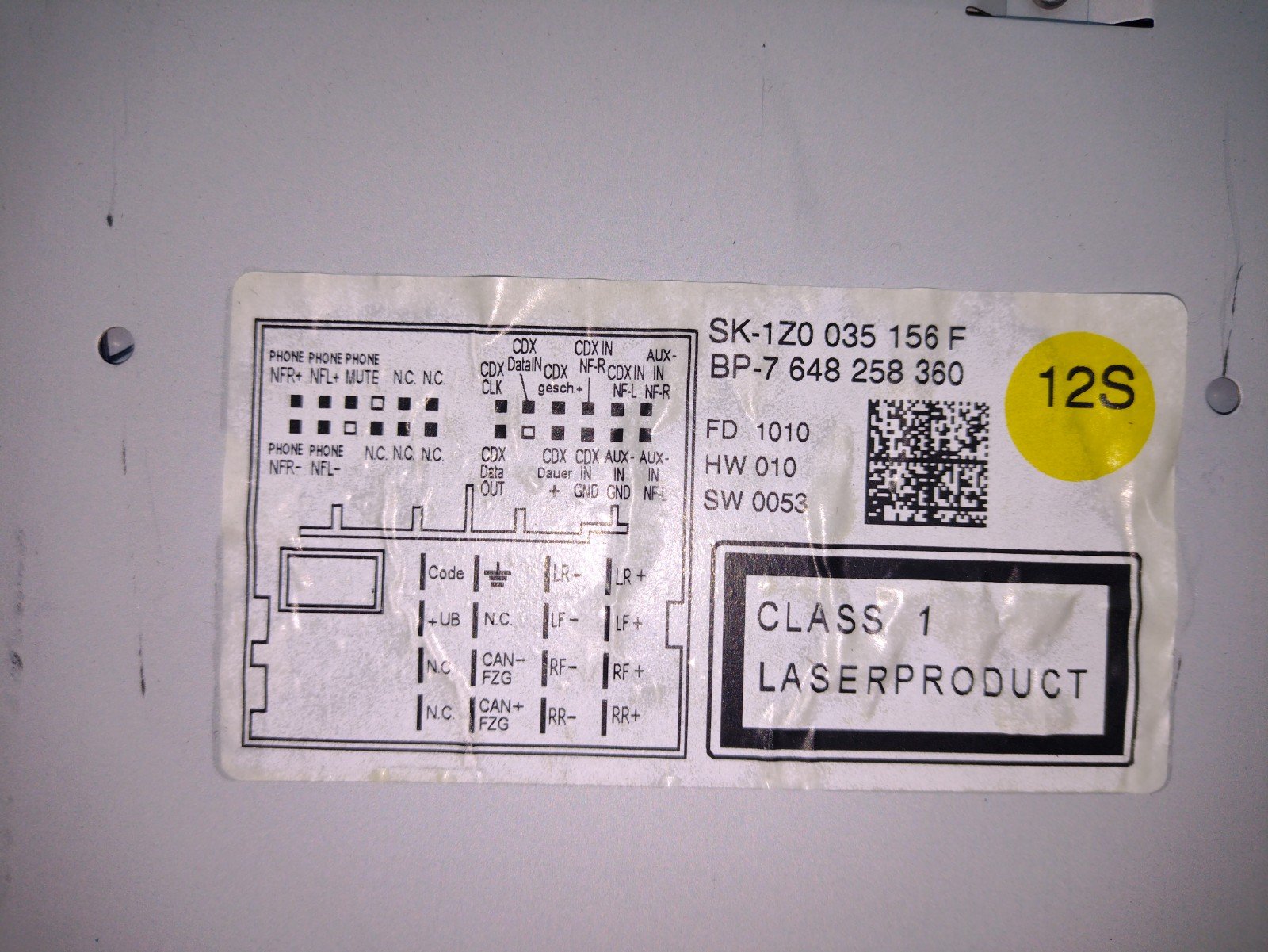
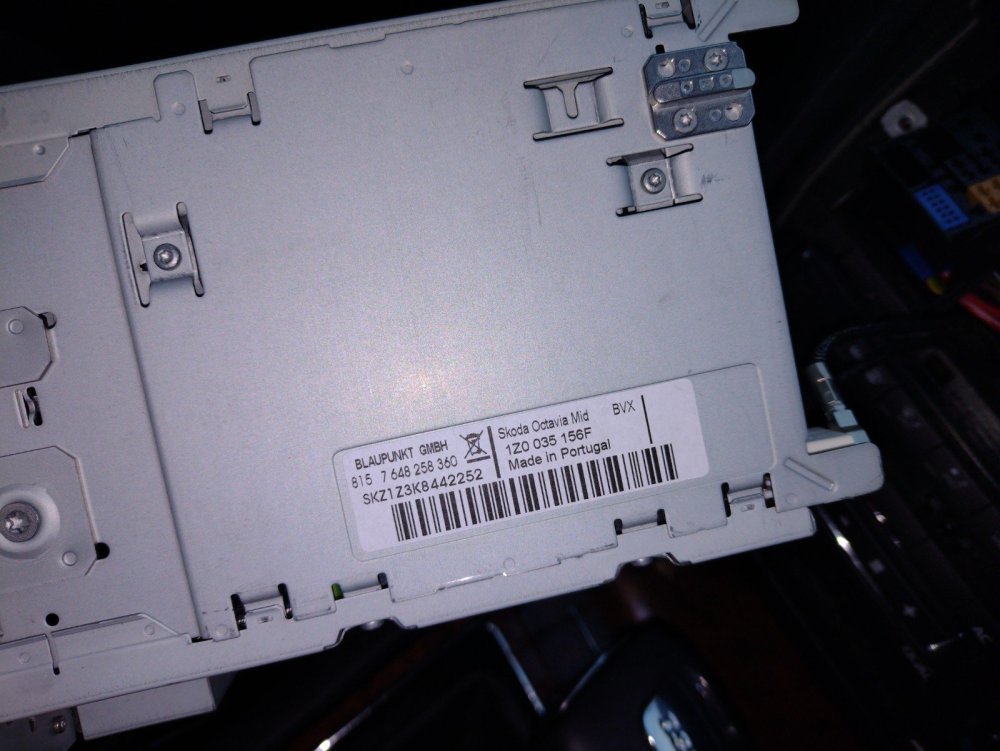
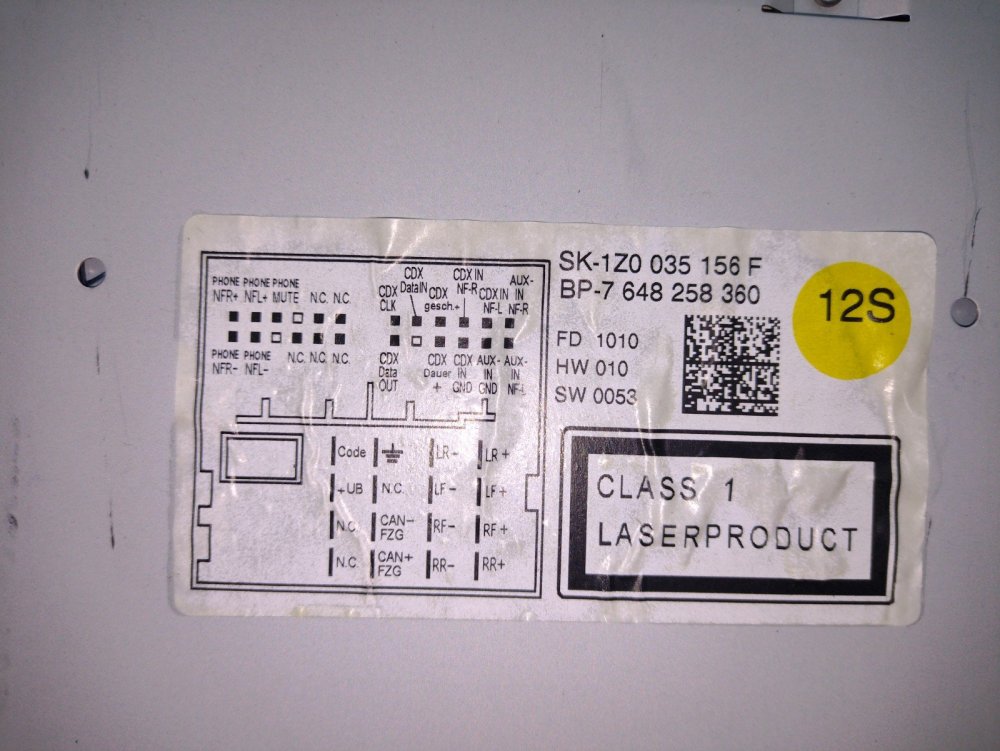
Hi I have an April registered 2010 Octavia Elegance. What MY would that make it? I want to add on Bluetooth to the Bolero HU and am exploring options. I’ve taken it out and it’s a Blaupunkt. Sticker pictures attached. What different versions are there and do they have different capabilities? Is there a model number like RNS3xx? I’m considering “9W7” modules.. incidentally why are they referred to as this as I can’t see that numbering on the ones I’ve looked at. My priority features are hands free phone calls and audio streaming. Control via the HU is not important to me as I can control via the phone itself. I don’t have maxidot or MFSW. I’m also looking at Bluemusic modules as they’re cheaper, smaller and are BT5 https://www.musikimauto.de/BlueMusic-Bluetooth-USB-AUX Thanks for any advice offered. Jerry
-
Is that a third party product?
-
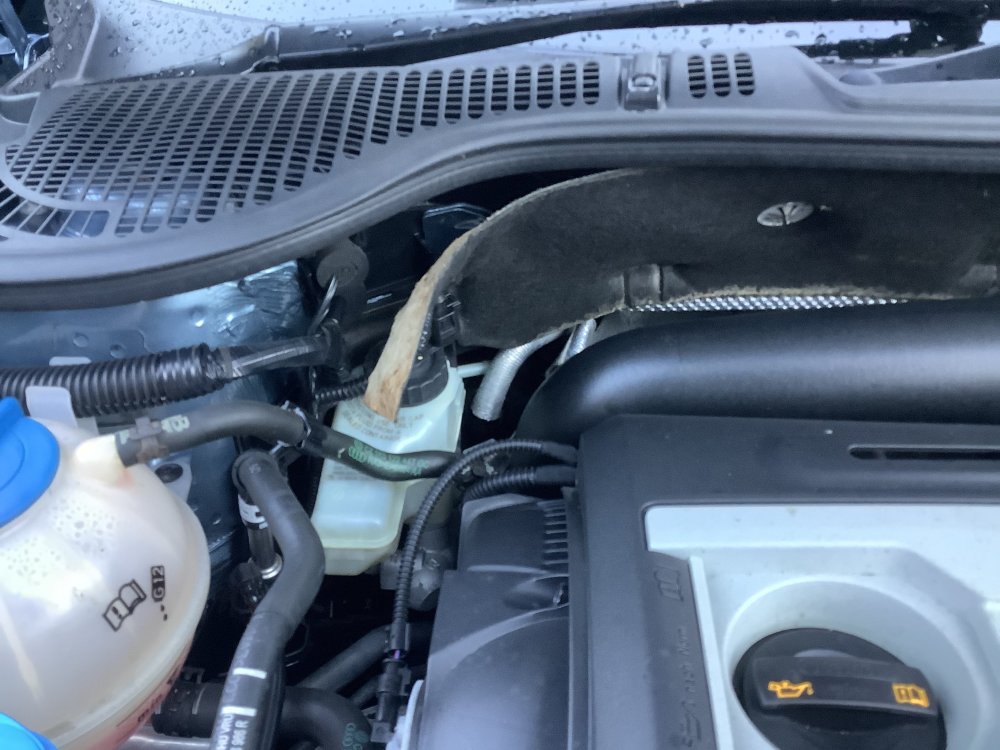
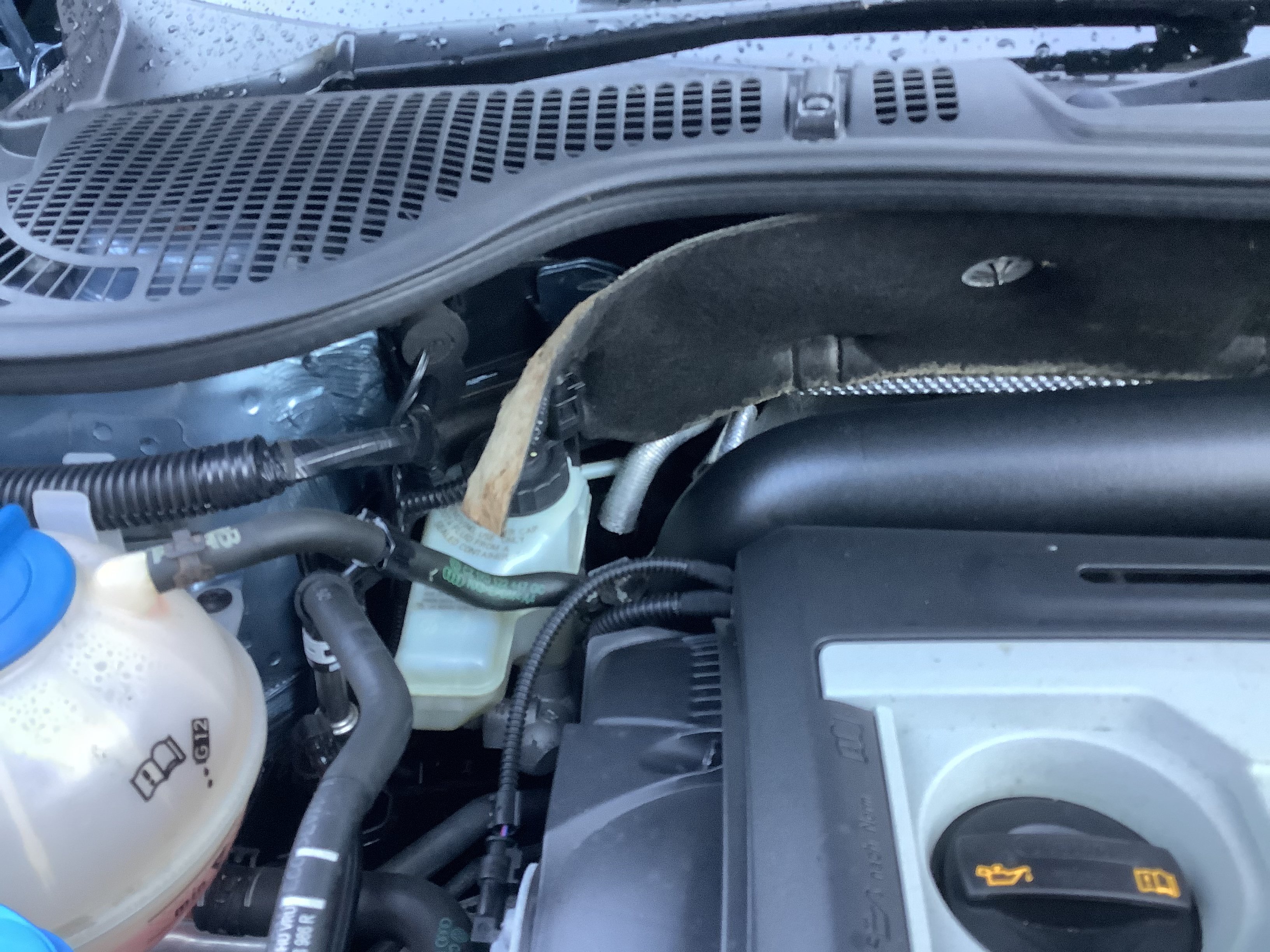
Hi all I’ve just bought a 2010 Elegance 1.8TSI DSG, very happy with it so far. I have noticed as per pic attached there’s some trim/sound deadening loose above the brake fluid reservoir. Could any owners send a pic of what it should look like so I can order any clips/parts missing? Many thanks, Jerry