whooshvrs
Finding my way
-
Joined
-
Last visited
-
To confirm - yes it is, though for the v13 maps the big one will go on a 16Gb formatted with a 4096 sector size, to get the v14 on you need to delete other languages
-
-
-
Cheers @pab567- much appreciated Is the process for putting the VW maps on the same as the process for Skoda ones - extract files, backup old files on map sd card to pc, delete old files on map sd card, copy new files to map sd card?
-
Hi @pab567 is there an update for this please? PS - do you know if the VW satnav map updates work on this (if I can find them) seems ages since Skoda portal was updated
-
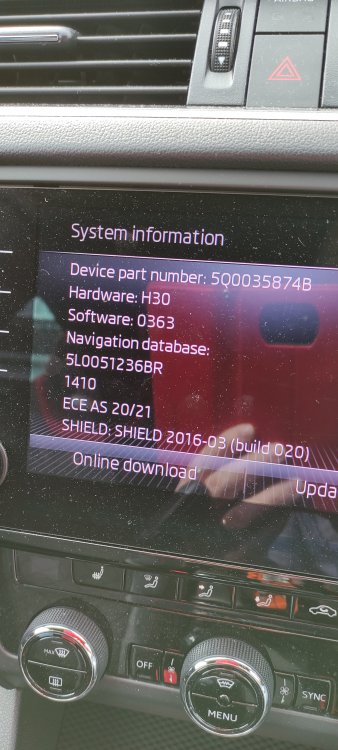
The latest maps are on the Skoda Update Portal The one that says for 32Gb card "just" fits on my Skoda 16Gb card, Files are about 14Gb but, there must be some sneaky stuff on it as it only shows about 600k Free So. I thought I would try a bog standard 32Gb card Copy files to card - won't work Clone existing 16Gb card to a bog standard 32Gb card - won't work Might try sector copy next - If I can be bothered Anyone managed to copy Skoda 16Gb map card to a bog standard 32Gb card and get it to work? PS - don't really need all of Europe on one card but, it's a bit of a challenge (currently not achieved)