



S555NOB
Finding my way
-
Joined
-
Last visited
Everything posted by S555NOB
-
I have this problem, i presume it is doing no harm to the car it is just an electrical fault. Have you changed the sensor and did it solve the problem. Did you do it yourself ir is a skoda dealer.garage job ?
-
For the record the new battery has solved the problem…..
-
Lets see a new battery has been fitted.
-
Good Skoda folks I have a 2016 Skoda superb L&K 2.0 TDI 4 door saloon. approx 100k miles Just recently I have had the occasional blip starting it, It turns over many times maybe up to 15 ish before spluttering into life shaking badly as if on one or less cylinders for a few seconds before settling down. It then lights most of the orange warning lights on the dash board up one by one. I have attached some pics for reference. If I then stop the engine and leave for a minute or so and re start they have cleared. some times it spins a few more times than normal and starts normally but missing some of the driver assists has any had this also and if so what did it take to cure it and if not any suggestions.
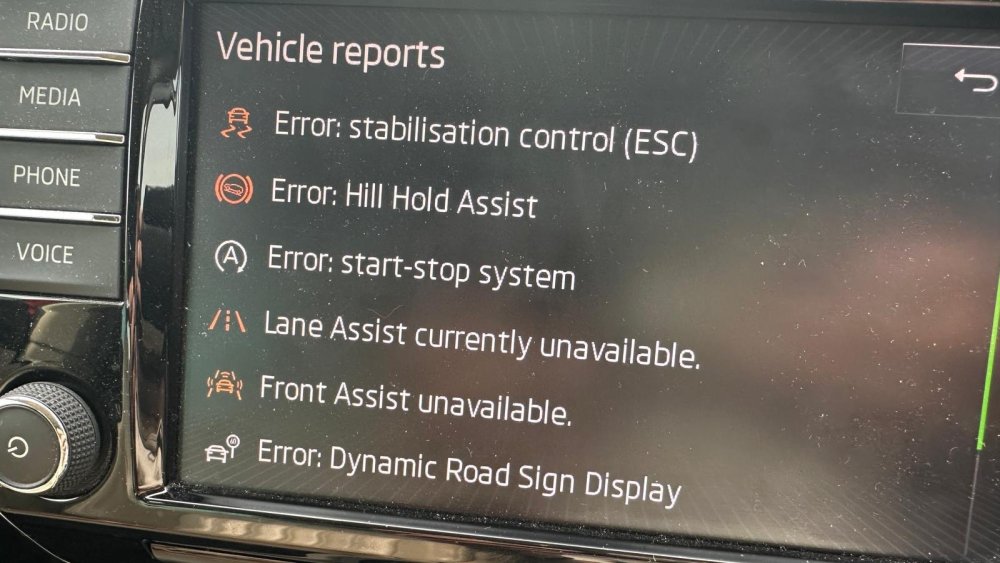
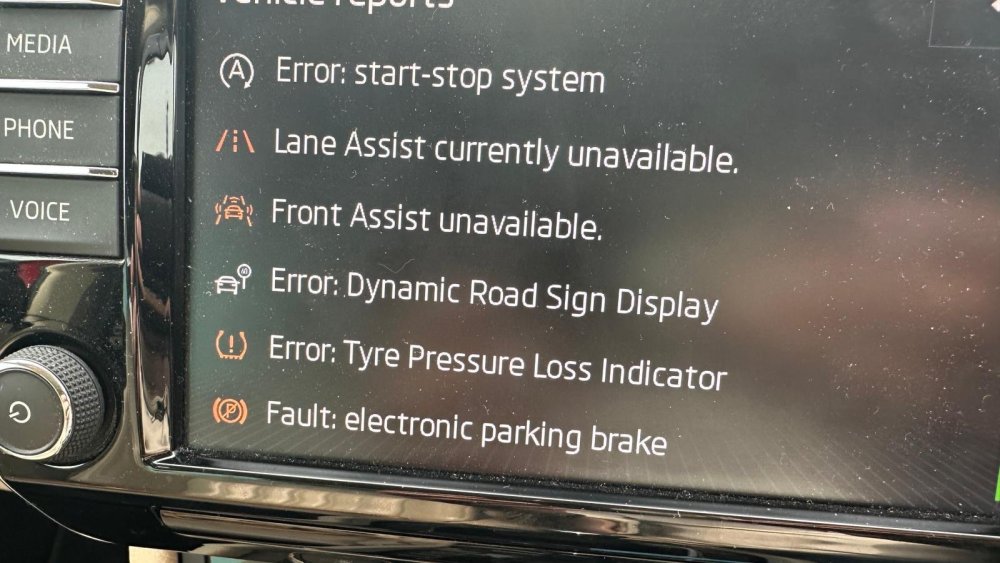
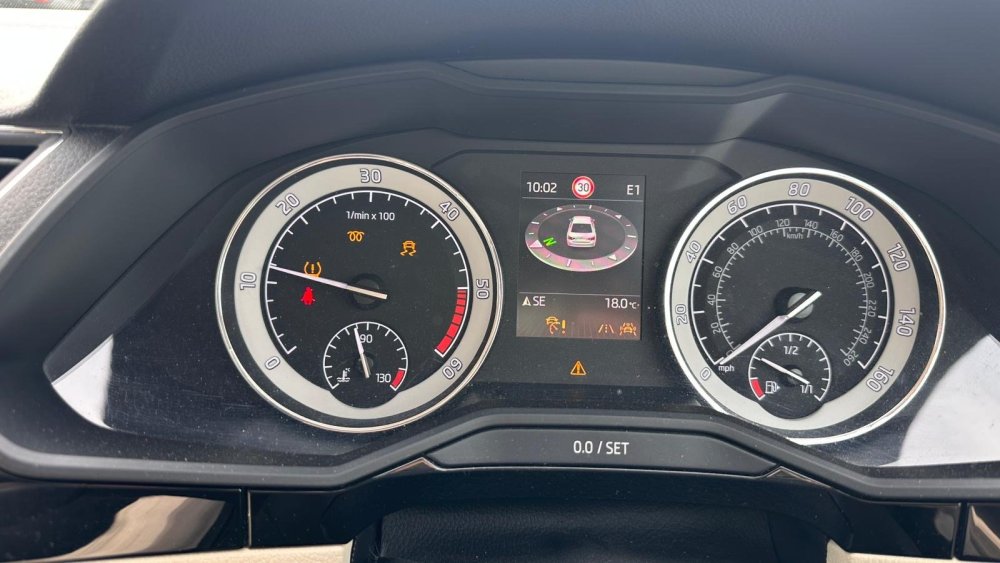
-
Too my knowledge it has not been changed in the 3.5 years I’ve had it
-
Apologies it’s been a long time since i posted anything. It is a 2 litre TDI recently oile and filter serviced. Just been for a 60 mile trip and 2 small blips.
-
Maybe people can help, occasionally driving along usually when the engine is warm, i get what can only be described as almost as is some one has just hit the breaks for a millisecond, yesterday it did it while accelerating and was quite a bang, does not feel like a misfire as the whole car bangs, usually its not as violent as yesterday and just feels sort of gentle, sorry about the description but its hard to explain. I can tell you I’m coming to 100000k miles no lights come on or flash, and it only does it once.




