cvokeuk
Finding my way
-
Joined
-
Last visited
-
Thanks for your suggestion and reply. I will get the car read to see if it has any fault codes.
-
Hi all, Looking for a bit of advice in relation to my 2010 Octavia petrol vrs. I have noticed that when the engine is hot and I am sat in heavy traffic, the revs seem very unstable and constantly bounce between 1000 and 2000 rpm. This sometimes seems worse when I dip the clutch. Would anyone have any suggestions on what could be causing this and any possible solutions? Thanks in advance, Craig.
-
Thanks for the response, tried to be careful but it wasn’t that easy. It can always be fixed so no issue. Yes it does have an adhesive pad on it. I am guessing it’s best removed with a hairdryer?
-
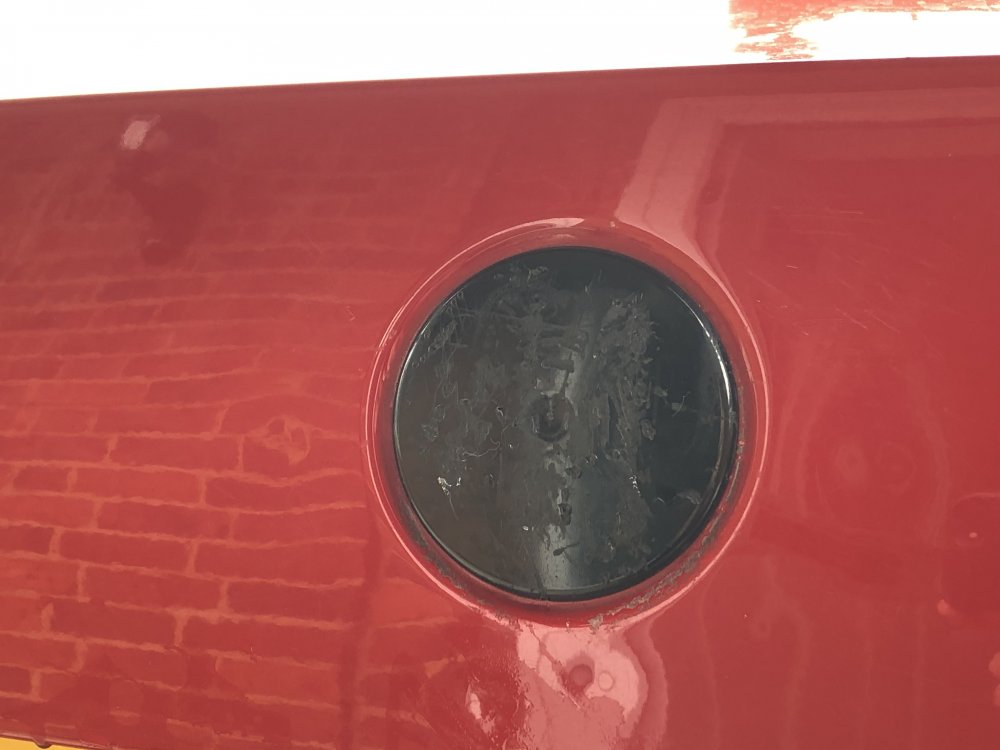
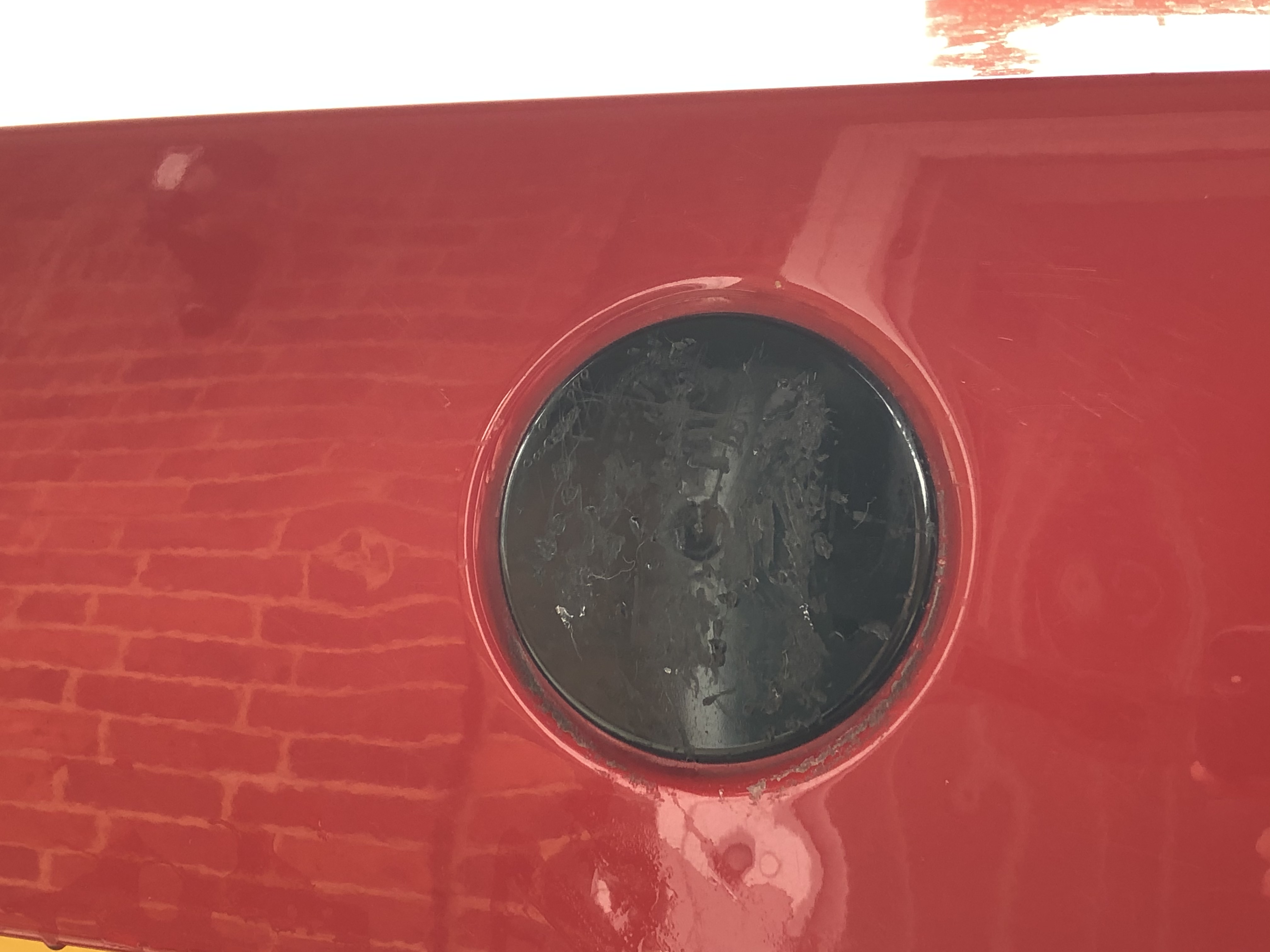
Hi all, My green Skoda badge on the rear of my Octavia vrs mk2 2010 is looking a bit tatty and I’ve recently purchased a replacement online. The issue I have is the one I have has two pins on the rear which dont seem to fit the car. I have cut off the pins but the badge does sit flush on the car. I have prised off the old badge and have ended up with a black rubbery/plastic pad on the car still as the metal top just seemed to come off. Is this correct or do I need to remove the black pad too? I have attached a picture of it too. thanks in advance, Craig