



Skip to content

Bossboy

Members
  • Joined

  • Last visited

  1. Many thanks, to be honest never gave that a thought. bonus is I put the one in I also had and all working ok
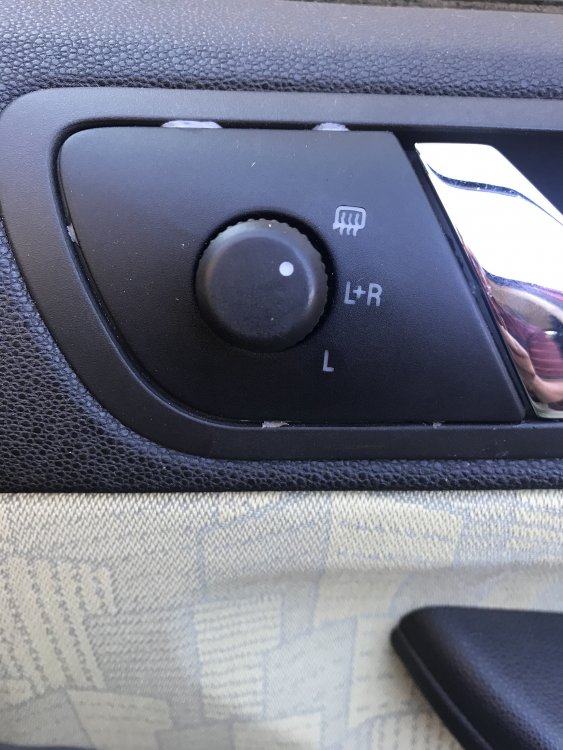
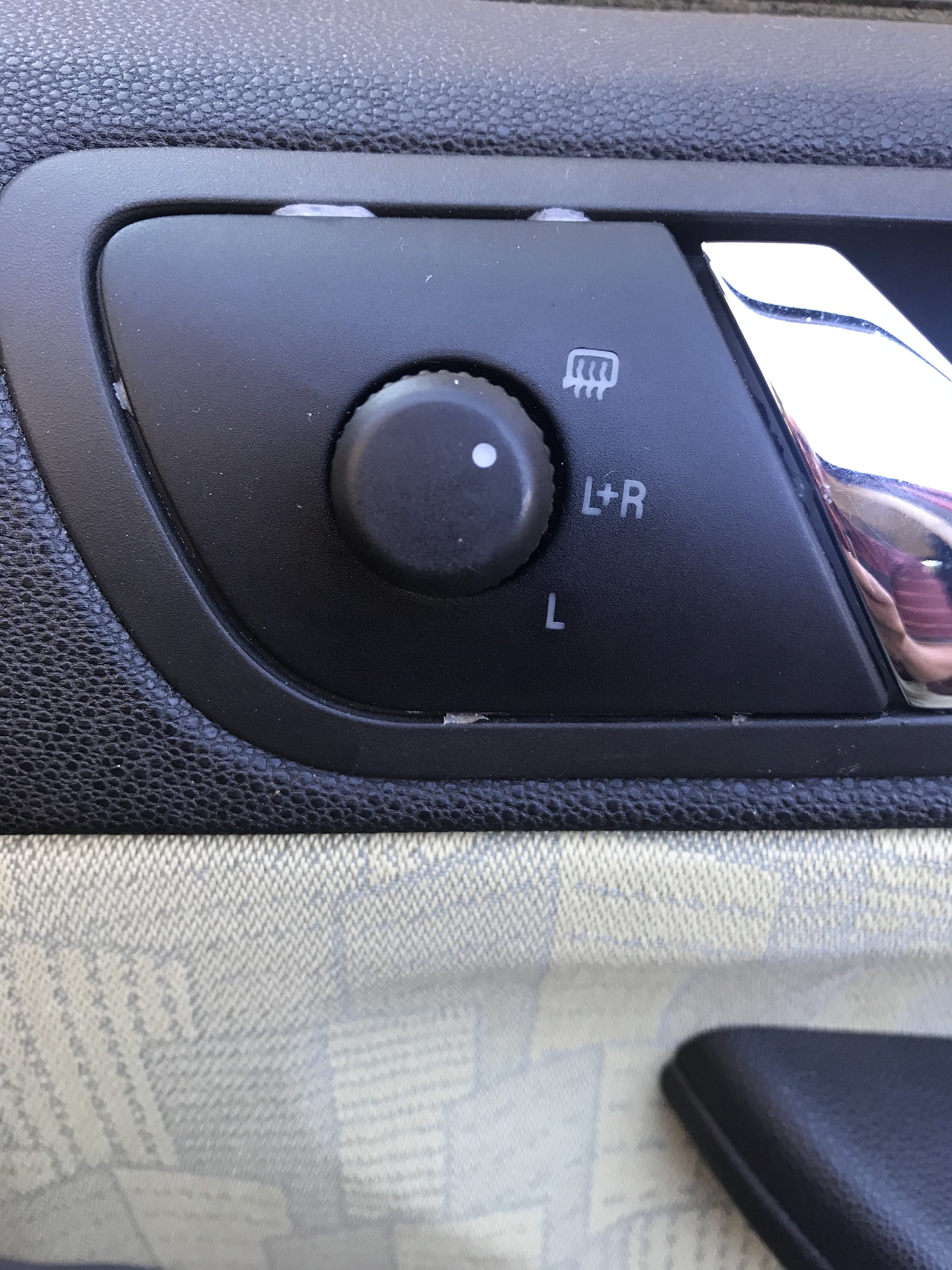
  2. Hello, I purchased 2 switches, one exactly the same as mine, never seen the point of adjusting 2 mirrors at the same time though. Any way I then purchased one, quite cheap from I believe a 2006 Fabia, has mirror seperate, you either adjust left by itself or right by itself, makes sense I think. Excited, I removed the old switch put the one from the 2006 model in, nothing. removed that put the one in exactly the same as mine, working, no problem have attached pics i ask is there any way I can test the switch off the car to see if it actually works, or have I been done lol regards
  3. Many thanks Lee, May I Ask if the one I have bought is not up to much, what is the one I have to get ? thanks again
  4. Many thanks found one secondhand exactly the same as mine on famous auction site, £18 just hope ok and have not wasted my money was always puzzled by L+R setting, and the L being at the bottom by itself do you know ? many thanks mate
  5. My Fabia 1 2001 door mirror switch is playing up, mirrors going in out up and down, when I try to adjust them, the control knob feels very sloppy, as though it maybe broken ; technician I think broke lugs when he replaced window mechanism, I just used a dab of silicone to hold in place searched the Internet but all I can find is left hand drive ones i ask please, where can I purchase for right hand drive
Important Information

Welcome to BRISKODA. Please note the following important links Terms of Use. We have a comprehensive Privacy Policy. We have placed cookies on your device to help make this website better. You can adjust your cookie settings, otherwise we'll assume you're okay to continue.

Account

Navigation

Configure browser push notifications

Chrome (Android)
  1. Tap the lock icon next to the address bar.
  2. Tap Permissions → Notifications.
  3. Adjust your preference.
Chrome (Desktop)
  1. Click the padlock icon in the address bar.
  2. Select Site settings.
  3. Find Notifications and adjust your preference.