Nicks951
Finding my way
-
Joined
-
Last visited
-
Right. Thanks for that. I had a suspicion that it might be a bit of a bugger getting that off. I think the thing to is to just use the seat button ! But many thanks for the input! allthingsgood Nick
-
Thanks for the idea, but that site sells car diagnostic gear. Couldn’t see any manuals.
-
Hi there My 2016 L&K estate has the additions levers in the boot for folding down the rear seats. Early on they went faulty but that was an easy fix, just pulling off the trim piece on the seat base and re-seating the cable. Just redoing this repair and one side is fine and now works, but on the drivers side I think the cable that goes up the back of the seat has gone awry. So I think the only way to get to this is to remove some of the upholstery. Does anyone know if there is a non destructive way to remove the upholstery from the side of the seat and also the carpet on the back of the seat (in the boot)? Any other ideas also welcome. Obviously don't want to go too crazy as I can still flatten the seats using the normal seat release. TIA Nick
-
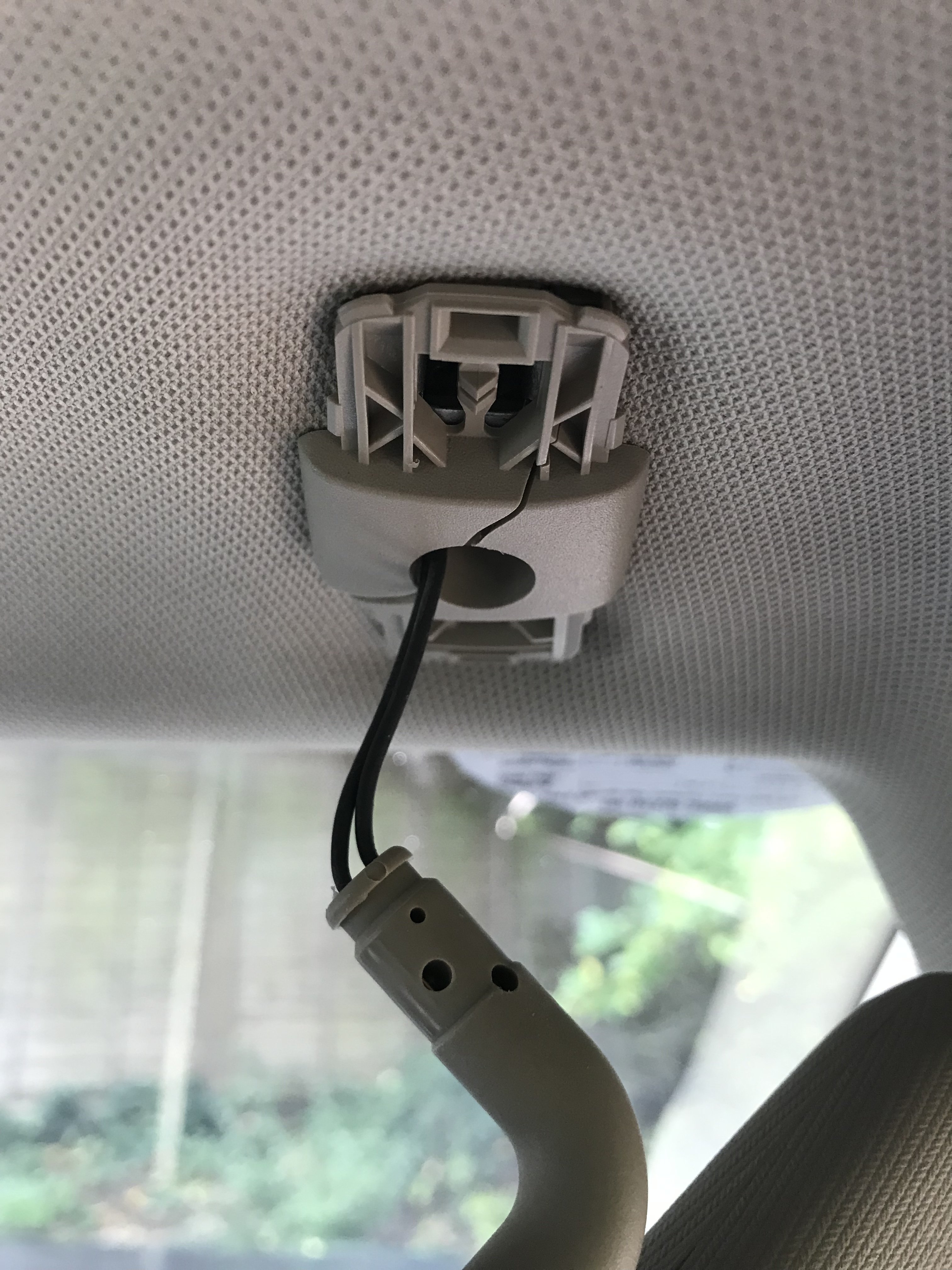
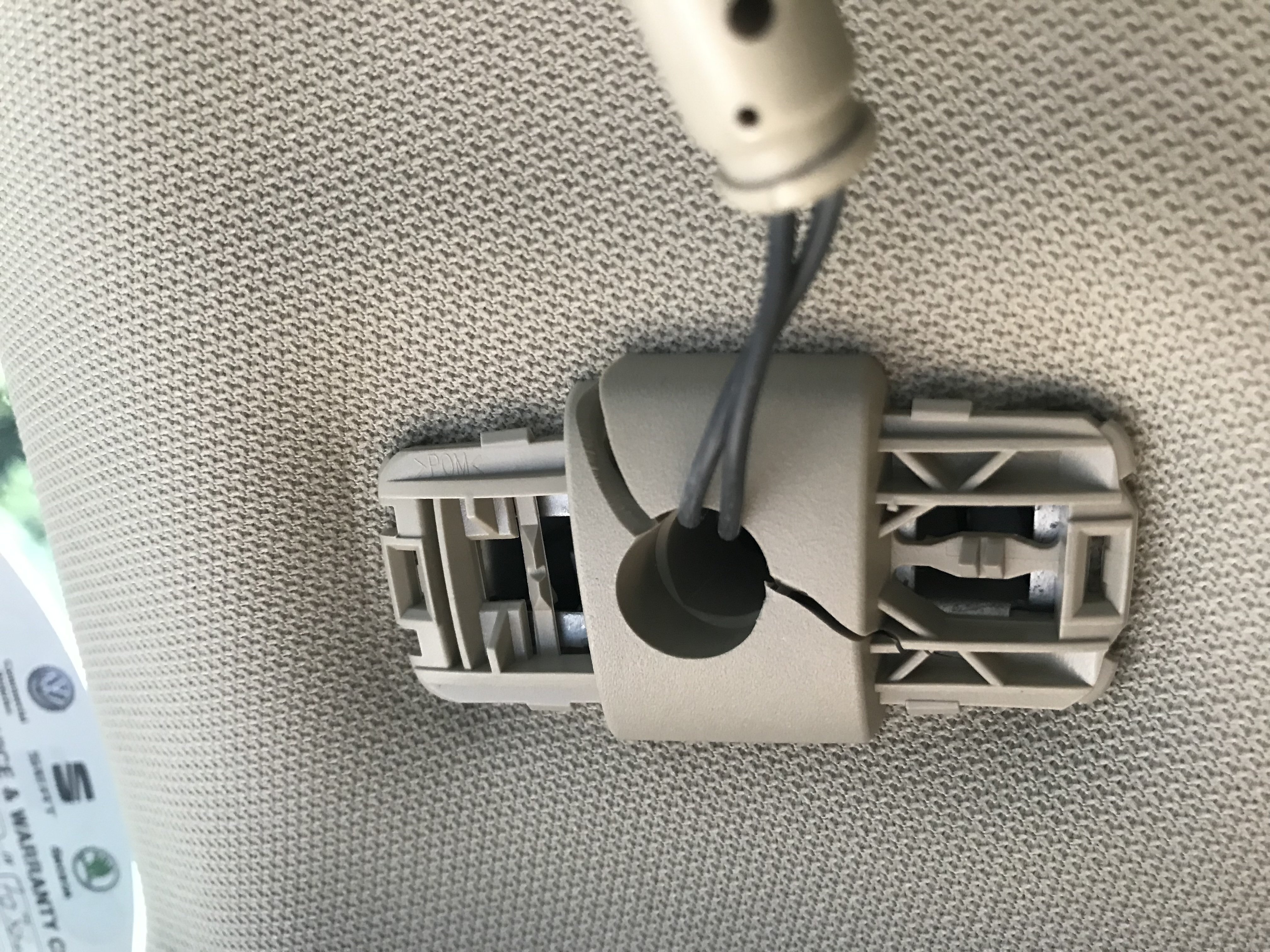
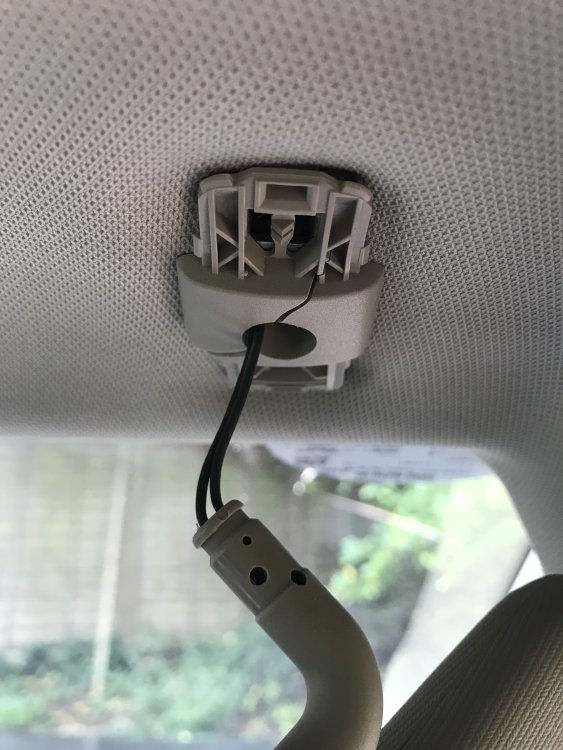
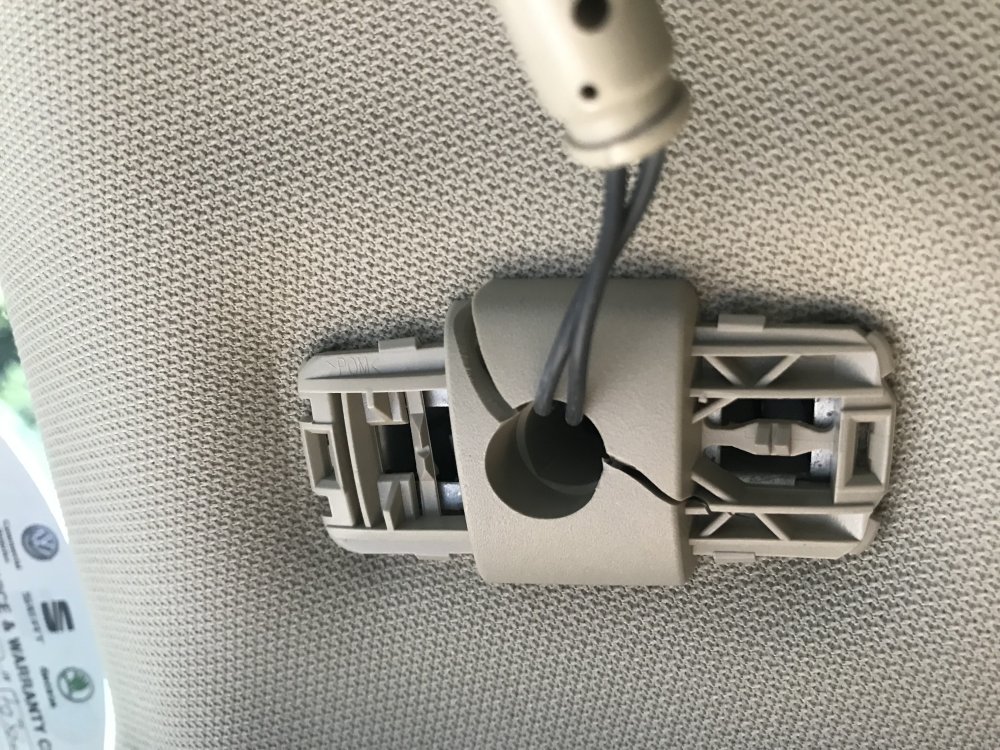
@MartiniB Thanks for that. my wife just found this thread too… Now have to work out whether I can ping it off without messing up the clip and headlining. Whole new visor is about £100, so I’ll have a go at repairs first. I have found from EBay that it’s the same as the one from Mk7 Golf, but they are either grey or black and mine is beige. 😟 Added pics of my problem…
-
Also as far as i can see you can’t order just the little mount, the part seems to be whole visor.
-
Probably a good idea. Having popped the covers off the mounting, it’s not obvious how to remove it though. Any ideas?
-
Does anyone know how to remove/repair one? The driver side mounting plate has cracked, so if I unclip the visor it now just drops out. So I’d like to remove it and see if I can repair it, or get a new/used one. TIA for any info. cheers Nick