HarrieSkoda
Finding my way
-
Joined
-
Last visited
-
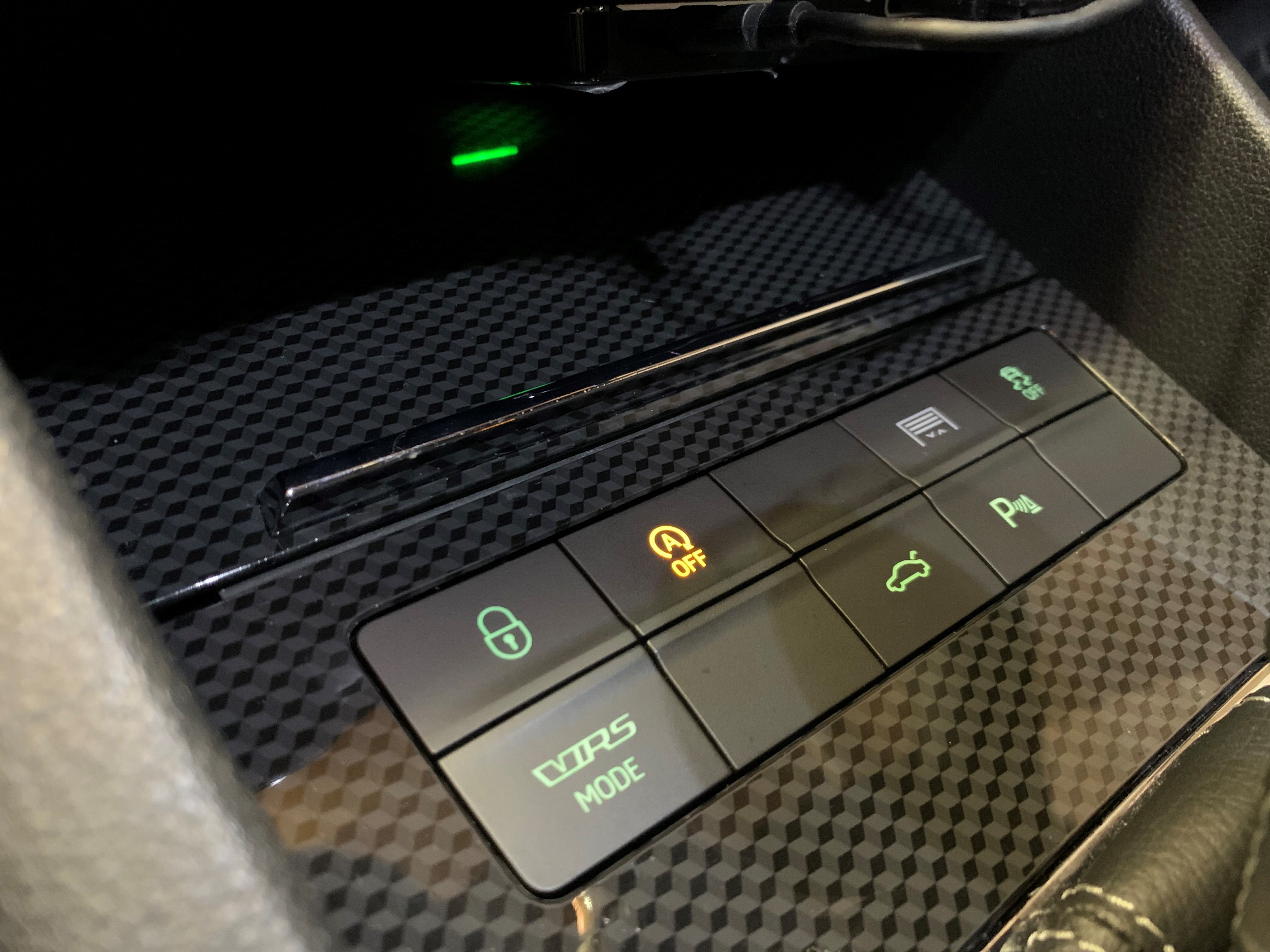
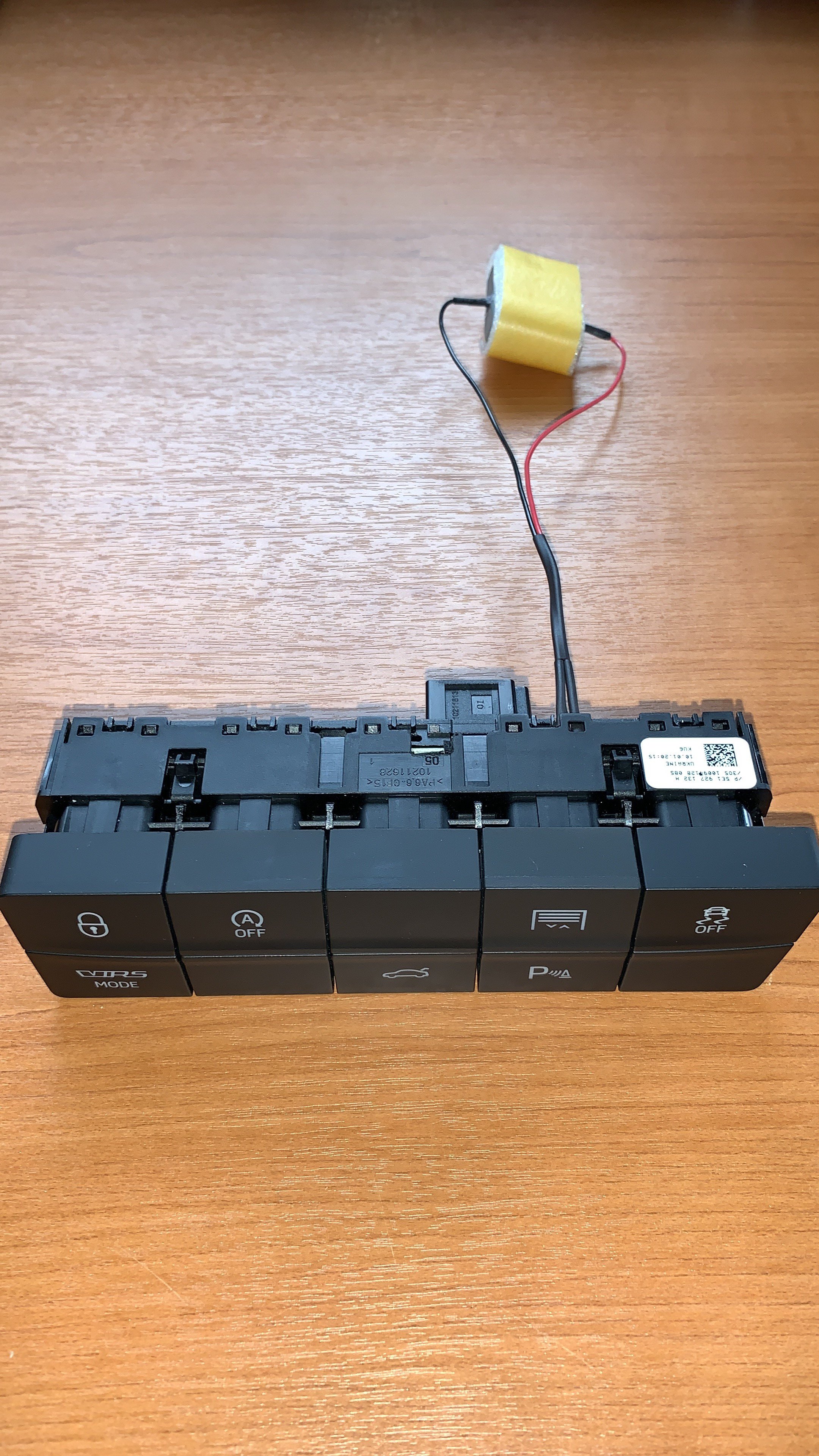
I am looking for the electrical diagram of the row of buttons for the DSG lever. I would like this diagram so that I can add an extra button in an empty spot. Namely that of my electric garage door. Can someone help me with this? On the plug under the row of buttons, I see an empty spot in position 1 and 9. I would prefer to put the new button in the place where the SET button is normally. At the moment I have mounted it in the following way, but this is not preferred! Hopefully someone can help me with this! Your help is appreciated!!
-
I'll blow some dust off this topic. I recently acquired a Raceblue vRS 245 '19 and would like to replace the brakes. After some searching I came across this forum. After going through this topic I still have the following questions, and I hope you can help me with it! I understand that the 245 version has 340 discs in the front and 310 discs in the rear. Both ventilated. I want to replace the discs with perforated ones from Brembo, in combination with EBC redstuff pads. Now I have my eye on the following: Front brake disc: https://www.autodoc.nl/brembo/15251183 Front brakepads: https://www.amazon.com/gp/product/B00DOVYZQW/ref=ox_sc_act_title_2?smid=ATVPDKIKX0DER&psc=1 Rear brake disc: https://www.autodoc.nl/brembo/8713873 Rear brakepads: https://www.amazon.com/gp/product/B00YAZBWOO/ref=ox_sc_act_title_1?smid=ATVPDKIKX0DER&psc=1 Can anyone tell me if these are the right parts for my vRS 245? It's quite an expense, so I'd like to get it right the first time. Any help (with pictures) is appreciated. Experience experts who have done this trick before would be great of course! Nice greetings from the Netherlands!