Taff3526
Finding my way
-
Joined
-
Last visited
Everything posted by Taff3526
-
That's what im thinking too. Was hoping someone would be able to confirm
-
Cheers Paws... however hes not a proper AC chap, just a mate really. Hence why I adked
-
Hi all, Another issue with the Fabia mk4. This time the AC... no faults showing via obd11 or vagcom. AC not working. AC guy called around this morning to top up the system just incase.... noticed that the AC clutch wasn't engaging or disengaging at all. Switched engine off, turned it by hand and said it feels like its binding a little.... but doesn't engage at all. Checked AC fuse, all good On my mk3.5 octy vrs, the clutch doesn't turn by hand at all but AC works as it should... Is anyone able to point me in the right direction with this?? Much appreciated
-
Ita not SFD locked. I don't have the original settings so not sure what they should be
-
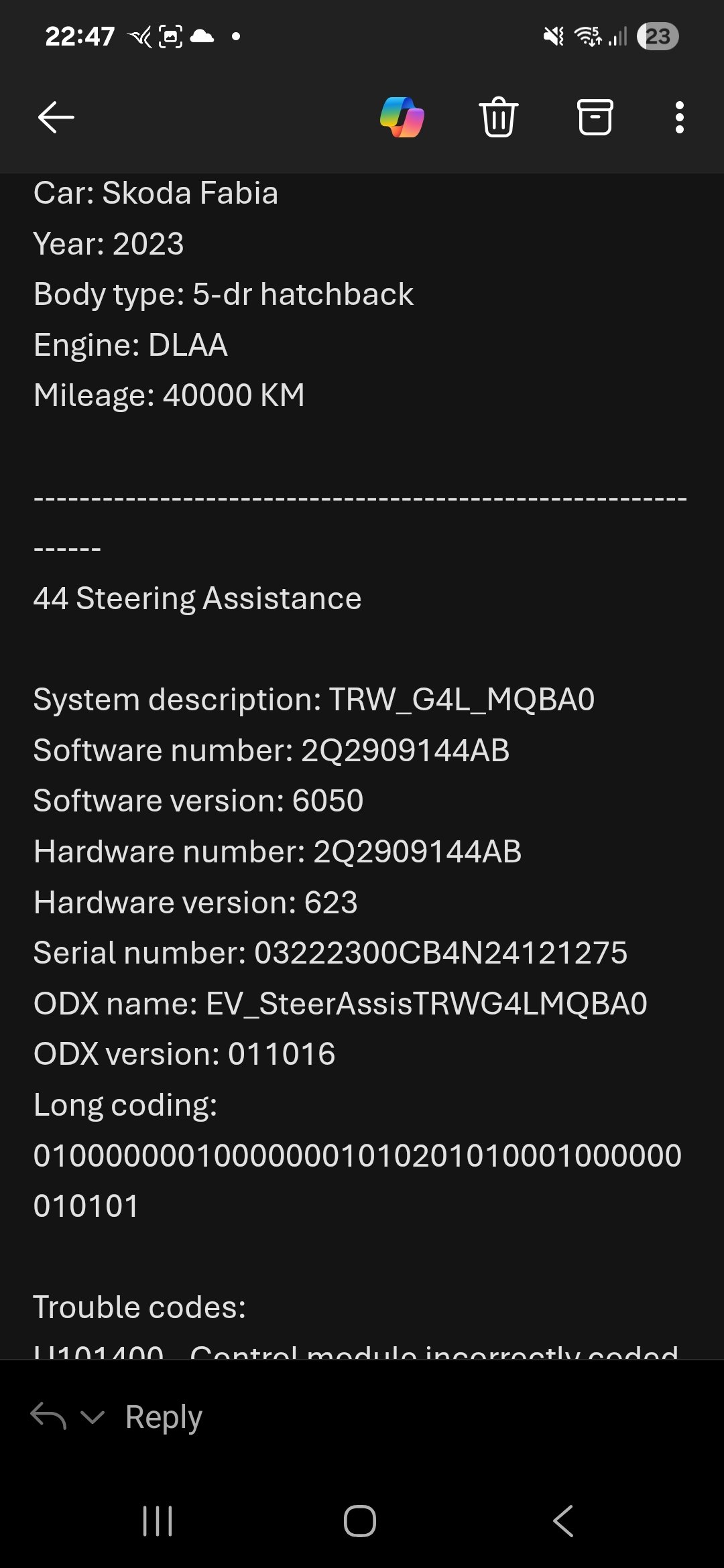
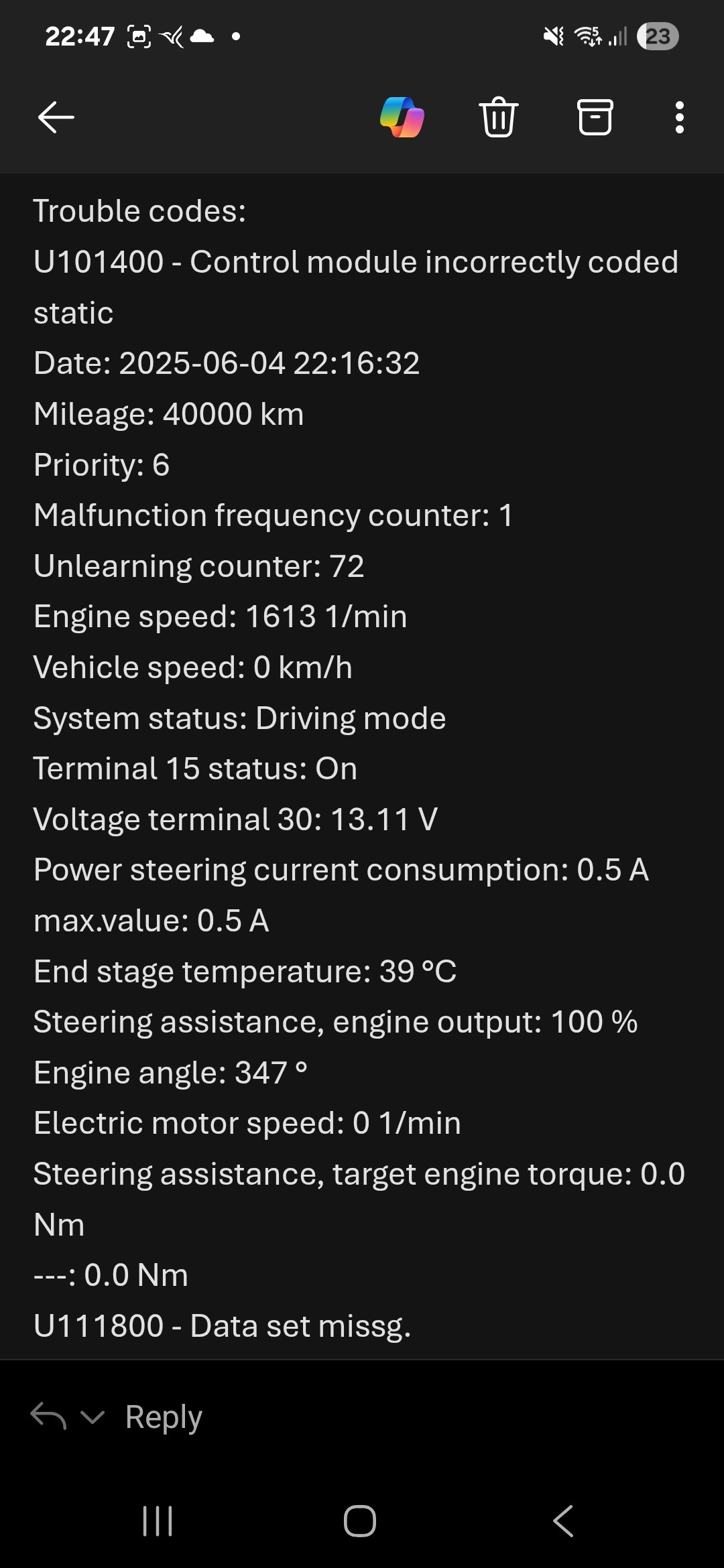
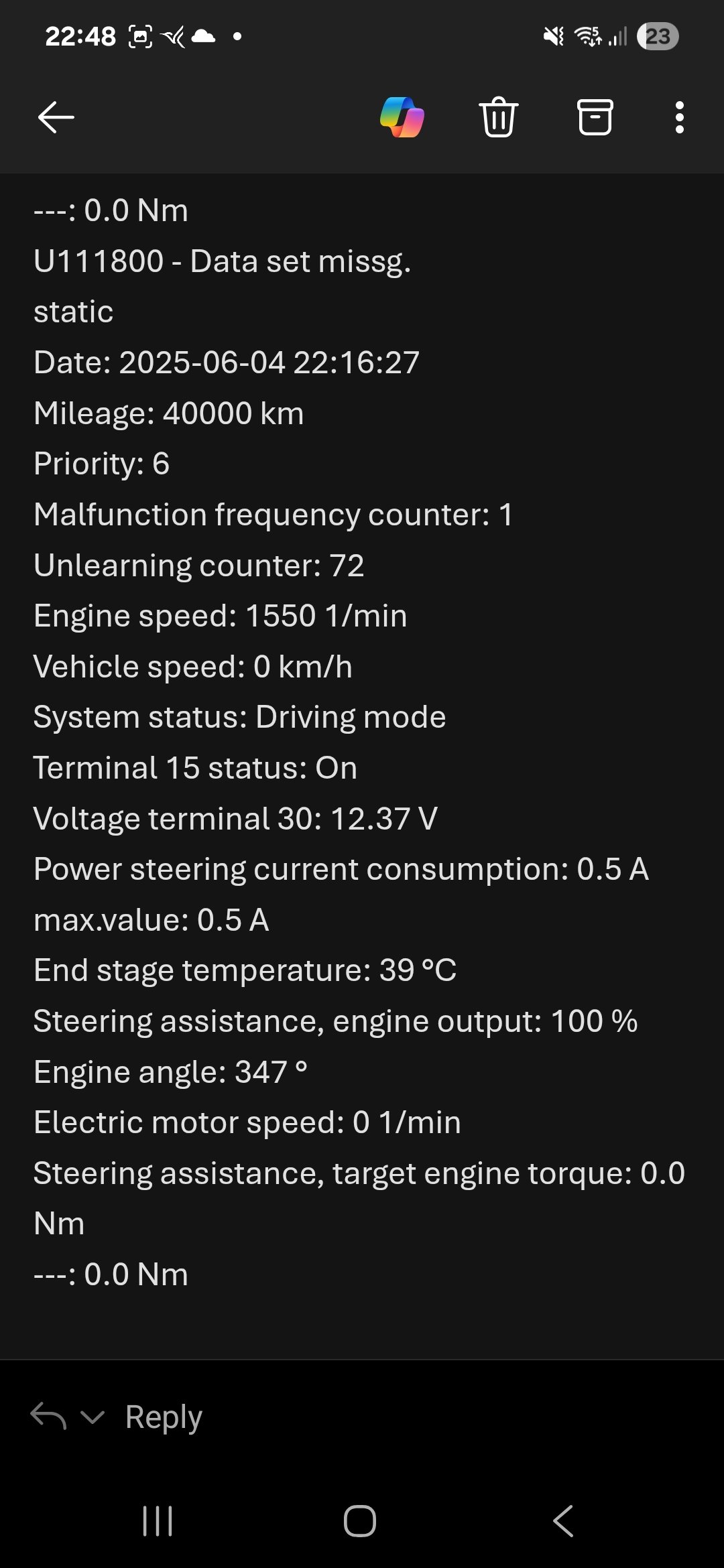
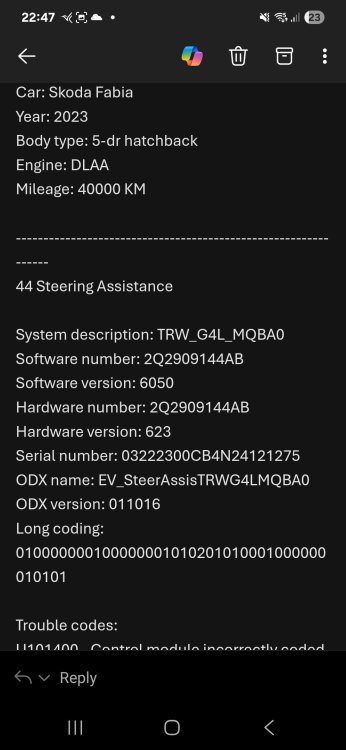
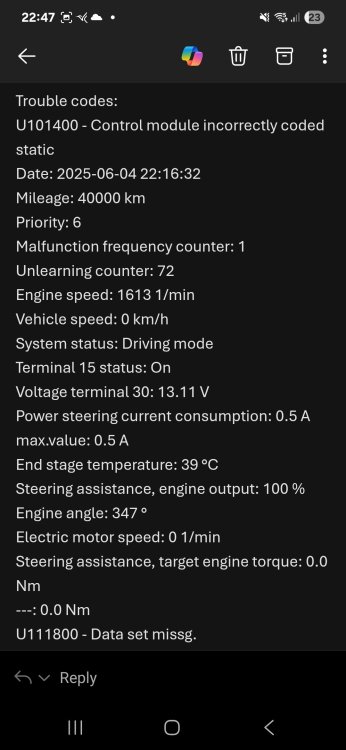
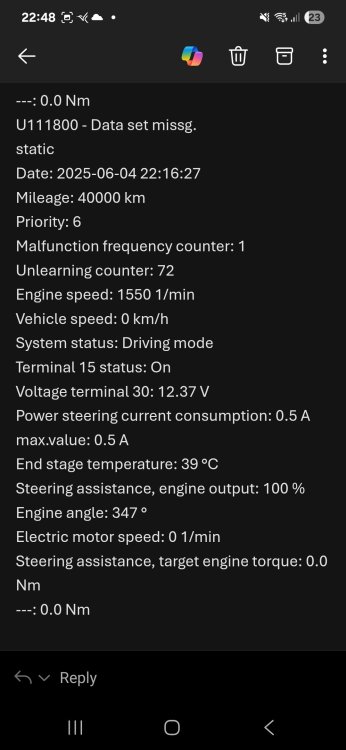
Evening all, I bought a mk4 Fabia back in November privately and as such inherited this fault (see attached pic) it seems the module is incorrectly coded. It did have a bump on the front and was rebuilt before I bought it so not sure if its something from that. Everything seems to work as it should. Any advice would be appreciated. Ta.
-
@pab567woukd you be kind enough to advise me please? Thanks
-
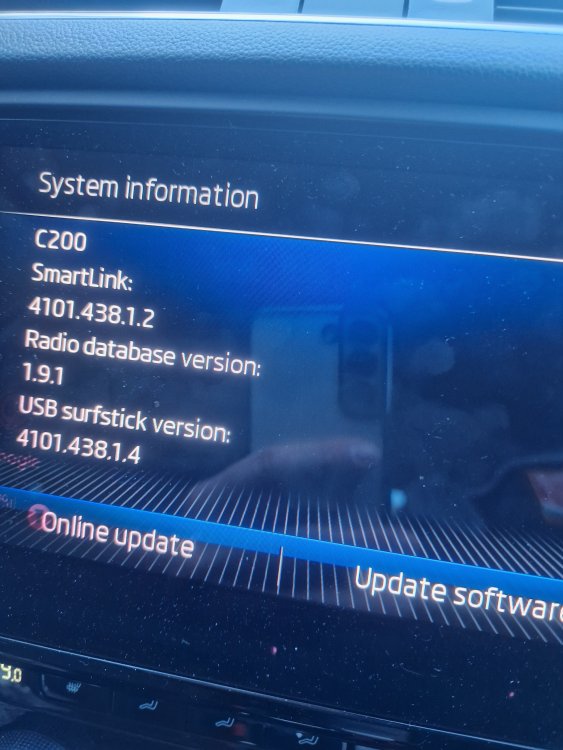
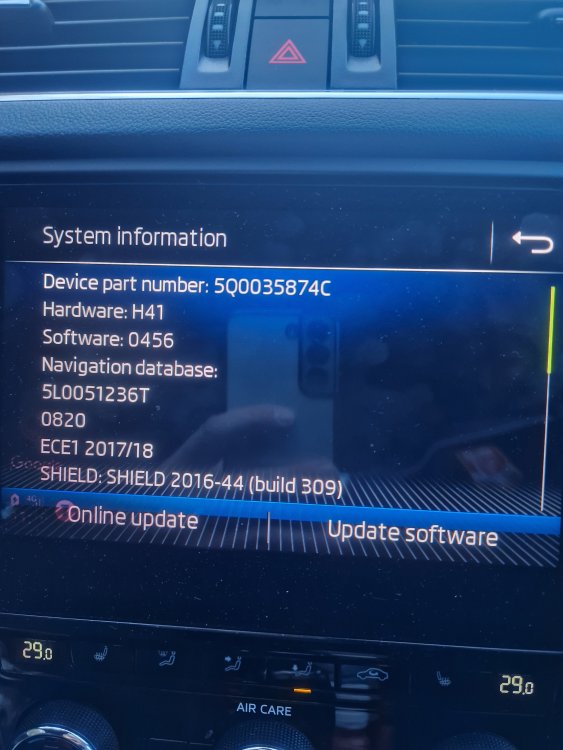
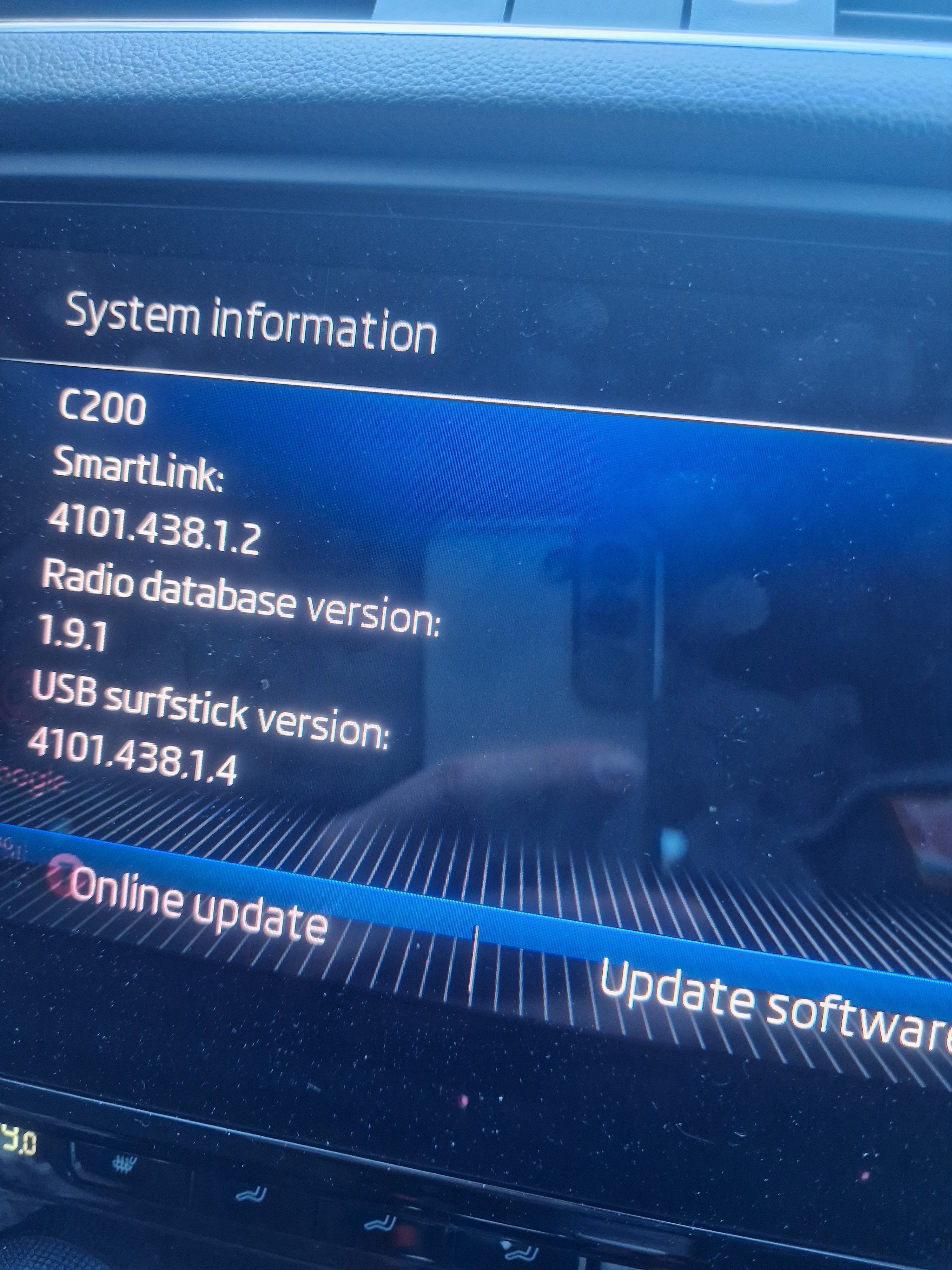
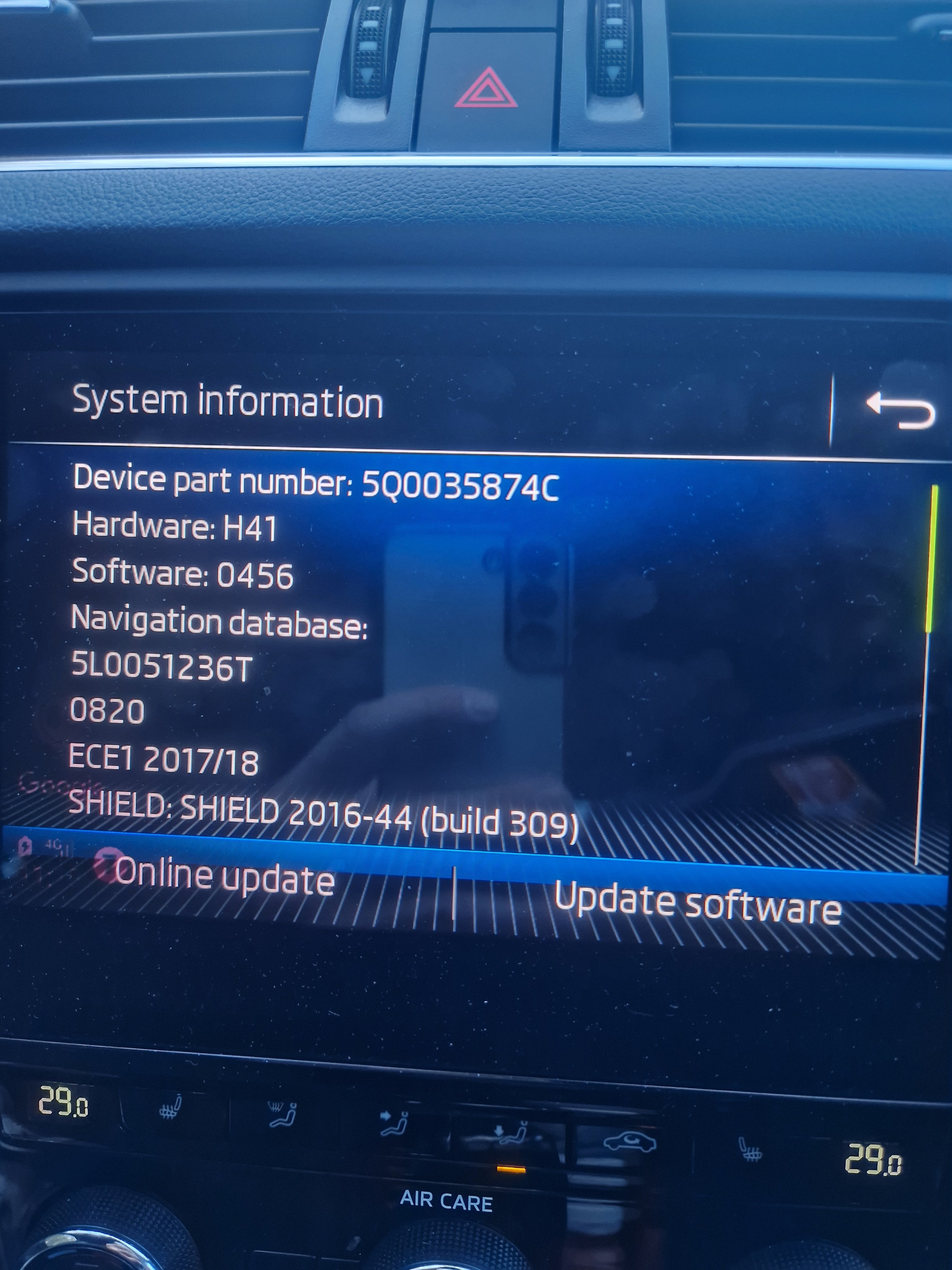
Sorry to jump on this thread. Recently inherited a samsung s22.from my son and it's so unstable with Android auto. Constant disconnects. My previous s21 worked great. Can someone advise the best way to update my firmware on my infotainment. I have attached a picture of my firmware etc. Kind regards Taff