wolfensteinB
New here
-
Joined
-
Last visited
Everything posted by wolfensteinB
-
Well I feel so stupid. It was a fuse after all. fuse Nr14, I've missed it somehow the 1st time I've looked at it. Changed and everything started working again. Now i just need to get the microswitches to get working. Which i understood is a pain to do. Cheers
-
Doesn't seem to have anything here
-
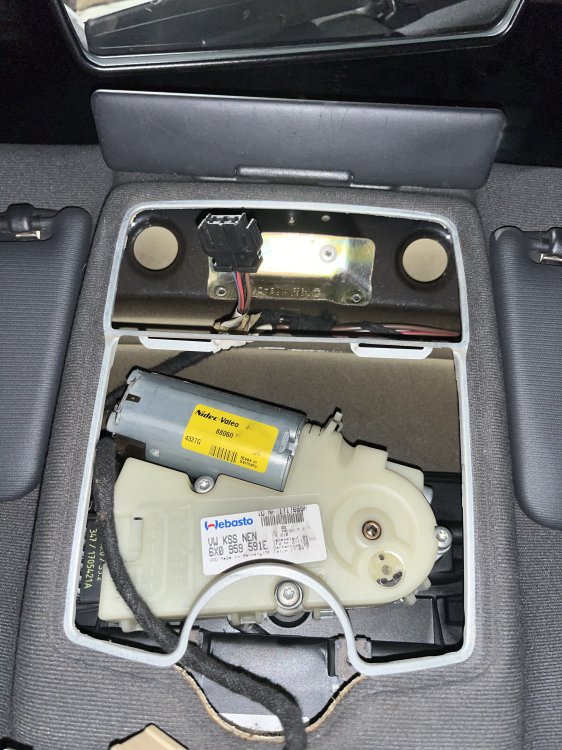
Hi there. So i have an 1.8T Octavia with sunroof and electric boot, 4 electric windows. Right before ariving at my home i've closed thw windows, opened the sunroof. Turned off engine. Now symptoms: I've turned the engine off and the doors did not open when i've took the key out, i have that 20kph autolock function on. The electrc boot does not open at all Can't close the sunroof Electric windows do not work at all. Checked boot loom, it was a pain to open the boot with a subwoofer in your way. I've tried conecting to the CCM with VCDS, no response. I've checked fuses, all good. replaced even, nothing changed. I've even changed the CCM, i have a similar octy, same code (1C0 959 799 B), nothing. Other northworthy info: I have an issue with the dome lights. the switch button fell off. but the coper plate remained there(where the spring is). That was the 1st item i've picked off thought it shorted something out. but nothing. The microswitch on the passanger side does not work, it did not work for about 7 years. I mean i think that is the microswitch, i have 3DcolorMFA which tells me what door is open and that door is not recognized at all, never was. I can close the car by closing it with the key on the driverside. Any other suggestion what else to check? I think i'll take both door panel off tommorow to check the looms there as well And does anyone know how to close the sunroof manually? There might be rain in the upcoming days in my area