Alex456
Finding my way
-
Joined
-
Last visited
Everything posted by Alex456
-
Hello all - just looking for some advice on the facelift Mk4 Skoda, I currently drive a Mk3.5 2.0 TDI SEL 17 plate which I really love and bar a few niggles has been spot on, but because of work it now needs to be changed as it is older than 8 years old As I've had such a good experience with my current Octavia, I would like the same again and the space especially the boot I find hard to beat, however as I only do 8-9000 miles a year have been looking at the 1.5 petrol engine mainly on the advice of my mechanic I have been looking at a facelift 25 plate Octavia SEL or sportline, SEL looks really well specced, and assuming with the bigger tyres the ride will be similar to mine, however the sportline grabs my fancy just as it looks smart, however I don’t want a harsh ride especially with the state of the roads round here So just looking for any advice on either car on whether owners recommend them and common faults to look out for, which the entertainment system and creaky plastics seem to be a common theme reading on here (the creaky plastic around the speedo cluster on mine when the inside is warm really irritates me). Also reading online reliability seems to not be as high as it used to be although not sure if this is a fair criticism or not Any advice is appreciated Thanks
-
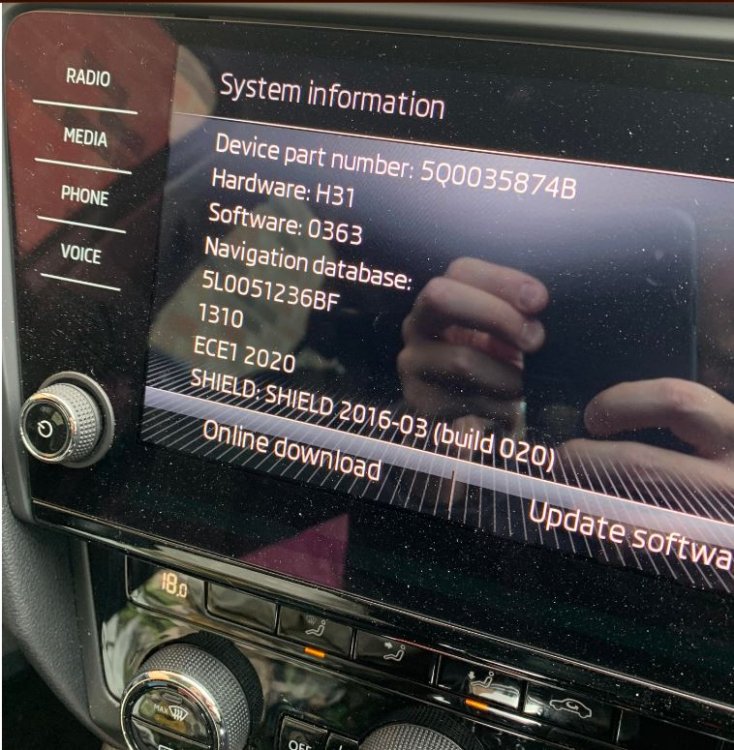
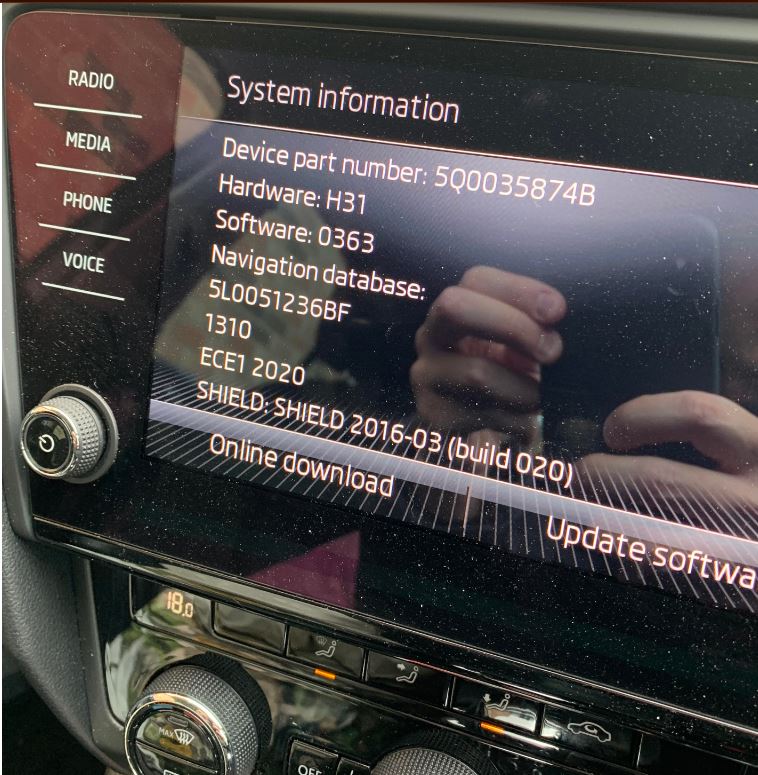
It took 5 mins, no need for a battery charger, hold down the menu button and software update will appear
-
Thanks again @pab567 did mine this morning via SD card in slot one (17 plate Octavia), took about 5 minutes very quick and simple
-
Thank you very much appreciated 👍
-
Morning @pab567- would it be possible to get a download link for my 17 plate Octavia? Thanks in advance Alex