AmitShindore
Finding my way
-
Joined
-
Last visited
Everything posted by AmitShindore
-
I have a 2010 Skoda Superb 3.6 VR6 4x4 and all of the Skoda emblems have been replaced to the new Black and Chrome ones. I recently found an Mk4 steering wheel on Facebook Marketplace and was wondering if anyone in this community has done the same upgrade to their steering. please assist.
-
-
Hello experts, i am getting this rattling noise from the engine. It appears at 1000-1700 rpm at any gear. Due to file size restrictions, I have uploaded the videos to google drive here https://drive.google.com/drive/folders/1-C7VuDRWXlIYj9xtCb7_dudBHiyGQxe6 please throw some light on what could be the issue
-
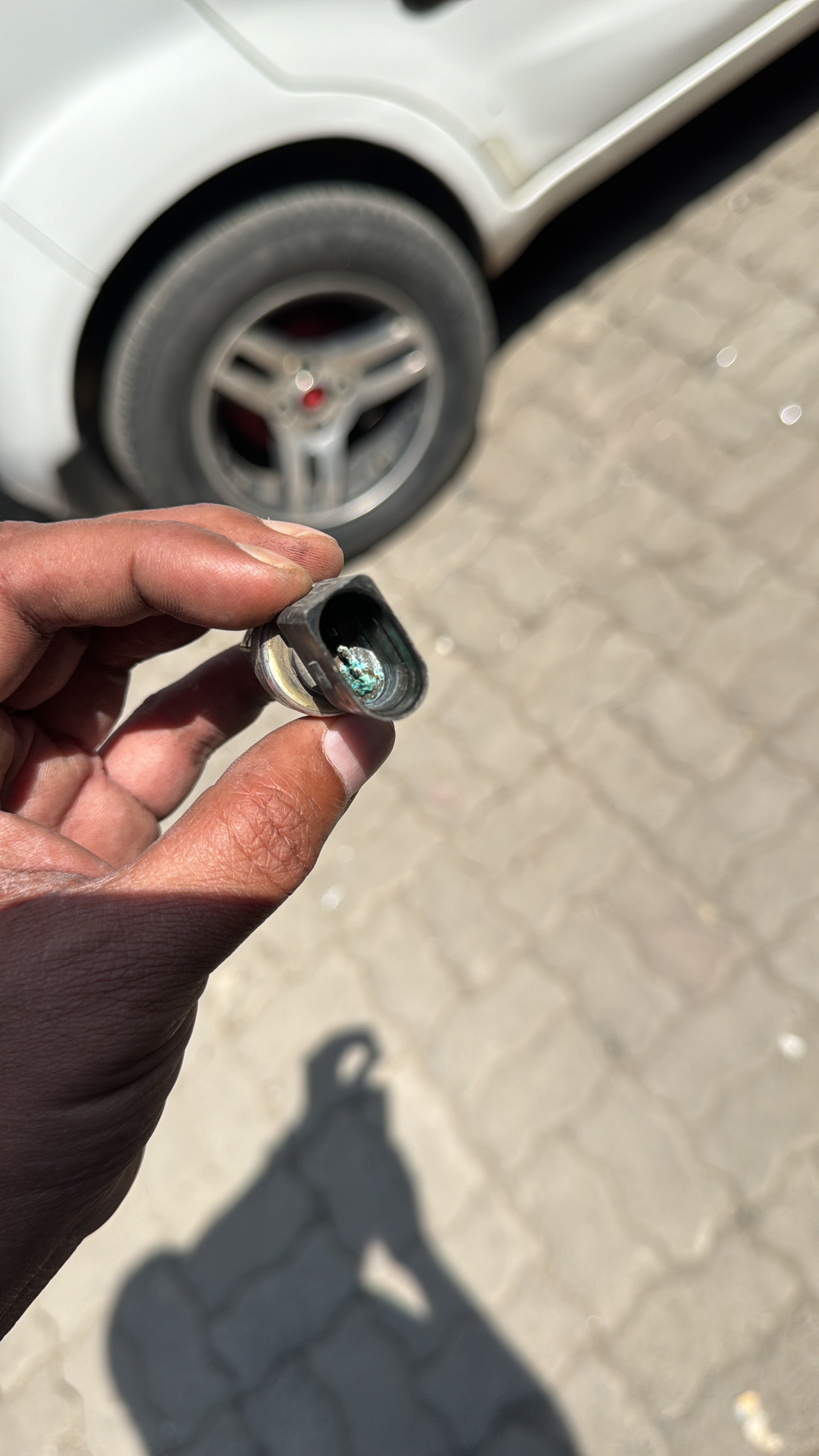
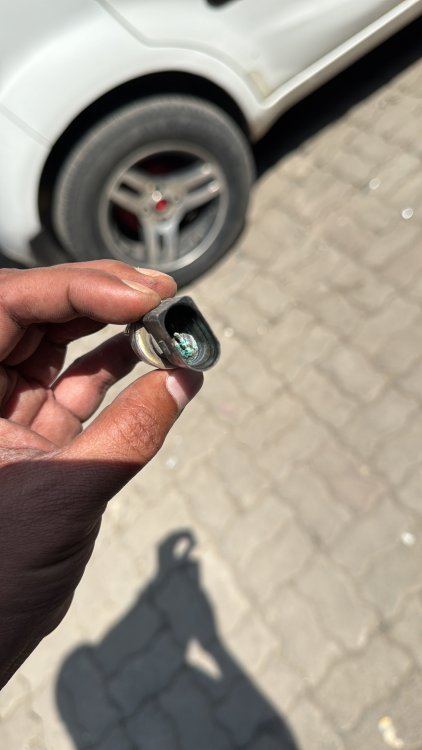
Problem Solved - Refrigerant Pressure Sensor had gone rogue. Changed it. Fans acting normal now
-
Both the fans start running at full speed as soon as the engine starts despite the engine being cold. is this normal behavior or an anomaly?
-
Hello experts, I recently had a complete engine failure due to overheating on my Skoda Superb 3.6 VR6 2010 (Car 1) i started looking for a similar engine and found another superb 3.6 VR6 (Car 2) which was in bad cosmetic condition but had a good engine and gearbox. I have already driven 500kms to test it out and no issues showed up whatsoever. Now I plan to remove the engine and gearbox from Car 2 and put it in Car 1. I need pointers and tips and warnings from the experts here to keep in mind while I am doing that. Thanks, amit
-
Well it worked. theres no changes to the car settings (seat mirrors and mfd) when i unlock with either keys.
-
Issue resolved. Connect VCDS Cent. Elect module Adaptation Select Remote Key Adaptation from the drop down. channel 00 - Read. Test. This will erase all keys. Channel 01 - Add 2 keys. Save. Test. press unlock button on each key for one sec. See turn light flash. youre done.
-
One of my 2 keys when used to unlock the car, sets the seat, mirror, mfd. and that’s not what i want. is there any way the memory can be erased ?
-
Hello again, Most of you must be aware that the battery in the 3.6 is installed in the boot of this variant. There are extra battery terminals under the bonnet, to help jumpstart in case the battery drains and the boot doesn’t open. I have been facing battery drain issues for a while now, and picked up the 70mai Jumpstart Kit (works fantastic!) and a Bosch C7 Battery Charger. What I wanted to know is 1. if I could use the terminals under the bonnet to charge the battery with the C7 2. If the C7 charger can act as a Battery Maintainer when I am using VCDS. Any help would be gold ! P.S - I’m replacing the CAN Gateway next week, because the battery discharge issue seems to be spawning from there.
-
Also, how would a 4 channel amp work for an 8 speaker setup?
-
hey thanks, any links or sources how this can be installed in the Superb MK2
-
Hi, I recently changed the 9W7 Bluetooth Module + Bolero HU to a VW RCD340G Plus. Positives - Perfect Fitment. No mods required Overall Connectivity is very good. Negatives - The audio quality has dropped drastically. Possible reasons - Not enough output power in the RCD340G Plus as the Bolero. 2 Possible solutions- OEM Amplifier - 3T0035456 Active Subwoofer. What do the experts here think?
-
Any links for front honeycomb grills for the superb mk2 would be delicious!
-
I actually got it coded from a Skoda dealer here 😁
-
Nope. Tried everything that’s there.
-
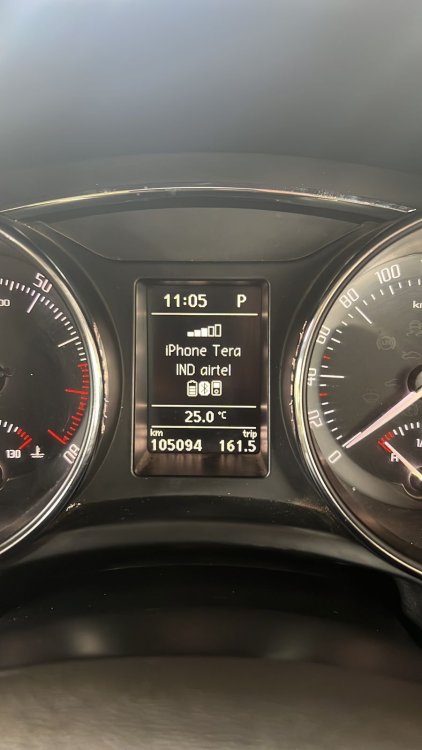
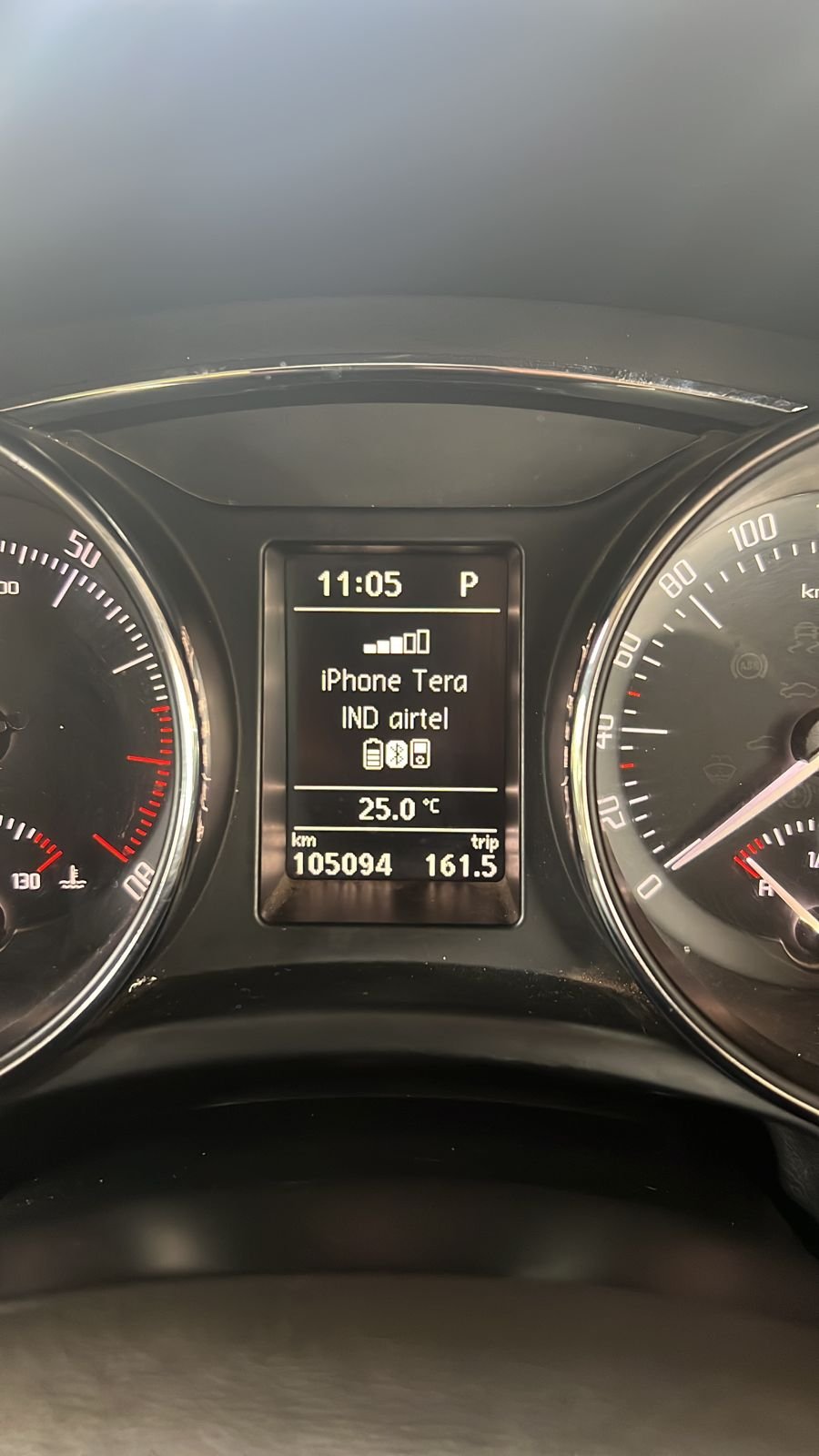
Car - Skoda Superb 2010 3.6 V6 What I did - I installed the 9W7 BT module in my car. The coding for the Telephone module is done. I can now make calls and listen to music played from my iPhone. What has happened - The MFD that showed details like Fuel Consumption, Trip Duration, etc, has been replaced with a constant display of The connected phone Network Strength. I am unable to view the other info. How do we fix this ?