Hobgoblinrunner
Finding my way
-
Joined
-
Last visited
-
I bought these back in May. https://www.ebay.co.uk/itm/133973141014 They've worked fine since.
-
Hi SwallownAmazon Thanks for your reply. I was referring to the manufacturer OBD eleven https://obdeleven.com as this can also do basic coding as well as diagnostics. I do already have a diagnostic tool similar to the one you mentioned. It is useful. Thanks anyway
-
Hi everyone I'm considering buying either an OBDeleven or a Carly (can't afford VCDS). Has anyone used both or can recommend one against the other? Thanks
-
Ah, ok, thanks for the reply.
-
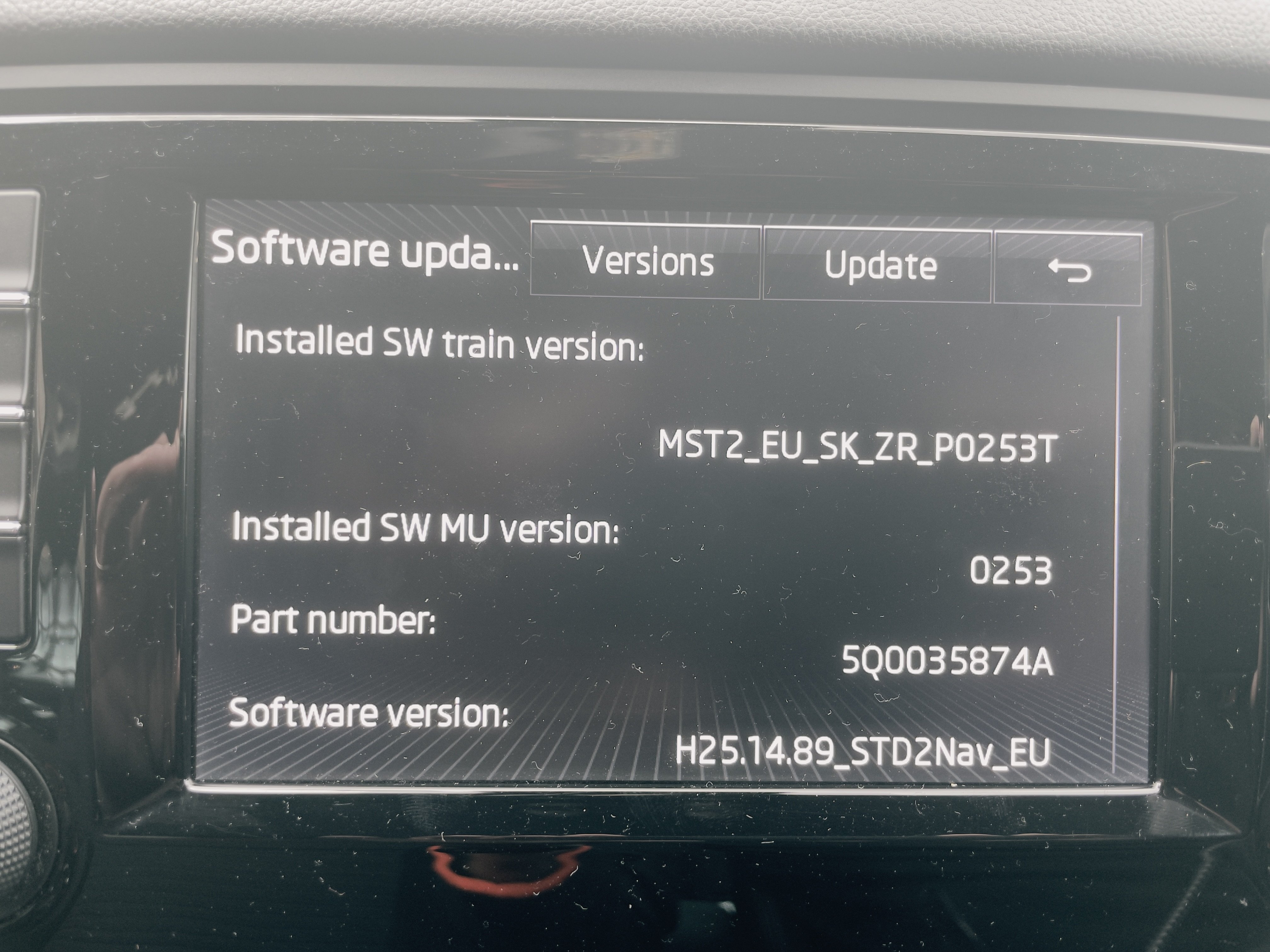
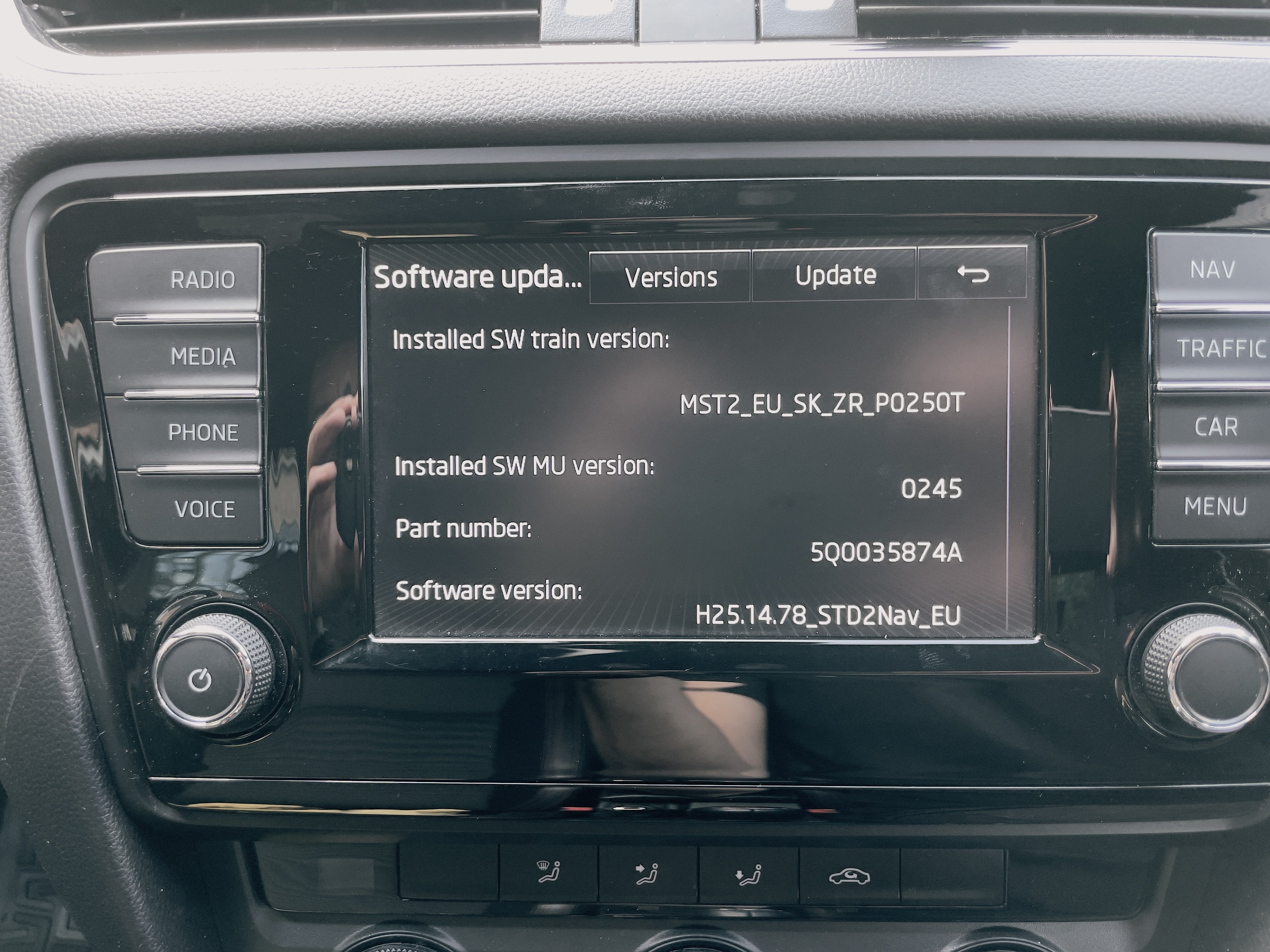
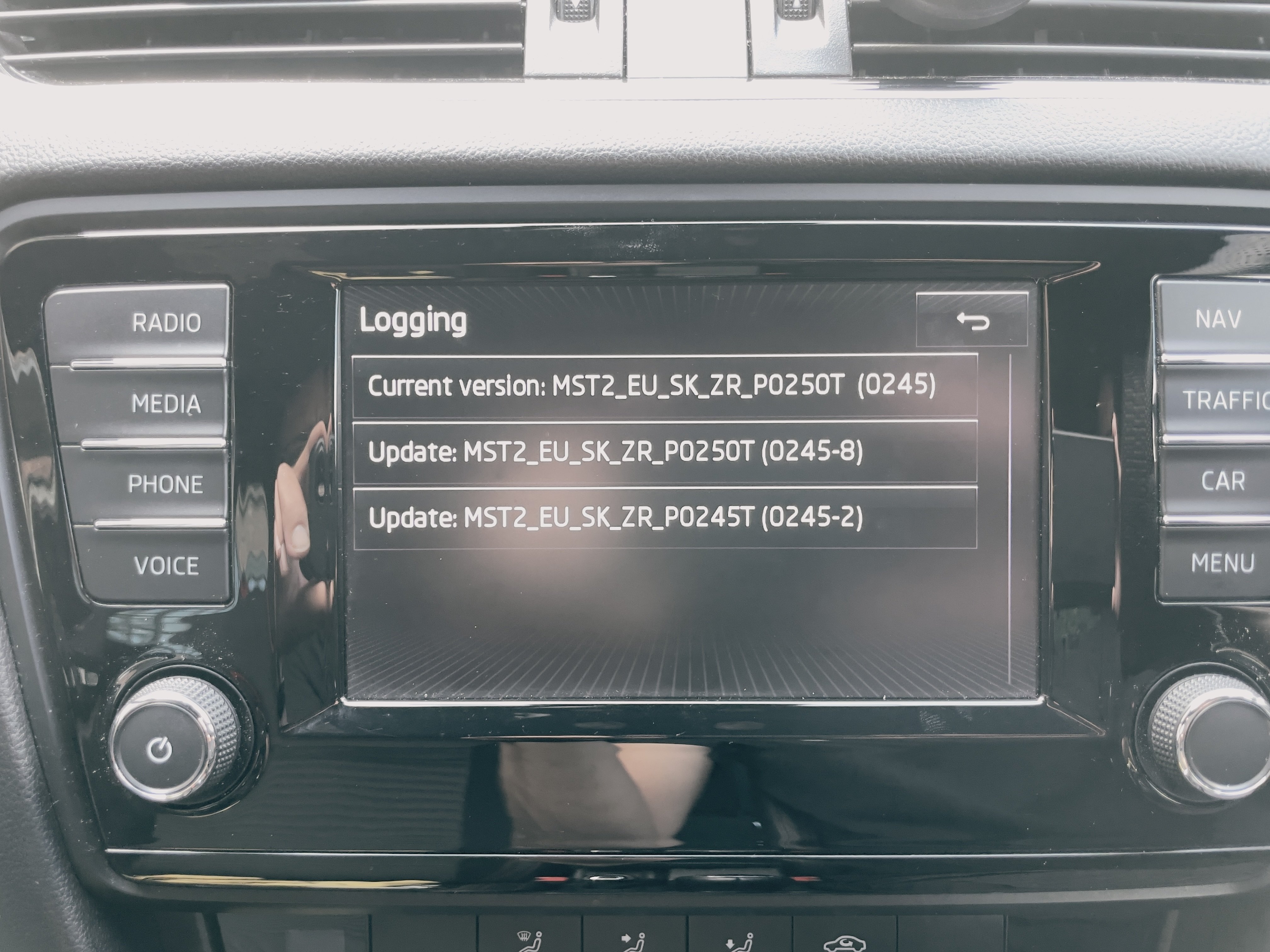
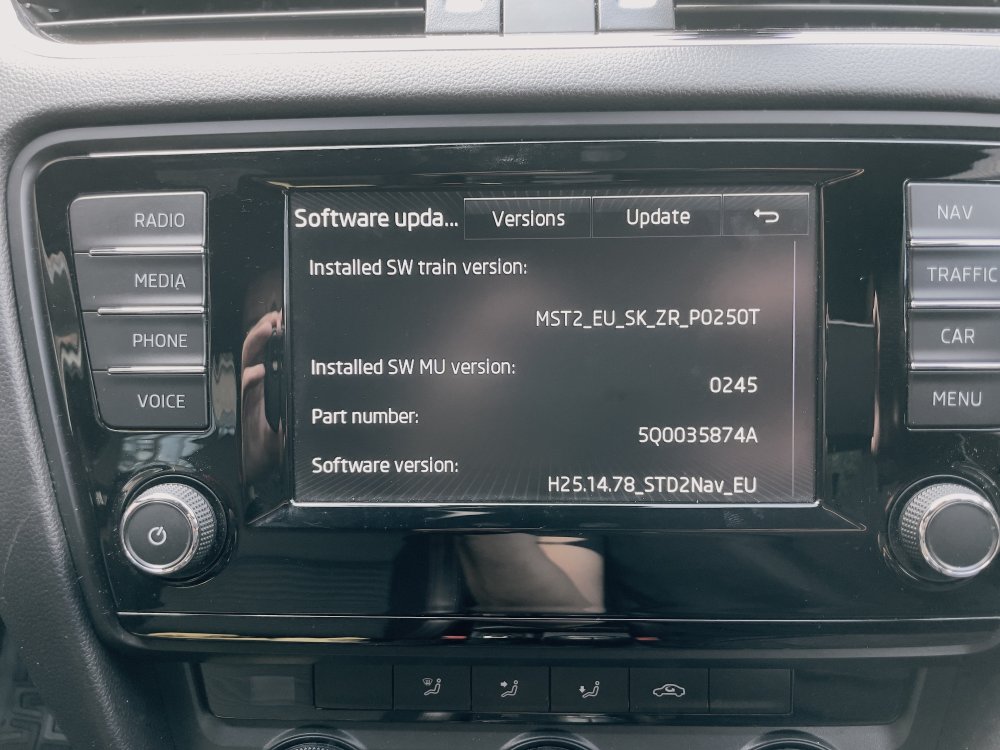
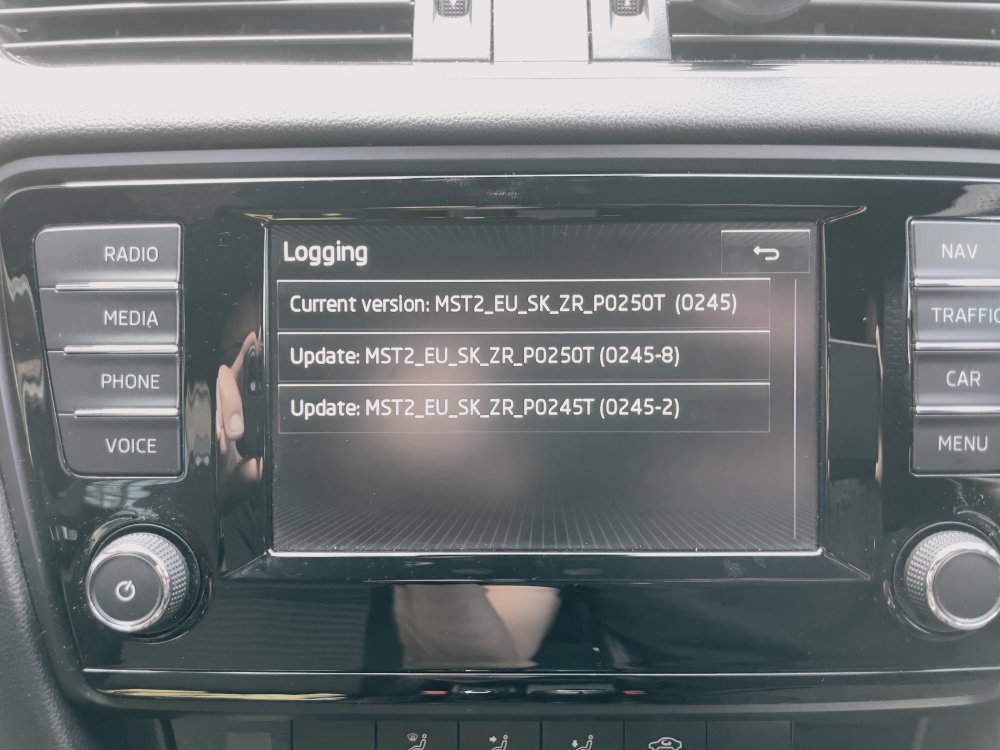
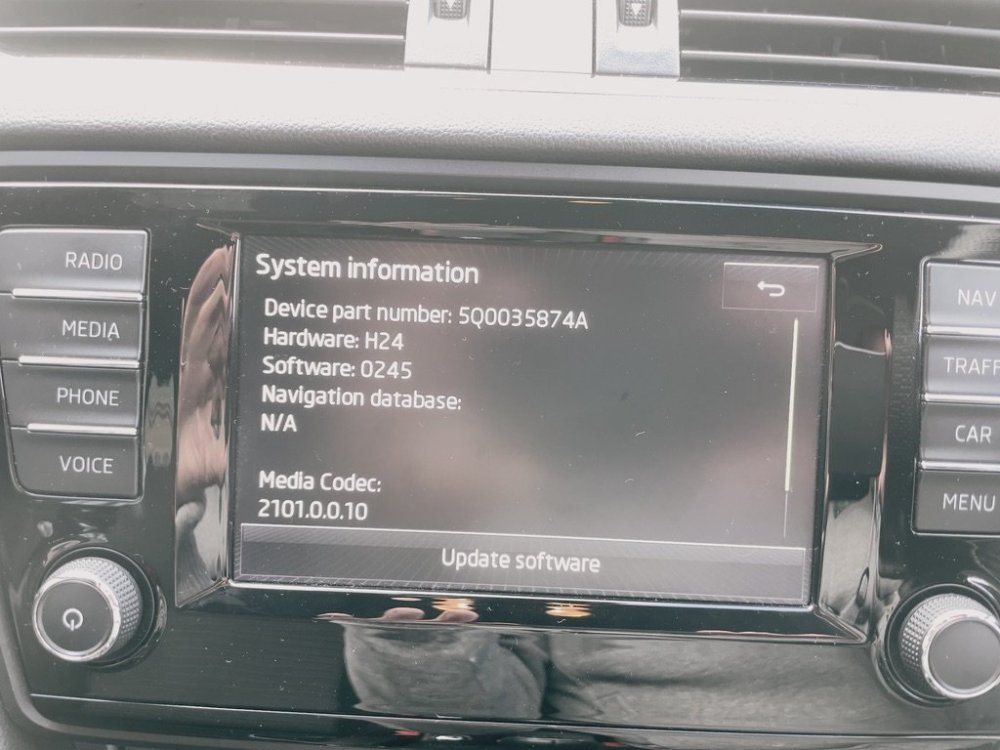
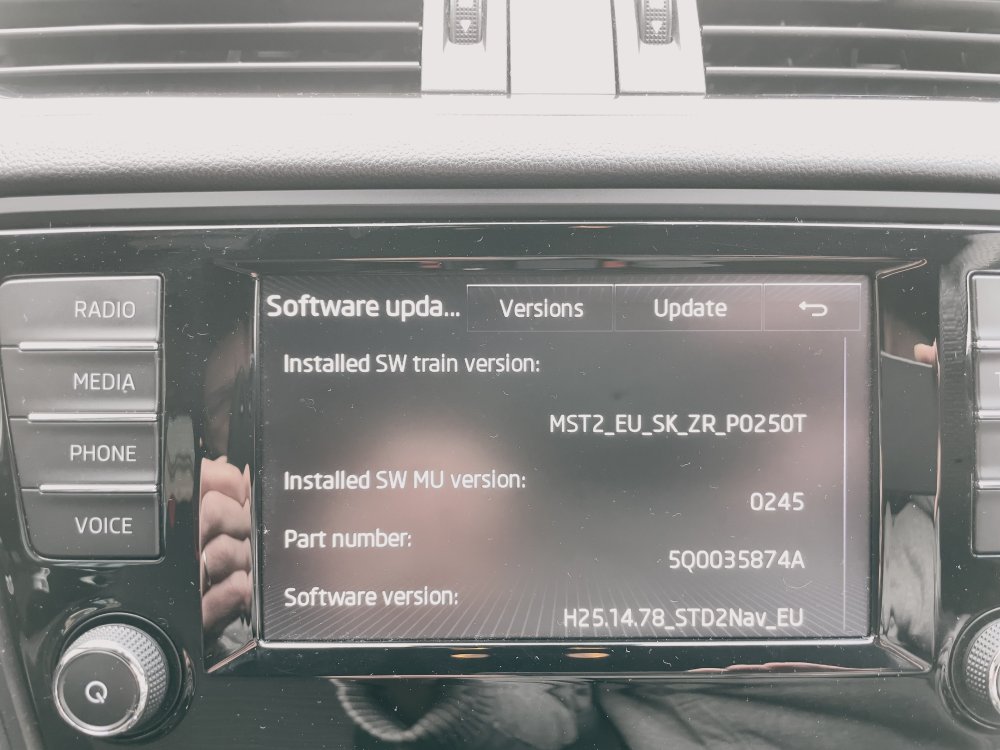
Hi everyone Could someone send me an update for my system? Thank you
-
Thanks. But I have no idea how to patch it. I feel a dealer visit is needed.
-
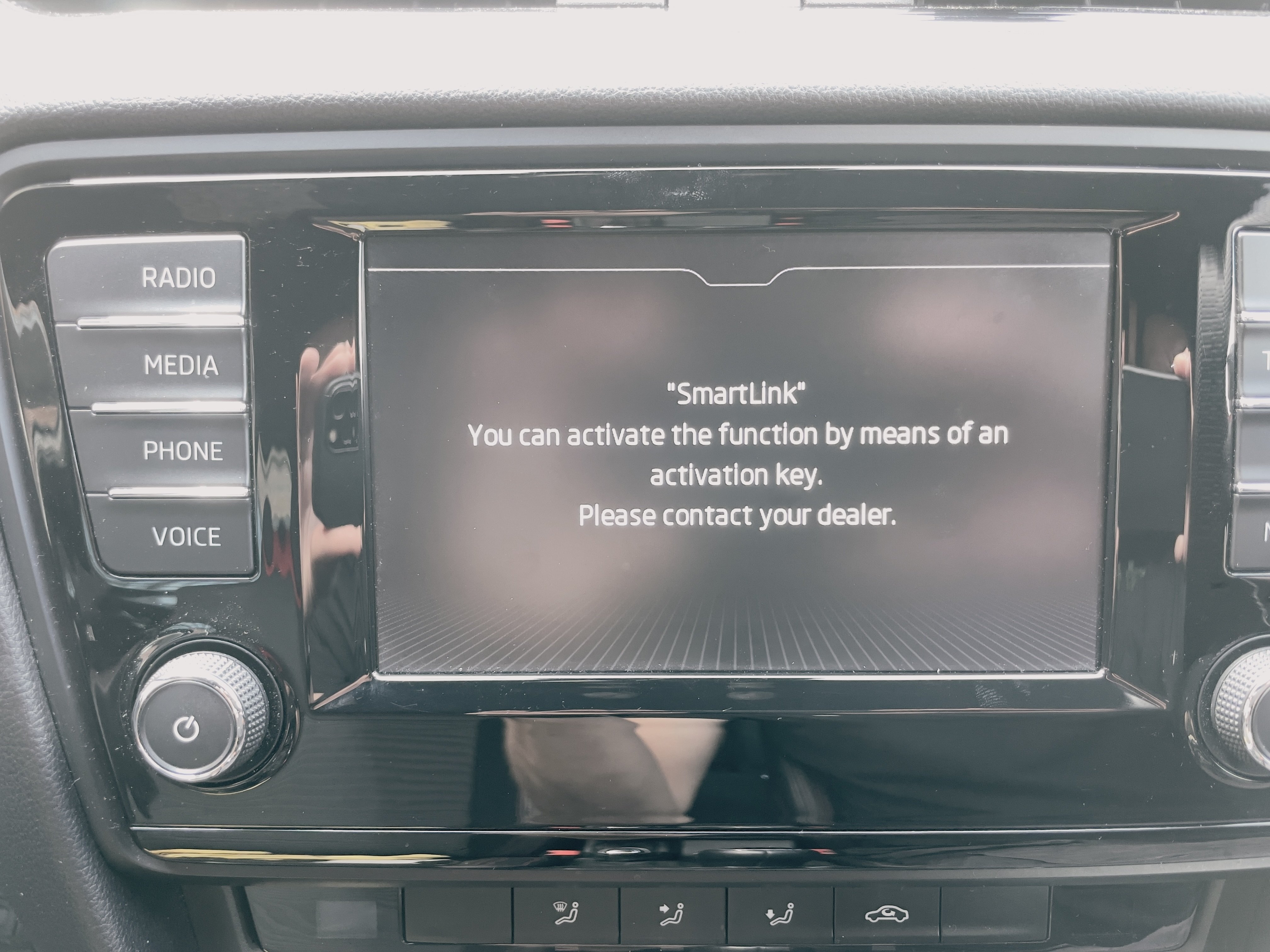
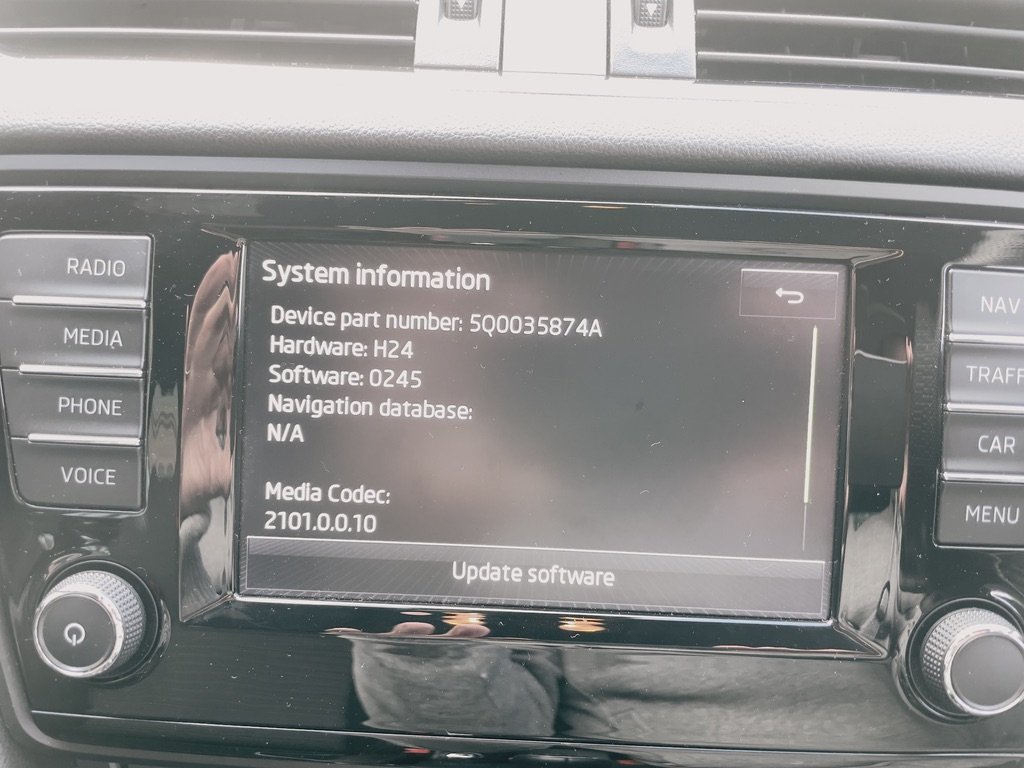
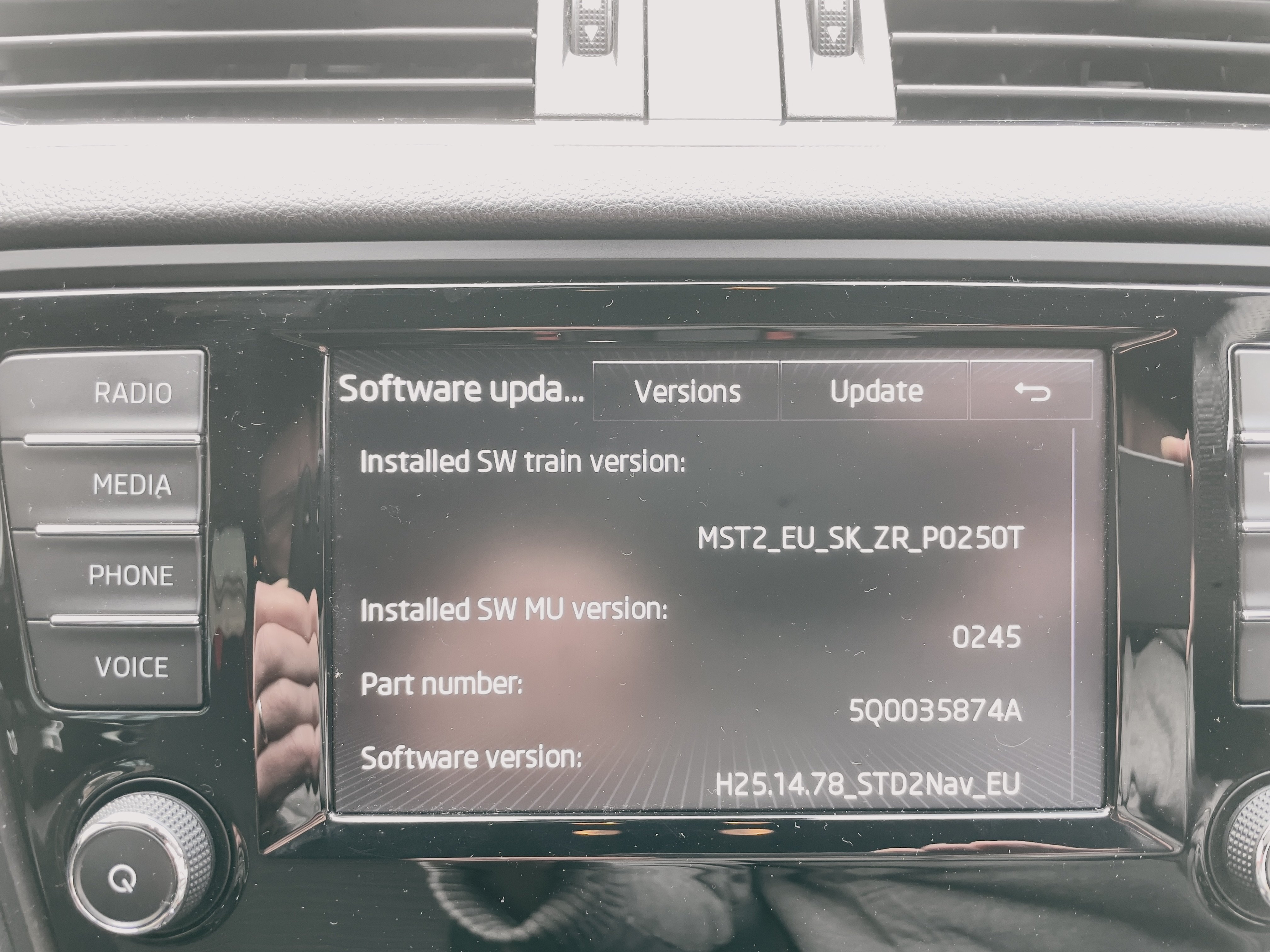
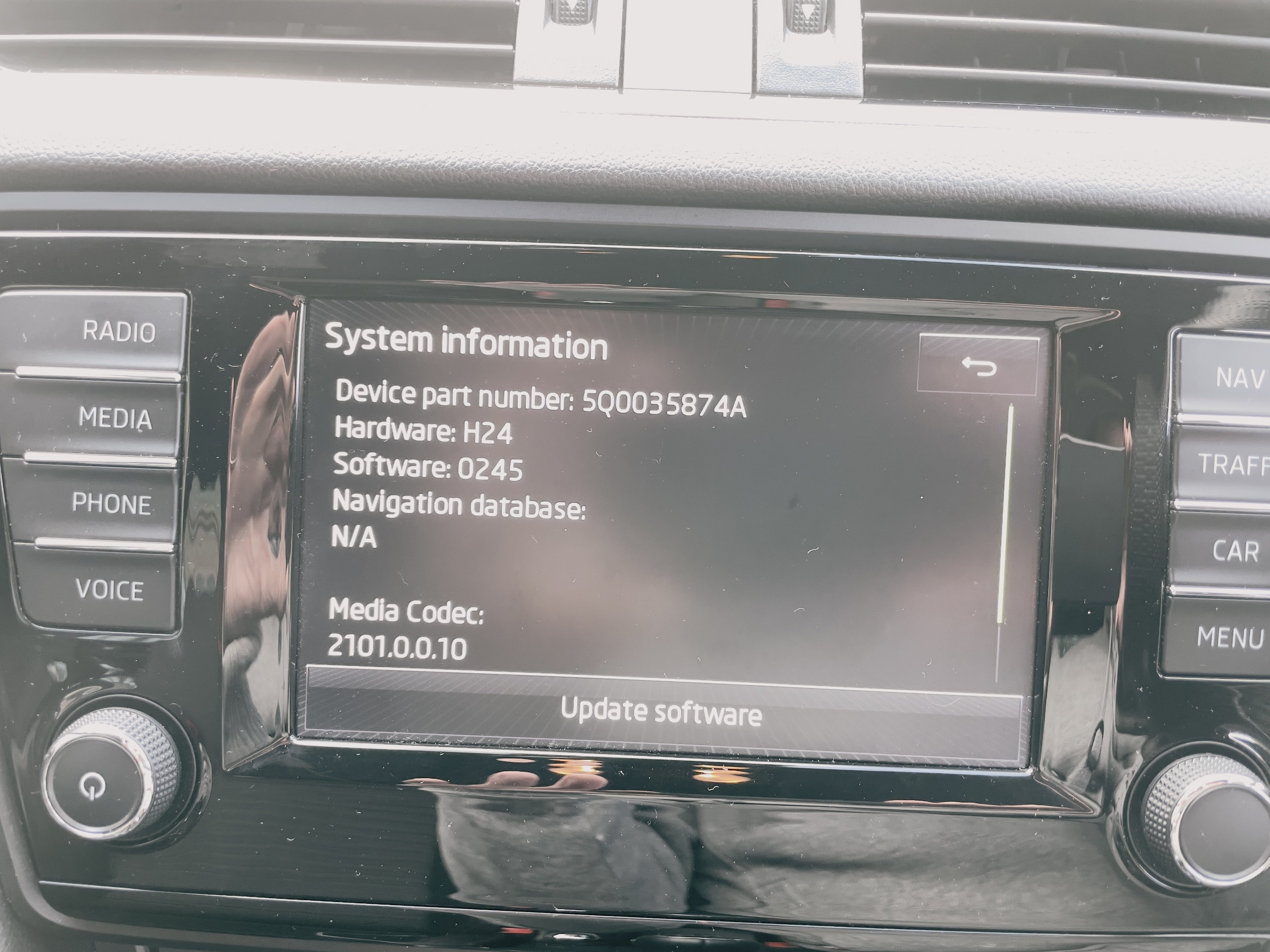
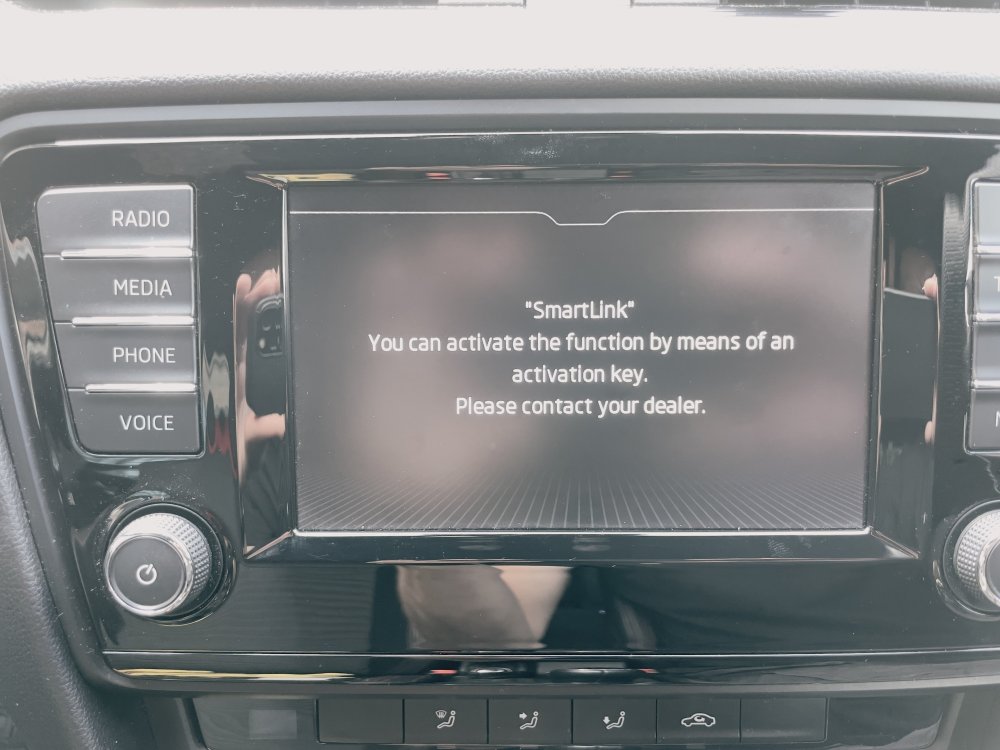
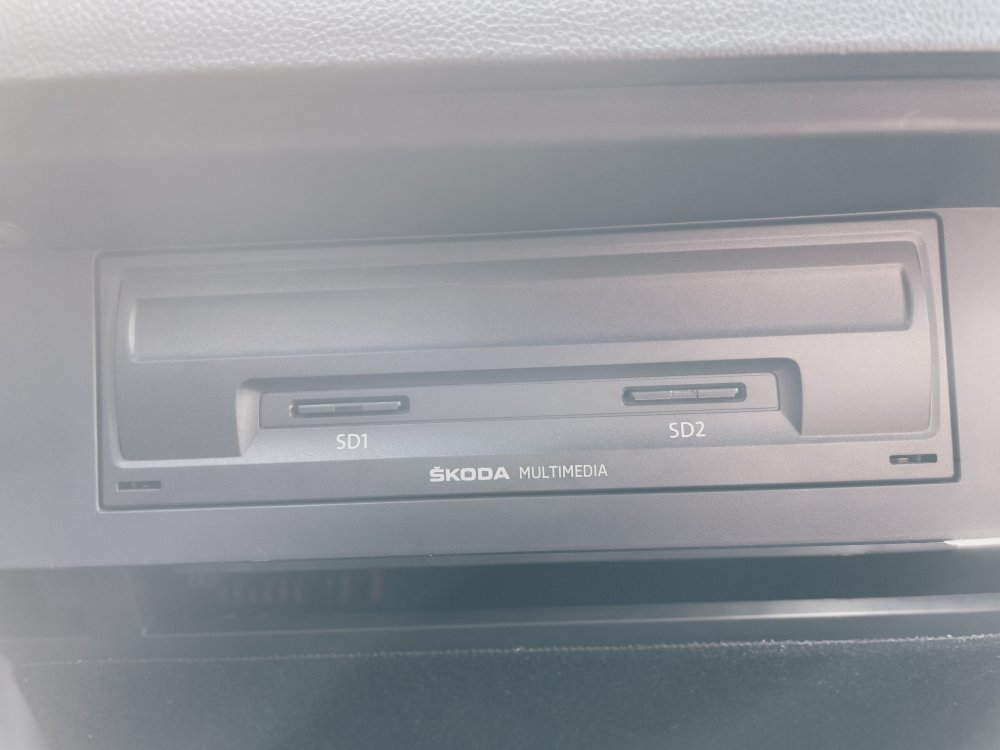
Hi everyone I have a MIB2 unit in a 2015 Octavia. I'd really like to be able to activate Smartlink so I can use Apple Carplay. Does anyone know if it's possible to do this without a visit to a Skoda dealer? Thank you
-
-
Thank you @Warrior193 I hadn't realised there was a difference. I thought I could just use a freshly formatted card. All sorted now.
-
Hi Not sure if you’ve sorted this but I wired my dash am into the rear wiper fuse. Seems to work fine.
-
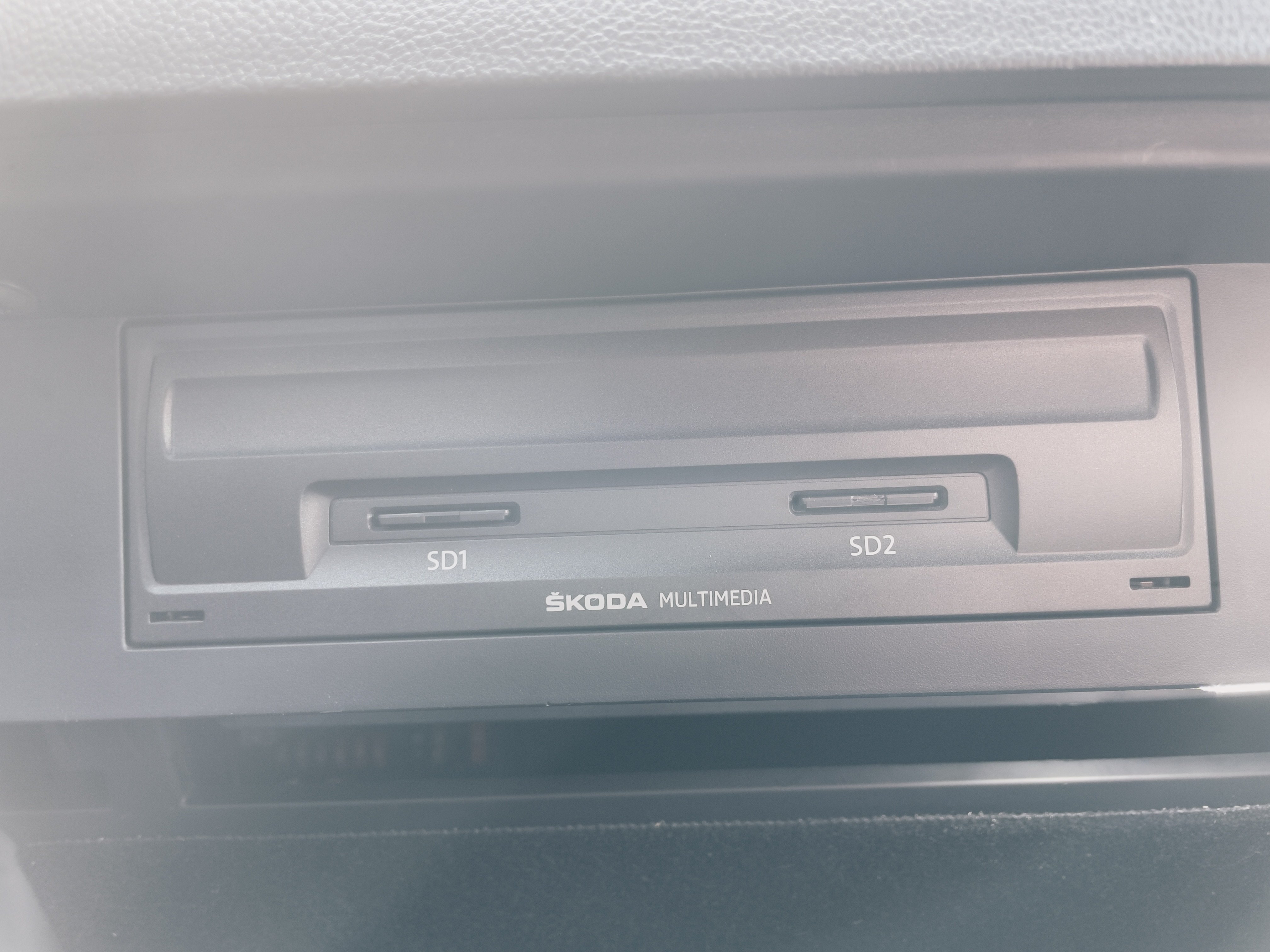
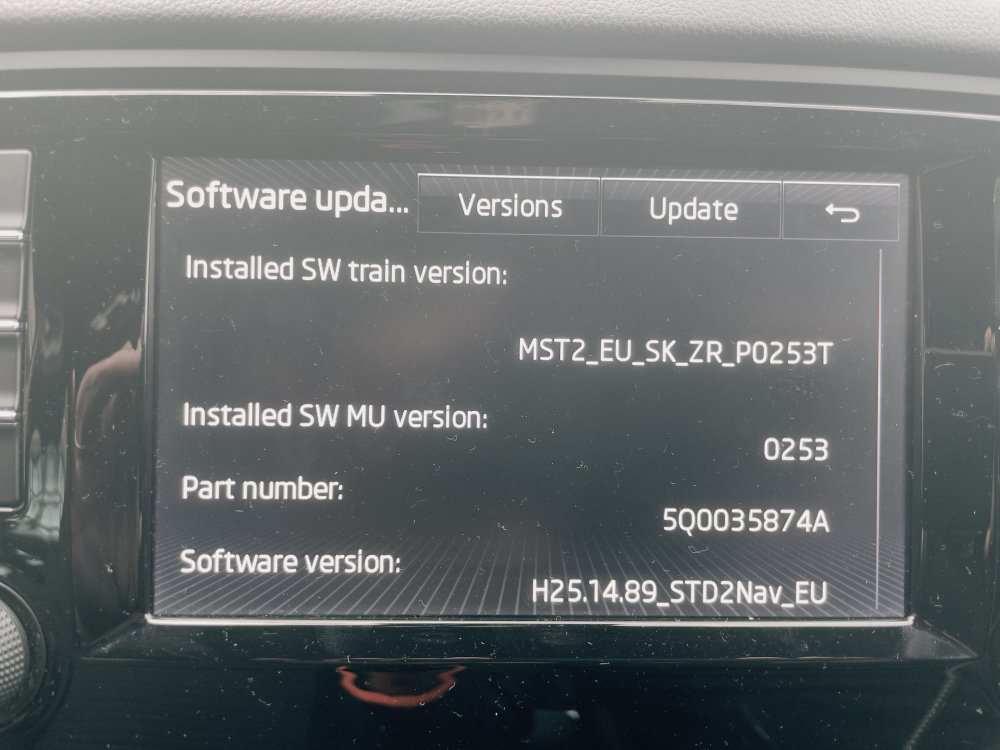
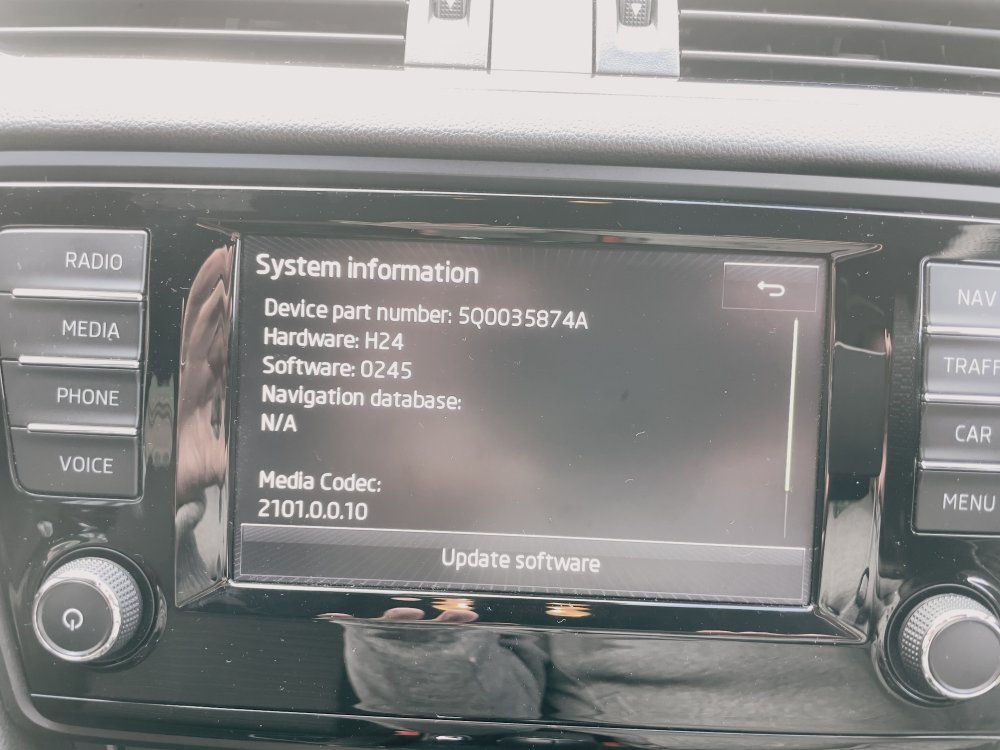
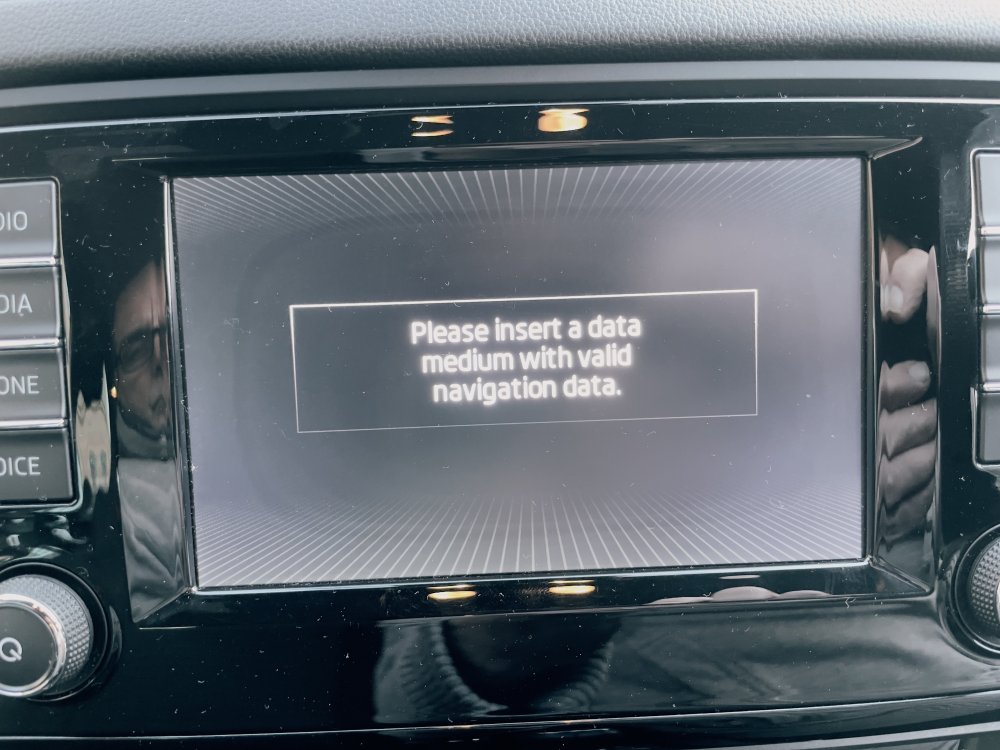
Good momrinng all I hope someone can help. I bought a 2015 Octavia last week and the original maps are still installed. I'd really like to update to the latest. I have downloaded them from the Skoda portal and installed them on a new SD card. However, I get an error message "Please insert a data medium with valid navigation data". I also went to MIB helper and downloaded from there with the same result. Can someone tell me what I am doing wrong? Thank you
-
Another one to add to the list. My 2010 Octavia VRS was running fine one day. It wouldn't start the following day. The timing chain jumped. All valves gone etc etc etc. £3000 repair bill!