Oldtowny28
Finding my way
-
Joined
-
Last visited
-
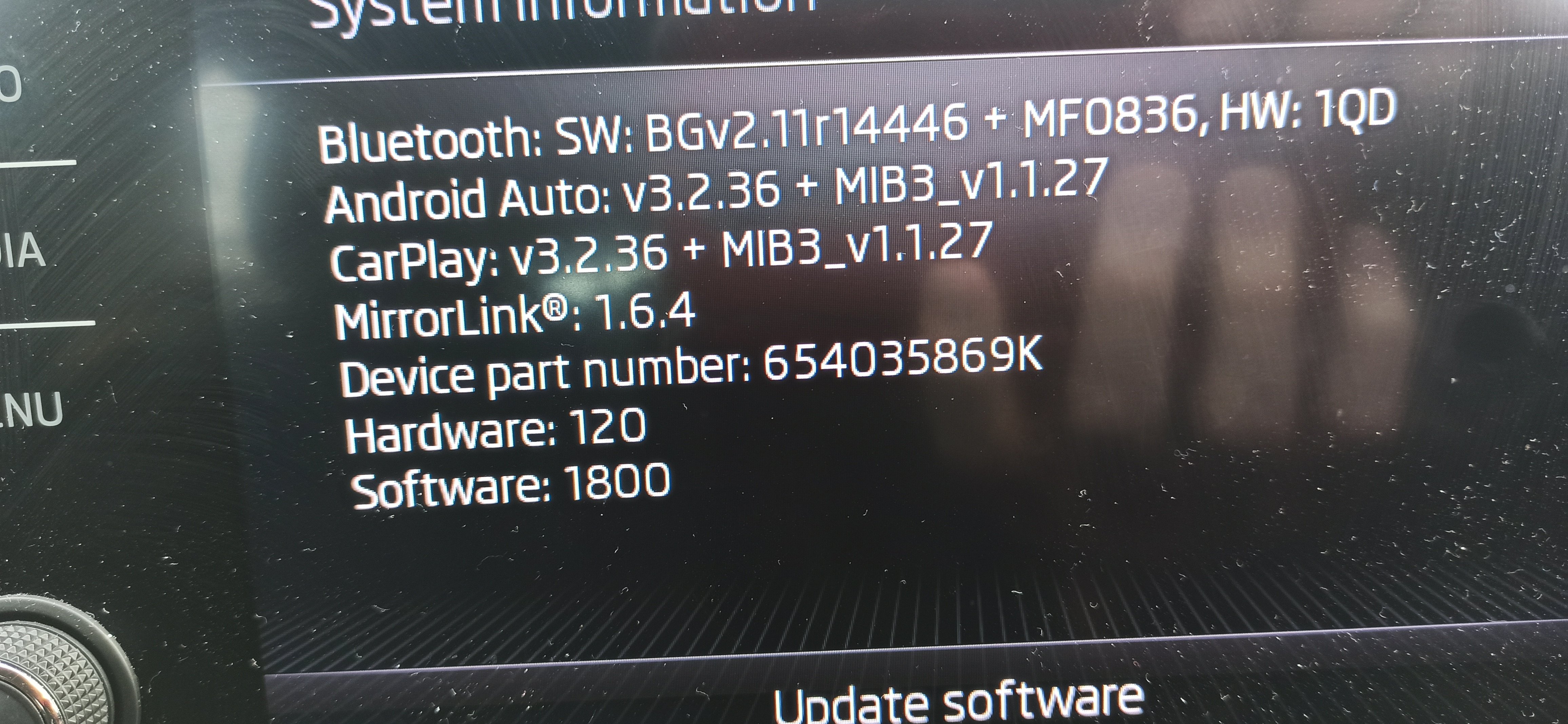
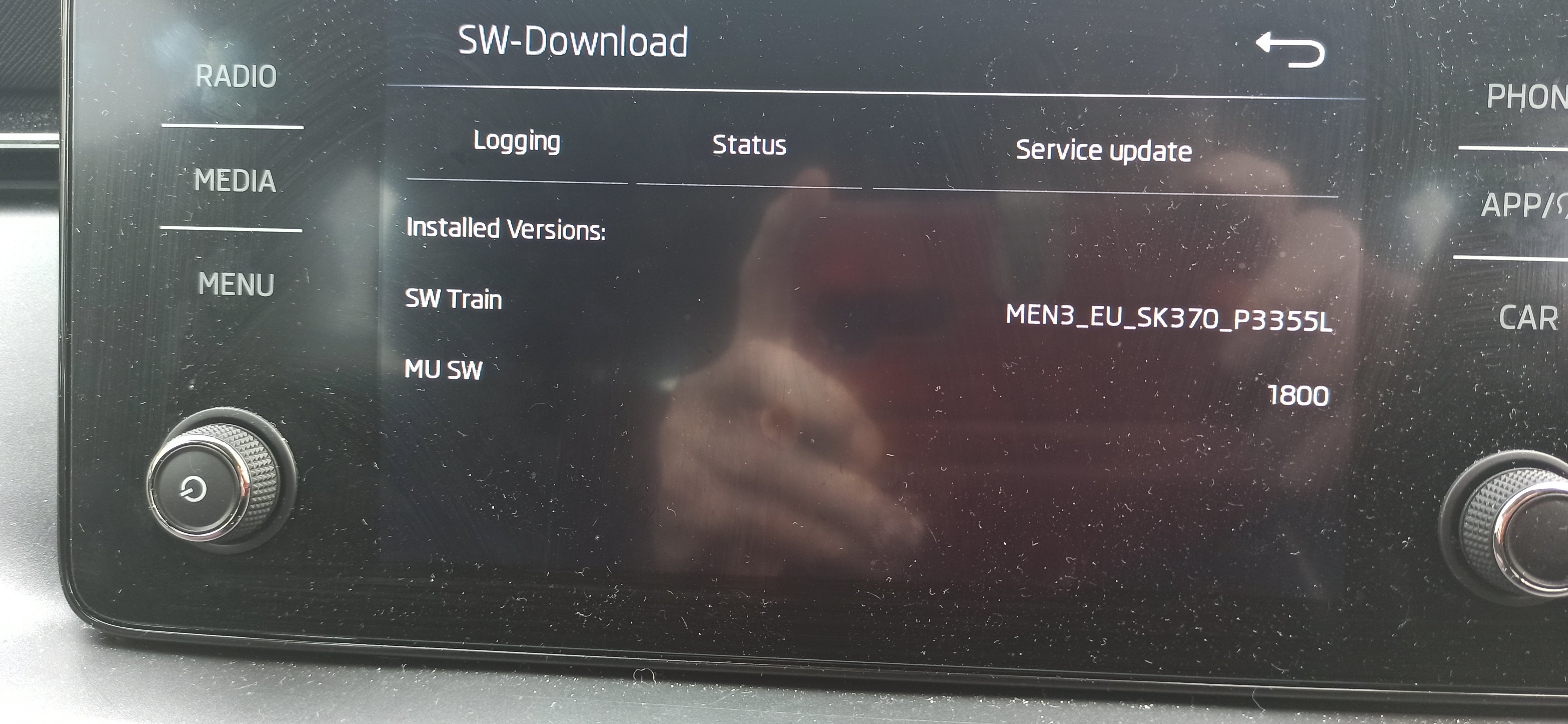
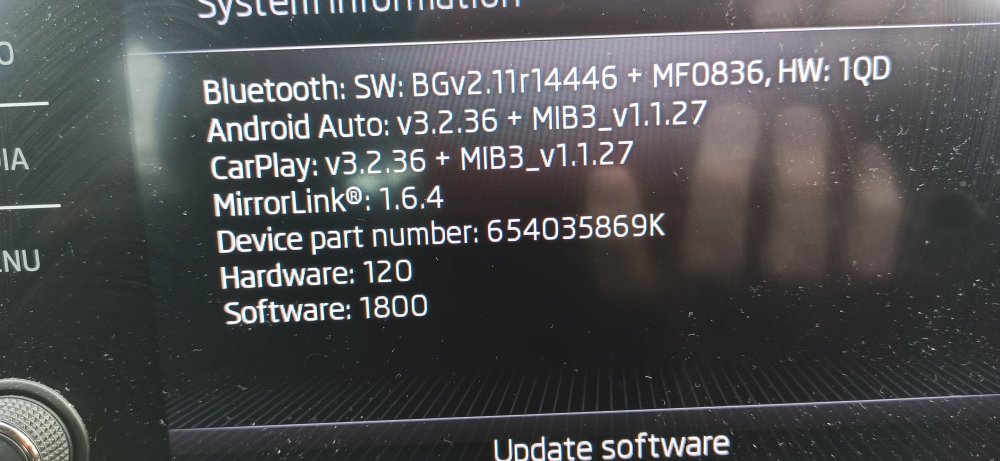
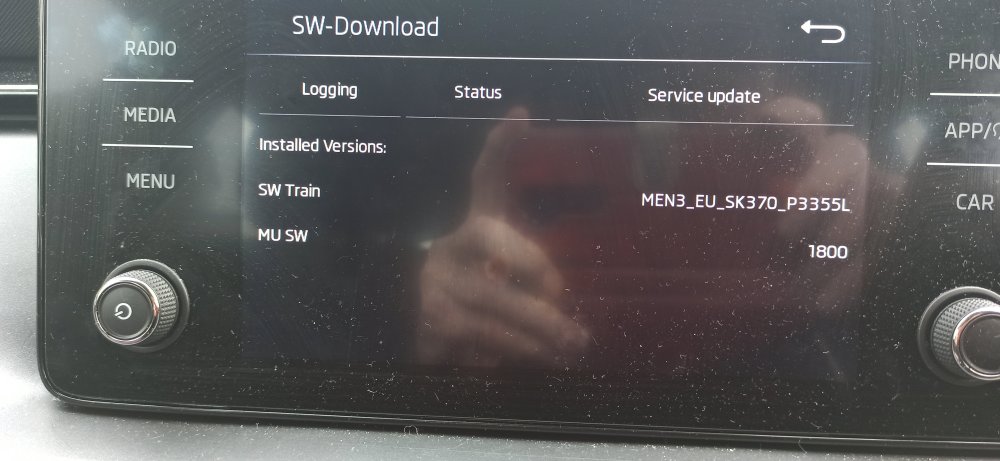
Attached are photos of media set-up
-
Sorry to hear that. There were no issues on my install except as you stated at the beginning, I had to turn the media off and restart (as suggested in the instructions - from memory). I don't have OBD11 to go in and change settings so cannot advise on what you experienced. Did you send the details of the car to the vendor before ordering so that they can double check that the one you were ordering was correct? If it was correct and doesn't function I would suggest that you contact them and explain the situation and see if they can guide you in resolving the problem. Apparently they are quick in responding and have experience in these types of fault issues. Hope you get some response from the vendor or someone else on here can help you.
-
As I said in my earlier post, no coding required. There are no fuses, just unplug the cable to the display unit and plug the new bit in between. Hardest part is getting boot handle out as it is clipped on at least 3 sides (maybe 4, can't fully remember) but I ended up breaking the clips off old one. I fed the cable from back to front through head lining and down A post. If in doubt, send them the car details for confirmation.
-
If you follow the instructions as given by Joe692 above it should be fine. As long as yours has the screen as shown in his pictures then the only thing you need to confirm before you order is that the profile of the rear boot handle is correct for the unit you have on the car. I would think that it is the same as mine was (2023 model) which was with Camera B.
-
I can't see a reason why not. The system is only looking for a reverse signal on the CAN Bus
-
It's built into the tailgate handle. When you get the kit from Aliexpress, you get a new handle assembly. You just have to remove the old one and fit the replacement - a lot easier than it sounds to get the existing one out!
-
Finally had time to install today. Feeding the wiring through the roof and the tailgate rubber connectors is not really an issue as long as you have an electricians cable lead or something similar. as you say, the hardest bit is getting the old boot switch out of its mounting. Took me about half an hour, even then a small part snapped off of it. This bit would have been much easier with 2 people! All in all, just under 2 and 1/2 hrs. But all is good, and for under £40, who could complain.
-
All working OK. I removed camera after tested it working correctly as I don't have time at moment to fully fit with cable. System recognised camera not there anymore so had to do a temporary refit with camera packed into glovebox. Panic over - for the time being!
-
@Joe692 Did yours have parking sensors fitted ex-factory and did they still work? I have just fitted this kit to a 2024 Scala and camera works fine. However, the parking sensors seem to be disabled both front and rear.
-
Oh OK. I'll look into that then and see what I can sort out
-
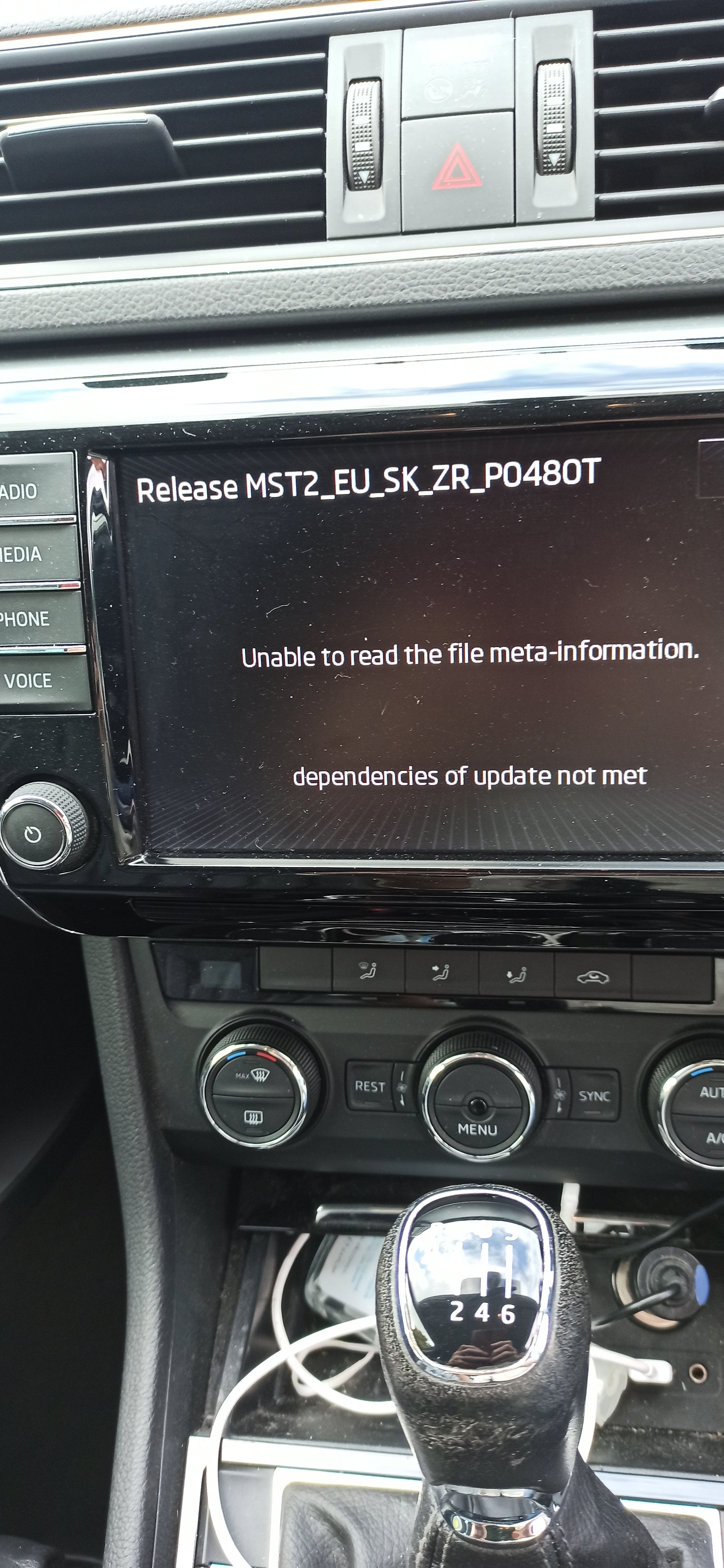
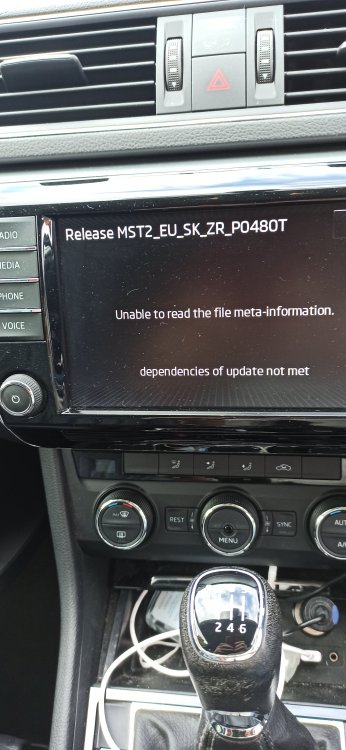
@pab567 Hi. Thanks for the file MST2_EU_SK_ZR_P0480T which I downloaded and put onto SD card this morning. Tried to update system but it came back saying unable to read metadata info. I formatted SD card (quick format) with File system FAT32 and allocation size as default. Any thoughts?
-
@pab567 can you please send me link for MST2_EU_SK_ZR_P0480T as I can't seem to get it from anywhere on the internet? TIA
-
@Joco776 I am unable to PM you directly as I haven't made the minimum number of posts, so could you PM me the file or a link please. Many thanks
-
Hi. I am unable to message you directly as I apparently have made enough posts. Can you please email directly to me or provide a link.
-
I found on mib-helper.com that the latest is 0480, so if you can supply that please. Do you know if mibsolution.one is a temporary issue or has it been removed permanently?