




kreso1202
New here
-
Joined
-
Last visited
-
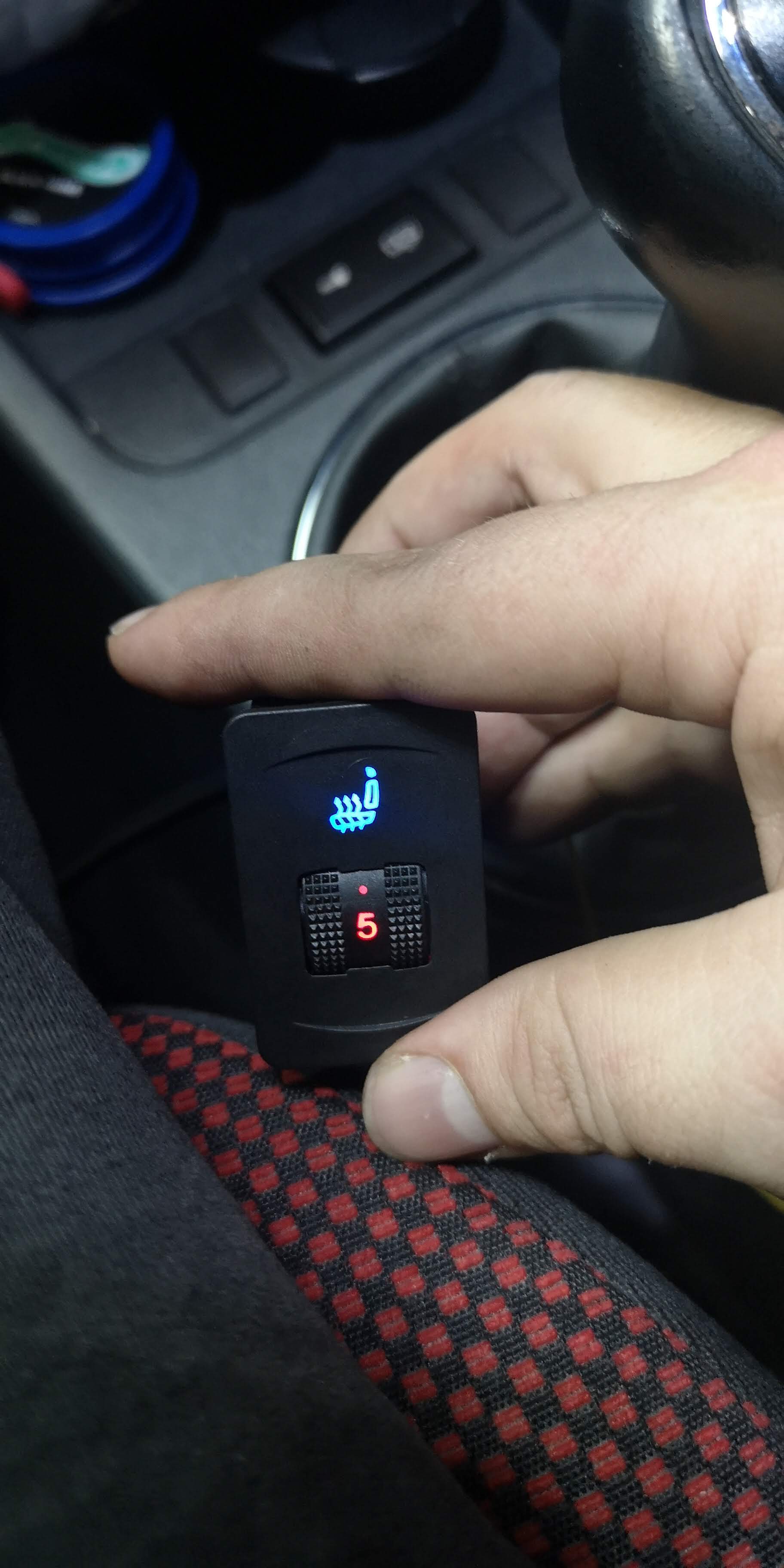
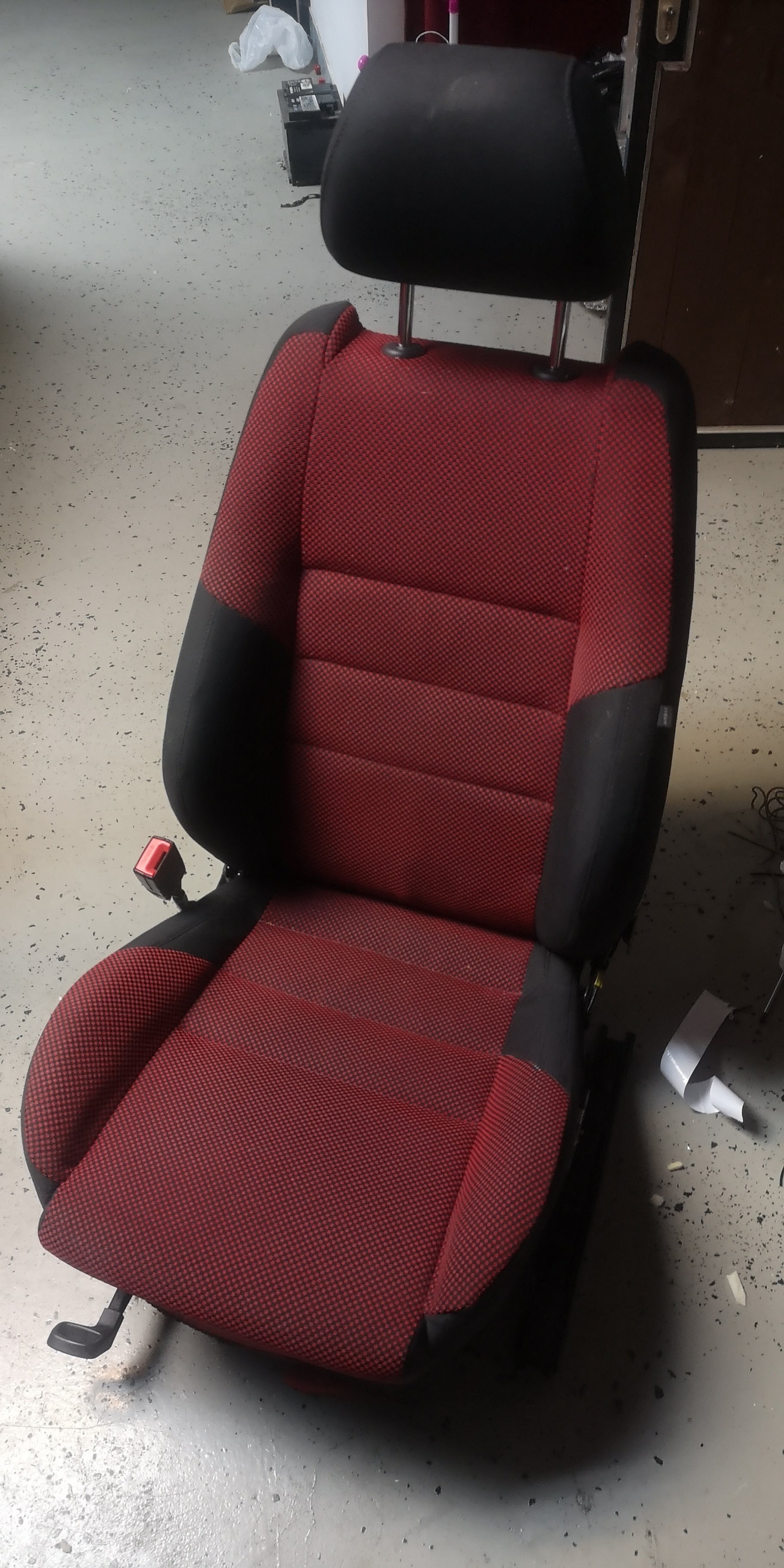
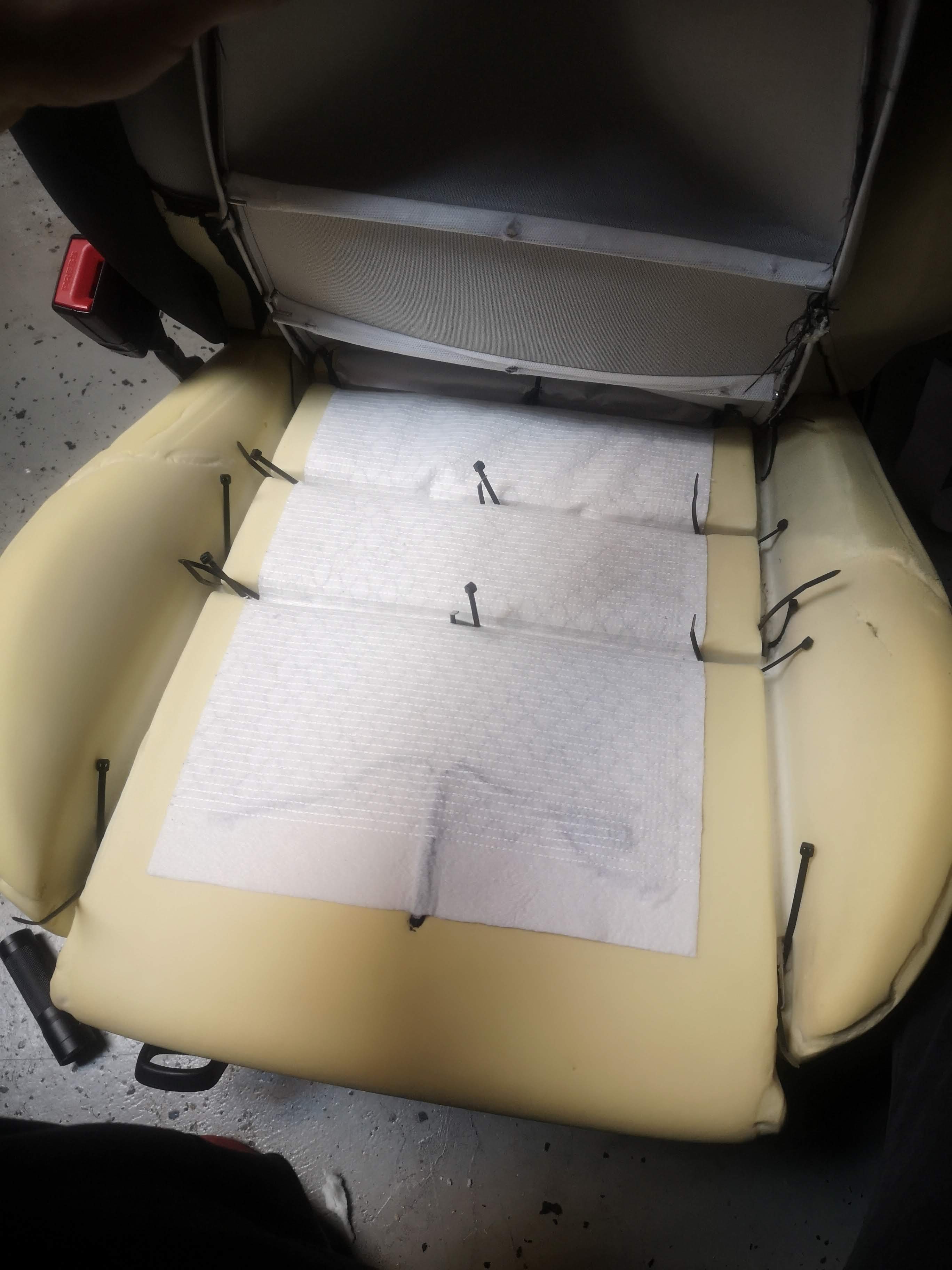
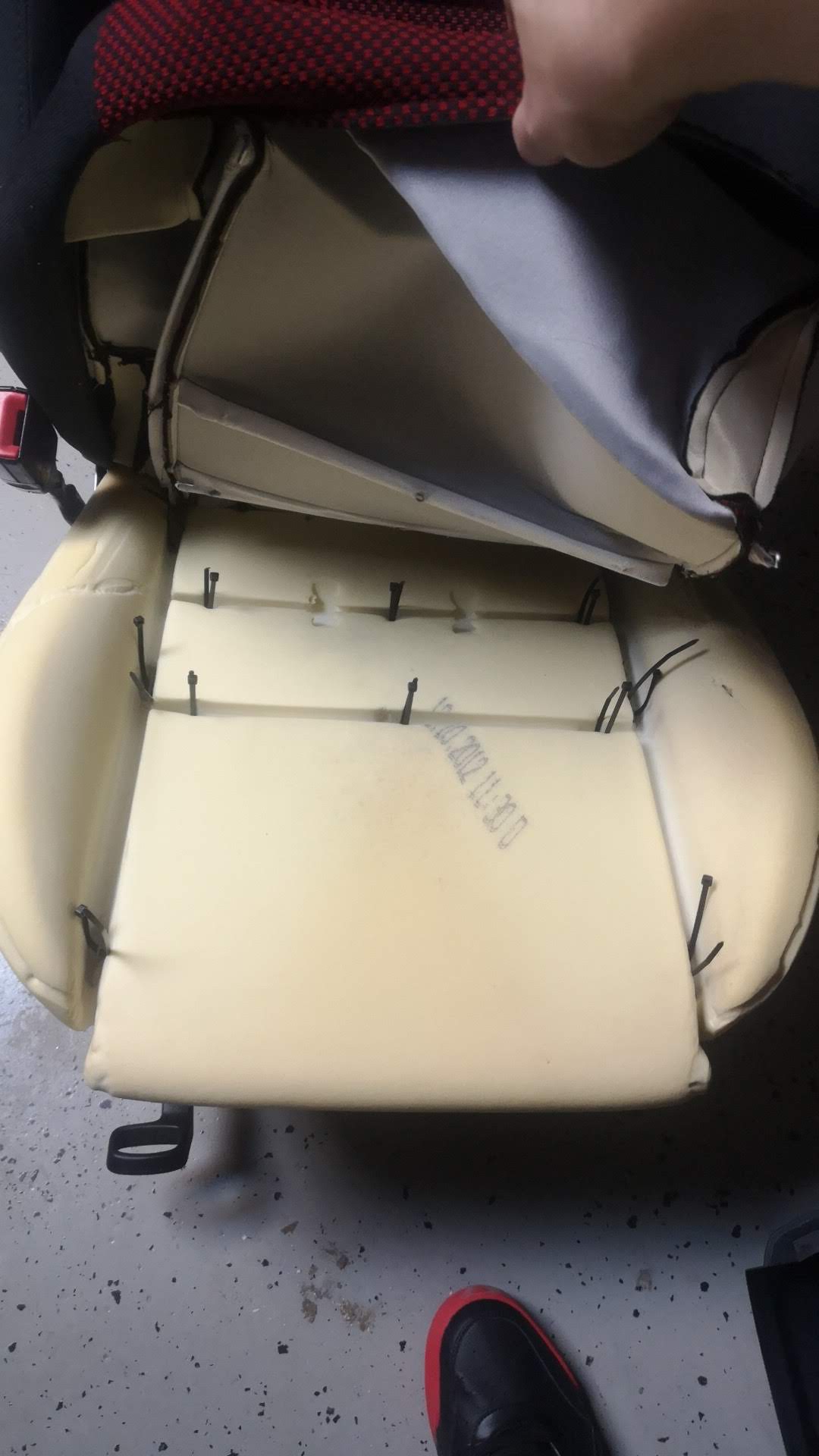
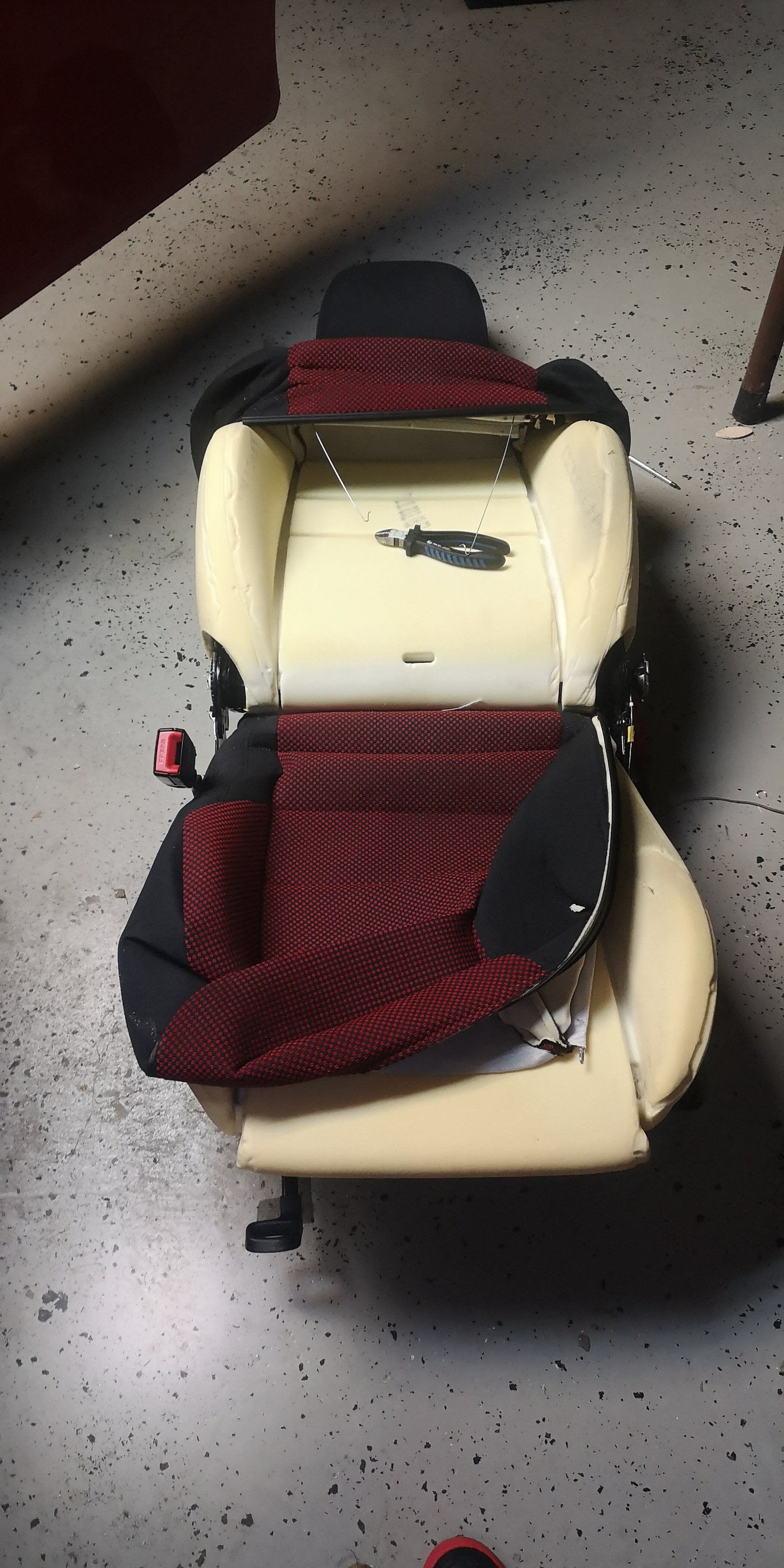
Hello everybody, first sry for my bad english I am from Croatia :). Just to share my retrofit with you. I put heating in my seat. I ordered carbon seat heater and install it on driver seat just to see how it will work and I can tell you, works perfectly. Here are some pics: <a href="https://ibb.co/w6DLcnr"><img src="https://i.ibb.co/12HnzCJ/IMG-20210106-195423.jpg" alt="IMG-20210106-195423" border="0"></a> <a href="https://ibb.co/3RwDXT9"><img src="https://i.ibb.co/phgtD1B/IMG-20210106-175700.jpg" alt="IMG-20210106-175700" border="0"></a> <a href="https://ibb.co/pjrgQMm"><img src="https://i.ibb.co/chXPwZm/IMG-20210106-173920.jpg" alt="IMG-20210106-173920" border="0"></a> <a href="https://ibb.co/3pFT6nG"><img src="https://i.ibb.co/D9M1cZs/IMG-20210106-WA0019.jpg" alt="IMG-20210106-WA0019" border="0"></a> <a href="https://ibb.co/nmQyMPx"><img src="https://i.ibb.co/3dSbmRg/IMG-20210106-155910.jpg" alt="IMG-20210106-155910" border="0"></a>


Important Information
Welcome to BRISKODA. Please note the following important links Terms of Use. We have a comprehensive Privacy Policy. We have placed cookies on your device to help make this website better. You can adjust your cookie settings, otherwise we'll assume you're okay to continue.