NSmith
New here
-
Joined
-
Last visited
-
Thanks, camelspyder. Not impressed that it is not a mac compatible process.
-
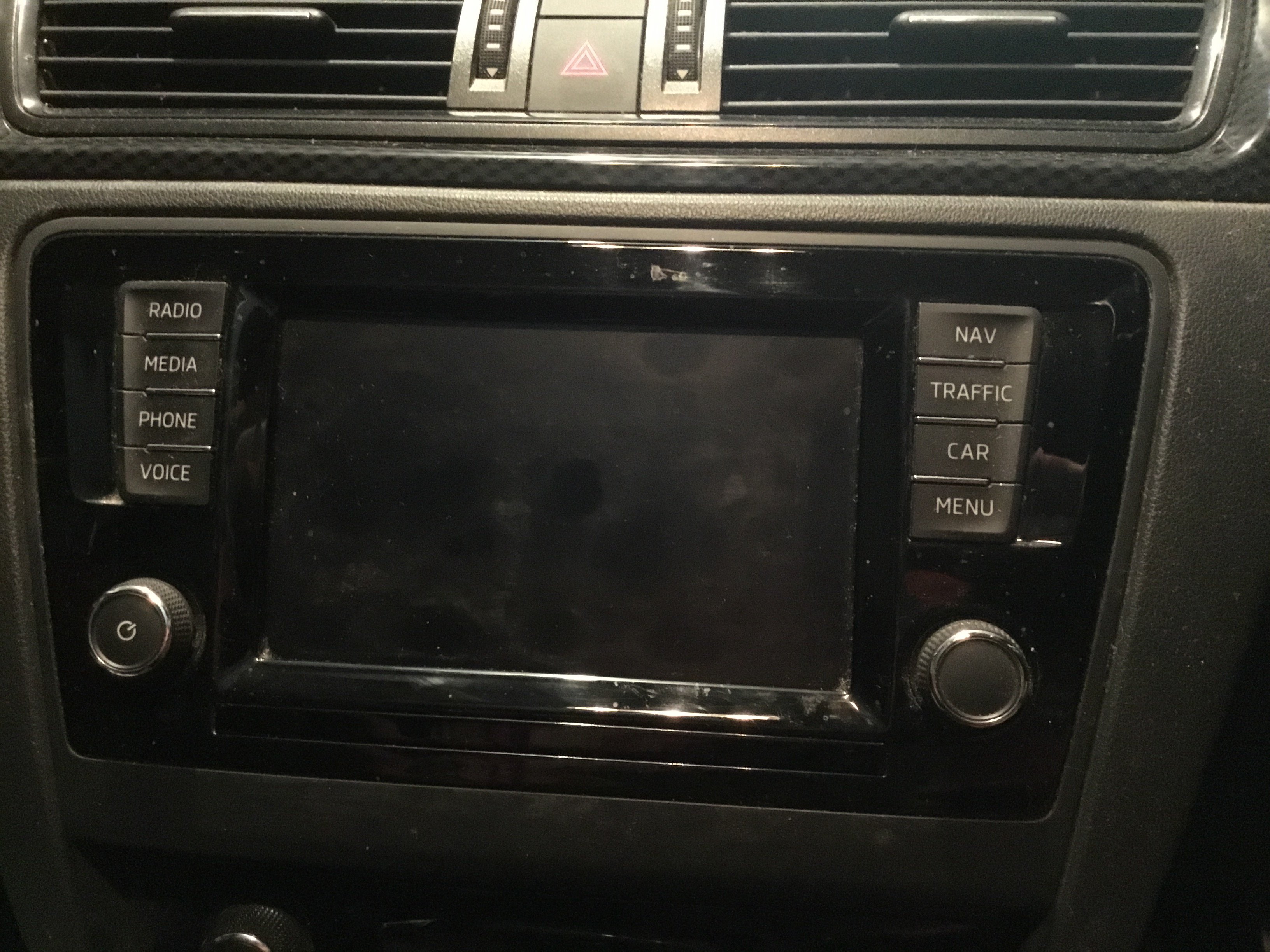
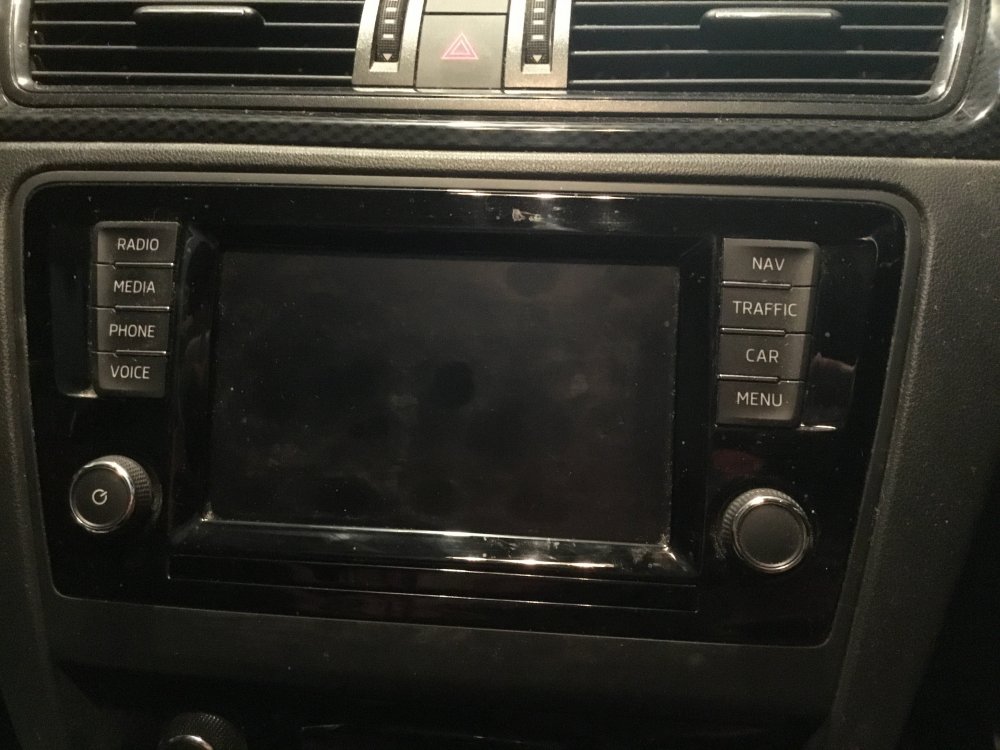
Photography on a par with car skills. Pic as requested. Also supposed to be a “insert card, auto update” I believe.
-
Hi Mick, I’m guessing that’s the radio? It’s an Amundsen. NSmith
-
The original sd card corrupted so I bought a new one but it didn’t come with current maps. No installation assistance from local dealer. I use a mac. Went to update portal, downloaded zip file then opened same. Have tried each map folder in turn (22,23,24, 27 and EEC) but none are triggering any engagement with navigation system. Message is always “pls install valid data” or similar. Please advise in small words what I did wrong. My knowledge of cars is limited to add petrol, wheels go round. Thanks.