mrreach_69
Finding my way
-
Joined
-
Last visited
-
Many thanks for this recommendation, plugged it in & it connected straight away! I was adamant that the cable couldn't be at fault as my old cable worked on another car. For anyone else having connectivity issues, definitely try purchasing one of these. Thanks again!
-
Perfect, thanks for the link I shall get one on order.
-
Thanks, I have also found this thread which confirms what you have said https://support.google.com/androidauto/thread/133007215/pixel-6-pro-not-connecting-to-car-s-display?hl=en-GB I will try a few different cables but its frustrating when you don't know whether it is the cable or Android app which is at fault.
-
Thanks, I have posted in the relevant thread so will look out for his reply.
-
Many thanks for the confirmation, I'll have to try & get my hands on that latest software version.
-
Unfortunately for the newer versions of Android Auto, there is no longer a separate app as it is built into the Android operating system. However, as my phone worked on the Golf, I assume this won't be the issue but thanks for your suggestion 😊
-
Hi @pab567 Could you please advise if an update is available for mine too?
-
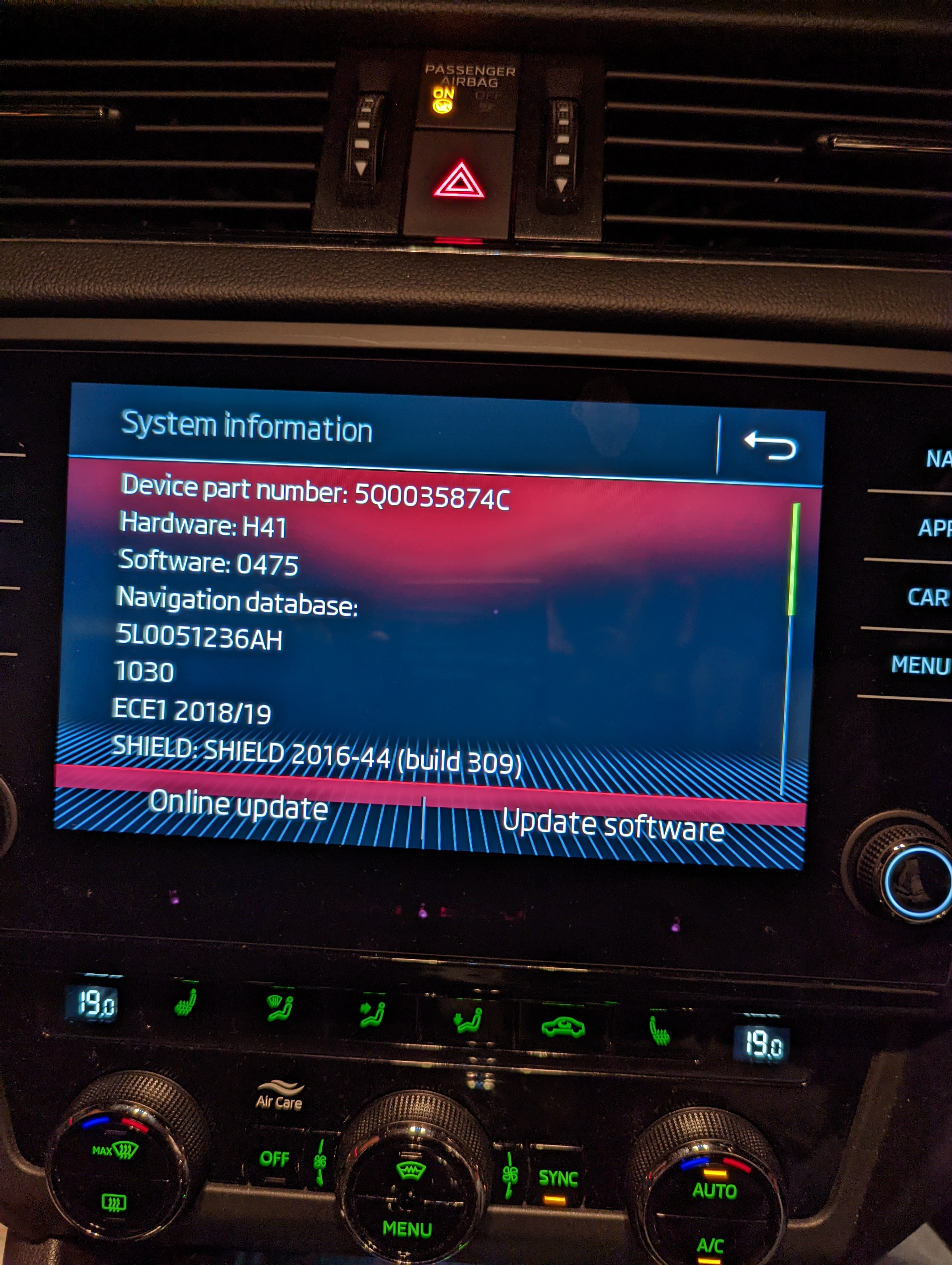
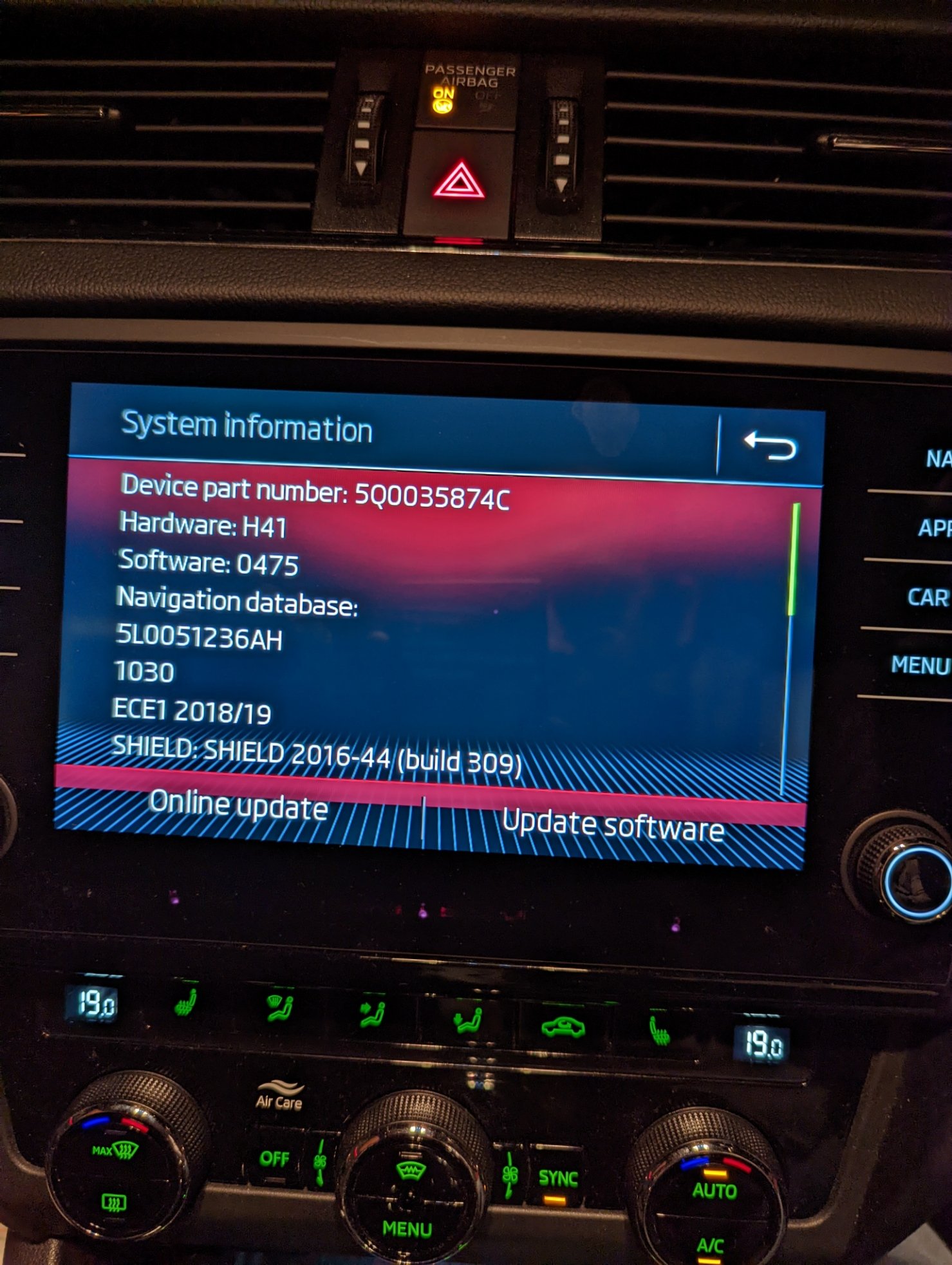
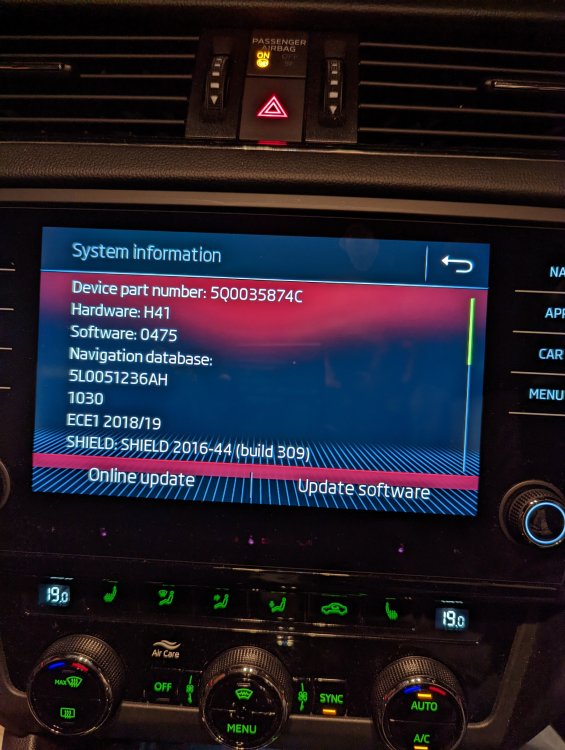
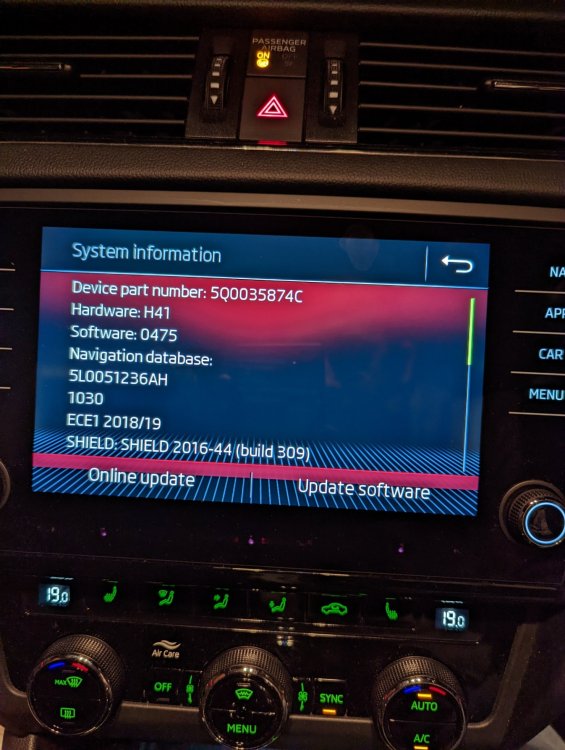
Having owned my 2019 Octavis VRS from new, I've never had a problem with connecting my phone (running Android 8 ) to Android Auto. Last week I decided to treat myself to a Google Pixel 6 running Android 12. However, when I plug it in, the phone doesn't acknowledge the car & the car doesn't acknowledge the phone, but the phone does charge. I have tested my phone & lead in my dads brand new golf gti & that works fine so the problem must be with the car. Having read a few other posts I found one stating that you may need to enable developer mode & set the default usb action to file transfer/android auto which I have done but this hasn't helped. Not sure if I need a software update so have posted a pic of my current version etc. If all else fails I may have to purchase an aa wireless device but would rather avoid this if possible. Any suggestions would be gratefully appreciated
-
Just want to say a big thank you for posting this. I haven't got a clue how you discovered it as I was convinced that the source of the problem was at the front of the car, but the rattle when in sports mode was driving me nuts. Well worth £1 & 10 mins of my time! Cheers 👍