
sapf0
Members
-
Joined
-
Last visited
-
Is G69 the throttle body connector?
-
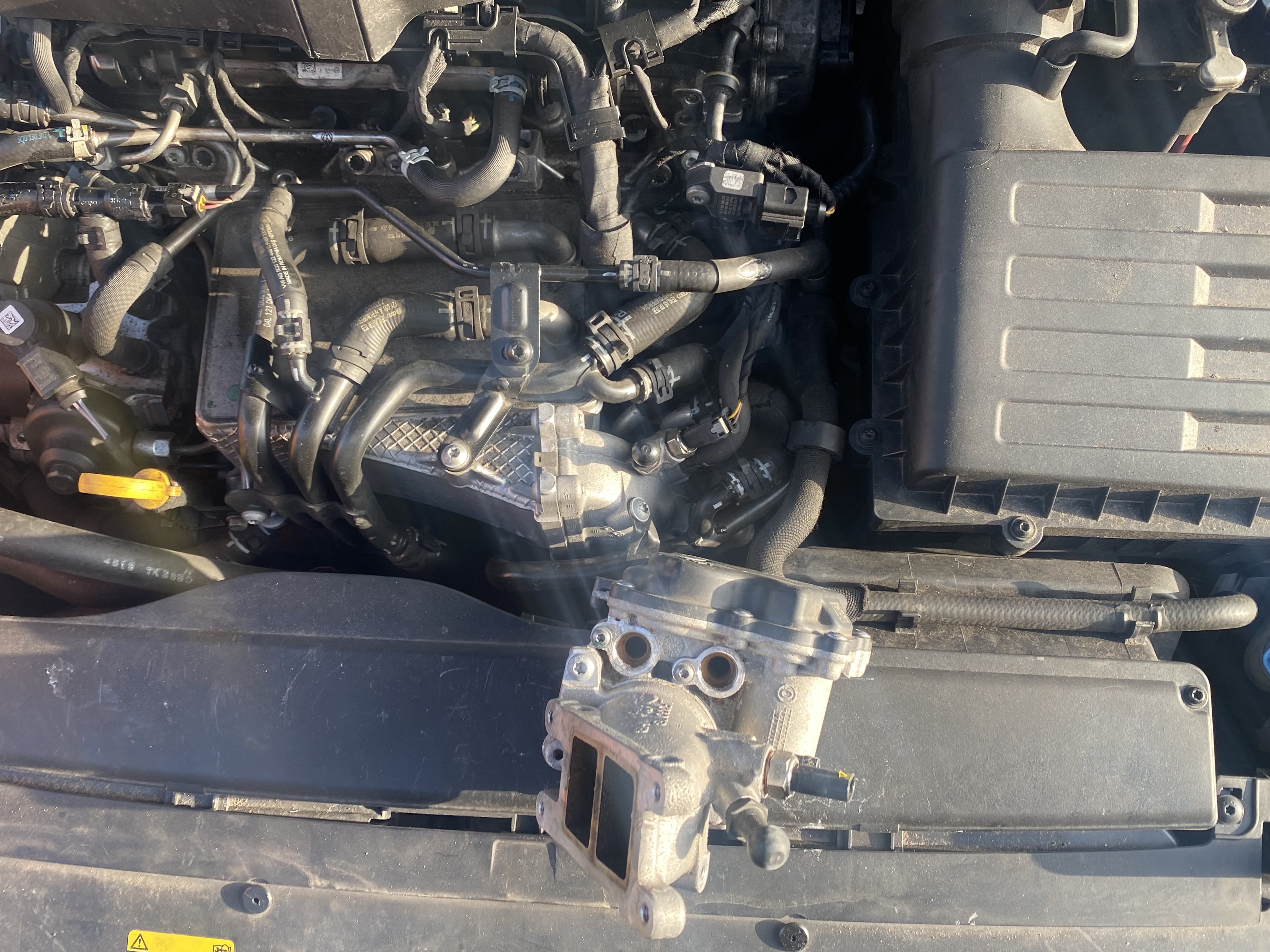
The Haynes Autofix cost me £20 and is useful for an owner anyhow. I changed the Throttle body with a used which cost pennies. Fault not fixed. Investigation those wires is next. I have VCDS. I’ve purchased it on your recommendation, however, Carrista is pulling up the same faults, so as yet it’s not been as useful.
-
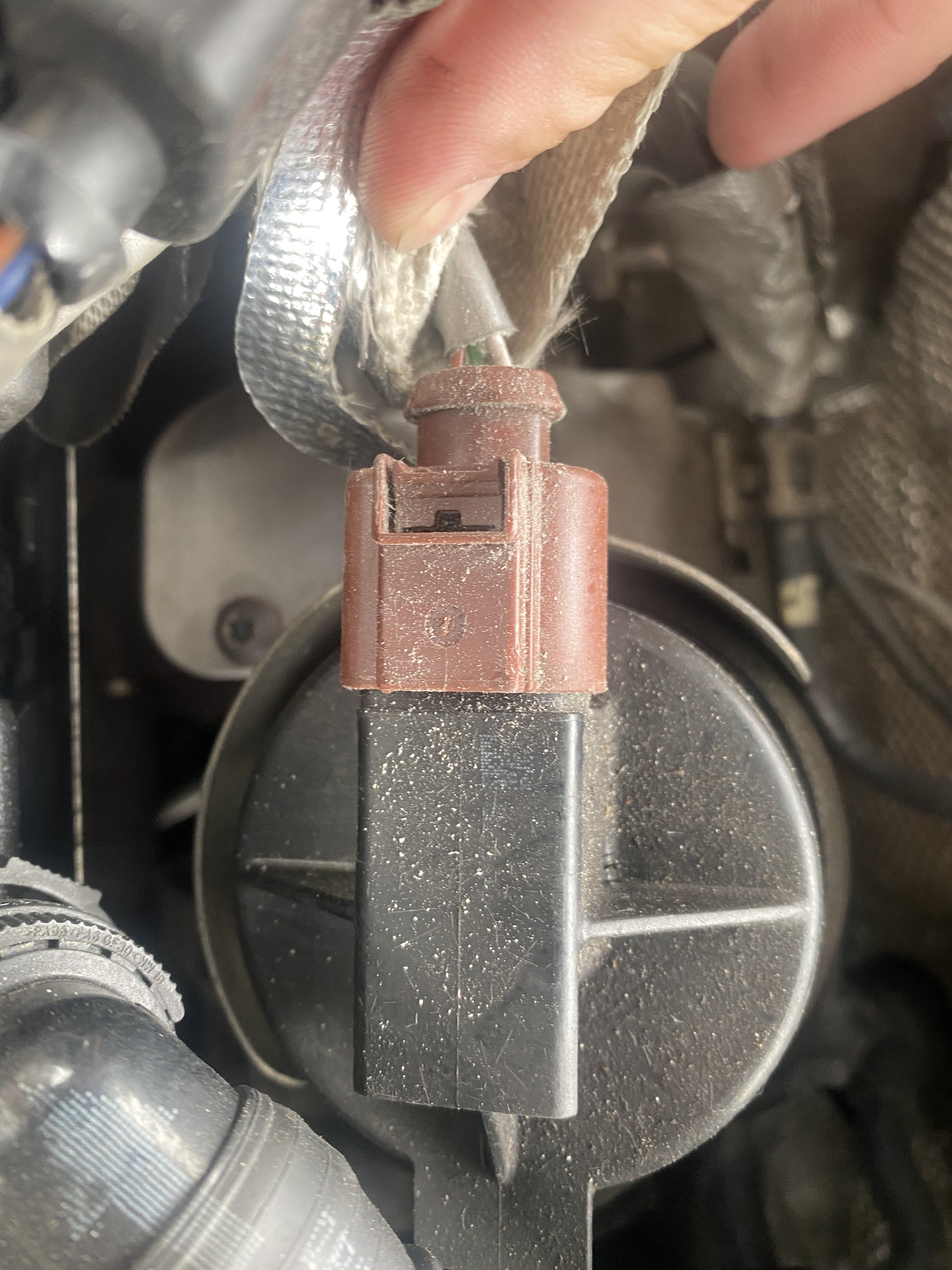
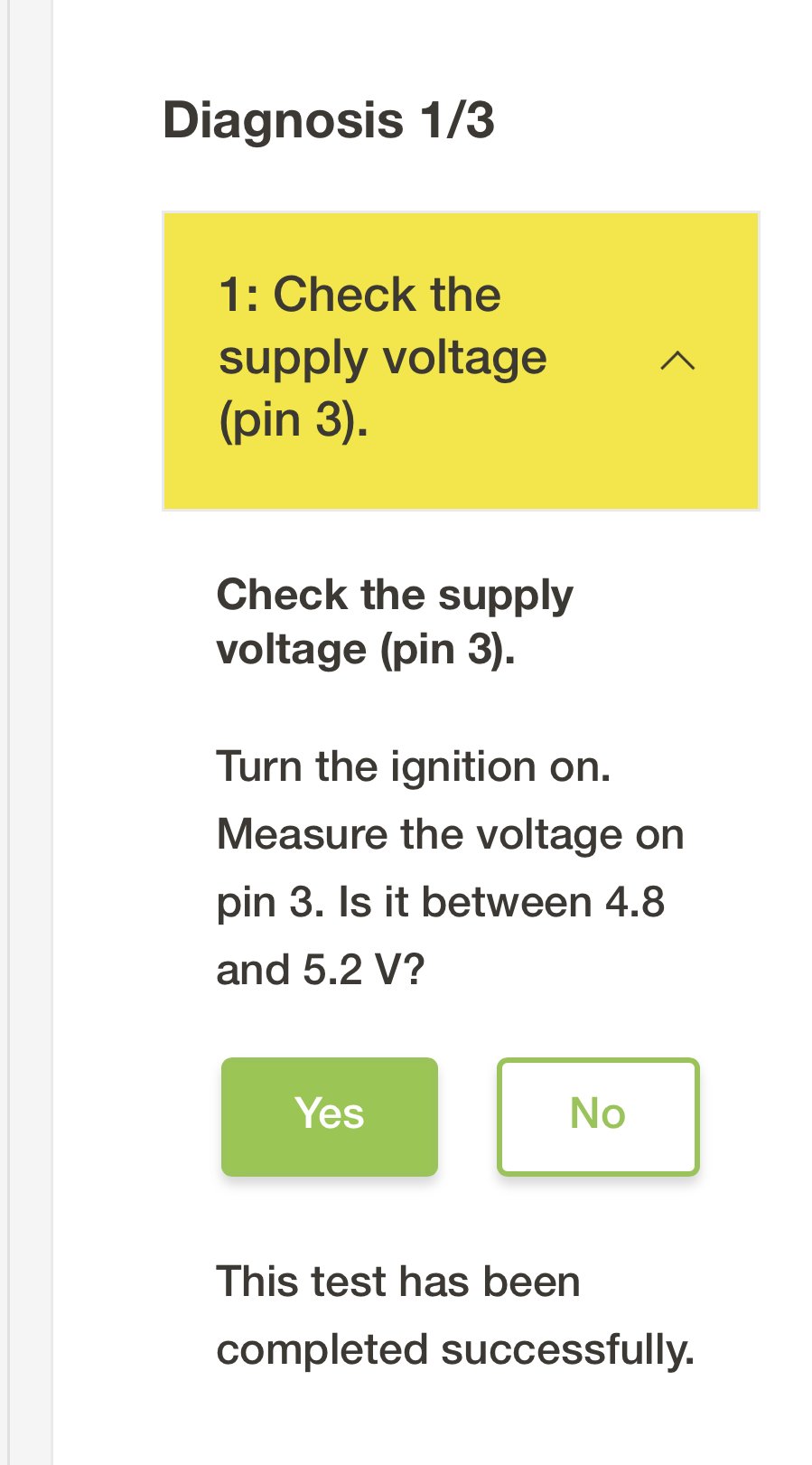
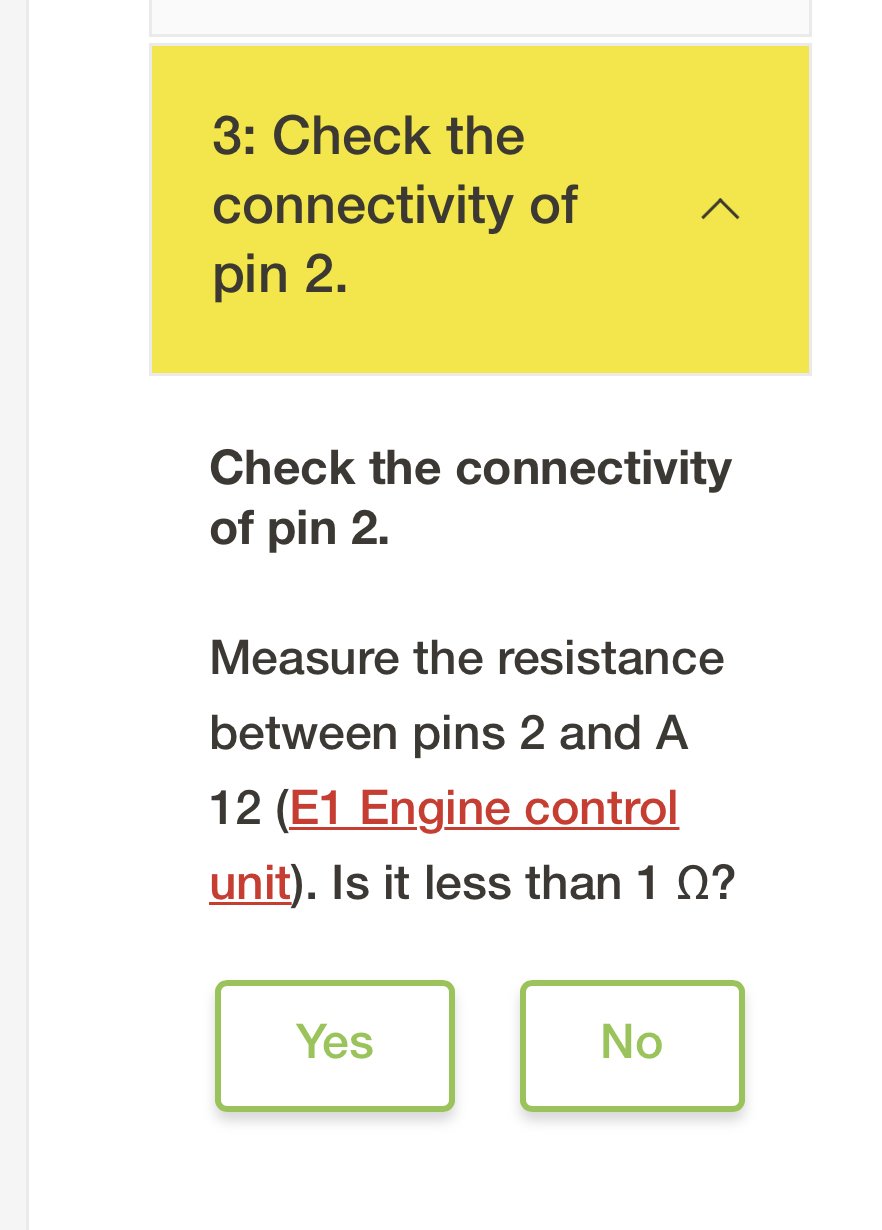
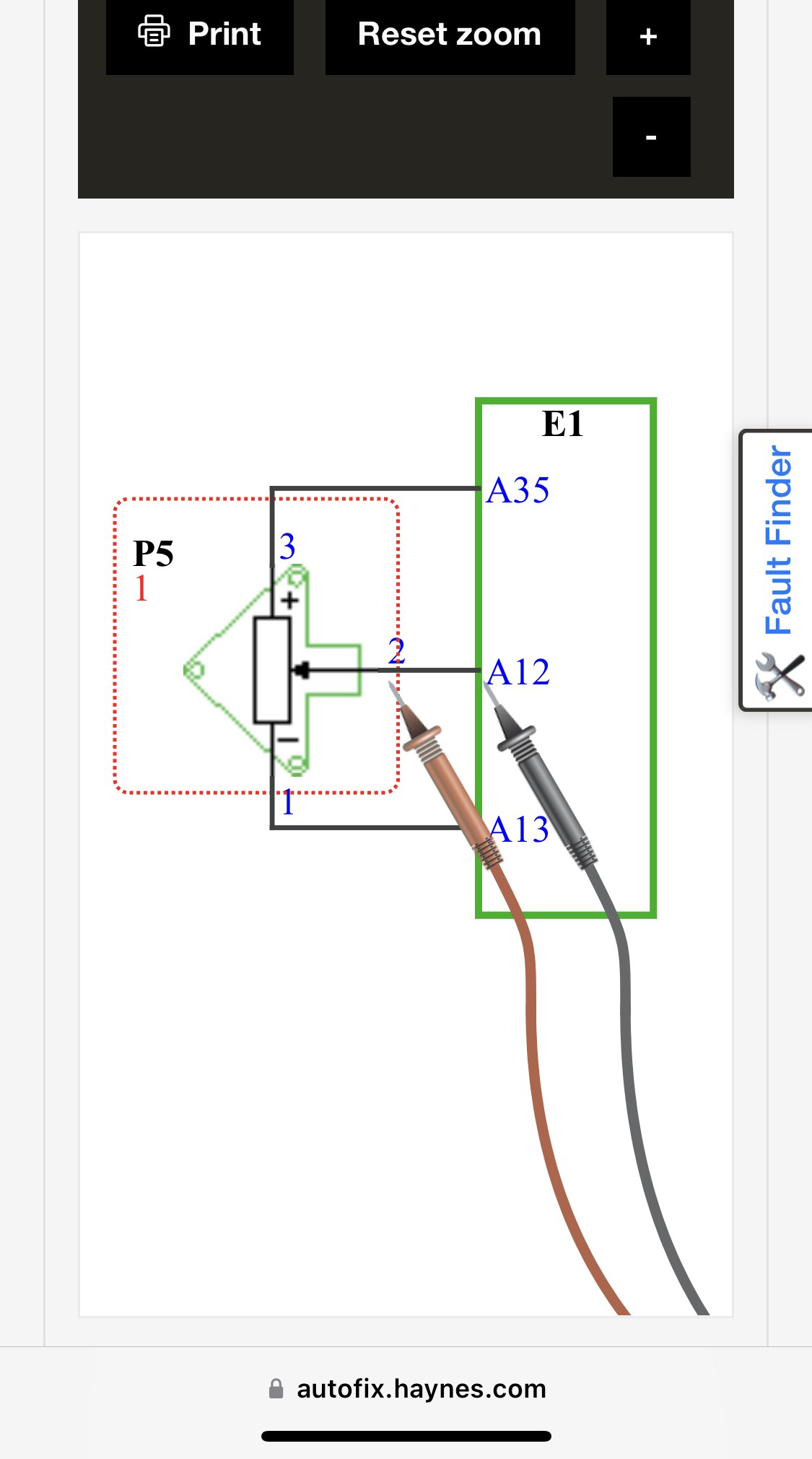
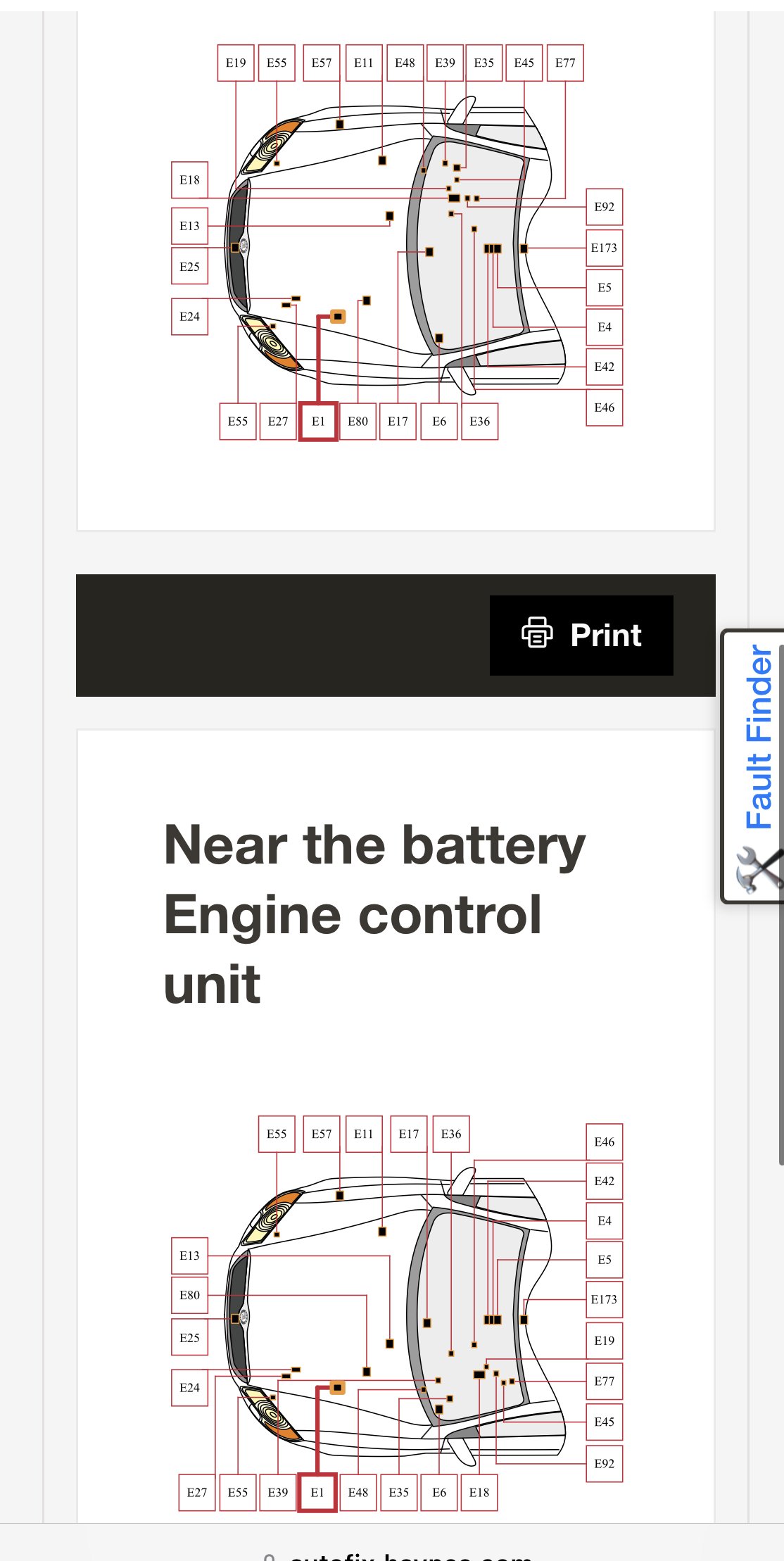
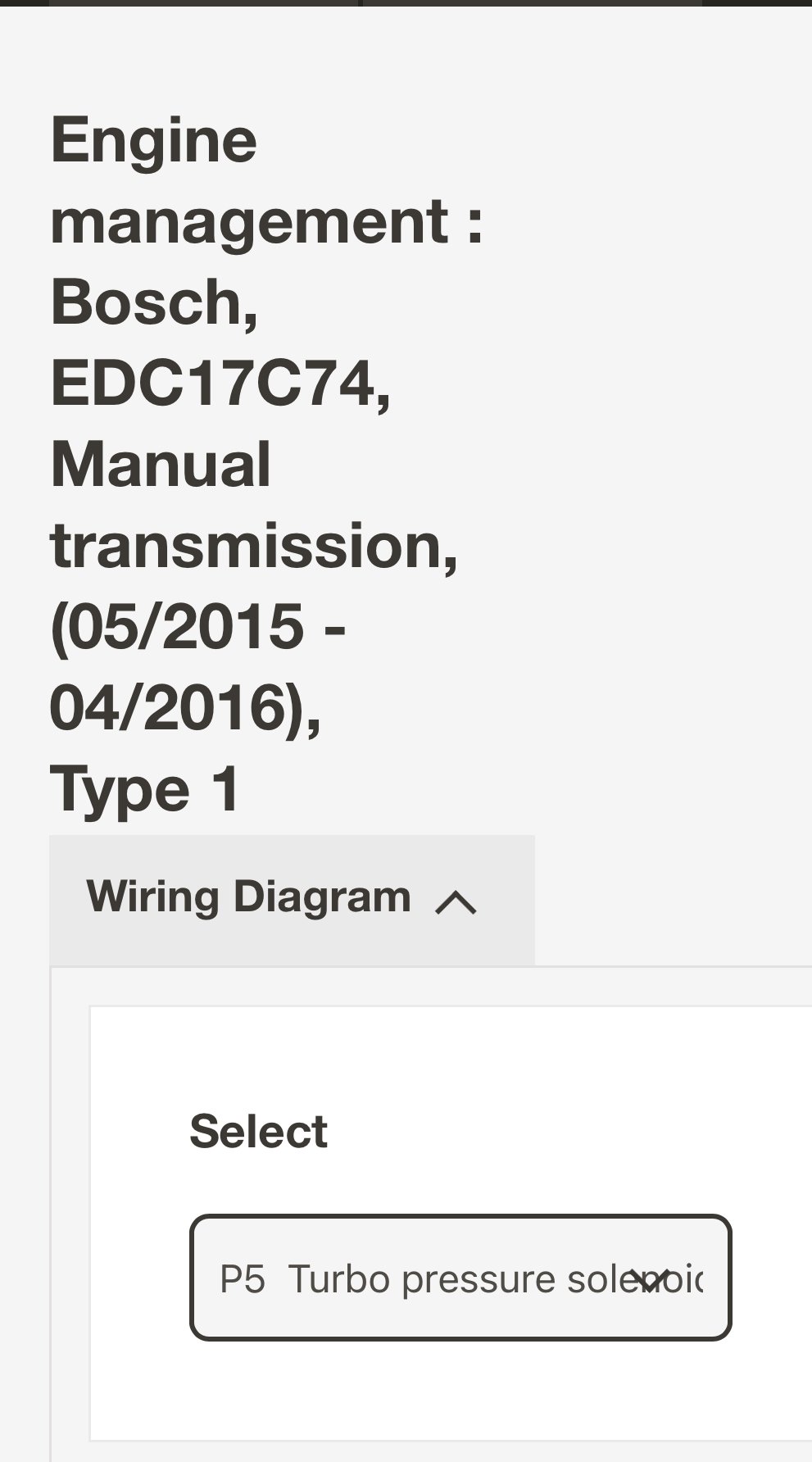
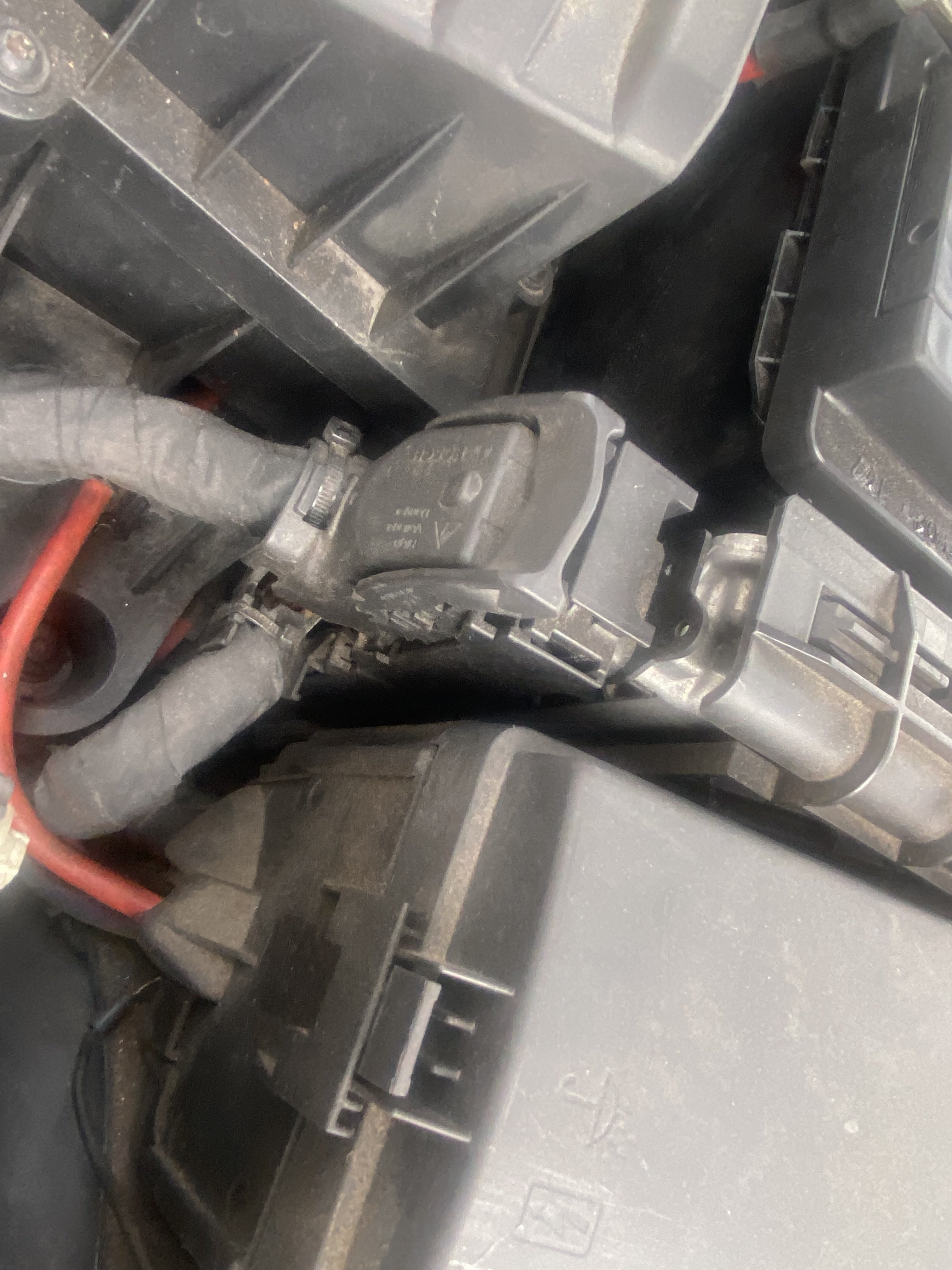
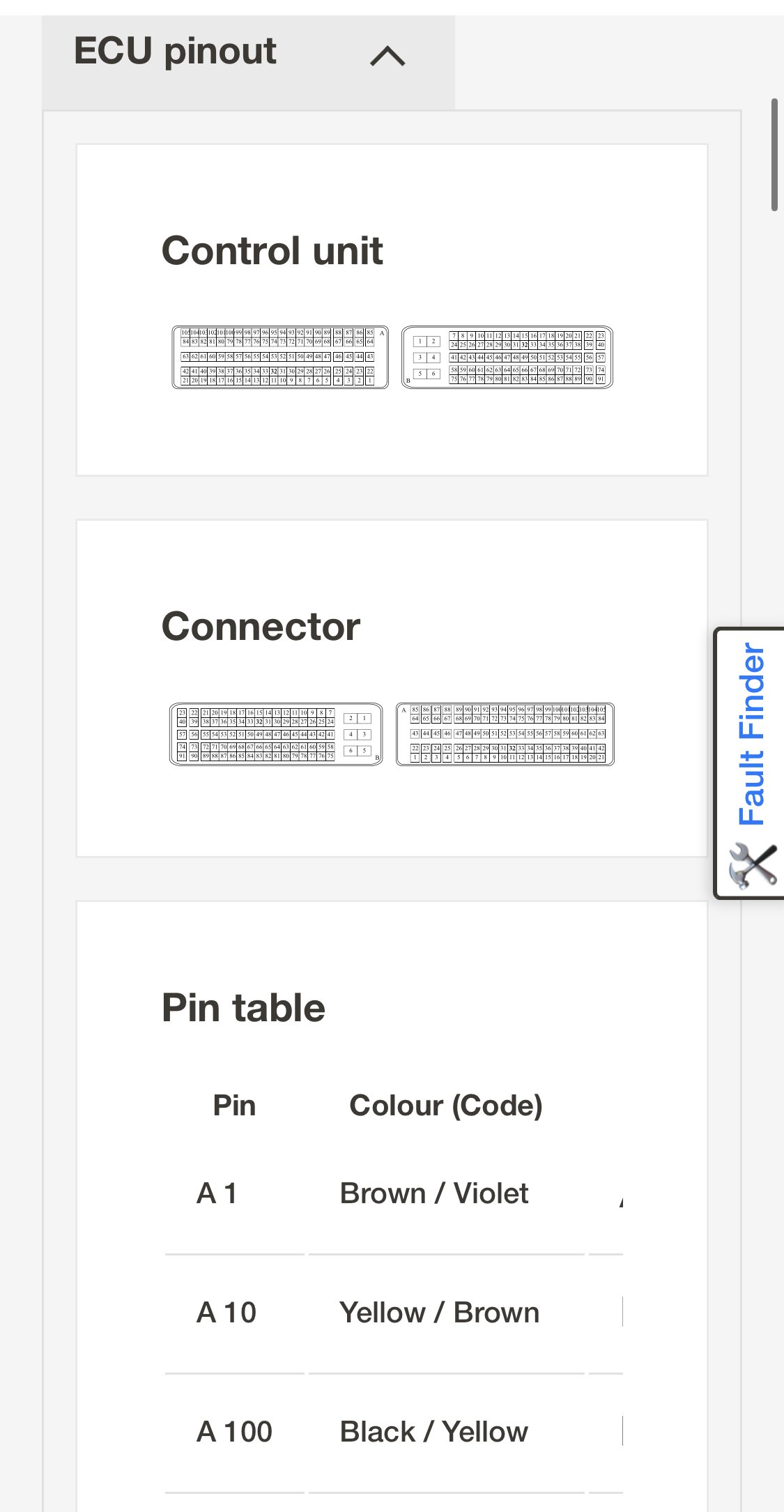
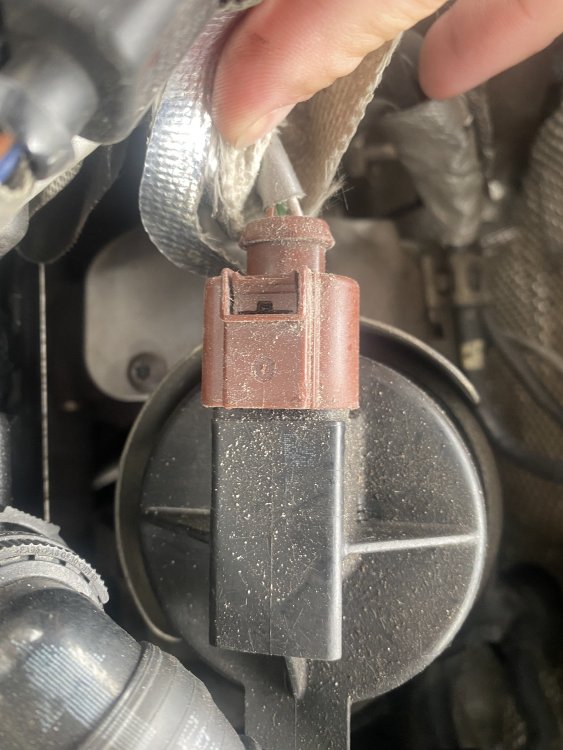
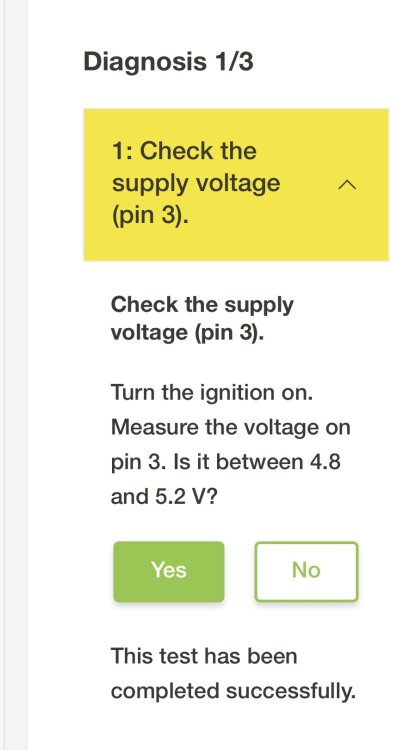
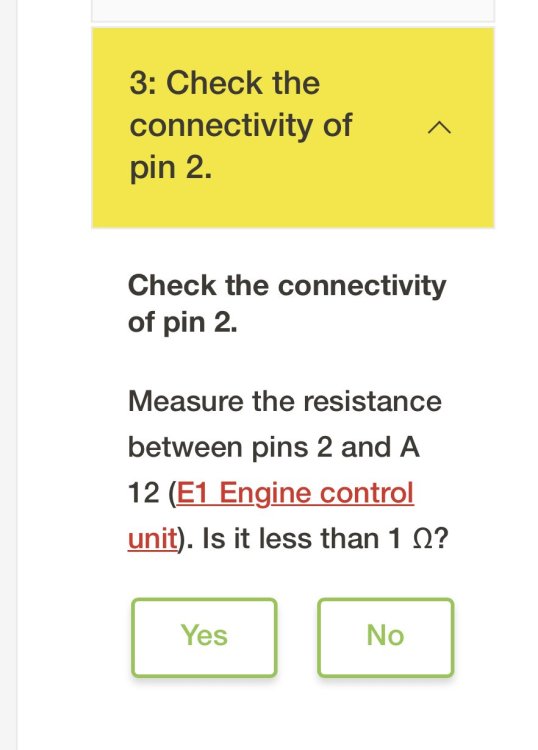
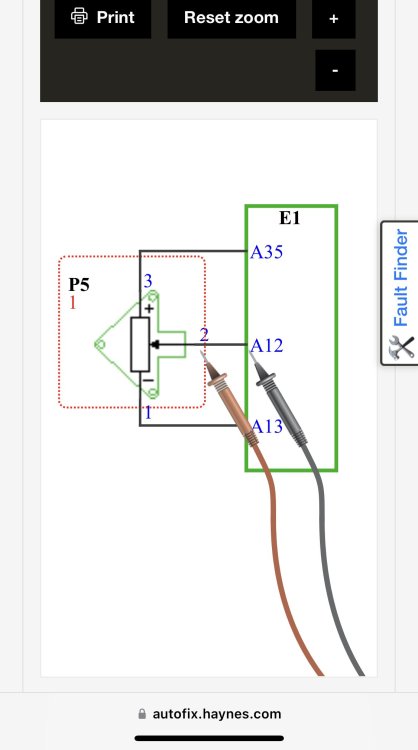
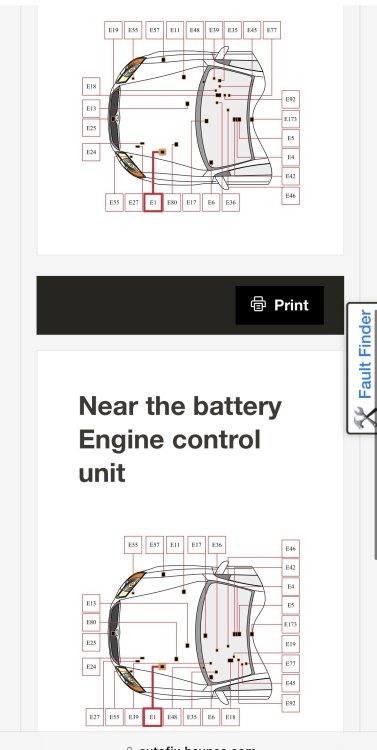
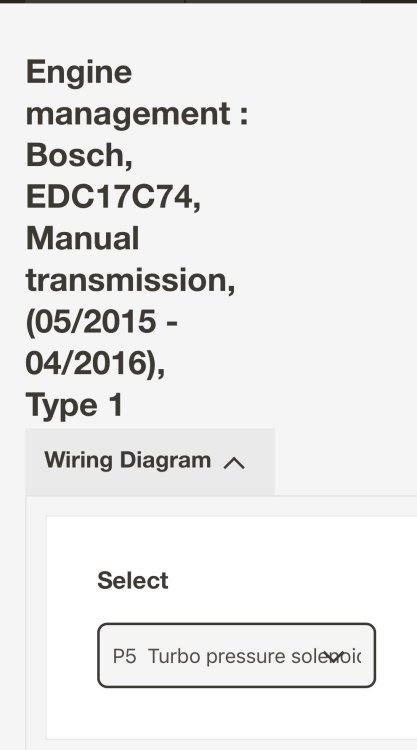
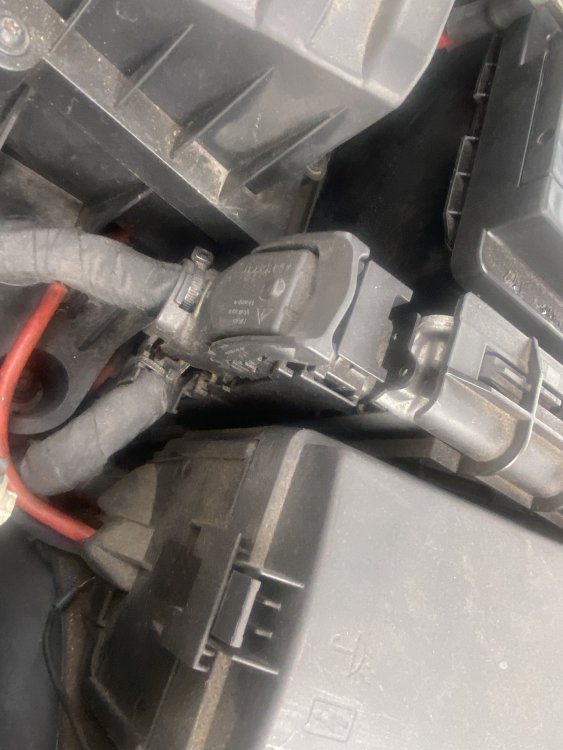
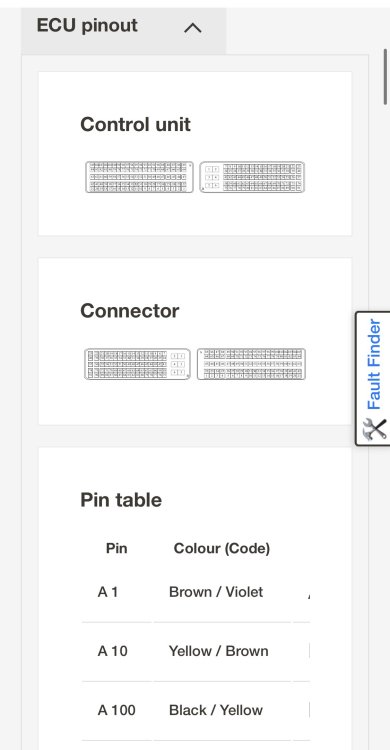
I’ve recently purchase the Haynes Autofix for my Skoda. It’s pretty detailed and has all of the wiring diagrams. P2563 taking me to the Turbo actuator connection. I’ve tested the voltage as described for the white & brown wires, and both are fine. But the next part asks me to test the connectivity between the green white and the ECU. Looking at the diagram, I think it is the one in the picture, do I just unplug that? And find A12? Is it safe to pull an ECu plug?
-
Only recent change is a new battery. I did read once that a new battery can affect this. Any suggestions? I have vcds (legit)
-
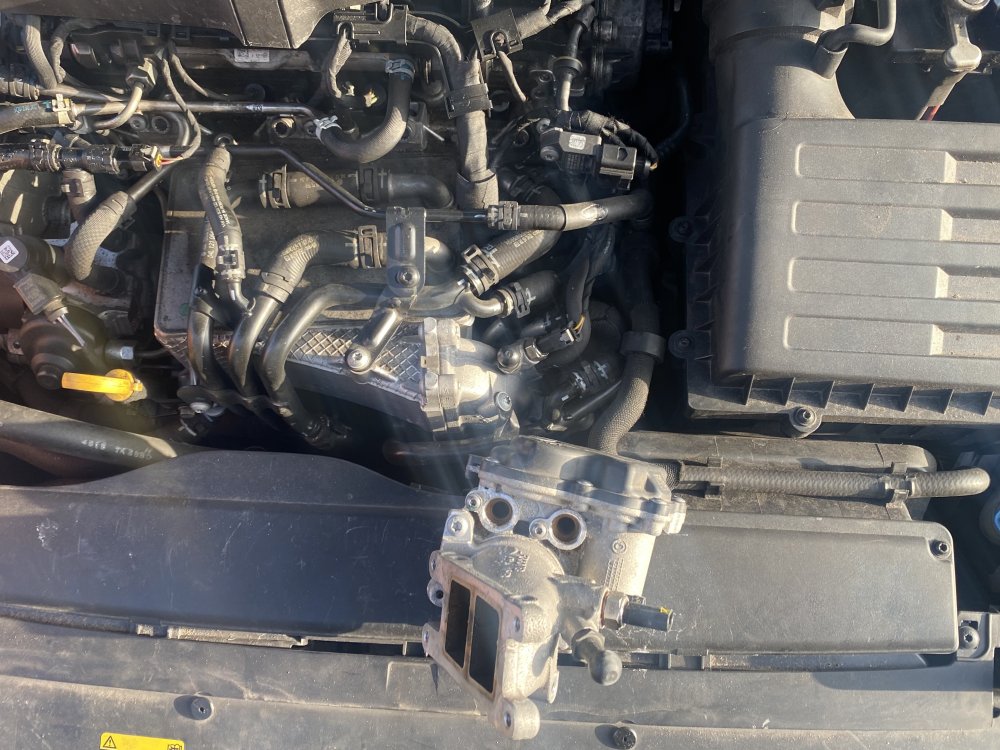
The throttle body cost £13, so it is not much of a risk. A few people have mentioned the throttle body, even in the other thread which was a mishmash of multiple problems. This one is specifically about fitting it. Also, the guys at Ross tech recommended the throttle body. This was after I pasted a scan.
-
Yeah is this an easy enough job to do myself?
-
Is a scope better than a multi?
-
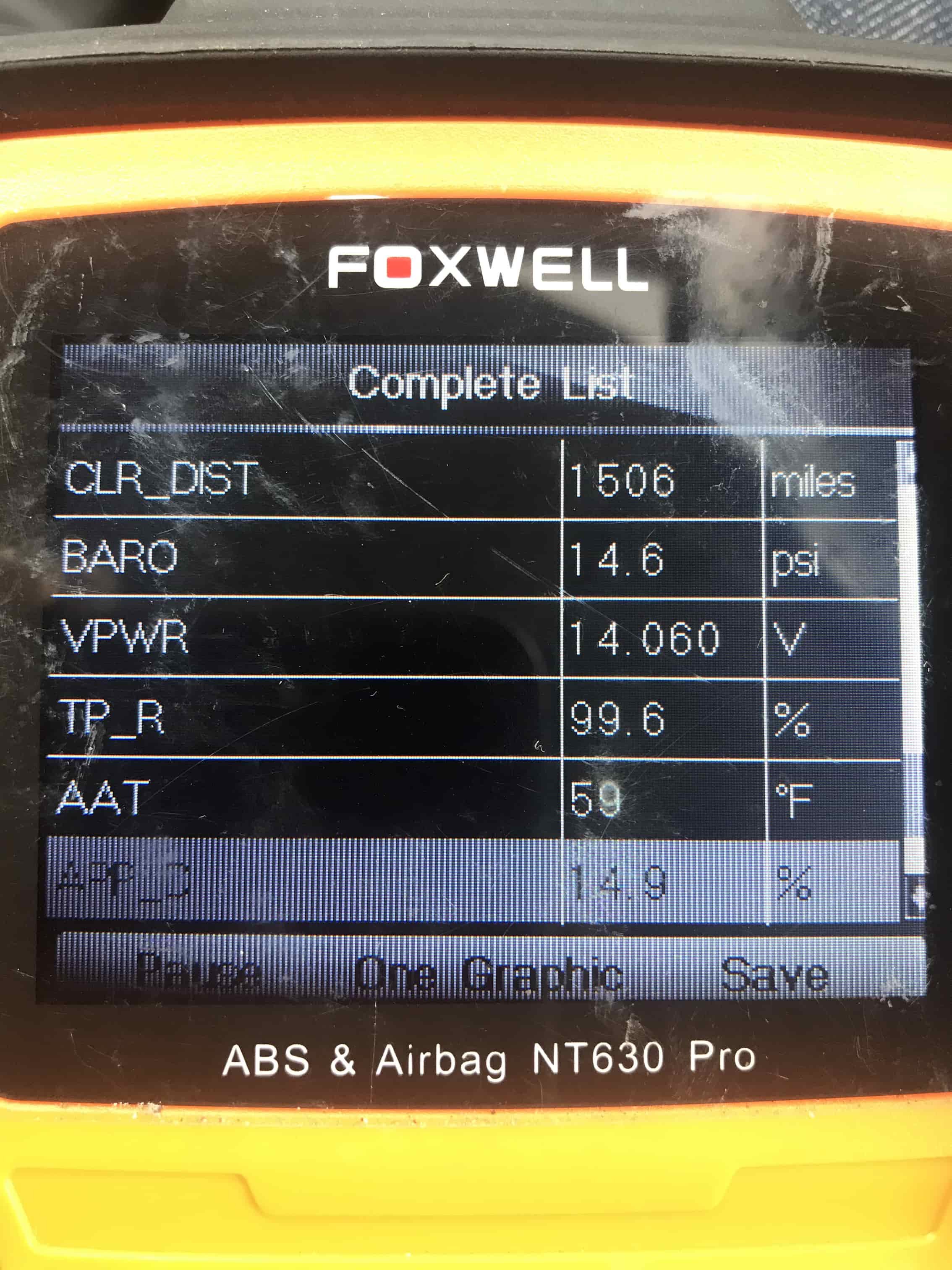
I did have a flat battery after a few days parked, but charged it up. I cleared, then drove 10 miles. Felt pokey over 2k, but that surge under 2k which I assumed pre box change was the mechatronic, but someone said a flap of some sort may not be opening fully under 2k. Here is the recent VCDS. I'll do it again after 200 miles tomorrow. Appear my coolant issue is solved.
-
Fuse 4 stopped breaking when the wiring was fixed. It was caused when the gearbox mount broke & the engine was rocking.
-
Yes mate, that was me unfortunalty. Wiring was fixed. Oil leak is still present but managing it whilst I get the other problem fixed. This the worst car Ive ever owned, but it will be satisfying if I can defeat the gremlins & get it running smoothly again. I was considering clearing all of the codes but was not so sure. Its okay to do then?
-
@ApertureS
-
I've posted my issues recently on other threads, but now I have VCDS, it should narrow of problems down right? I recently had a used gearbox fitted as it was knackered. This gearbox was a different code, but does work after a guy with ODIS came out. My main issues are the Turbo code, putting the car into limp, with a key reset or code delete temp fixing it. And the Throttle Actuator code.. The car is still sluggish as it was pre gearbox change. VCDS Scan below (Registered with Ross-Tech, awaiting confirmation) Thursday,10,March,2022,08:09:03:15239 VCDS -- Windows Based VAG/VAS Emulator Running on Windows 10 x64 VCDS Version: 22.3.0.1 (x64) HEX-V2 CB: 0.4613.4 Data version: 20220225 DS336.1 www.Ross-Tech.com
-
Cheers. I’m just gonna buy VCDS as you recommend, as I’ve got problems mounting now and I need to defeat them. Just leaving my taxi in a garage for a day without earning is the cost of it anyway. Not sure why I didn’t buy it 4 Skodas ago now 😂
-
So if I’ve got his correct. My Carista only talks to the ‘Gateway/Module’, which recognises a fault with one of many controllers. But VCDS will text & identify Which exact one is faulty? I may have mixed up module & controllers. 😛 I see VCDS for £225.
-
I’m using Carista. It’s good enough for a pointer. Odis & VCDS are more pro tools right? How much do they cost? Same code did show on the garage VCDS. Googling the VAG based forums, it seems P2563 & P00AF are pointing towards what was said further up that it’s the actuator. Is it a simple swap? It’s a cheap enough part to try to fix the problem. Can it be DIY’d or is it a hard one?