




HadFad
Finding my way
-
Joined
-
Last visited
Everything posted by HadFad
-
Yes you are correct. I was looking at the back of my car and realised that I still have to have the Skoda badge
-
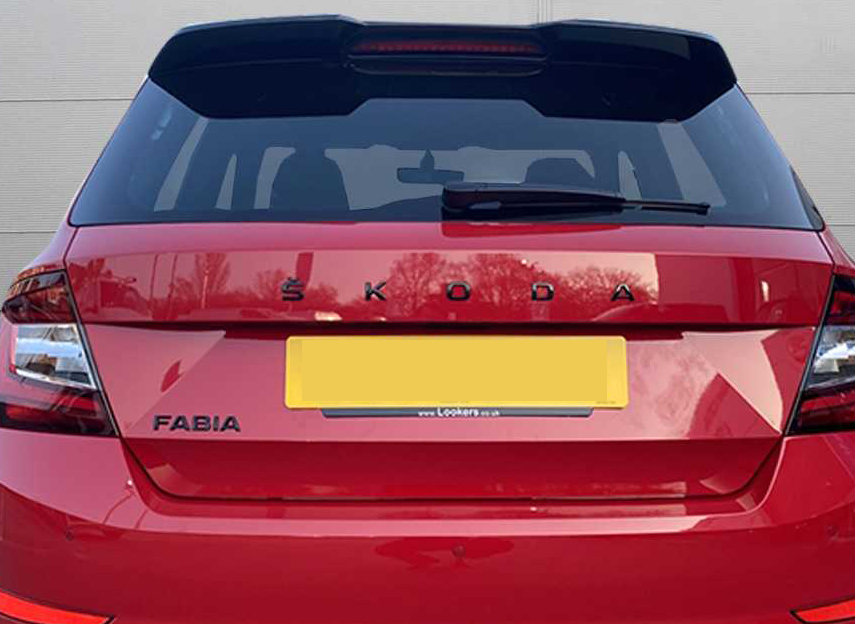
I was thinking more like the design on the red card above but I have to say this looks really nice
-
Many thanks for the link
-
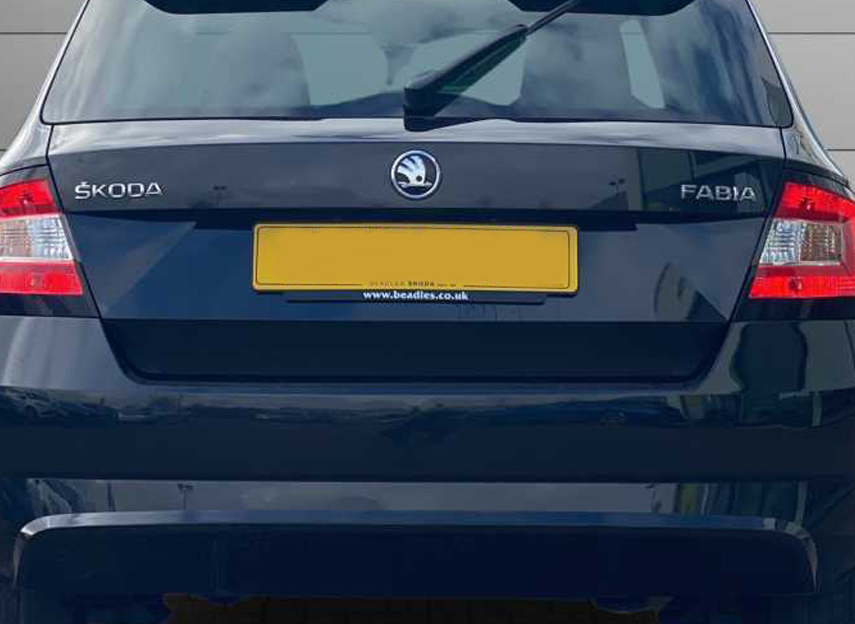
Hi, I have noticed that the newer Fabia MK3 have black lettering on the back which looks a lot nicer than the earlier models. Has anyone here replaced the standard ones with the black ones shown on the red Fabia? If so, where did you get them from? Thanks
-
No tools so cant remove the wheels and test. I will check with my local Skoda dealer when I take it in for a service. your suggestion of having a similar size rim makes sense. many thanks
-
Thank you all for your replies. I had a look at Skoda's accessories document and on page 23 HERE they have: 'Temporary space save steel spare wheel (for 16" wheels upwards) * & ***' priced at £115. Its not clear if its just the spare wheel or the spare wheel with kit?
-
Hi all, I would like to order a spare or spacesaver tyre for my Fabia Mote Carlo 2018. It has 16inch alloy wheels (215 / 45R 16, 86H). What size and type of a spacesaver tyre can I have? If anyone's Fabia came with the standard manufacturer spacesaver, can you please let me know the size? Appreciate your help.
-
Hi, I have jus signed a deal on a 68 number plate Monte Carlo with the red interior. I prefer the black interior if I am honest but my CitiGo Monte Carlo had the red seats as well and I managed to live with it Here is one, 68 number plate with the black interior https://usedcars.skoda.co.uk/en/used-cars/skoda/fabia/10-tsi-monte-carlo-110ps-ss-5dr-hatchback-jqcg3jz , nearly went for it but I am not too keen on the white.
