
Sgwelly
Finding my way
-
Joined
-
Last visited
Everything posted by Sgwelly
-
I am in NZ and got my Kodiaq end of July and next shipment is in November. We are still getting Kodiaqs but the build dates are all in 2020, which I am a bit disappointed.
-
You are right, the manual and the car doesn’t quite match. I live in New Zealand.
-
Funny, many of the features in the older Infotainment system have been removed, which I thought were really good. What I have found so far are that you cannot set the DCC permanently in this vehicle. Whatever you choose, it defaults back to "Normal" when you switch off the ignition. The other annoying bit is you can longer personalise your keys. I thought that was really good as my wife drives my car as well and in my Superb, the seat and wing mirror plus all the infotainment settings will change to her setting if she used her keys. Now, it doesn't.
-
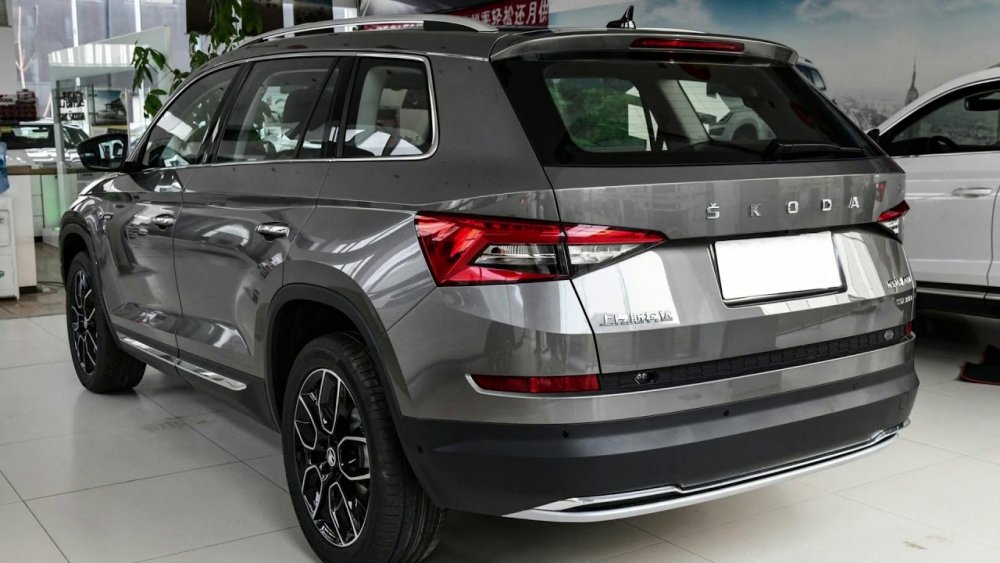
I think the facelift model doesn't have the Skoda logo in the rear.
-
Yes this is the facelift model. It is advertised as MY21 when the vehicle was manufactured in Nov 2020.
-
I moved from a 2018 Superb to a 2021 Kodiaq. In my Superb, I was able to upload radio logos to the vehicle using a USB stick. I am having trouble doing that in my Kodiaq as the functionalities have changed. Anyone knows how to do that? Thanks
-
I ordered my Kodiaq in June and just took delivery this week. I moved from a 2018 Superb to the Kodiaq 2.0 TDI 147kW model. The tech in this vehicle has changed so much, all the functions are different and the manual does not match the car. This is frustrating!