Smartbear
Members
-
Joined
-
Last visited
-
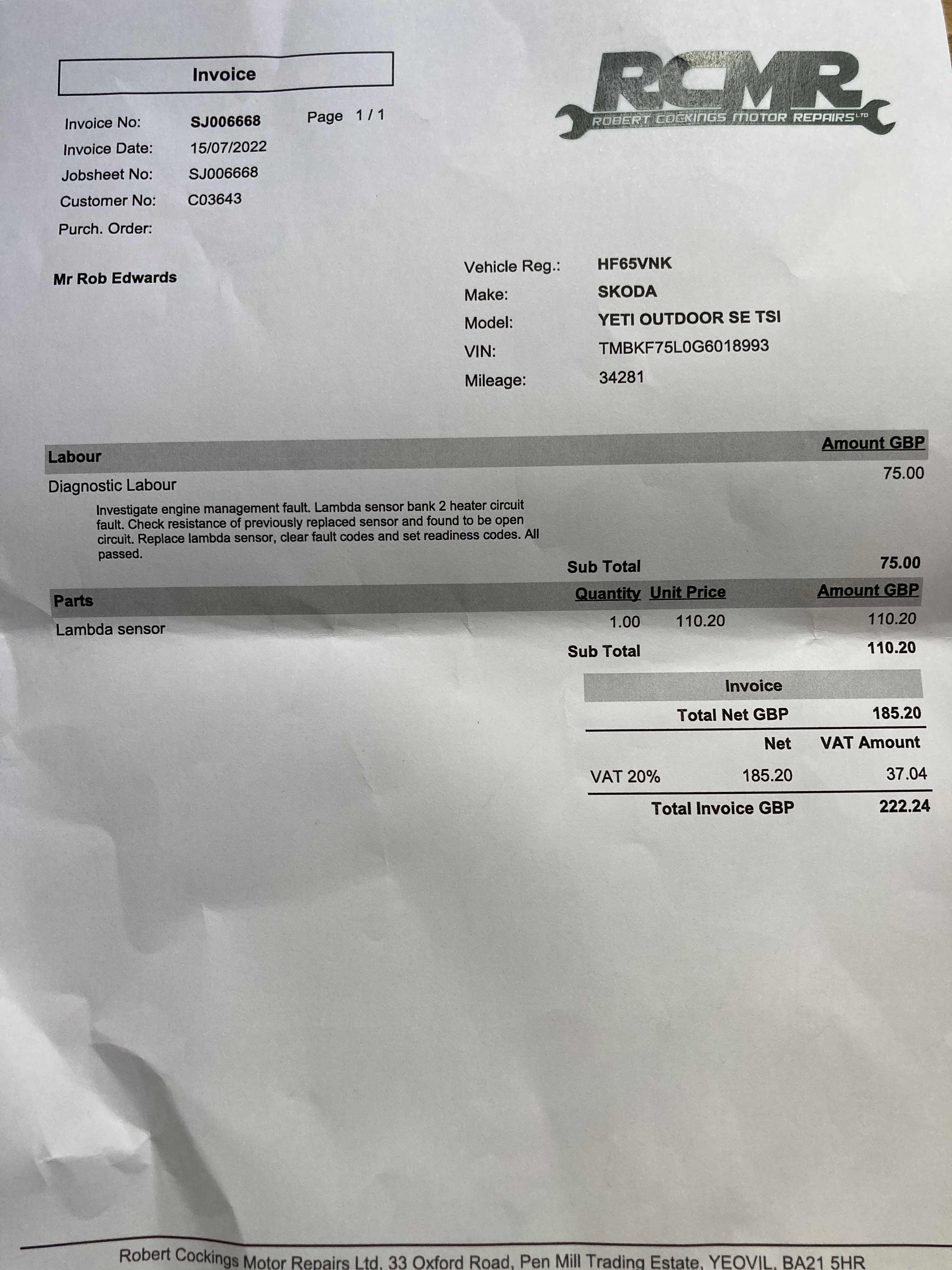
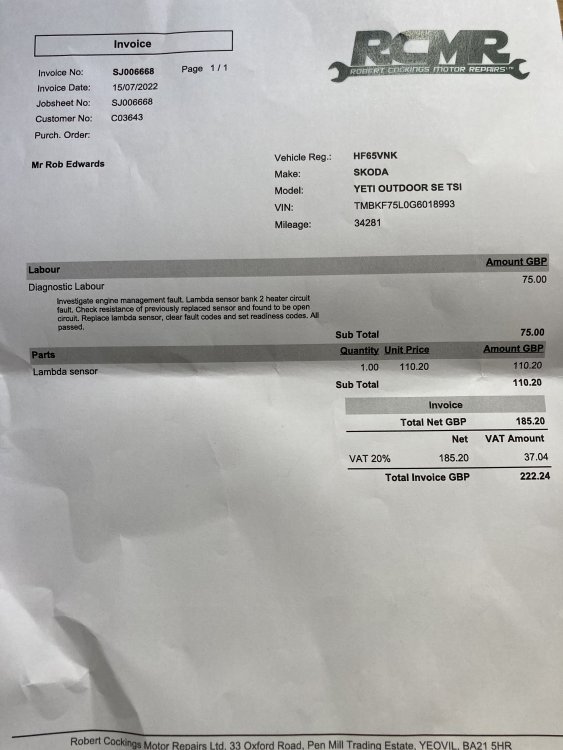
I thought I’d post an update to my post, after struggling to clip the bulkhead trim i used to much force & cracked the windscreen ☹️ that’s when i lost my enthusiasm for the job & took it to a local specialist, the fault was fixed by fitting a new lambda sensor (another one) the Bosch sensor i purchased from autodoc was faulty from new. we live & learn. rob
-
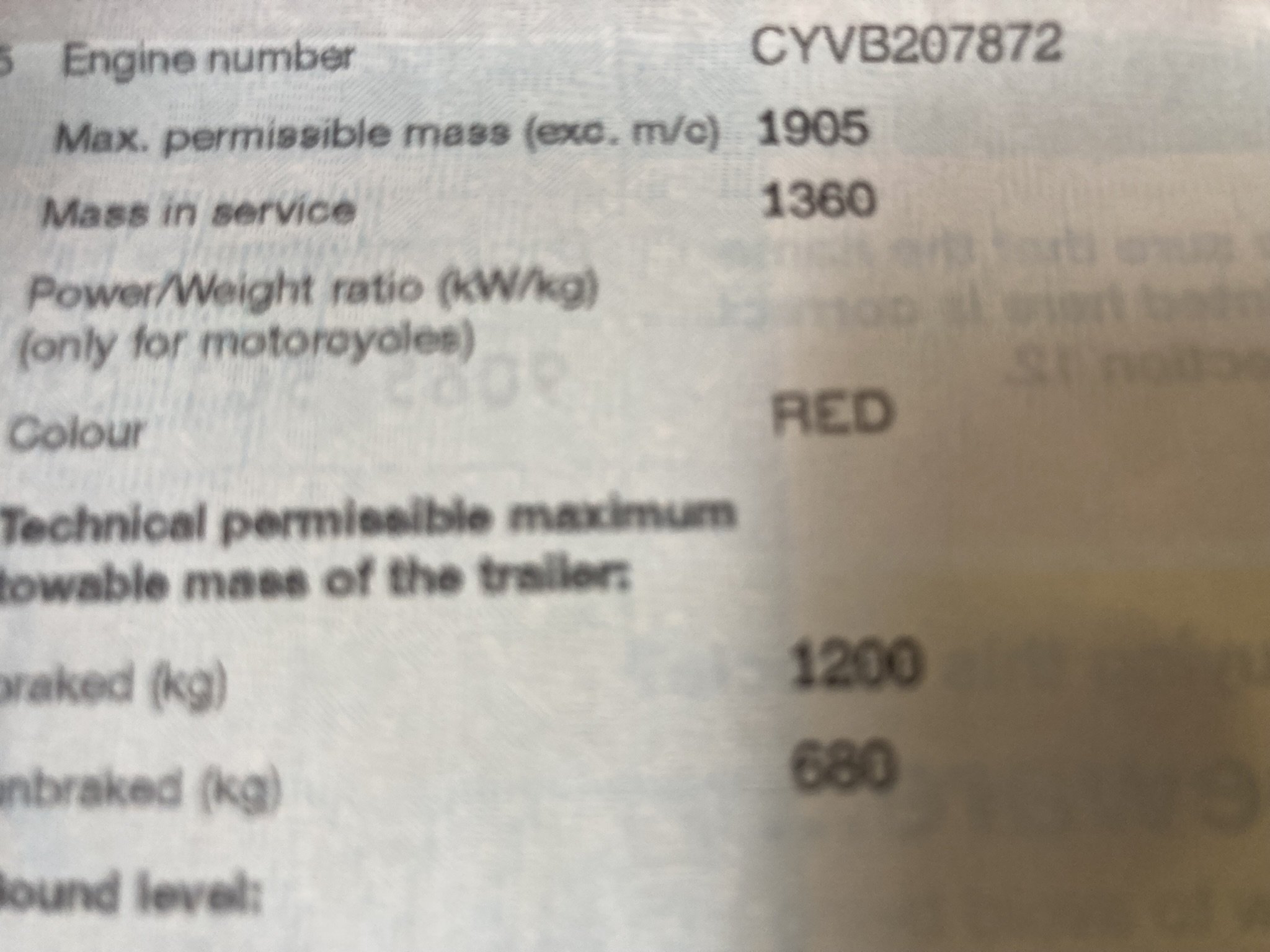
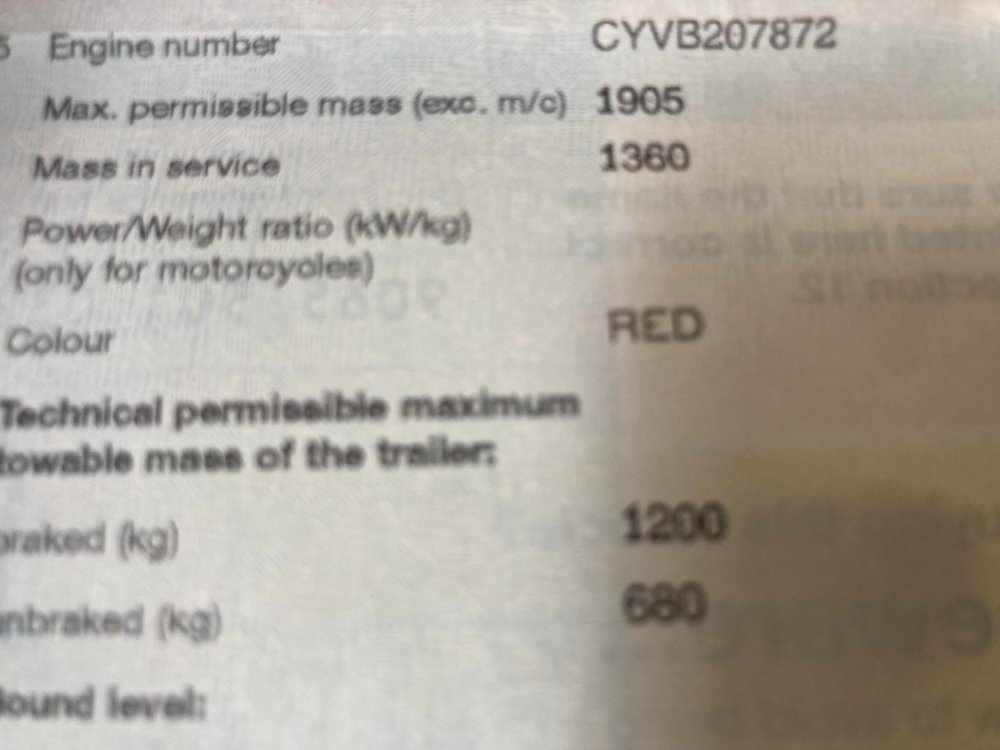
hi Pete, it seems we have a cyvb variant
-
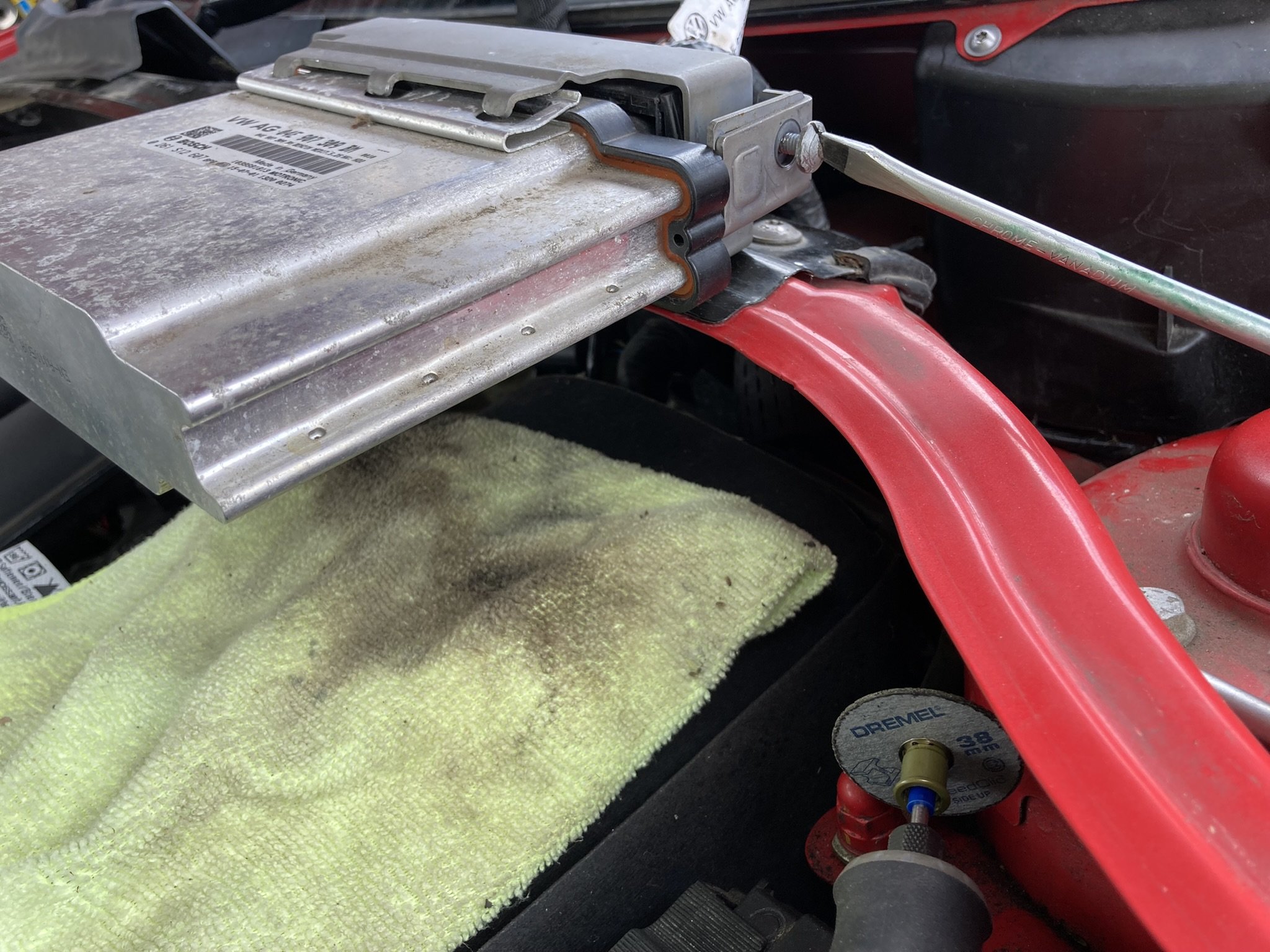
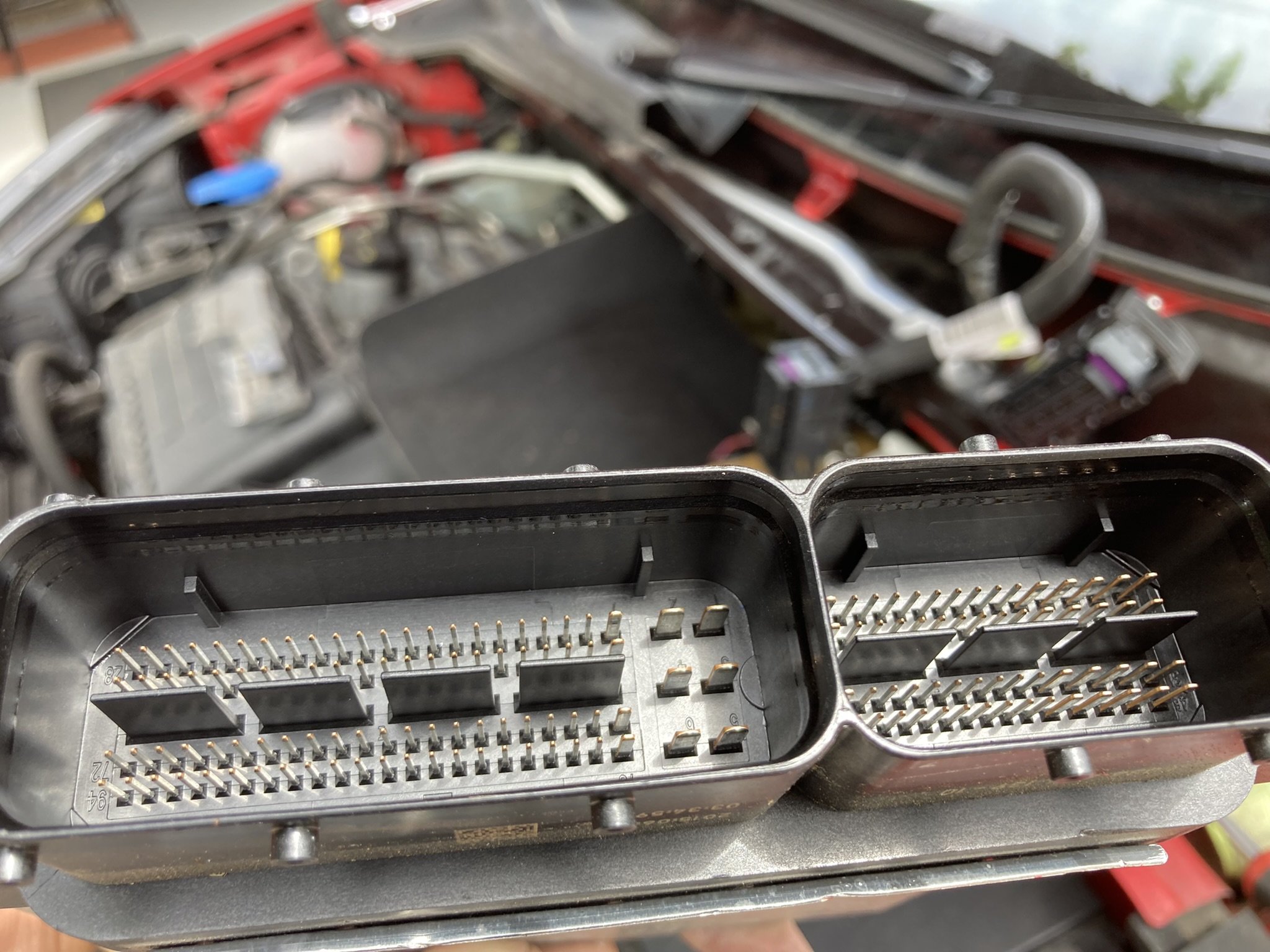
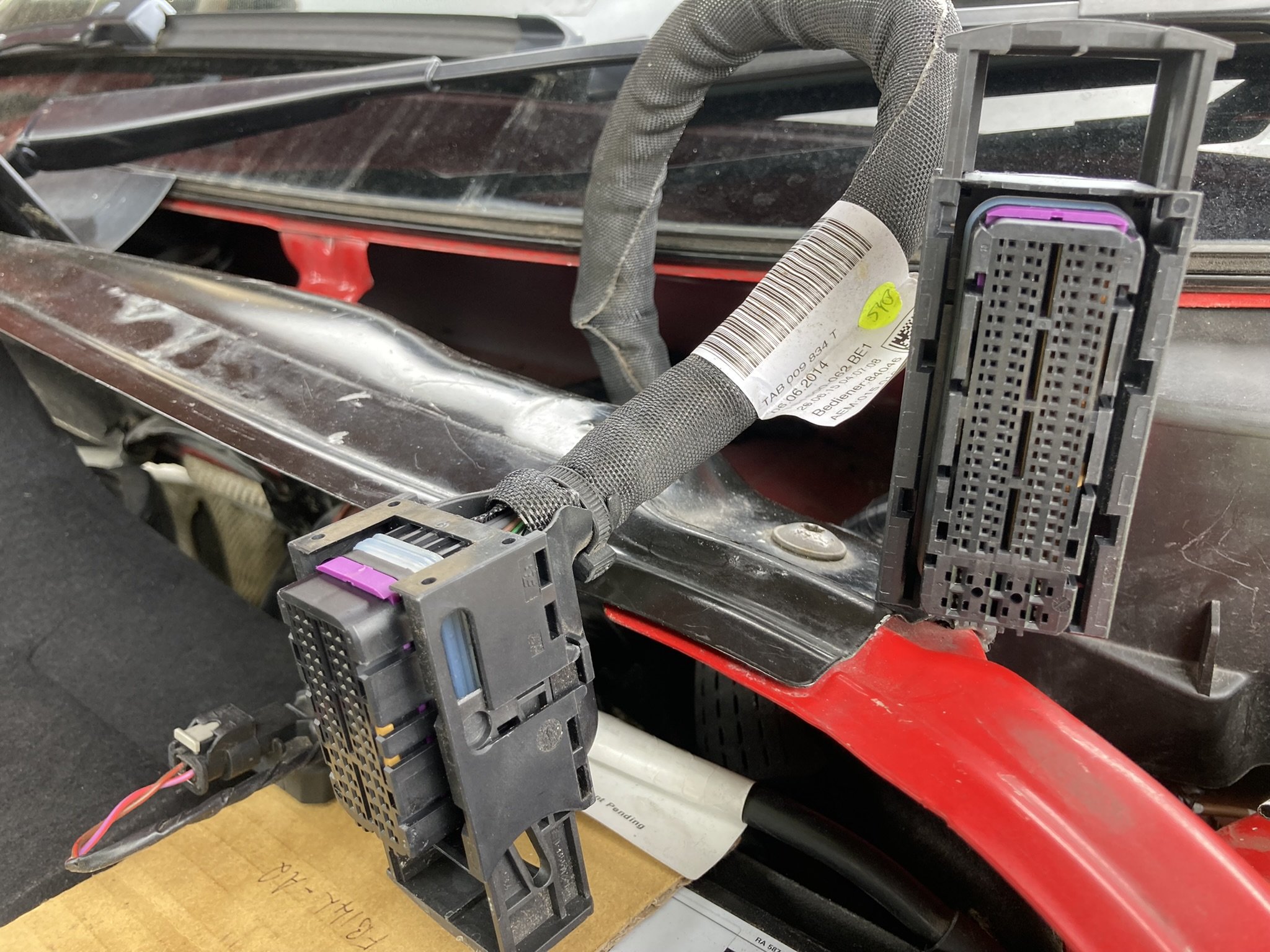
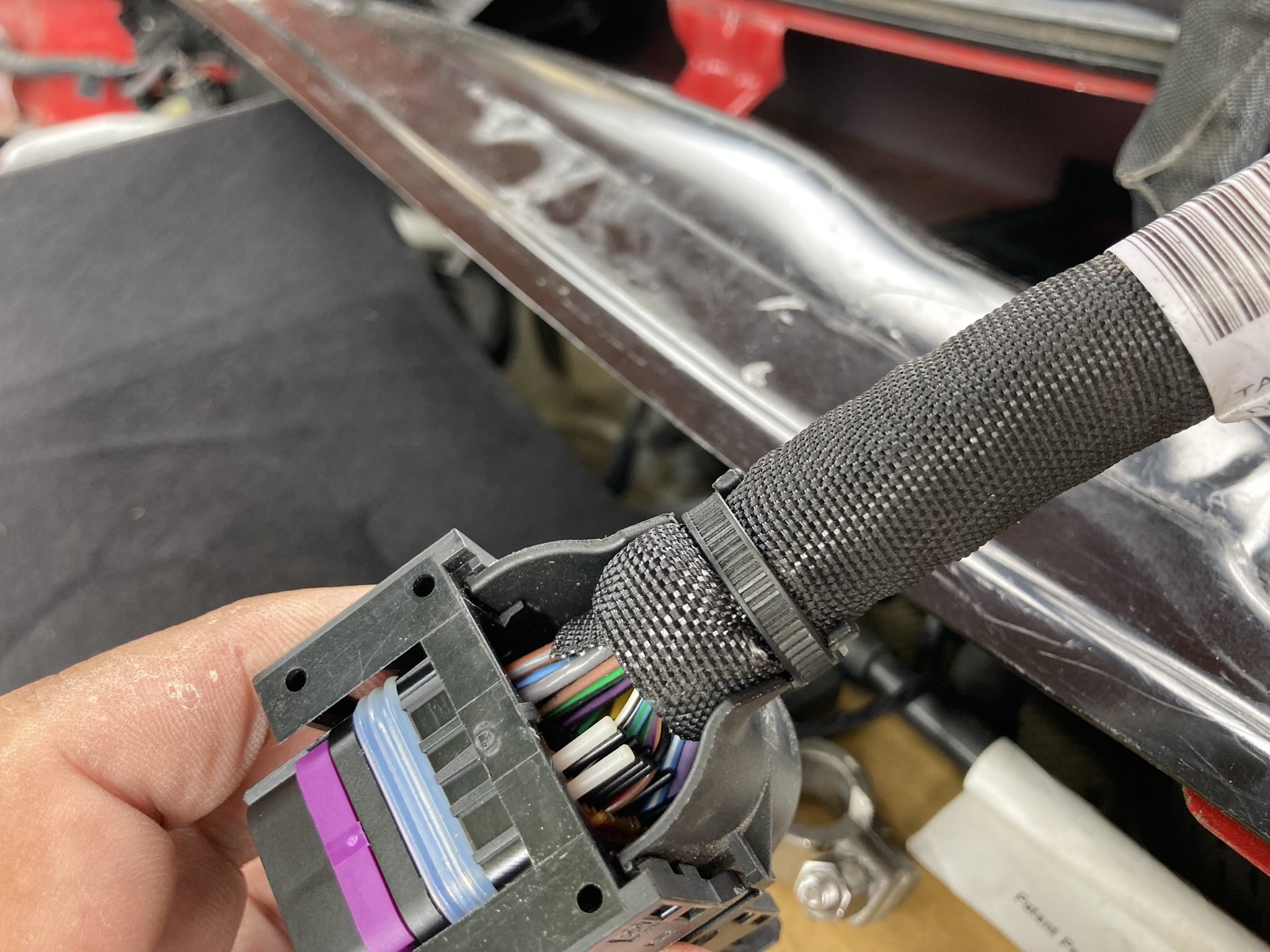
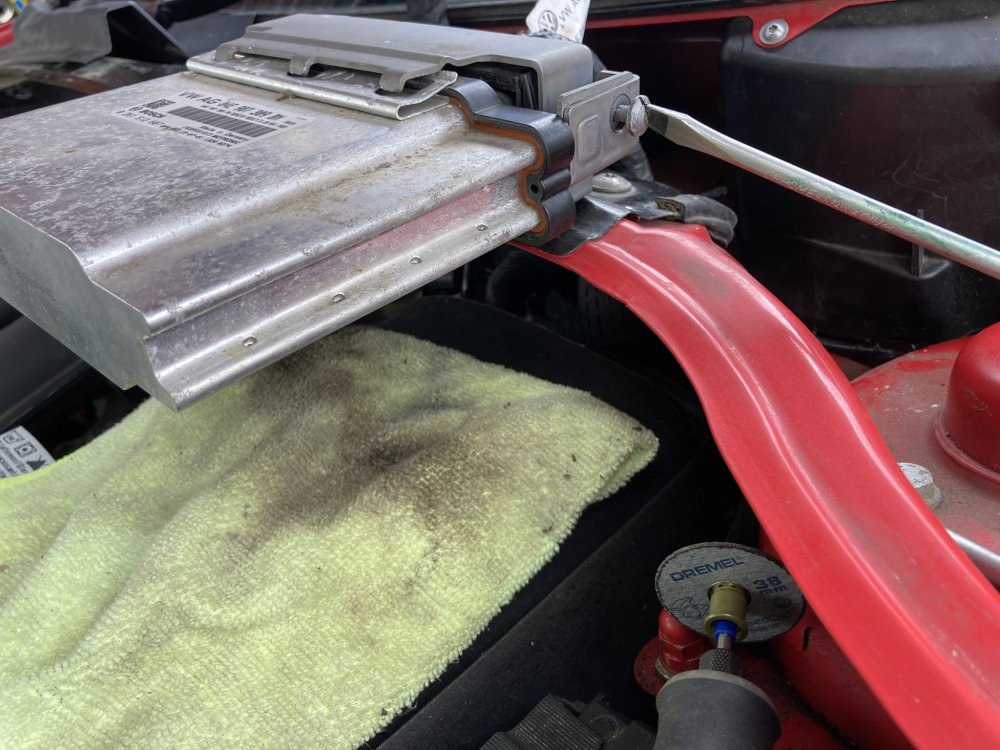
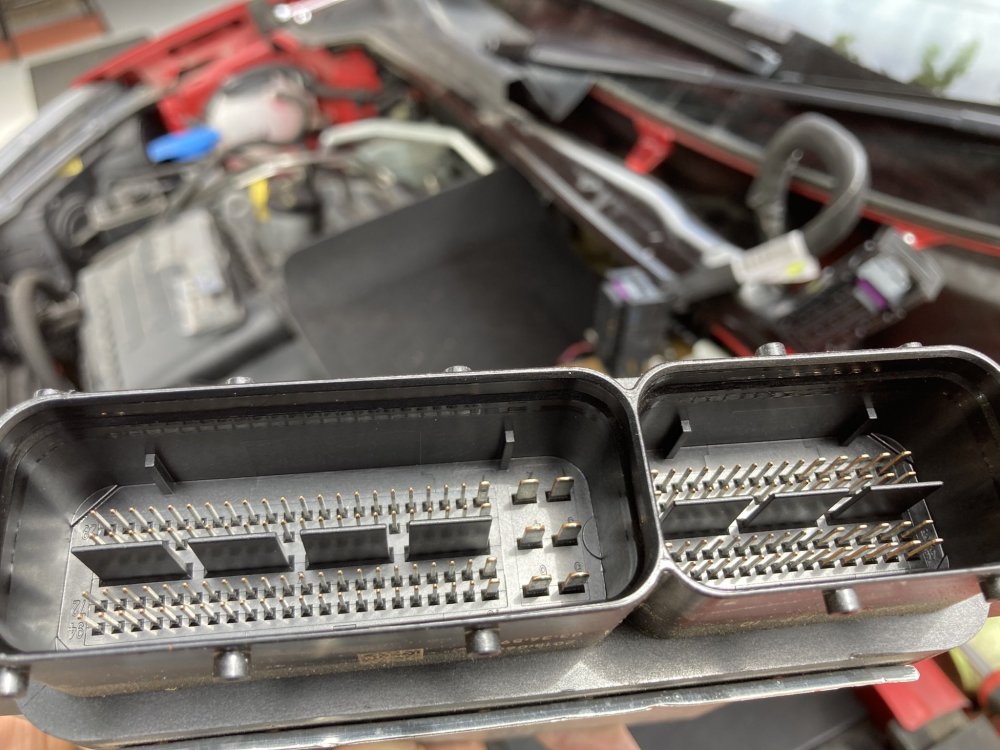
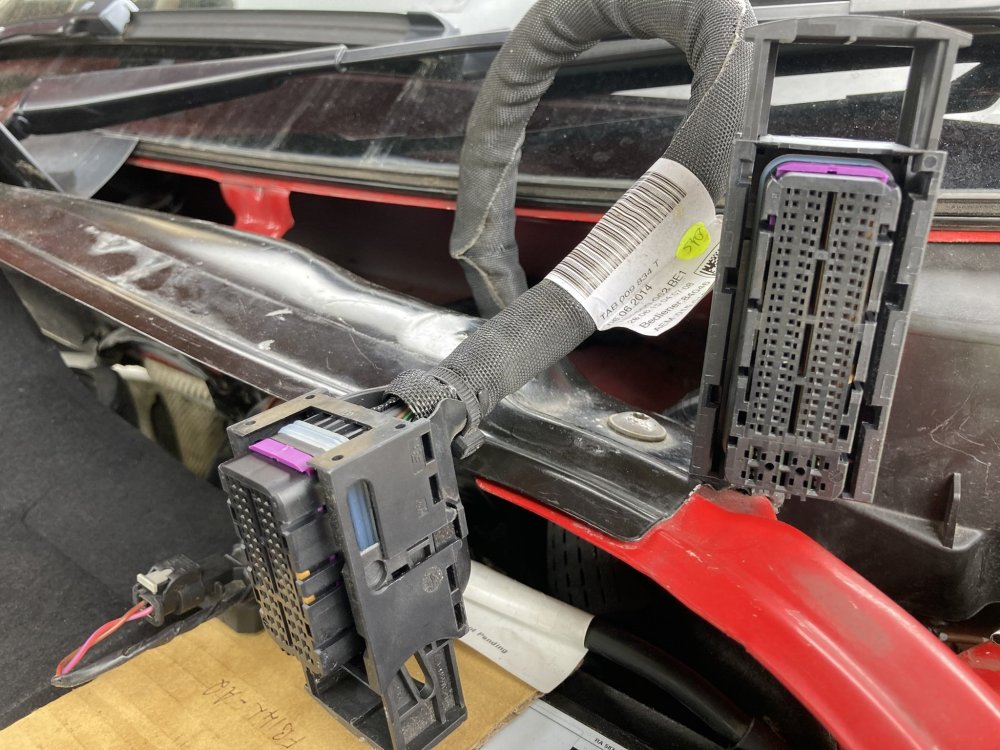
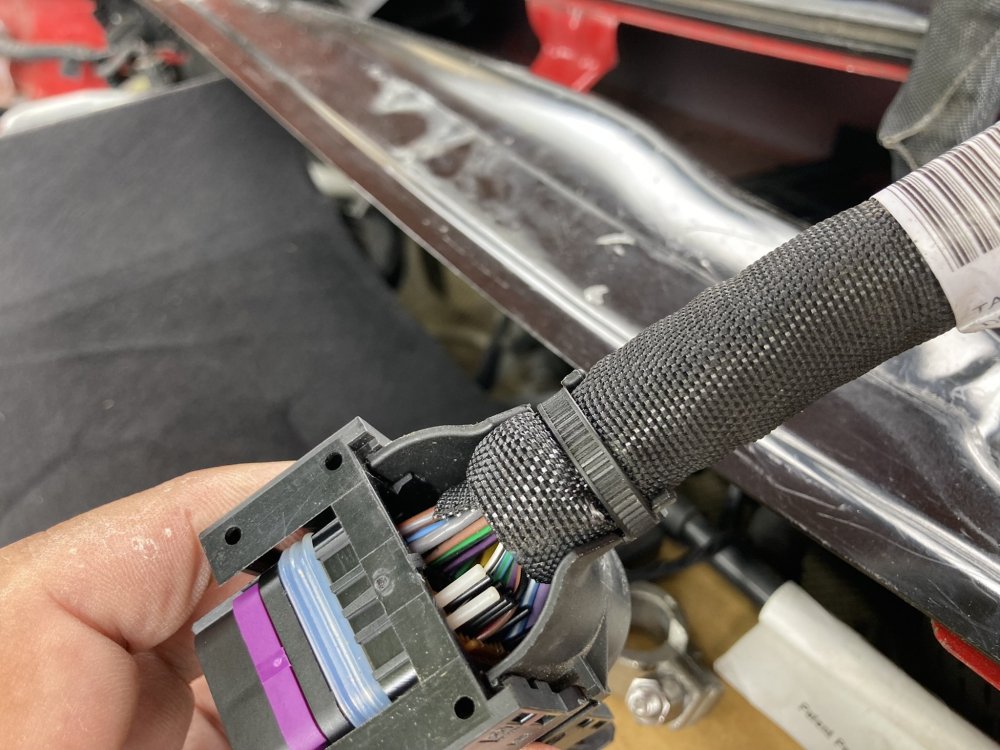
thinking about it, the fuse couldn’t be the issue if it feeds both lambdas as I have a p0036 code relating to one lambda only? I’ve had another dig about today & despite the warning that’s been posted on this thread i thought it would be silly not to discount a corrosion issue on the pins. the plugs came out easily after dremeling a slot into the security screw that holds the plugs captive, nothing stood out and no damaged wiring apparent either. I’ve also cleaned the ground wires at various locations under the bonnet. it’s a 2015 car with only 33k, it’s a little disappointing having a problem like this to be honest - I’ve only recently had to replace the water pump as well! i cleared the codes with my scanner & the engine light has reappeared again after a couple of short journeys. I’m getting fed up with this now.
-
cheers Pete, I’ve had my meter on the post cat lambda plug & measured 12v so I’m suspecting an Earth/return issue causing the fault code? rob
-
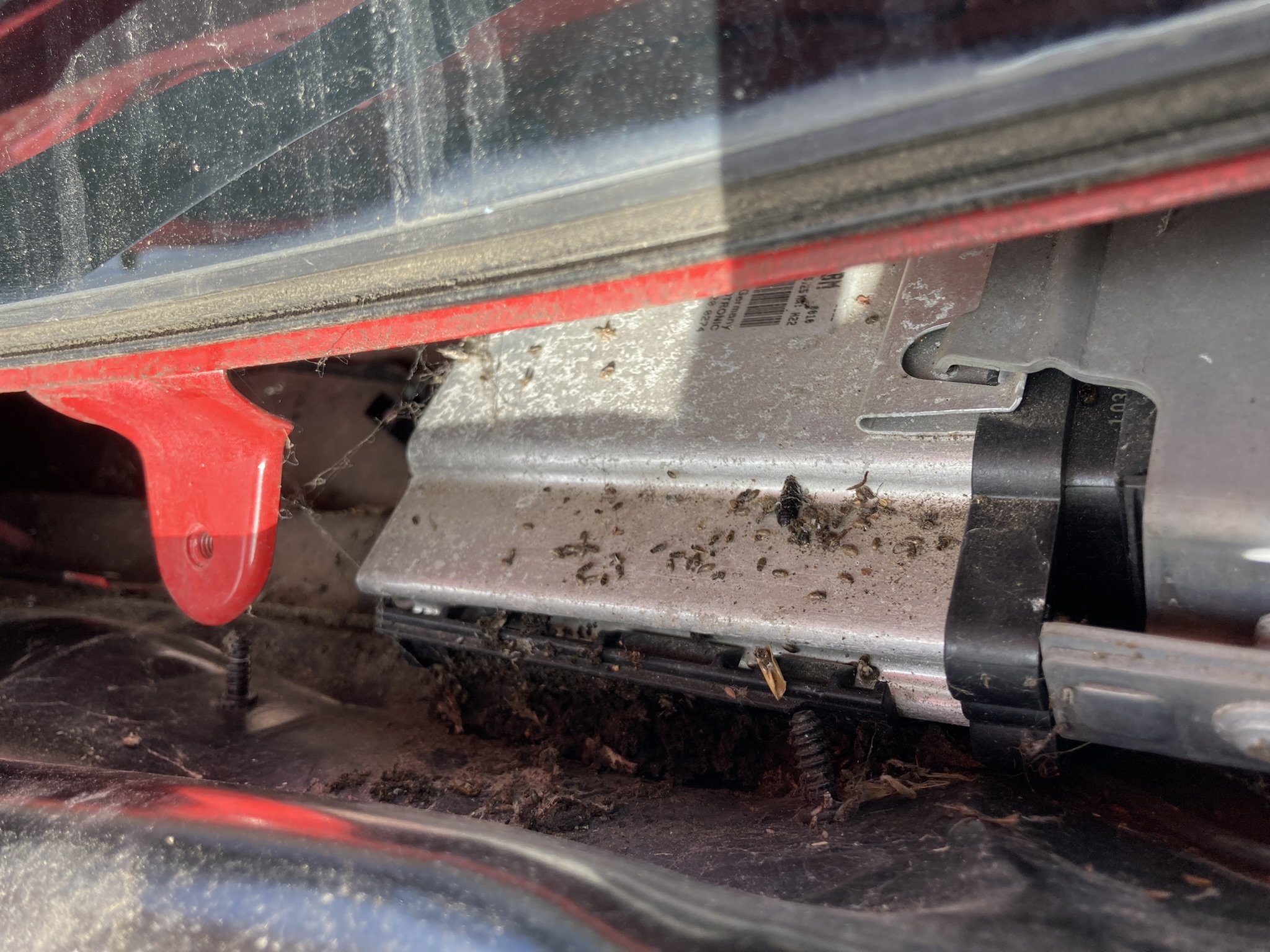
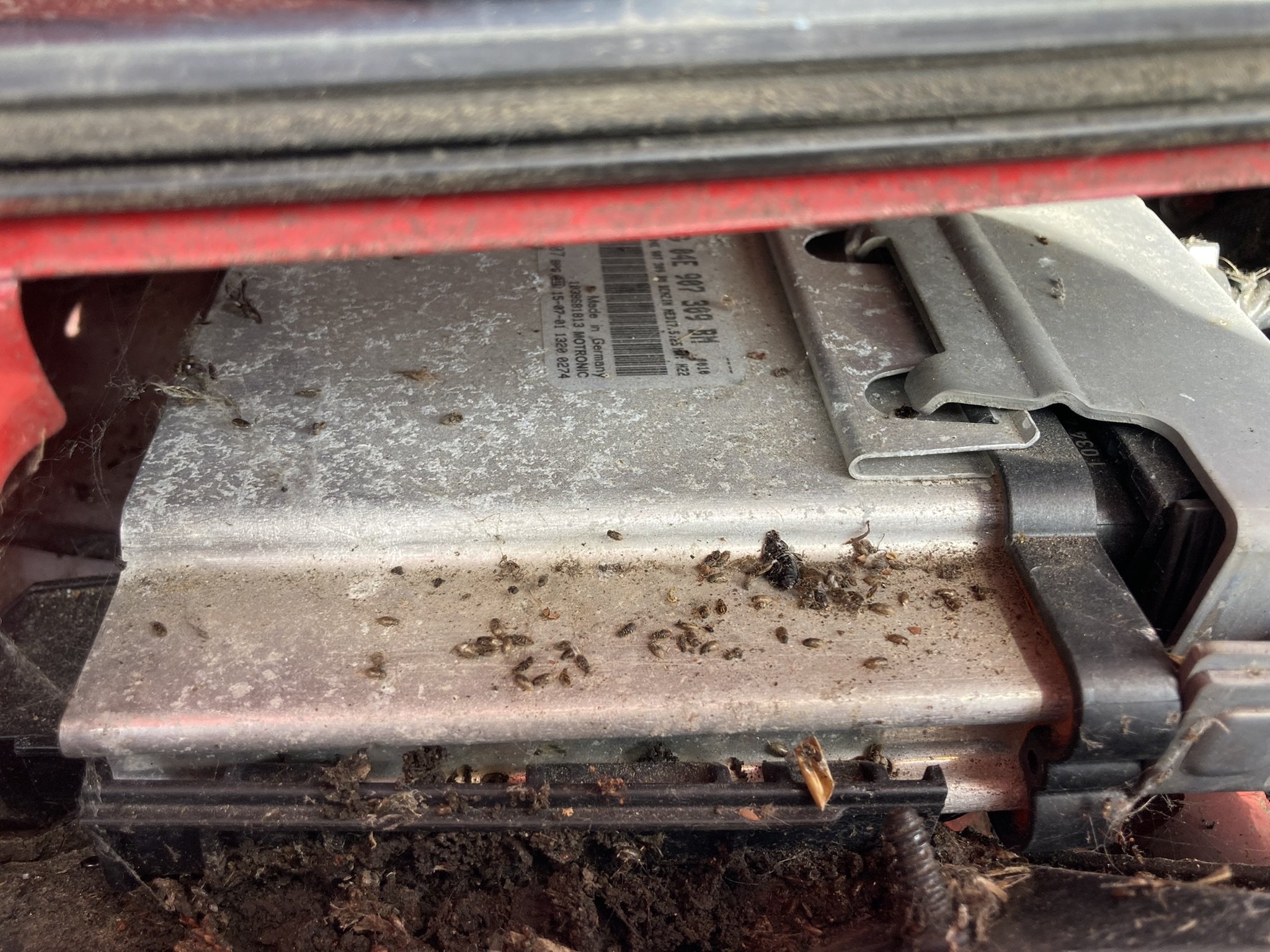
Ok, i thought it could be linked to corrosion but you think that’s unlikely? I haven’t seen any rodent damage so far but will continue looking. rob
-
Yes, i checked all fuses for continuity. rob
-
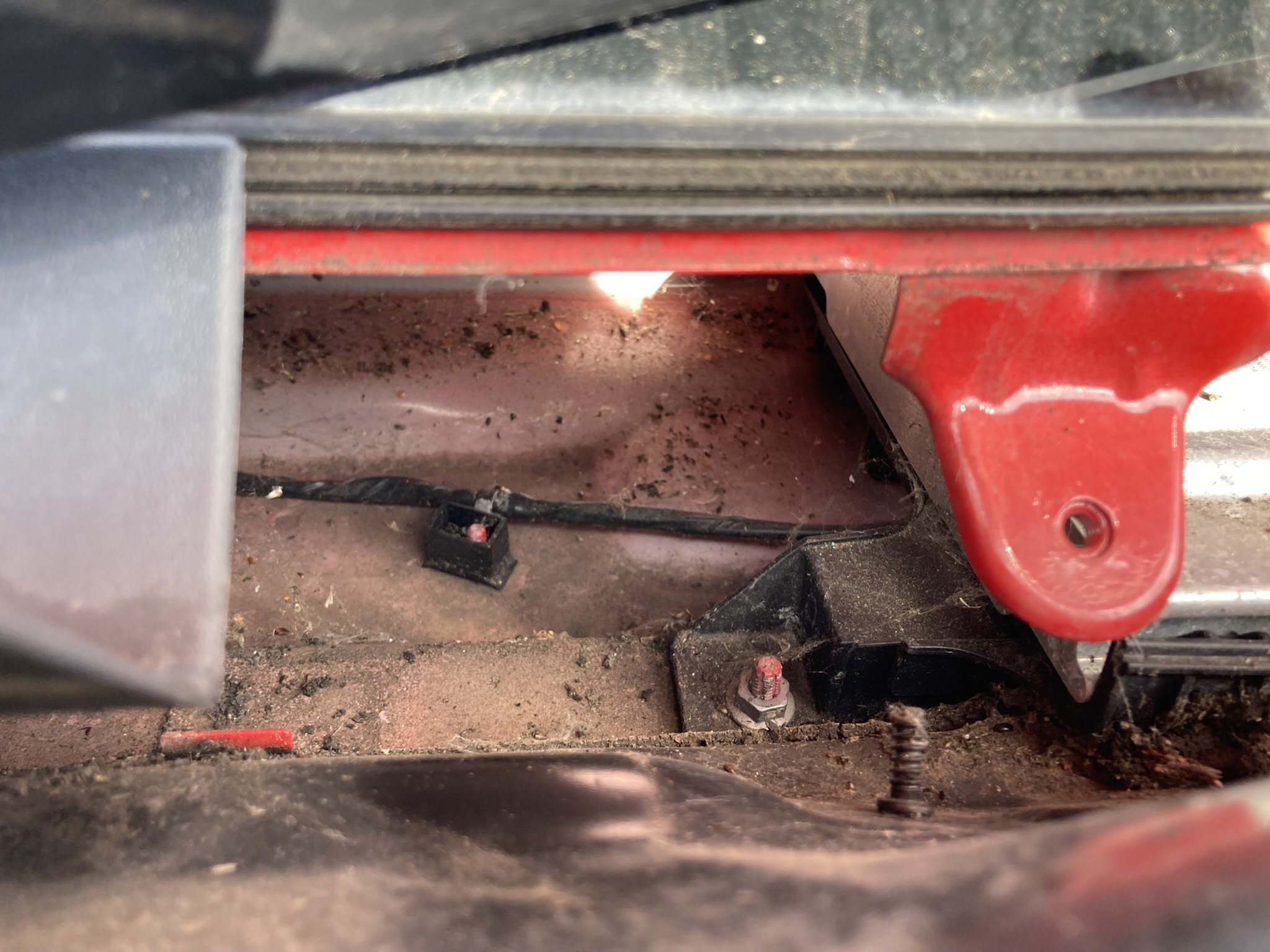
thanks for the info, I’m still getting the code. I can clear it with my scanner but it remains pending & flags up the warning light after a couple of trips. I’ve examined the wiring the lambda plugs into & am now investigating the ecu behind the wiper cowling, it looks as though i may have mice! the pesky security clamp needs removing before i can check the pins in the plugs for corrosion damage
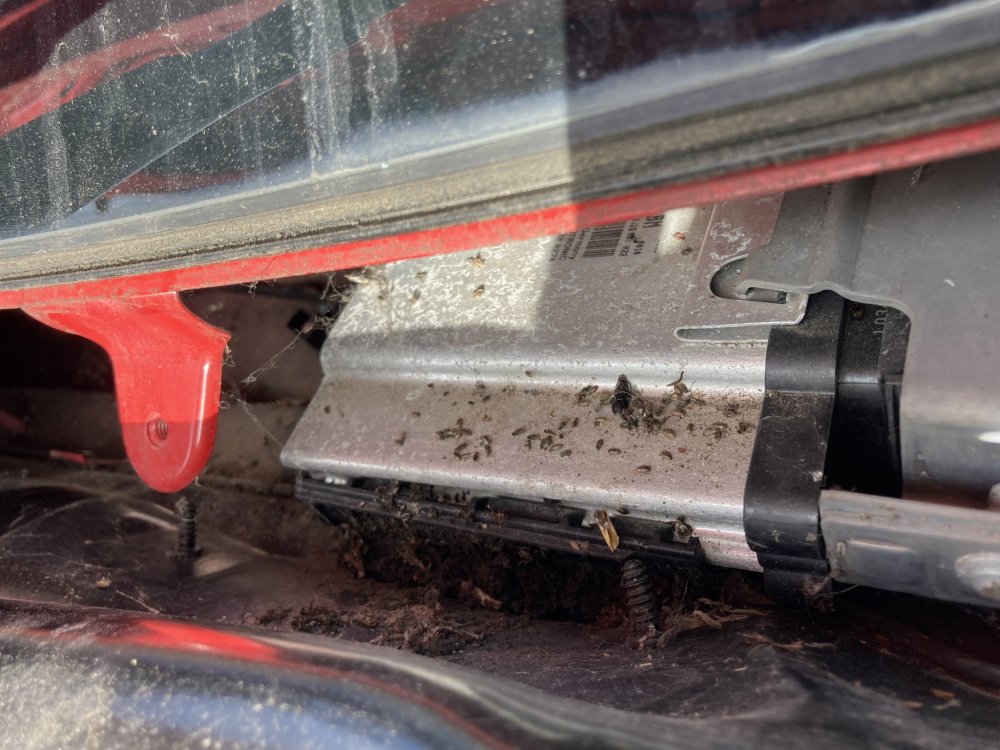
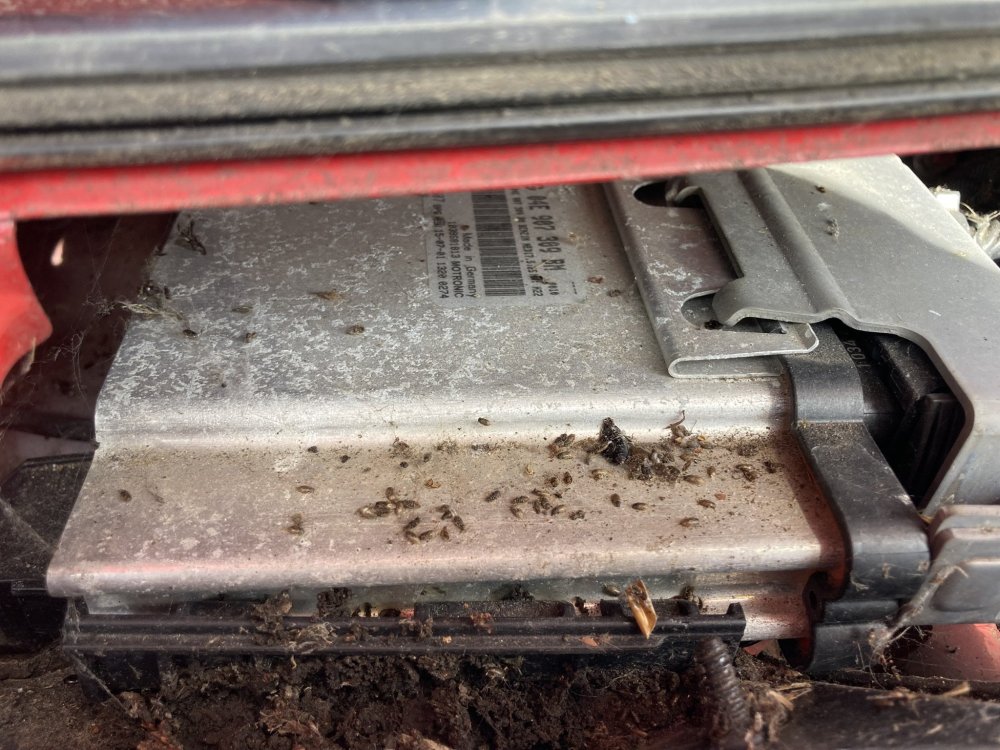
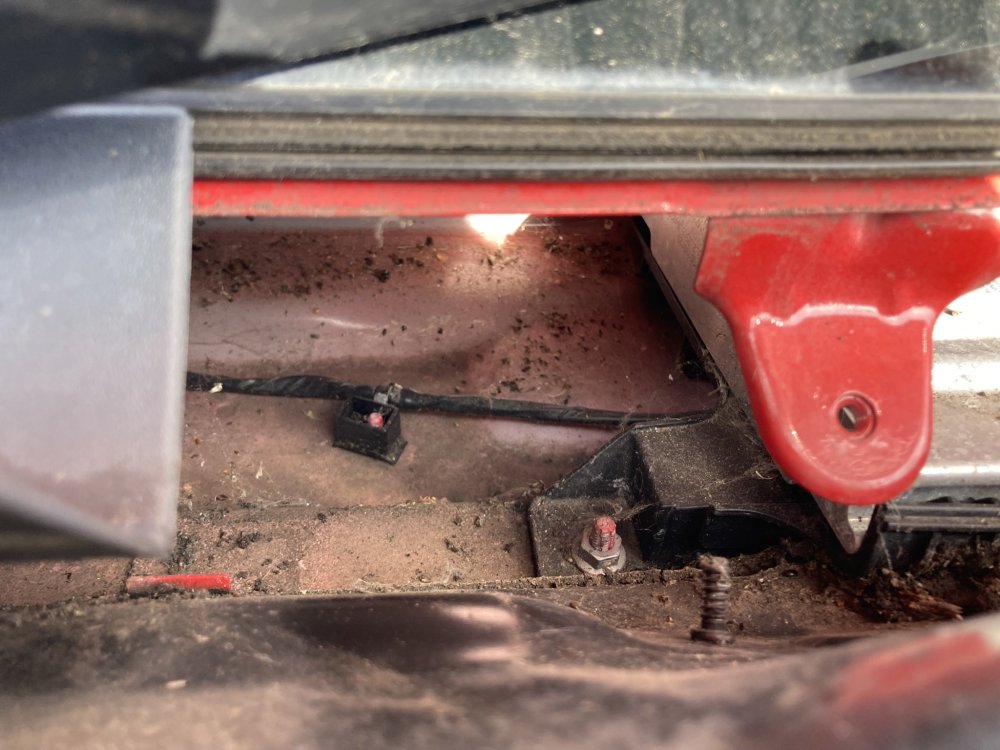
-
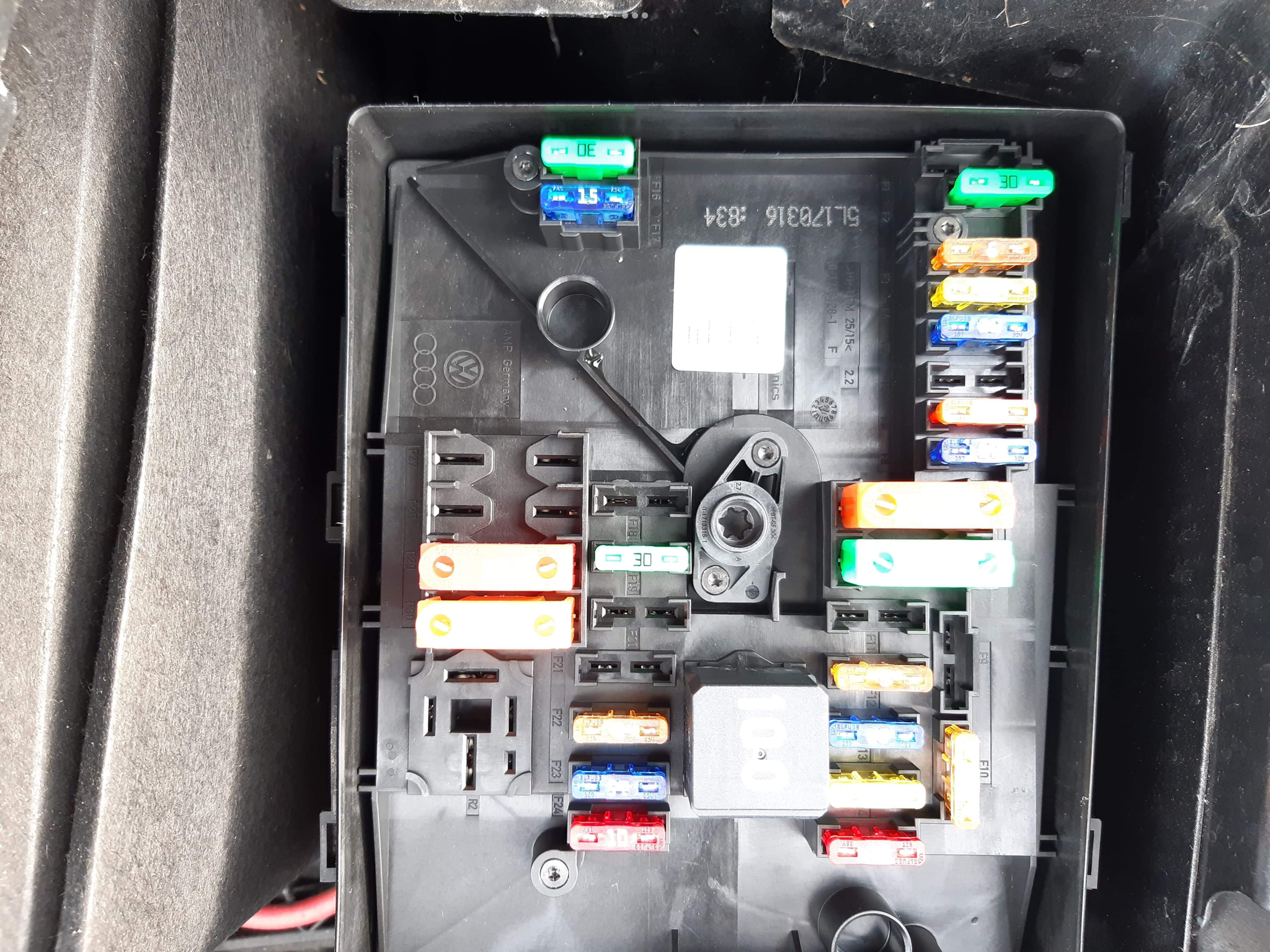
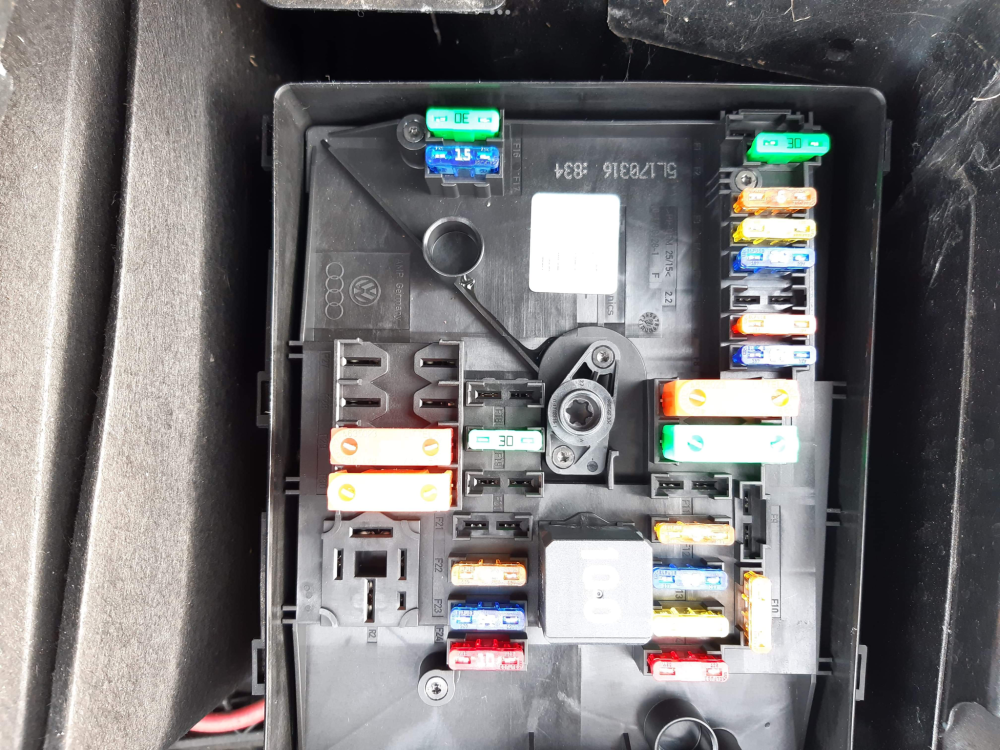
I’ve received a pic from my brother in law, if you can see the small orange 40a fuse on the r/h side - i had placed that 1 position higher than it should be with the above results! I’ve still got the annoying p0036 code pending despite replacing the sensor but at least the car’s working. thanks for the suggestions. rob
-
I agree, but i can’t find a diagram of my cars fuse board-the only ones I’ve seen have been fully populated boards for fully specced cars? Rob
-
Don’t think so, i rechecked all fuses for a second time & they’re all fine - that’s making me think the fuse mistake might be a red herring I’m worried about for no reason. Something has knocked out all the engine electrics though, even the obd port is dead. rob
-
Hi, I’ll start with an explanation of what’s happened. Our 2015 1.2 yeti had flagged up a P0036 code (heating circuit) i sourced a replacement oem lambda sensor & fitted it today, after clearing the code i went for a test drive & the same code returned! suspecting that the lambda wasn’t at fault and something else was amiss I went through the under bonnet fuses checking for any blown ones, after they all checked out ok i thought I’d clear the code again to see if there was any change - there was as the car now won’t start. I’ve got electrics for the fan/windows/lights etc but the warning lights in the instrument binnacle are all out & the starter won’t engage. The battery is fine & the car has only covered 33k miles, I’ve checked the battery terminals & the interior fuse board with nothing found. the only thing that concerns me is when checking the fuses i replaced some of them in different places accidentally as our car has many vacant positions, surely this couldn’t cause any terminal damage? Any advice gratefully received. rob