



Skip to content

Swedzilla

Finding my way
  • Joined

  • Last visited

Everything posted by Swedzilla

  1. Good morning, I’ve bought a 2019 Kodiaq who has the analog Instrument cluster. I have gotten my hands on a digital/virtual cluster from a same year/fuel vehicle, is it a plug&play swap or is coding required? cheers!
  2. Well done! I have the same model (I think) but I cant get the rear camera to record. Any suggestions for a fix? //SZ
  3. I have similar issues to what you describe, so no solution for you i'm afraid, but I would really appreciate to know what you're told about this.
  4. Good morning ladies and gents, My beloved superb started fighting me out of the blue. I have googled and search on here and I have gotten some questions answered but not all. Long story short: Change the ignition cylinder. Probably. It's the steering wheel lock that won't engage. That "click" when disengaging the SWL is gone and when removing the the key engaging the SWL is gone, hence made me Sherlock it down to the problem is with the SWL and not the ignition cylinder by it self. When I insert the key, I can't turn the key at all. Not even using force or spare key works. It feels like the SWL pin is jammed. So, is there possible to disengaged the SWL permanently? //Swedzilla
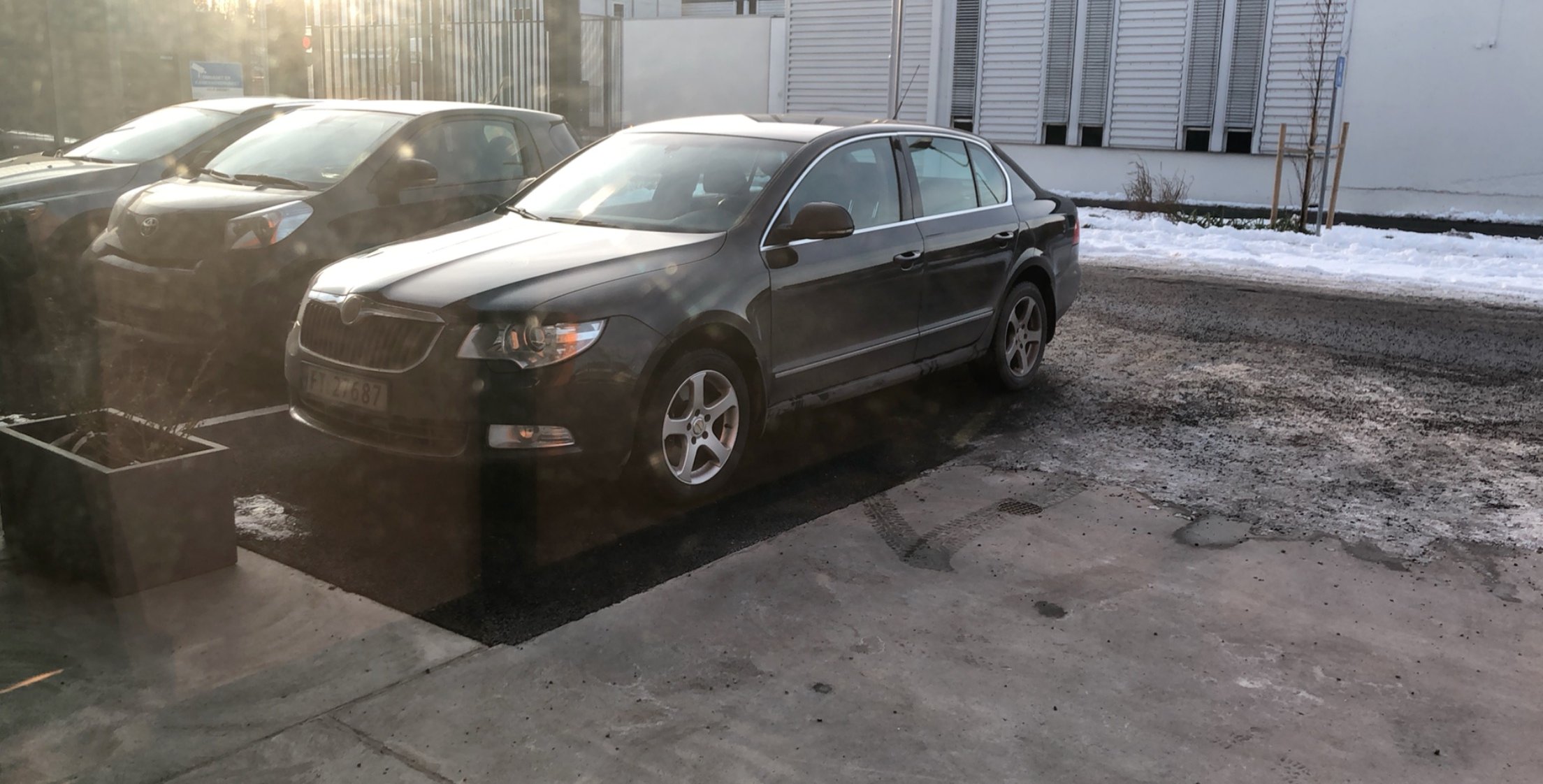
  5. The old, worn badge couldn't do the car justice. Because he's my good guy in disguise, always there when I need him but will kick my ass when I'm not doing what I should be doing. 🤗
  6. Hi, I have started to experience that the right side mirror goes passed the normal open position to fold all the way up pointing to the bonnet. Tried the window end position reprograming to no joy. I have tried the search function and had a quick look and didn't seem to find anything. Sorry if I am mistaken. Also, is there possible to reprogram the folding mirrors to fold on a single push instead of a long push? /SZ

Important Information

Welcome to BRISKODA. Please note the following important links Terms of Use. We have a comprehensive Privacy Policy. We have placed cookies on your device to help make this website better. You can adjust your cookie settings, otherwise we'll assume you're okay to continue.

Account

Navigation

Configure browser push notifications

Chrome (Android)
  1. Tap the lock icon next to the address bar.
  2. Tap Permissions → Notifications.
  3. Adjust your preference.
Chrome (Desktop)
  1. Click the padlock icon in the address bar.
  2. Select Site settings.
  3. Find Notifications and adjust your preference.