pauljohn75
Finding my way
-
Joined
-
Last visited
Everything posted by pauljohn75
-
Thanks not as yet as I can't access my one drive at the moment. 😞 do you have details of the fog lights by any chance and how I get to them? Thankyou
-
Hi Everyone, Please can you shed some light on my question, The user manual dents tell you anywhere I can see what type of bulbs are required for Front Fog Lights or Drivers lights Ect. Please does anyone know what I need to be looking for on my 2014 Mk3 Octavia.
-
Hi Everyone, Please can I ask has anyone here heard of this unit? I'm wanting to put an Android unit in my car and come across this https://www.dynavin.de/en/products/carhifi/navigation-systems-for-car-hifi/navigation-sytem-7-flex-skoda-octavia-3/ Can I have your opinion on it..... Looks like a good replacement for my basic unit. Giving me hopefully android auto and sat nav.
-
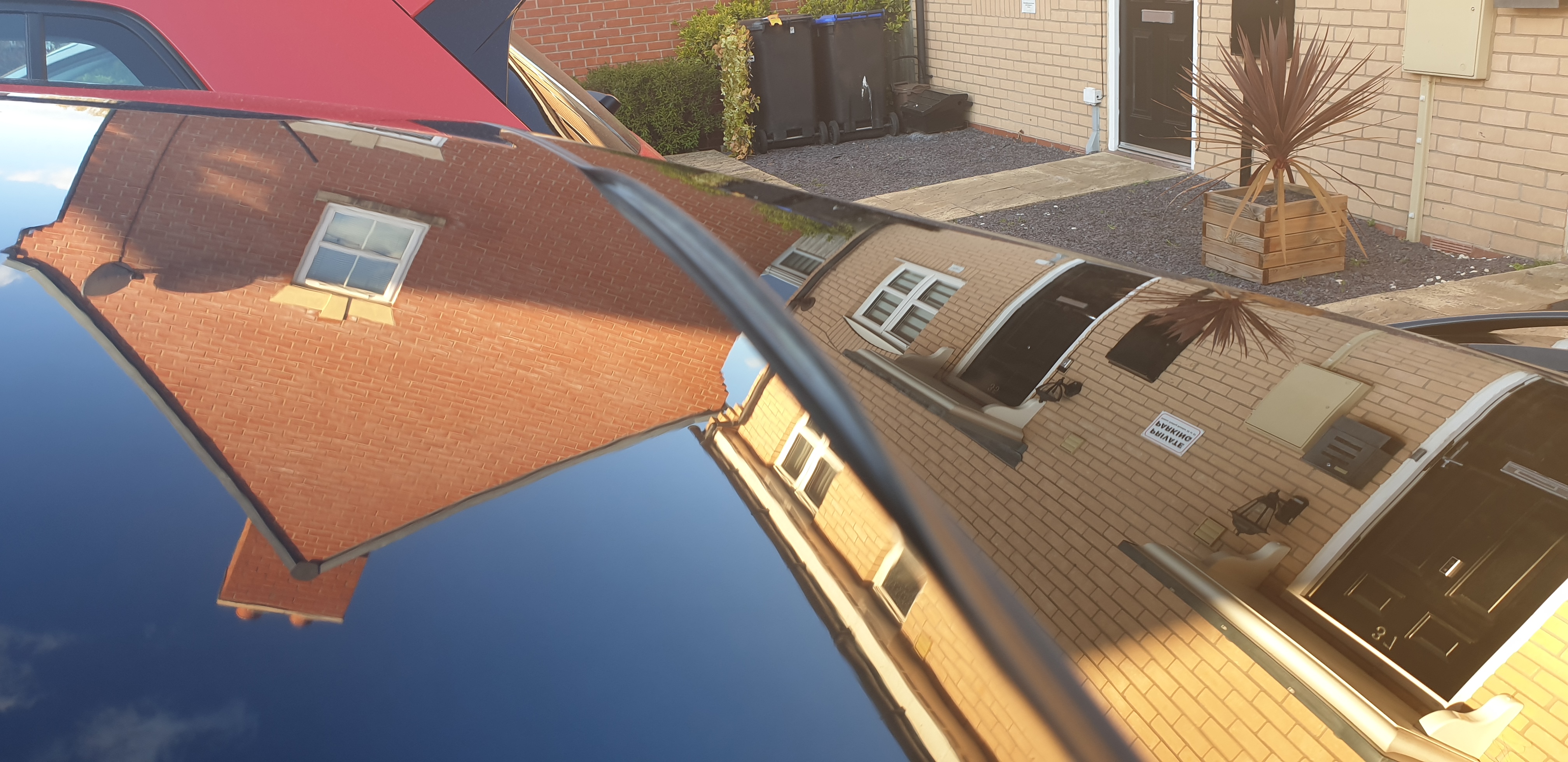
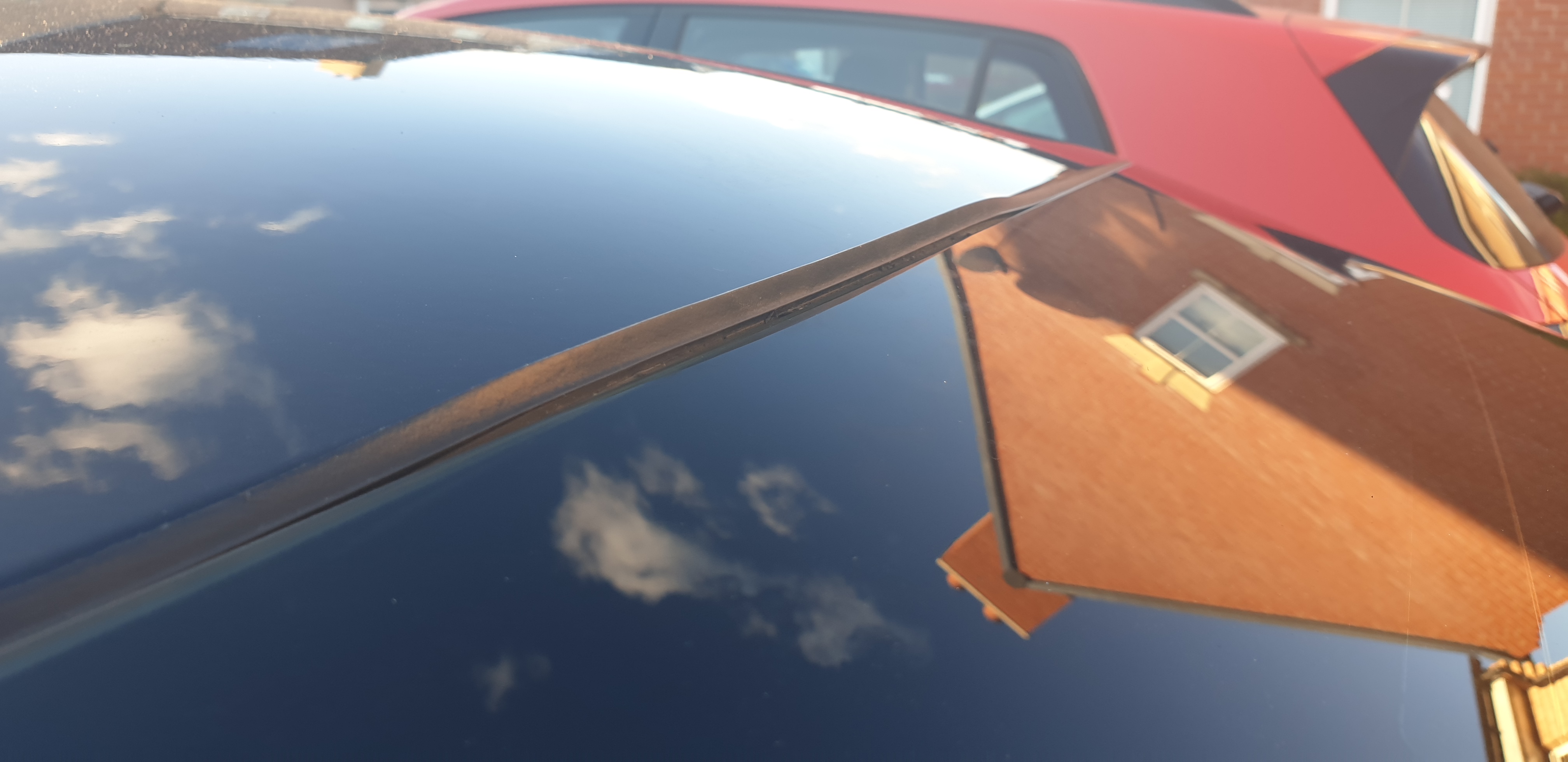
Please help! Does anyone have a video or instructions on how to remove this please so I can buy a replacement. Many Thanks Paul
-
Hi Guys, Receiving our 2nd VRS on a 16 plate next week and I know that it's going to need new front shock absorbers so looking at a new set of coilovers from Stance, what are your opinions?
-
Hi All, Please can I get some advise on upgrading car stereo to an Android Auto unit with reverse camera. Don't want to push a fortune, but your advise is appreciated.
-
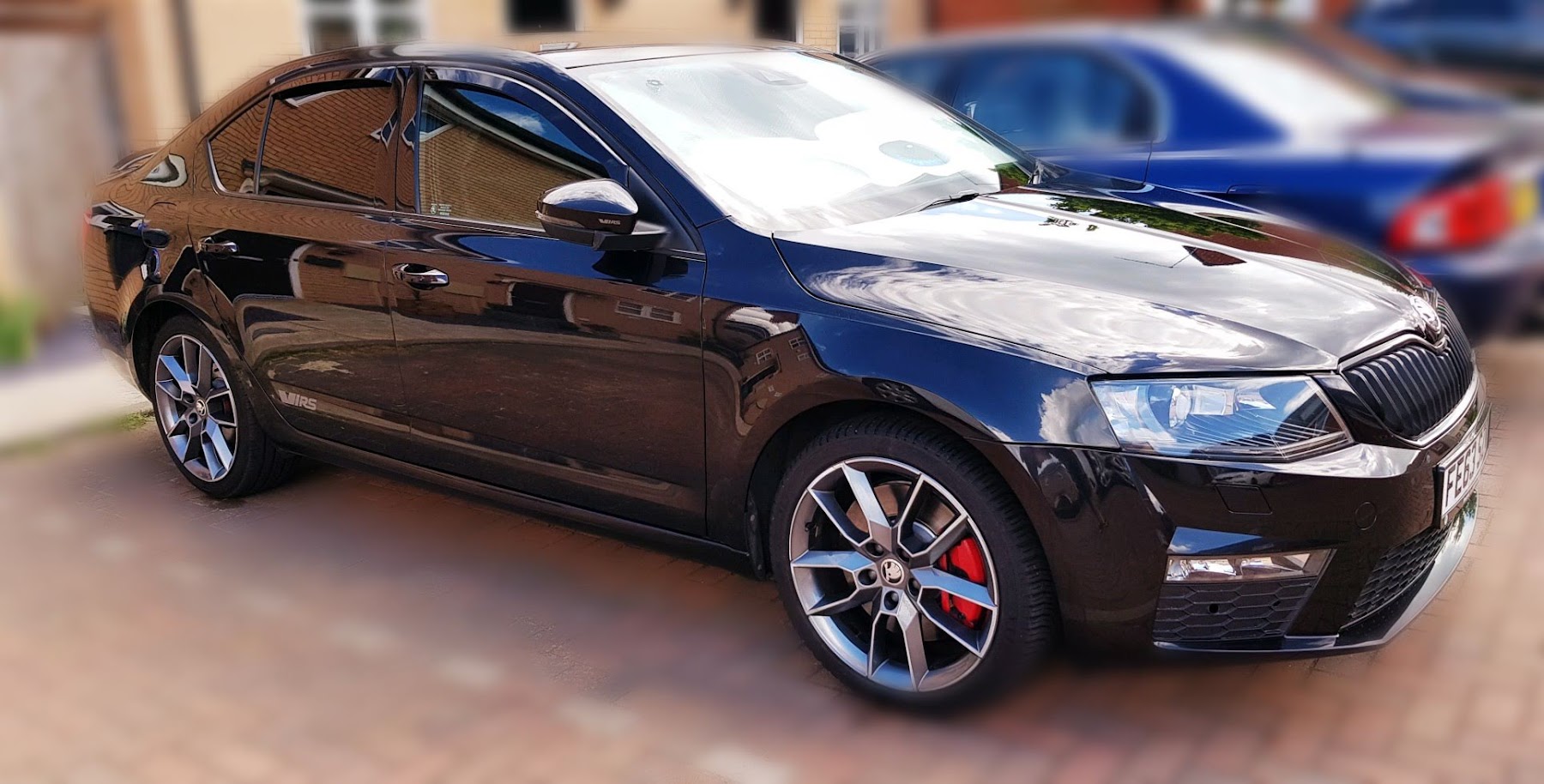
Can anyone help me, I'm looking at a 2016 Mk3 VRS to buy, Can anyone advise how I can look up the true features and add ons if it had any?
-
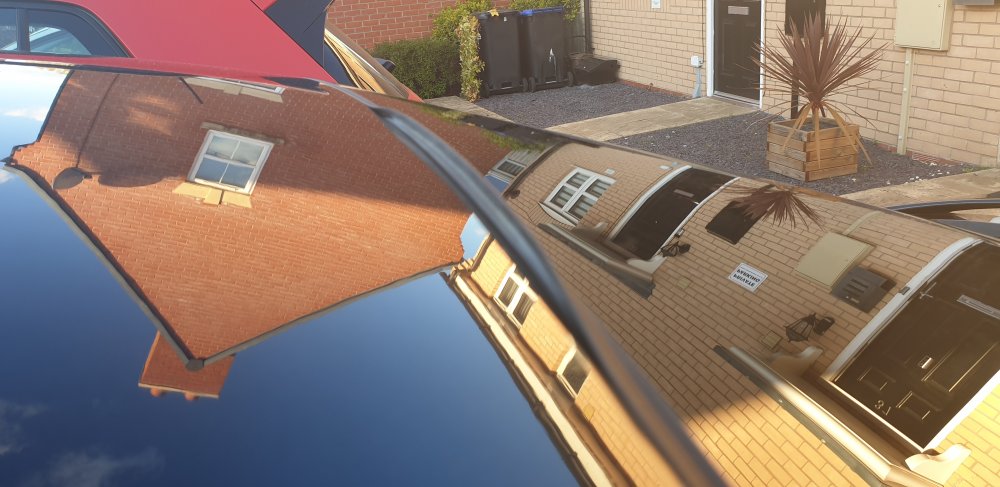
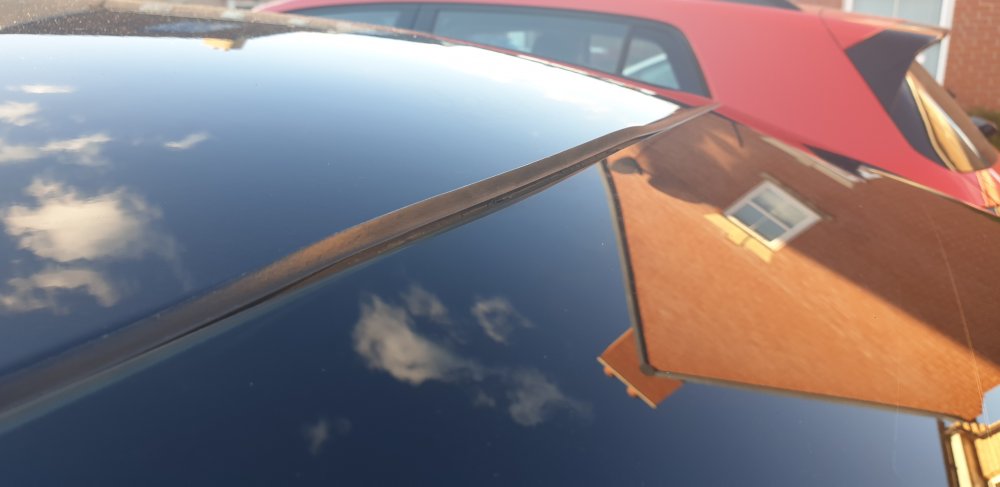
Hi, it's not split just come away.
-
Please can anyone suggest a fix or advise, I have noticed over tbe weekend that the rubber gasket or seal had come away in the centre, is there a way to fix this?
-
Does anybody have or know of where I could get a copy of the workshop manual not the owners manual so that I can get a better insight to my car and how things come together and apart.