French
New here
-
Joined
-
Last visited
Everything posted by French
-
Does anyone know how to take the cover off gently so I can check if the wiring behind is present?
-
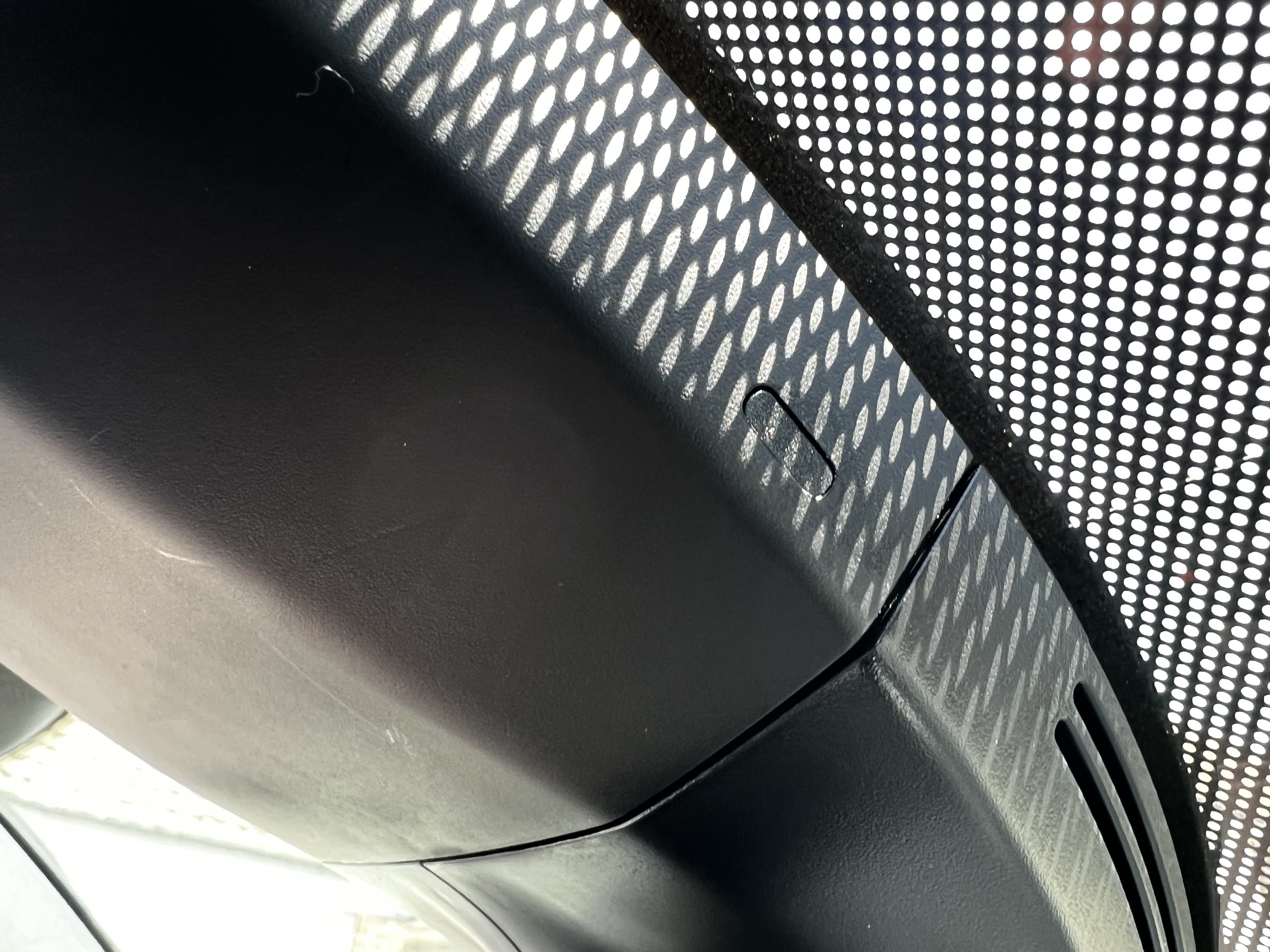
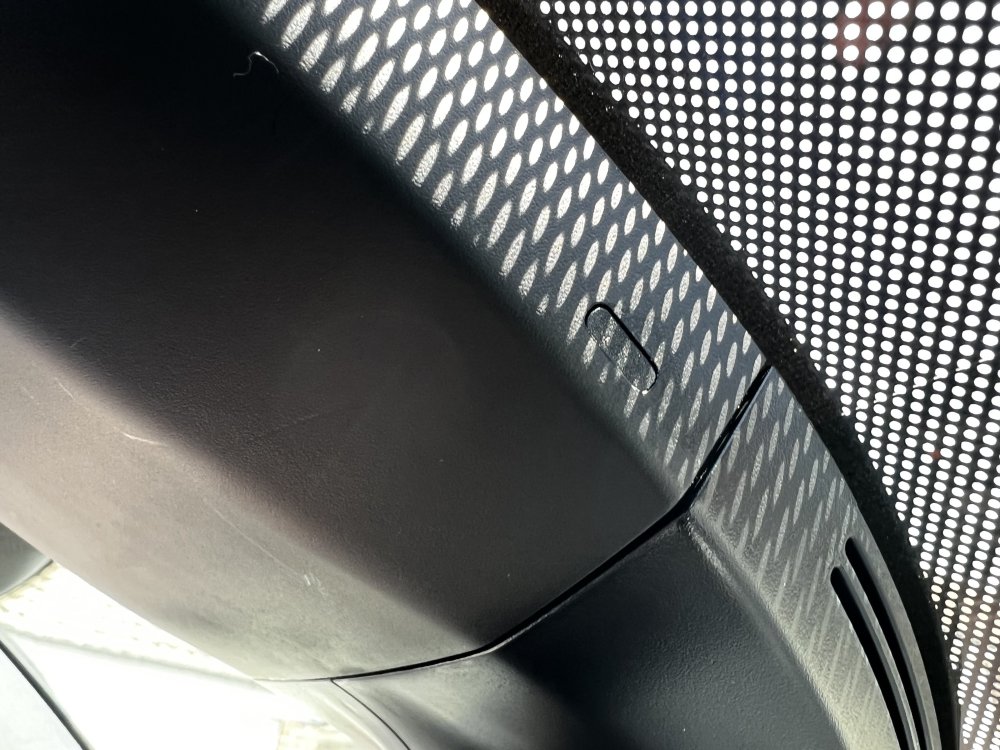
Hi guys, just picked up a new Kodiaq Sportline that a dealer had in stock and drove it away today. i thought the USB-C port in the rear view mirror was a standard option but after purchasing a dash cam I realised the port isn’t actually there (see picture). Im assuming this isn’t just a cover, could anyone confirm if this is easy to retrofit? Cheers
-
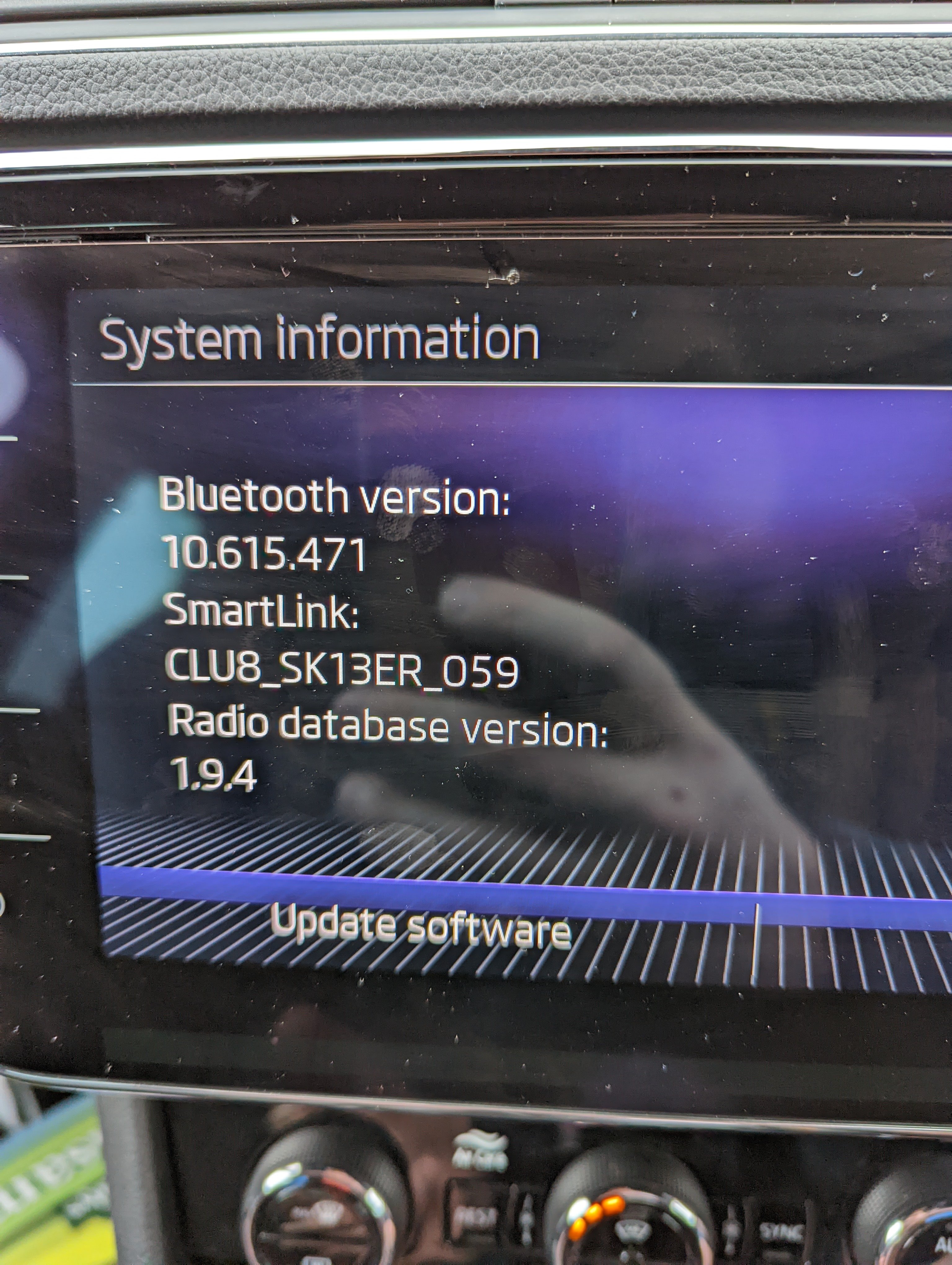
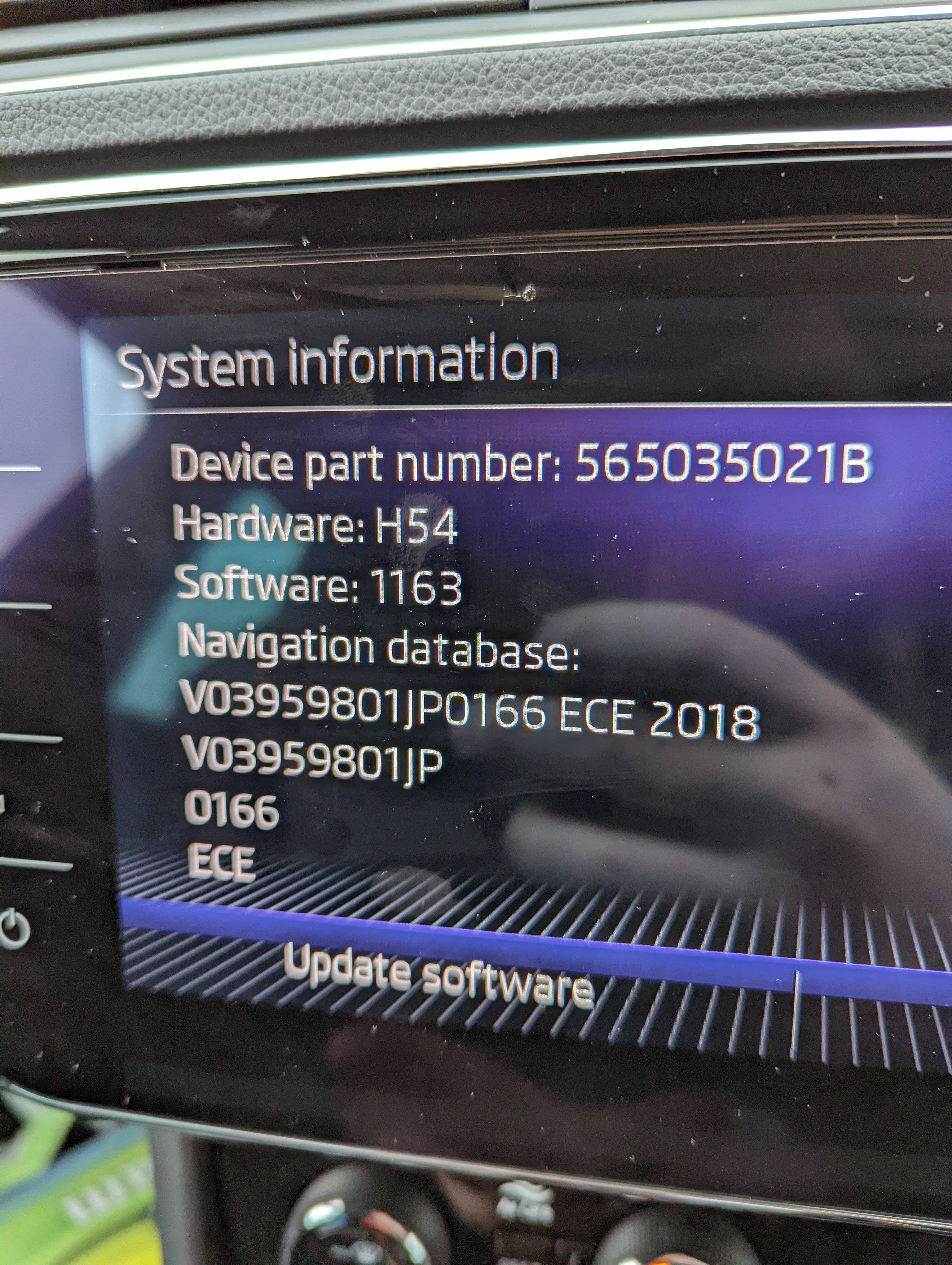
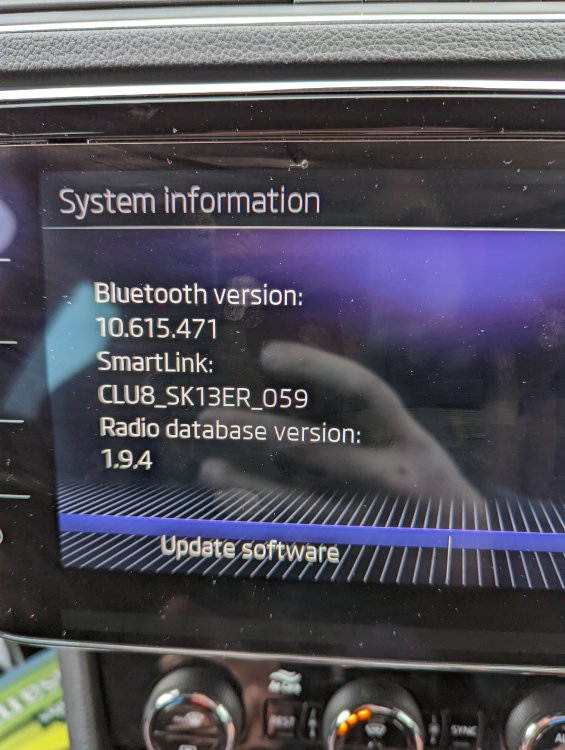
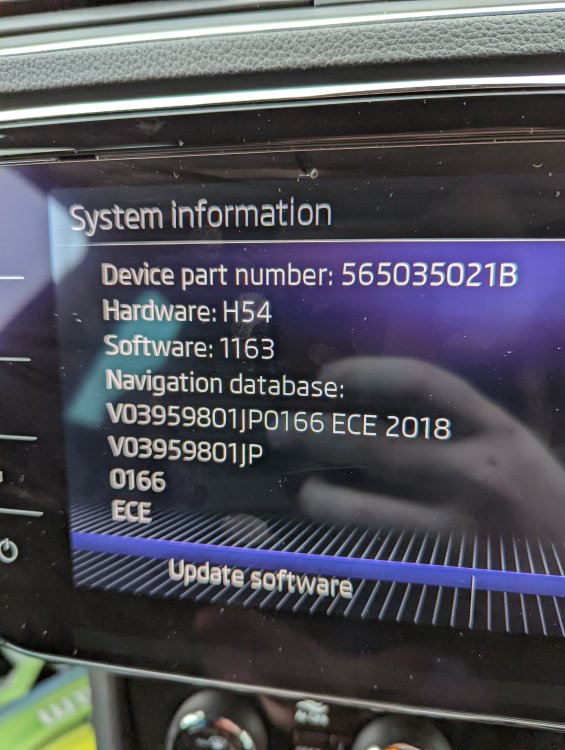
Hi @pab567, Could you tell me if my cars software is up to date? It would be good to confirm that my car is up to date so the dealership can't use it as an excuse to charge me for a warranty issue. Z góry dziękuję
-
Hi guys, I took my Superb to the dealer in October to have the health check in order to qualify for the Skoda All In (2 years warranty, 2 services and 2 MOT's). Typically about 2 days after the health check I get a big warning come up on the dashboard saying "Emergency call restricted. Workshop!"comes up on the screen. This comes every time I start the car, there is a warning light also on the dash and there is a vehicle status warning also on the vehicle page of the media console. I knew I was taking the car in for a service and MOT at the end of January so I thought I would wait to get it sorted at the same time. After the service I asked about the error and they tell me that it might just need an update or the module to be changed and that they wont know until they run a ~£125 diagnostic. My first argument was that surely it can't need an update to fix an error that hasn't been there for 4 years unless they've planned for something to expire? What's everyone's views on this? Thanks