Dmaudsley
New here
-
Joined
-
Last visited
-
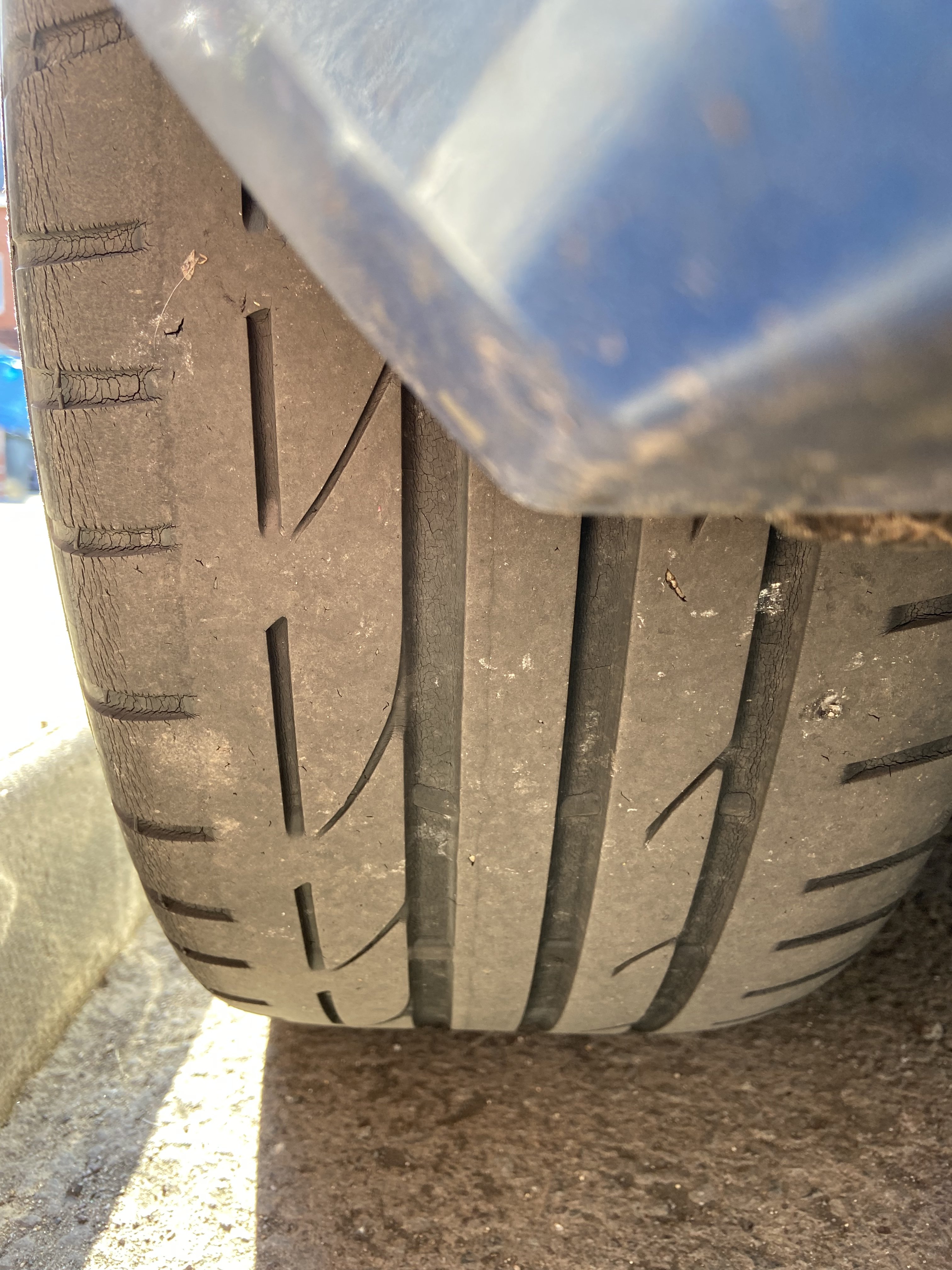
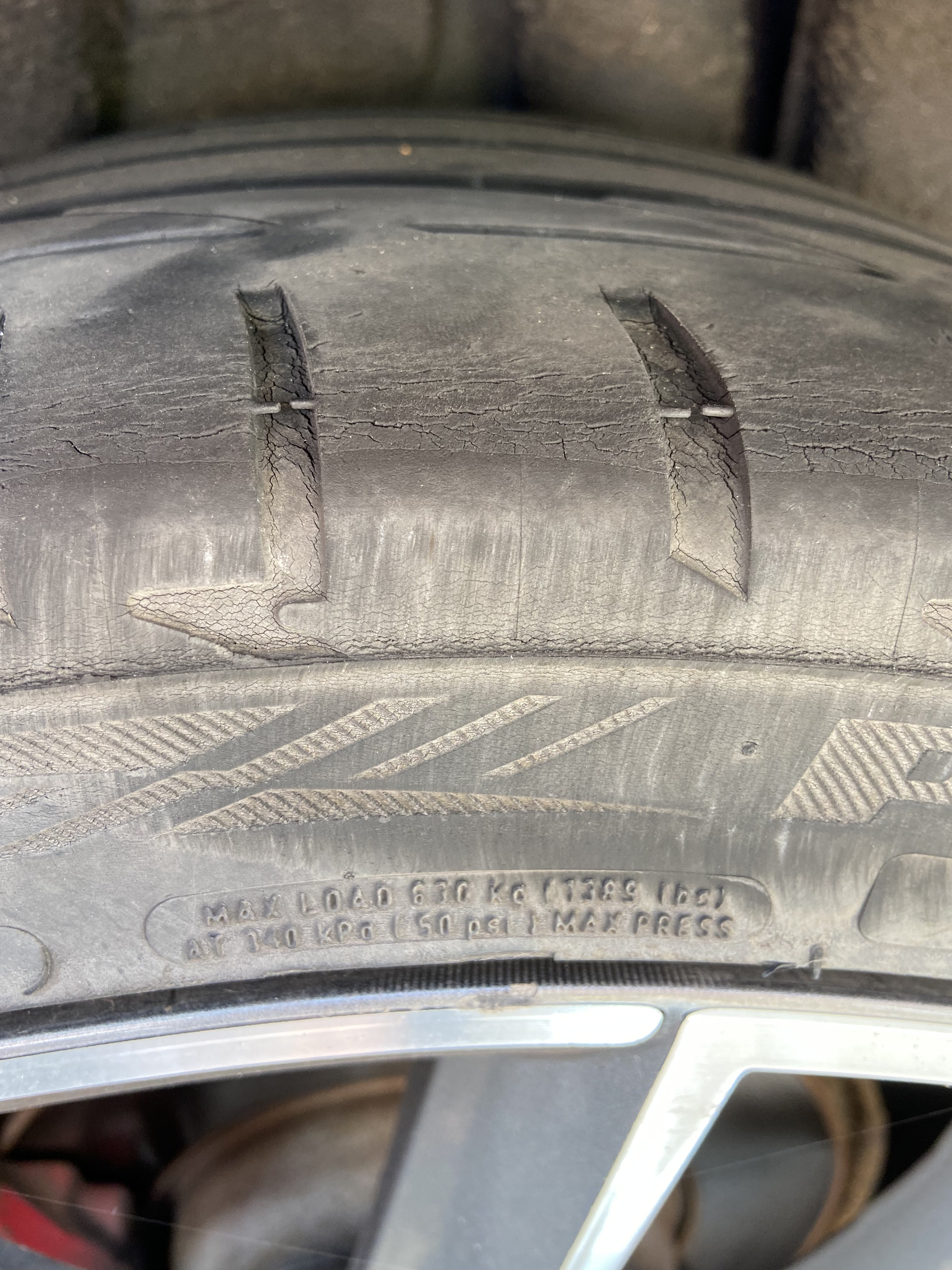
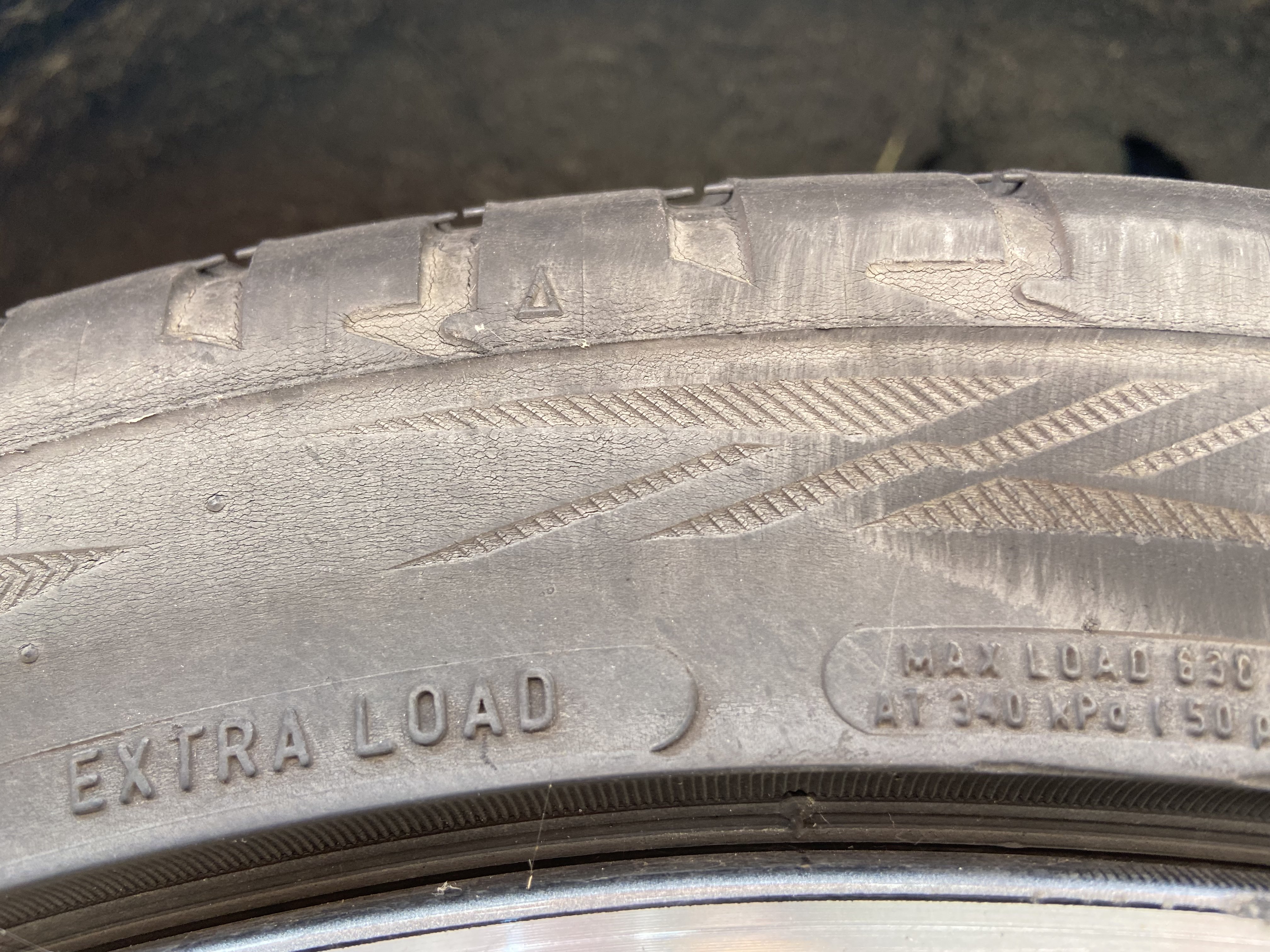
*update* I replaced the rear tyres and the rumbling is gone, they were on the edge age wise, had some splitting and even an imbedded nail! I’m a little ashamed that I hadn’t thought to replace them earlier 😞 the car is nice and quiet now and I recommend Michelin Pilot sport 4 👍 Thanks for all the help peeps 🙌
-
o
-
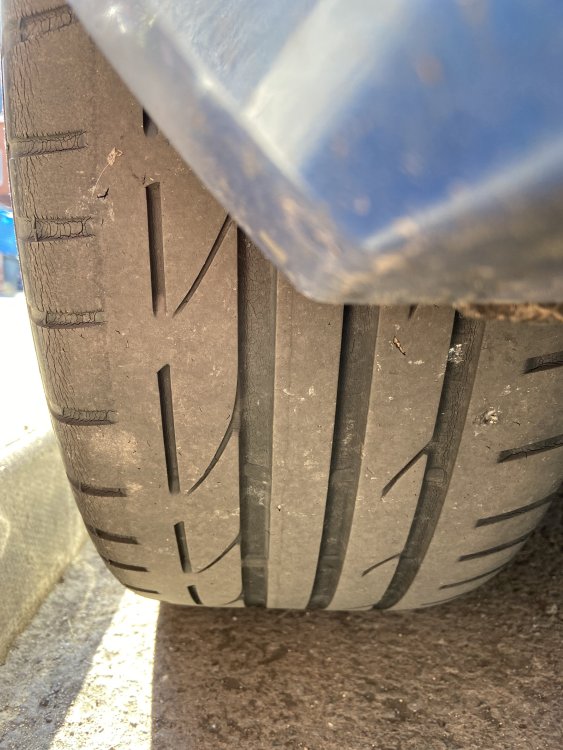
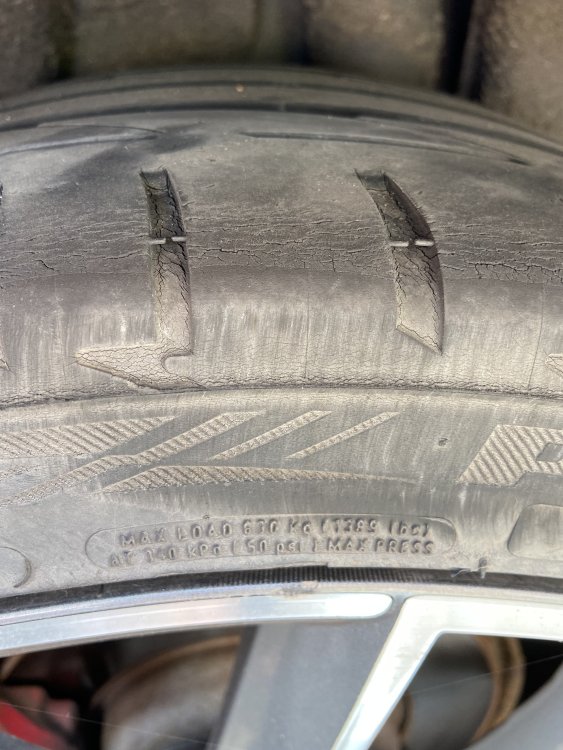
Is that a better angle?
-
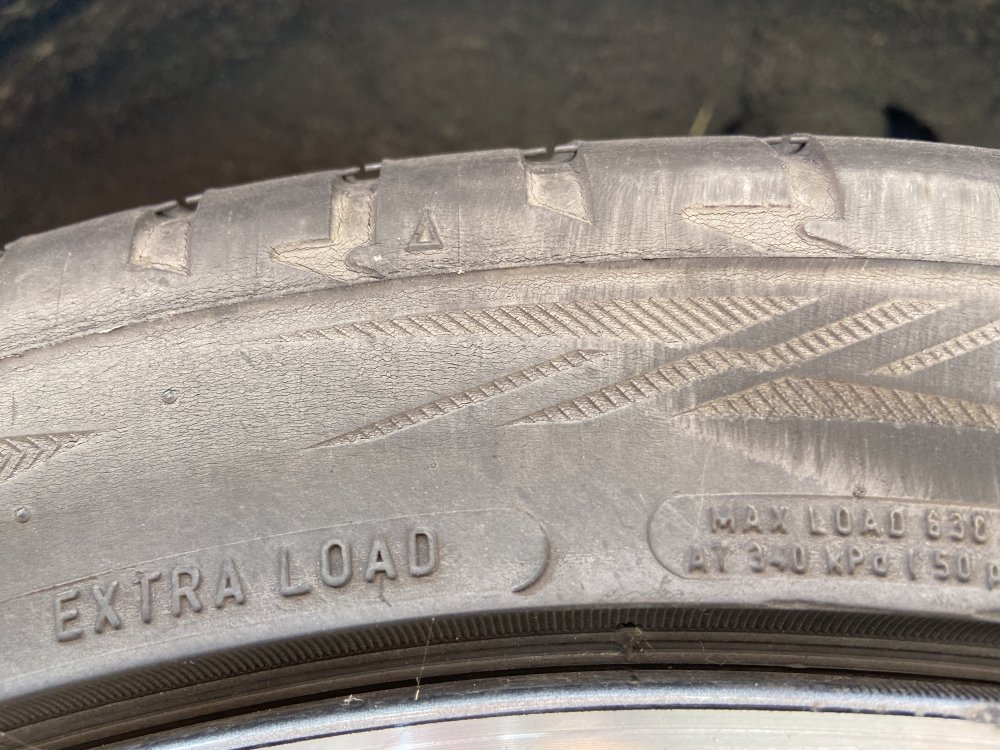
What do we think?, tried to get a decent photo, they are old but still enough tread so hadn’t thought about replacing them just yet
-
The fronts are 3 months old but barely any mileage on them, the rears however haven’t been changed in the 3 years I’ve owned the car
-
Thanks for the replies peeps, I will have a look at replacing the drop links and after that I will also try and check the rear wheel bearings as I know sound locations can be deceiving! My hope is that it’s something straight forward and nothing gearbox/ engine related
-
I have not, it’s hard to decipher but what I can say is that it sounds a lot like going over rumble strips on a dual carriageway approaching a roundabout
-
Hi all, I own a mk3 Octavia TDI Vrs. Recently a rumbling sound has developed that seems to be coming from the front of the car. This sound slows as the car slows, I’ve checked the front wheel bearings and no sign of wear, the noise doesn’t get any better/worse whilst cornering so I’m ruling out cv joints. Visual checks under the front don’t reveal any damaged joints. Brakes have recently been replaced (discs and pads) and the front tyres are sub 1000 miles and I’ve had the tracking done. if anyone could shed any light or perhaps I’ve missed something obvious! many thanks