Skip to content

kunalvaidya

Finding my way
  • Joined

  • Last visited

Everything posted by kunalvaidya

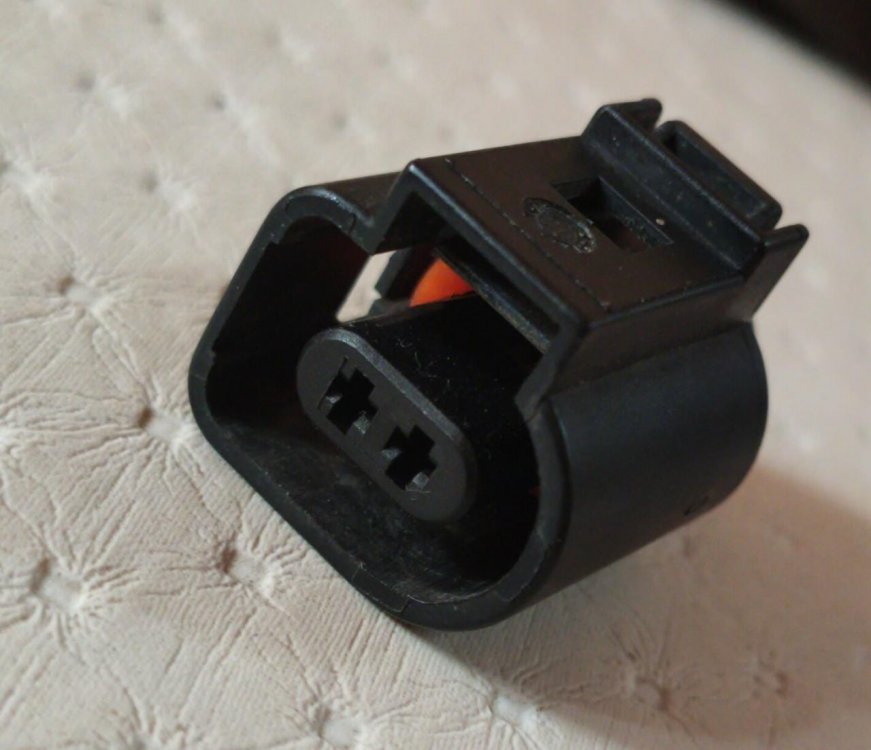
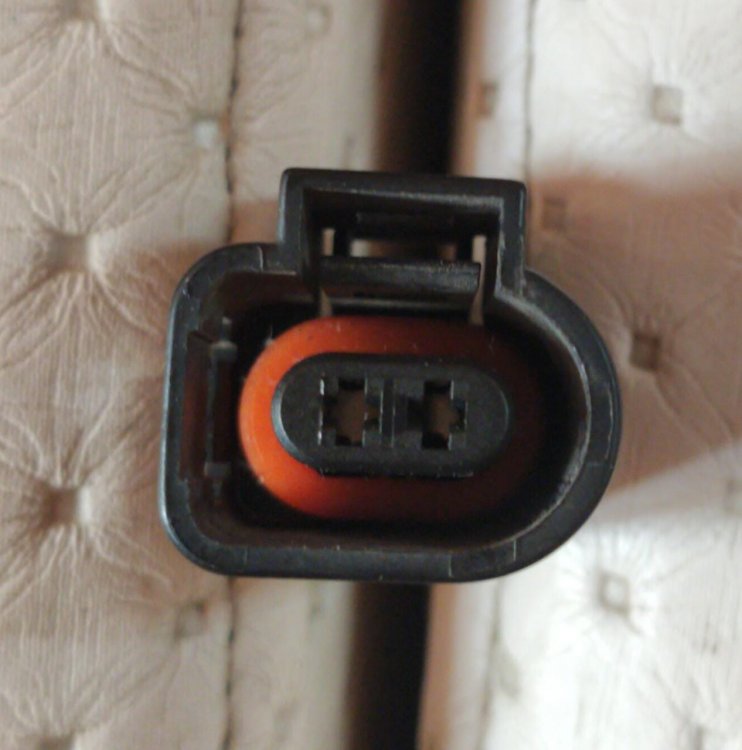
  1. Thanks for your replies, I figured it out finally .... There is numbering at the back of connector. 1 is positive 2 is negative soldered the wires all good
  2. I need to solder 2 wires which are cut, which are behind the connector. Currently the connector does not have any wires either.
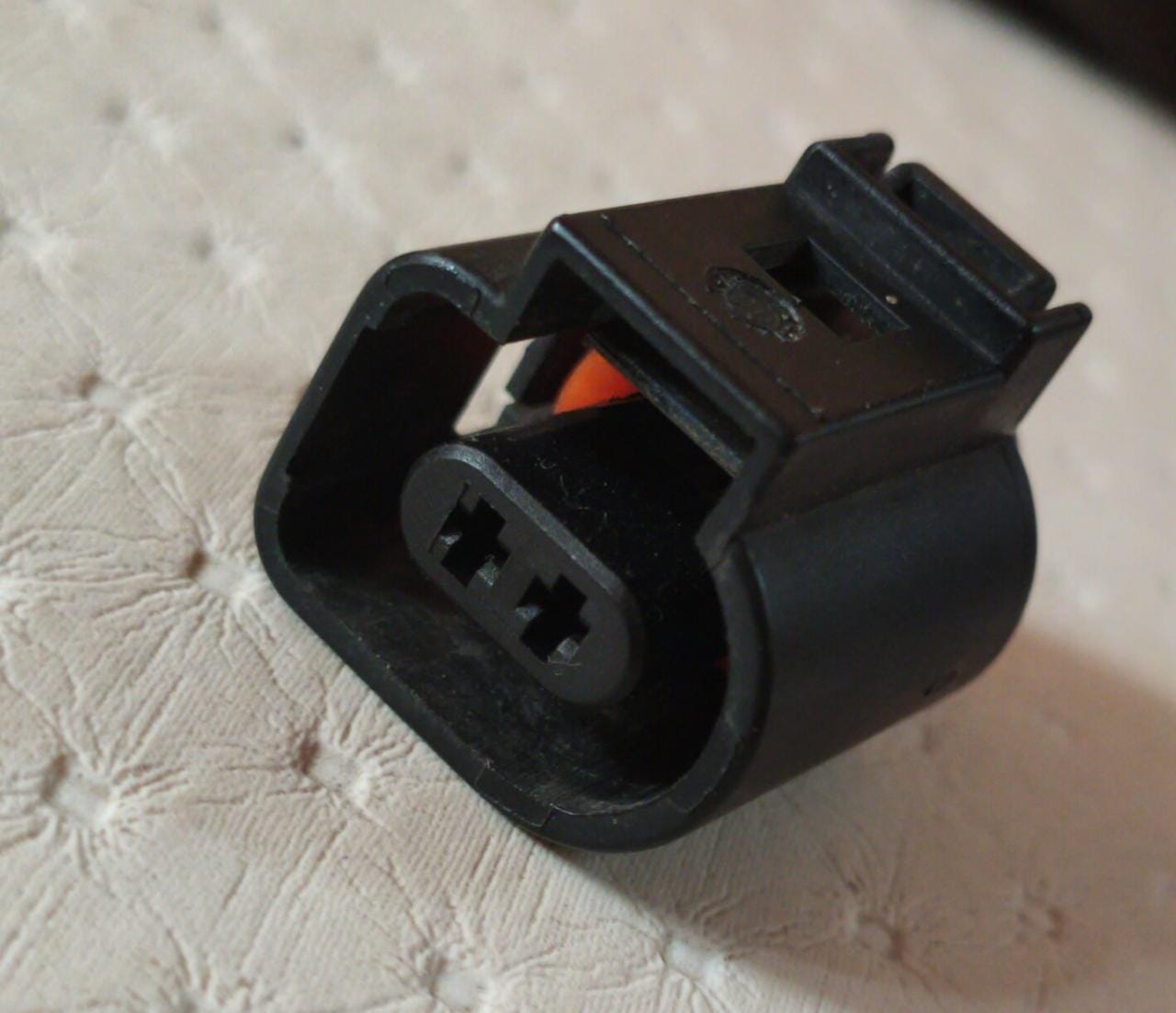
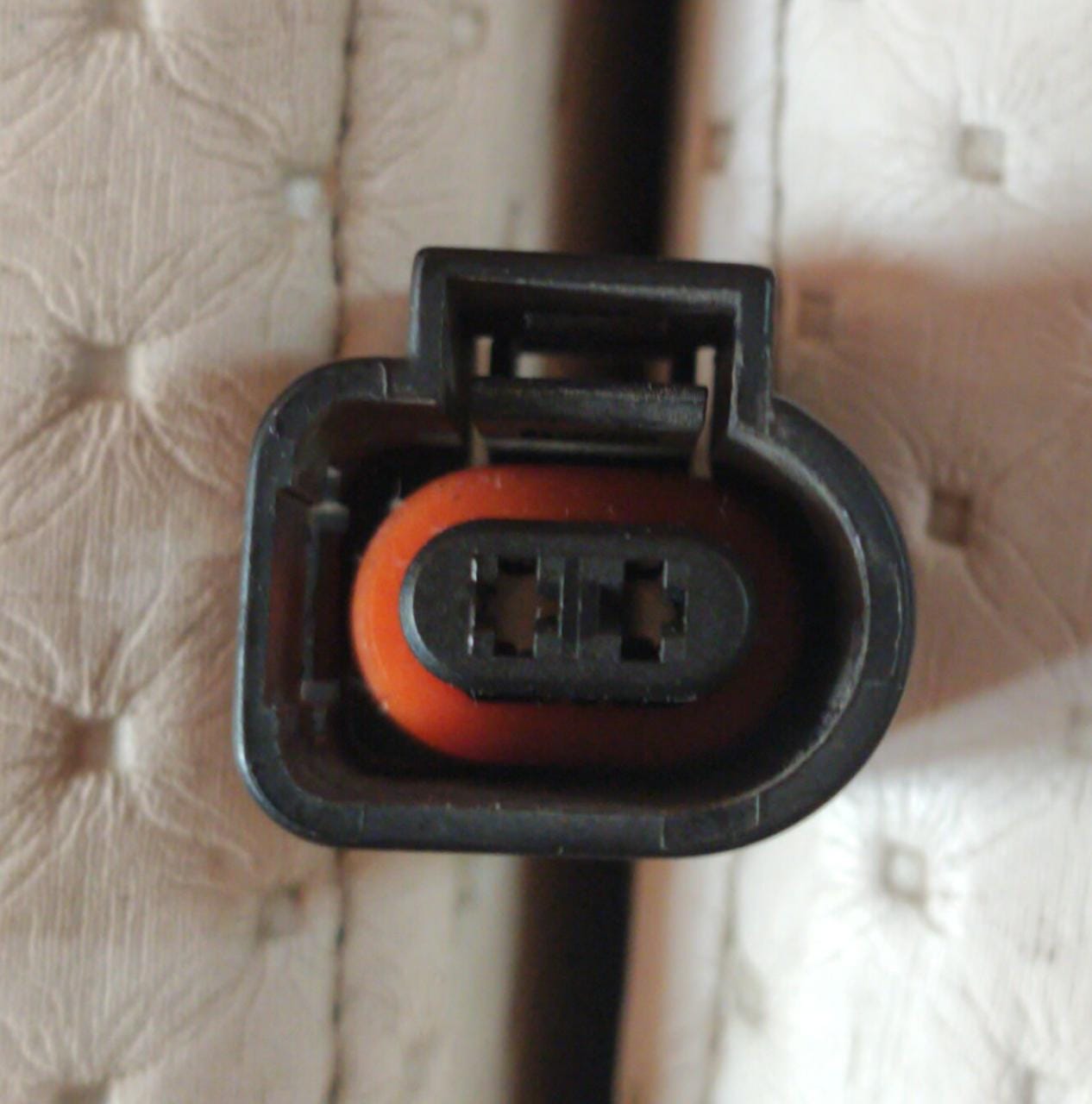
  3. Hi All, I am having Skoda Superb mk 2 and I want to want to reconnect the bonnet lock sensor cable which was chewed by rats earlier. I need help in identifying the connector polarity (which is positive and negative). Its a 2 pin connector as shown in attachments. Thanks in advance.
  4. I am not sure how he tested it, but he says that he swapped the HPFP with a spare one to check. Now he says its not the HPFP its the ECM which is faulty. I am bit confused.
  5. The Skoda mechanic changed the high pressure fuel pump and seems the fault still persists. :(
  6. Hi All, Recently, I am getting the EPC light on and it displays "engine fault : workshop". I visited the dealer for a scan and they said its the high pressure fuel pump. The EPC light is not persistent, sometimes it appears and goes away. They also advised to change the crankshaft sensor though its not in the fault code. Any thoughts on this, any easy fixes? Seems the high pressure fuel pump is pretty costly. Car: Skoda superb mk 2 Thanks in advance.
  7. Was it the same fault code VAG01542 rotation rate sensor? How did you figure out which wheel sensor was bad? Thanks
  8. I am not sure, thats why wanted to check on this forum. I have seen Skoda service center asking to change the entire thing for small fix in my past experience. Also, I see a rotation sensor fault not a control module that is also another thing
  9. Hi All, I own a Skoda Superb mk 2, year 2010 (1.8 TSI Petrol). A few days back all of a sudden I got an ESP Fault and my ABS, traction and tire pressure warning lights came on. I went to SKoda service center and they scanned my car and told me that they will have to change the entire ABS control module which costs a huge amount of money. I took the fault codes from them just to investigate it further, I am not sure if its really the control module. Can anyone of you guys shed more light on it and how I can fix it. The scan codes can be found in the picture attached. Thanks in advance.
  10. Hey all, thanks for your replies. I just visited the service center and they said that it cant be done. I am not sure if they dont know the codes or dont want to do it . I wanted to attach LED strips (which are they in all recent cars) and was thinking if I can just reconnect the DRL wires to it would have been easier. Not sure from where I can connect those wires then.
  11. Hi all, I have a Superb mk 2 and I have enabled its DRLs from its maxidot. They work fine in daytime but when the headlights come ON at night the DRLs turn off. Is there any setting may b in vcds to keep it in always on setting? Thanks in advance
  12. Hi All, I am having skoda superb mk2. The headlight connector is a 14 pin type connector. It has numbering on 14 pins the wire is connect. I need to know which wire is which. Is there a diagram or labels that anyone knows of? Thanks in advance. need numbering of these so I can connect the correct cables.
  13. Hi All, I am having skoda superb mk2. The headlight connector is a 14 pin type connector. It has numbering on 14 pins the wire is connected. I need to know which wire is which. Is there a diagram or labels that anyone knows of? Thanks in advance.

Important Information

Welcome to BRISKODA. Please note the following important links Terms of Use. We have a comprehensive Privacy Policy. We have placed cookies on your device to help make this website better. You can adjust your cookie settings, otherwise we'll assume you're okay to continue.

Account

Navigation

Configure browser push notifications

Chrome (Android)
  1. Tap the lock icon next to the address bar.
  2. Tap Permissions → Notifications.
  3. Adjust your preference.
Chrome (Desktop)
  1. Click the padlock icon in the address bar.
  2. Select Site settings.
  3. Find Notifications and adjust your preference.