Mo1986
FREEDOM
-
Joined
-
Last visited
Everything posted by Mo1986
-
Hi lab. Sorry for the late reply. Appreciate the detailed reply you gave also. I’m inclined to go with the same option as KP Octavia . I need the bigger screen with Apple car play as current unit has no nav . What sort of cost could I be looking at please .
-
Trying to pm you but it won’t let me atm unfortunately due to not having done 20 content posts
-
Please see my vin .
-
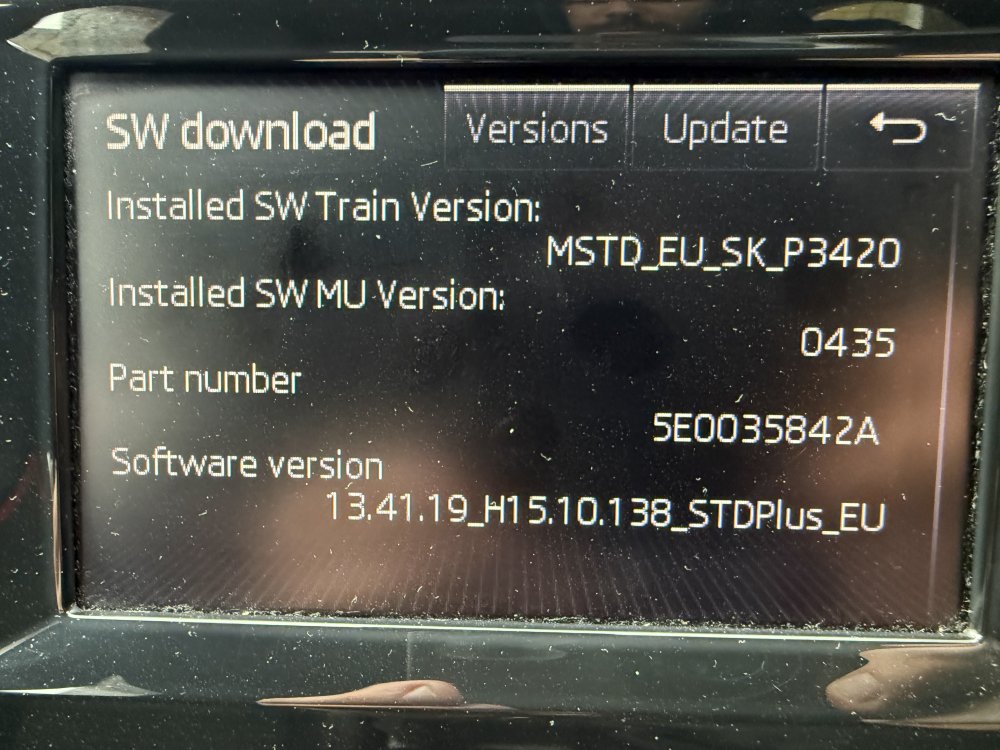
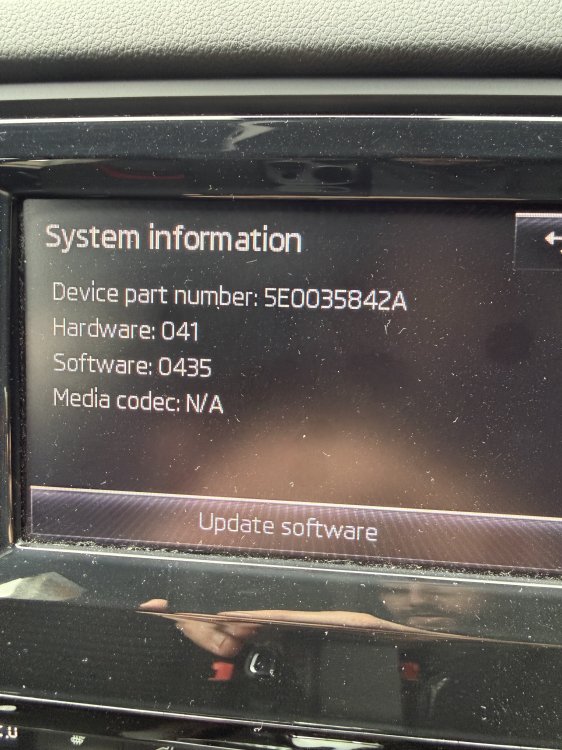
See attached
-
Hi all. Just recently come back into the website and trying to see where and when the latest meet up is please
-
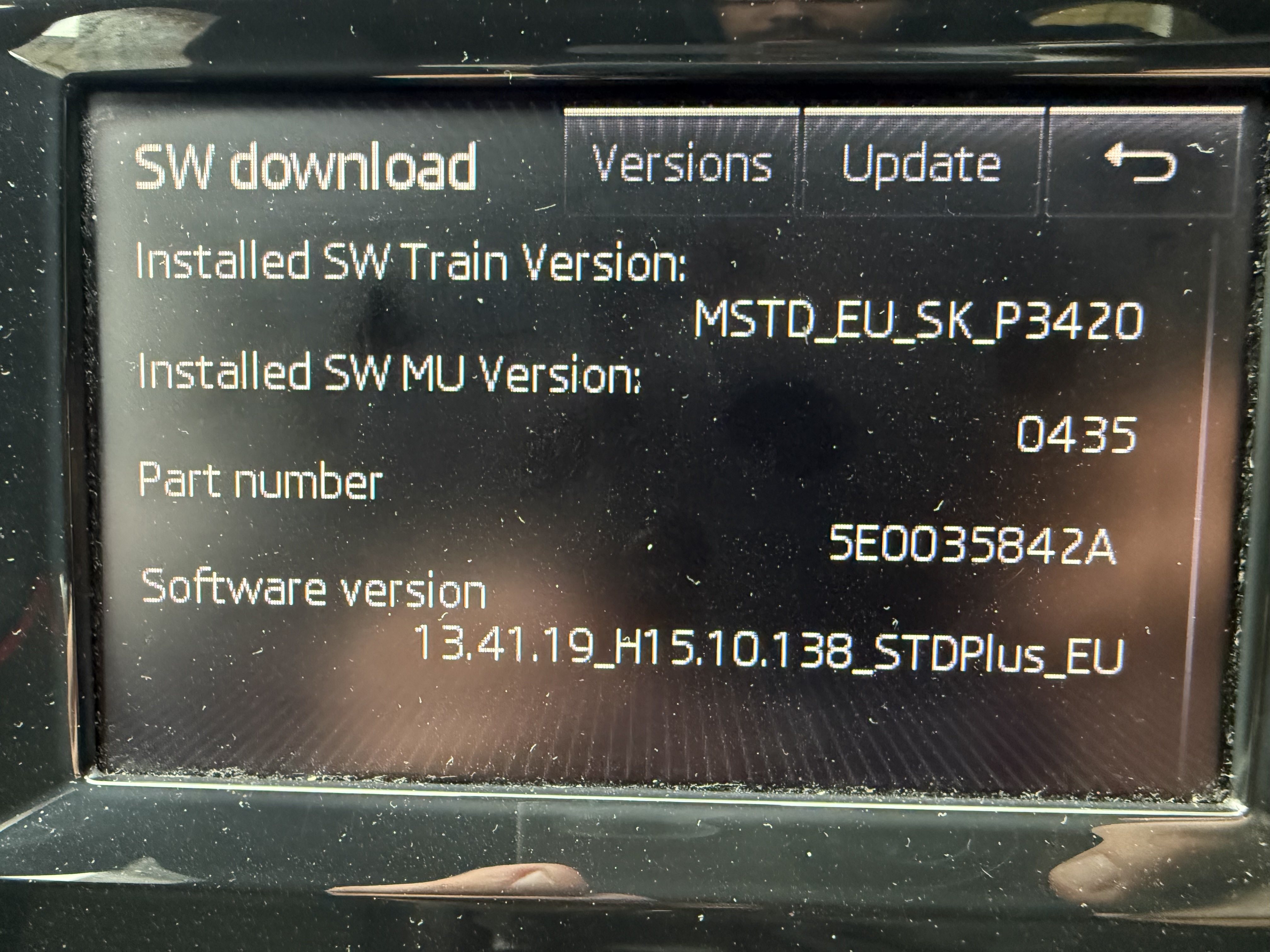
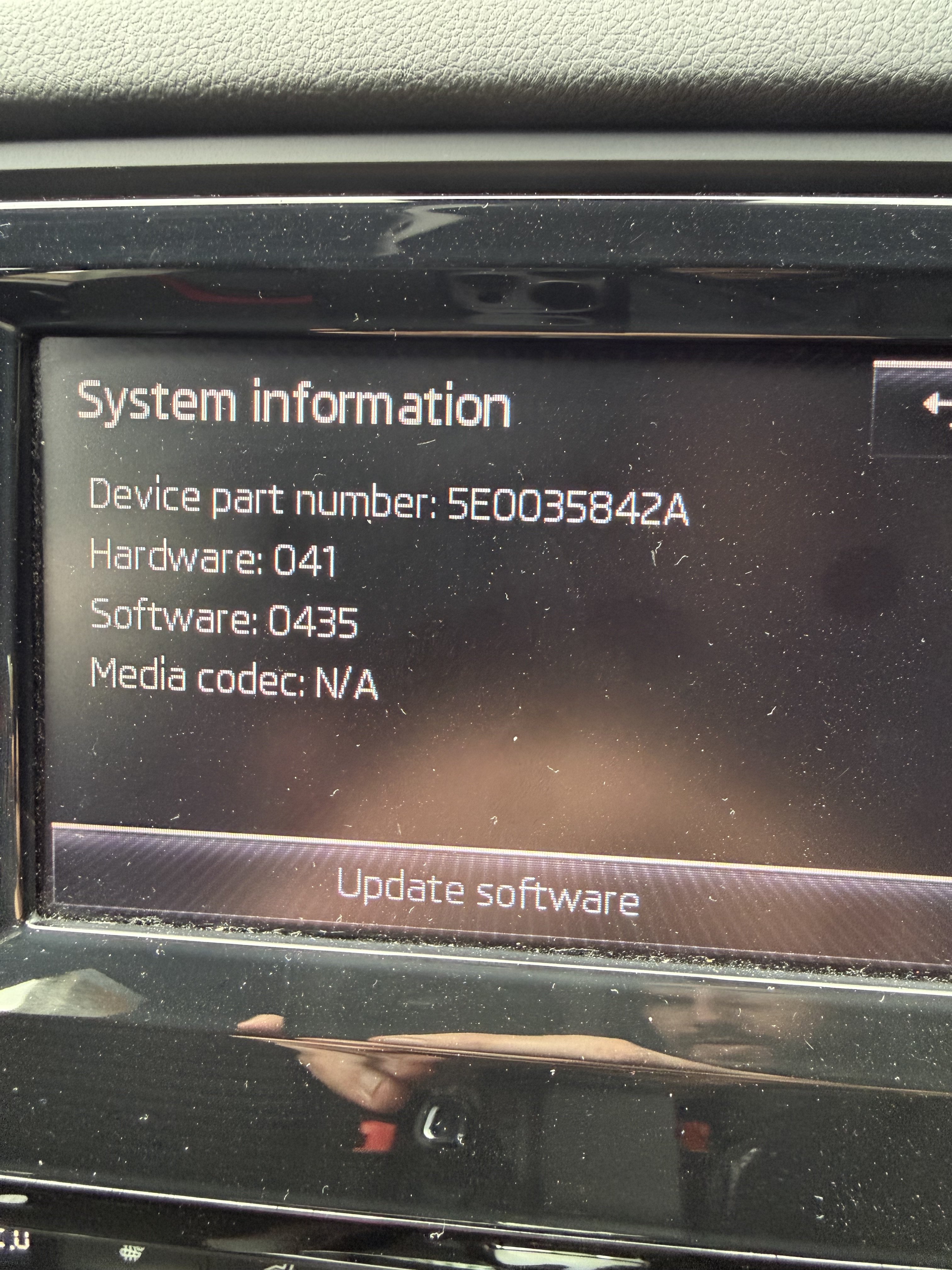
Hi all. Just after some advice . Please see attached pics for my current head unit version and software version. Please could someone advise me on the best upgrade option. I have a Octavia VRs 2014 . Any ideas would be appreciated
-
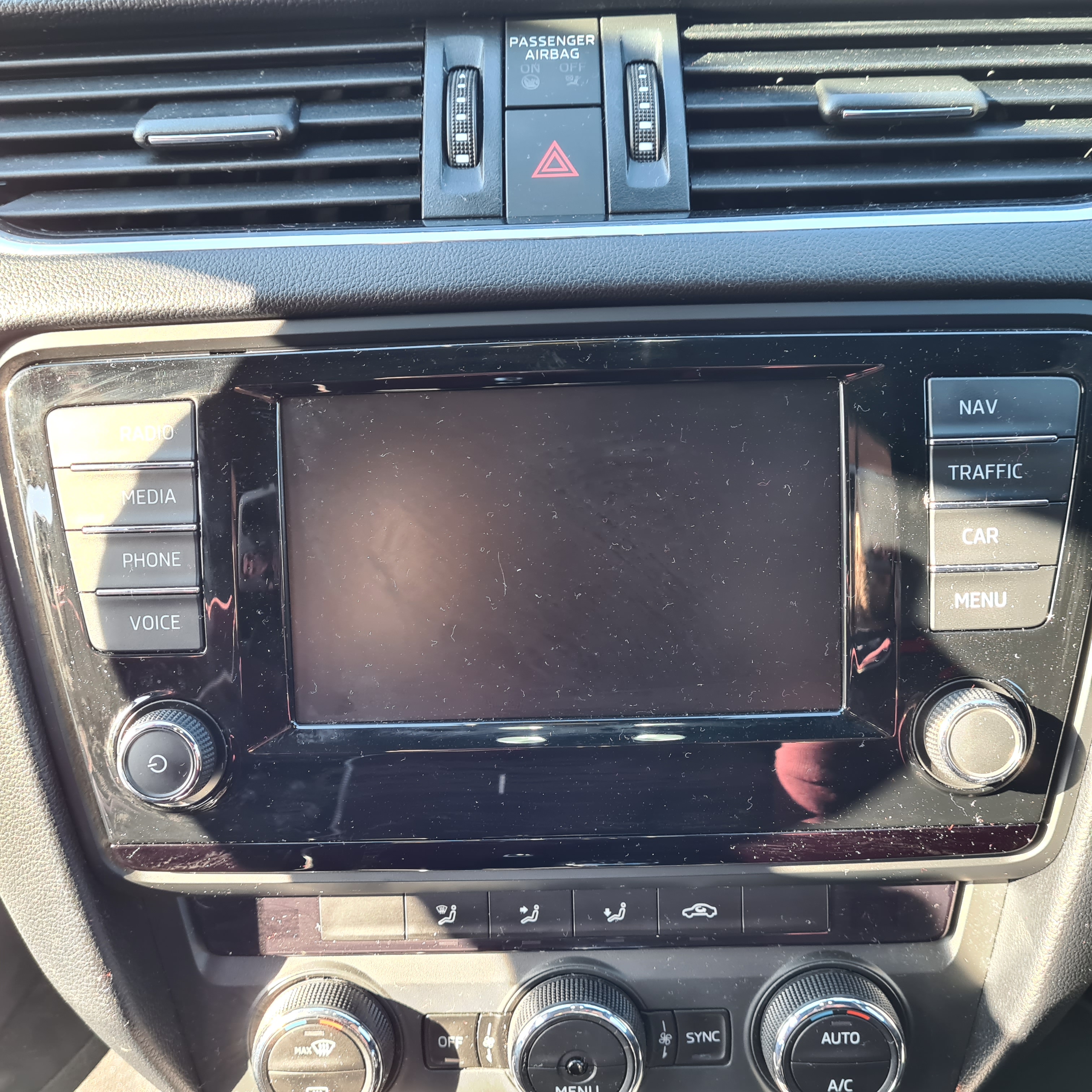
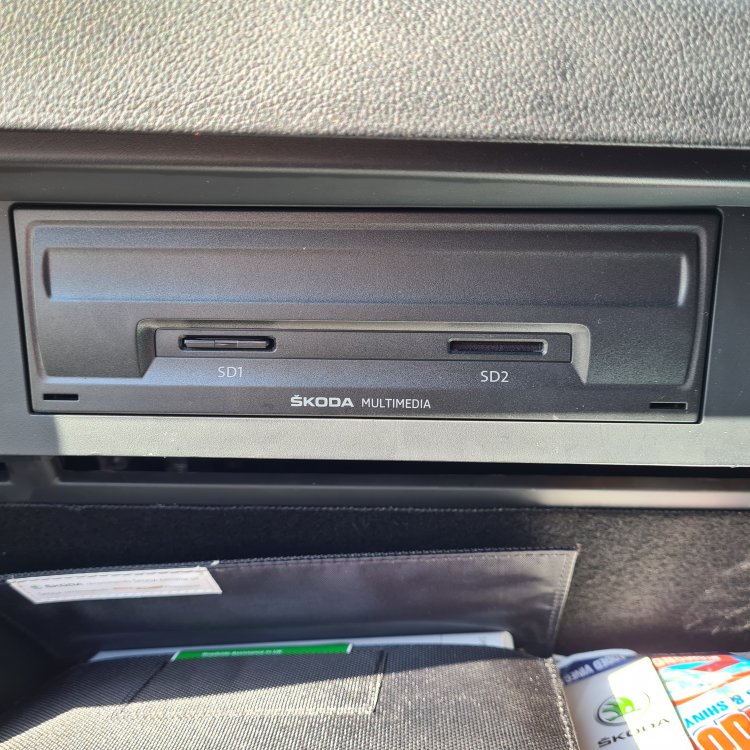
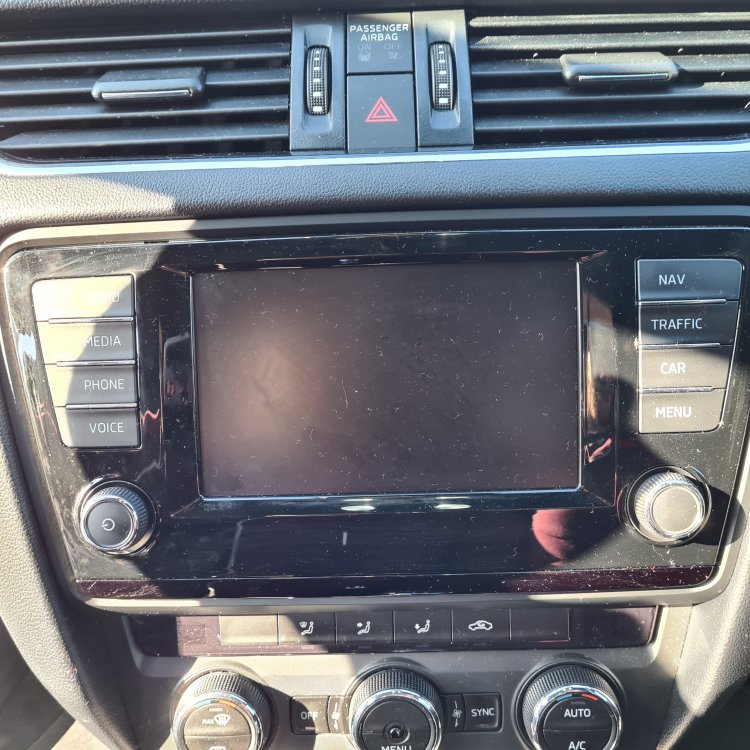
Hi all I am trying to find out what the next step up is for my headunit and screen if anybody can help please as to where to buy please. I currently have the unit below. Any advise would be great please
-
Hi everyone. Just became a freedom member and wanted to get to know people who are local to me. I'm Sittingbourne area. Hope to meet some of you soon. Cheers
-
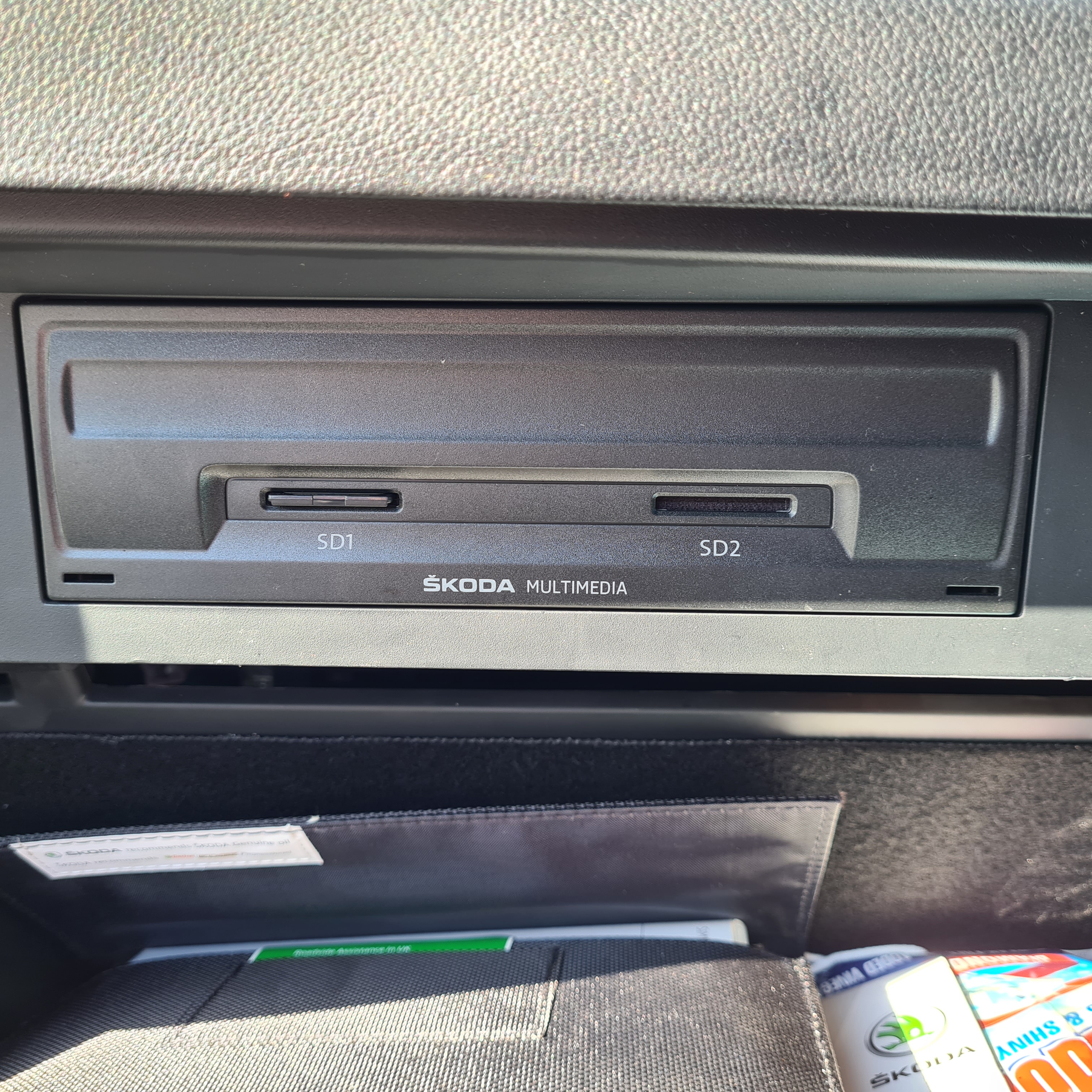
Evening all. I have seen a few posts on here of what people have done to there cars and I am looking to upgrade mine. I have the mib2 I think as it has the smaller screen with sat nav and the head ujit has two sd car slots. I am mot very knowledgeable about compatability with my car but the Alpine Skoda Octavia 9" Media System with CarPlay Android Auto i902D-OC3 looks like a good winner. Where is a good place to get this and I'm not sure about what coding is. Sorry to sound stupid just don't have a clue. Hope anyone can help