Guckster
Finding my way
-
Joined
-
Last visited
-
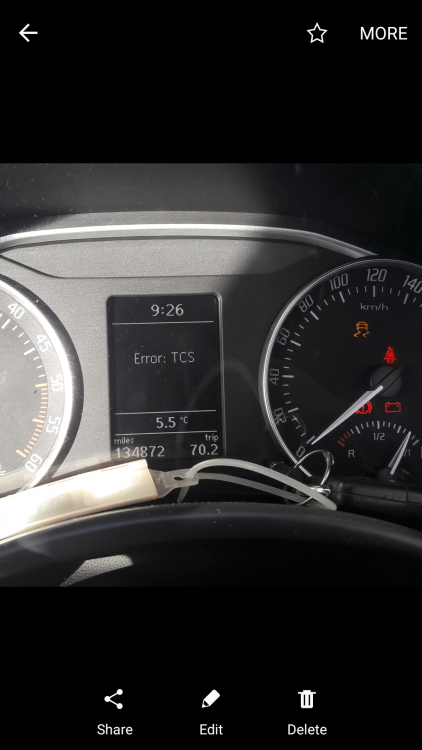
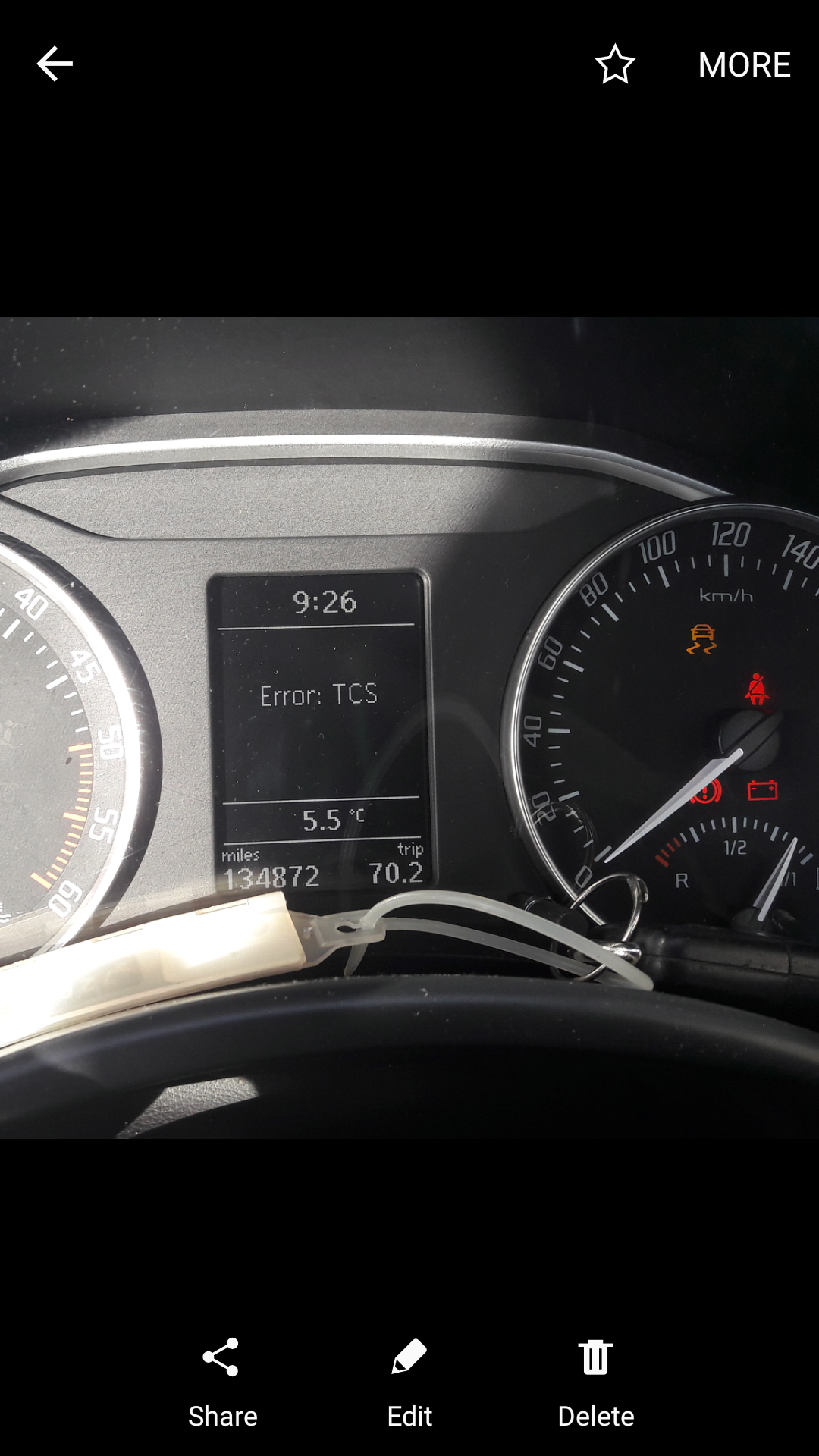
Dear Forum, My 2011, 2.0 Diesel, Skoda Octavia is failing to start regularly. Engine turns over but will not "fire". Error message displayed is "TCS Error" in the centre of the dash display. No warning lights. One thing I must mention, and I have only noticed this, because it has failed to start so many times, is that the engine will turn over even though the clutch pedal is NOT depressed. Note: This car normally requires that the clutch pedal be depressed in order to start. Not sure if this is related to the "TCS" error, but this is what is happening. Car can go for days no problem, but sure enough the problem will return. Usually, turning off (several times), will clear the fault and the car will then start normally. Indeed, I have noticed that "if the engine does not turn over", when the cultch is out (as should be the case) then the problem is not present and once I send the clutch to the floor it will start as normal. I have ran "OBD Eleven" and cleared all faults, such as antenna short circuit, EGR Flow - P0401, wire for speed signal, ECM 01314, but I don't see anything that stands out as related to this problem. Could battery in transponder key cause this, I'll use second key for a few days and let you know if there is any improvement. Any help much appreciated and thank you. P.S: I have noticed another previous topic almost identical to this, but it is left "open ended", without the final repair / solution posted.