DukeofEarl75
Finding my way
-
Joined
-
Last visited
-
Thanks @AnnoyingPentium that's really kind. I have picked up a used o/s one today as a backup and I'll see how I get on my current one now those led sidelights have been changed, and my local breaker also has a MK1 with lights at the moment so I should be ok thanks.
-
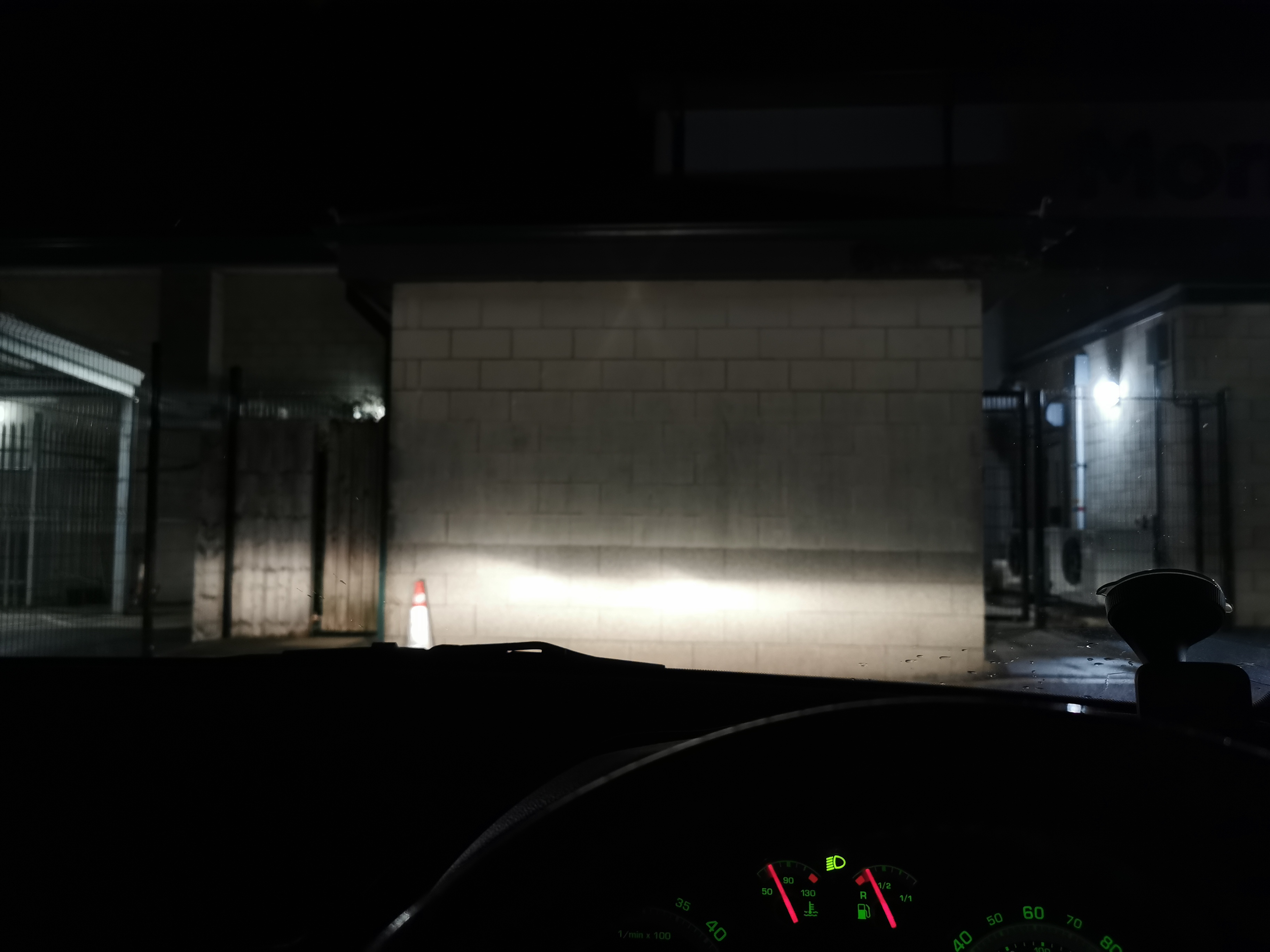
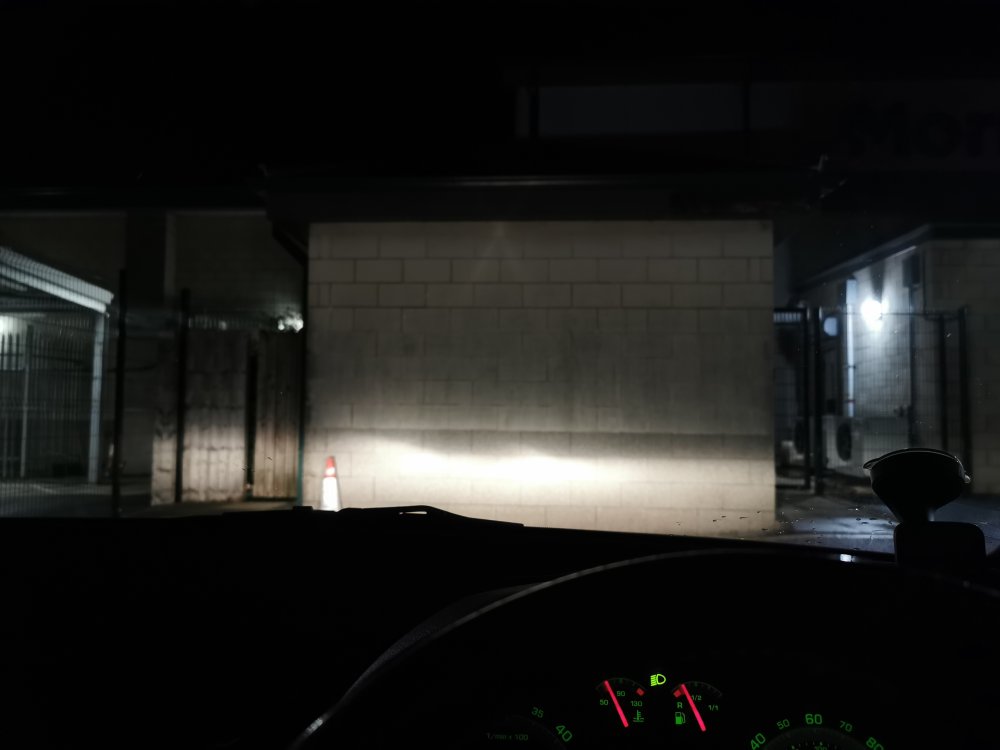
Well I have removed the sidelights and they were indeed led units, Phillips Ultinon labelled. Replaced them with standard halogen units and the major issues have been resolved. I wet sanded & polished the worst headlight earlier but it looks like the dots are inside the lens as nothing changed. Here is an after picture with the standard bulbs in. I am happy with the light output and the beam pattern, but what do you folks think? Thank you all for your amazing help too.
-
@vindaloo Wow, I think you are correct the sidelight is the one producing the light arcs, and it looks different to a standard t10 w5w bulbs. I was so focused on the h7 dipped beam bulb I neglected to look any further at the sidelight bulb When it stops raining I'll have a gander, could be an led as you say, it protudes far further than perhaps it should. I'll update later or tomorrow. Thanks very much
-
I'll give it a go @J.R.
-
As far as I know yes they are original. Also they have halogen bulbs in them.
-
As far as I know yes they are original.
-
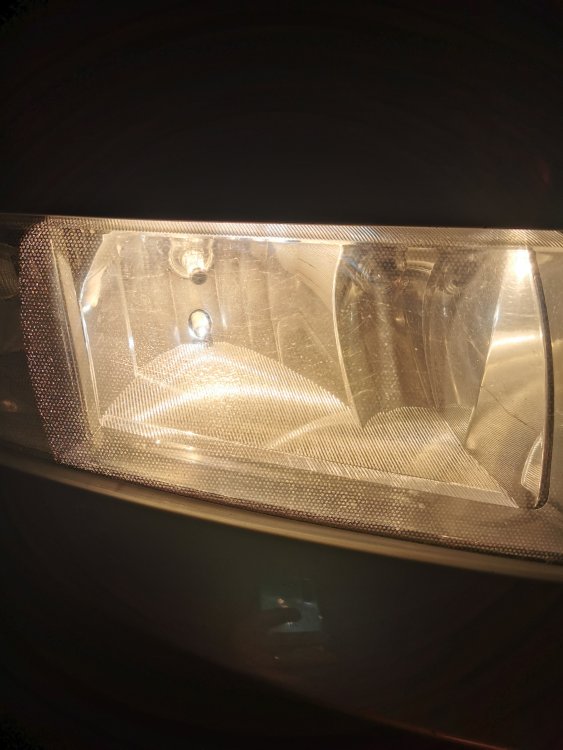
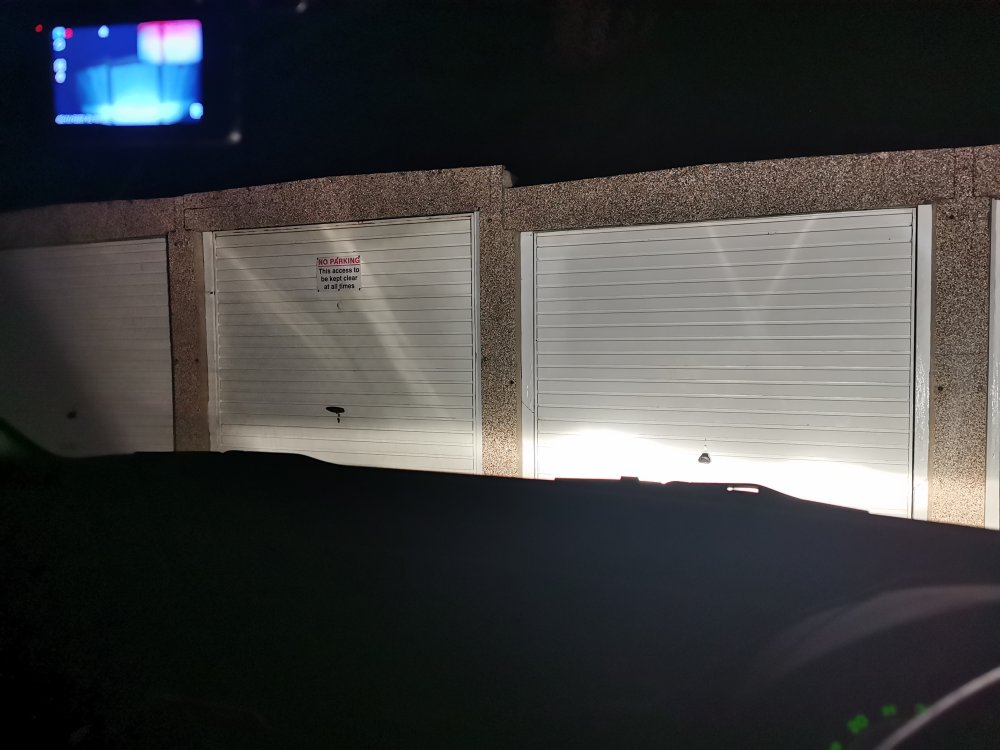
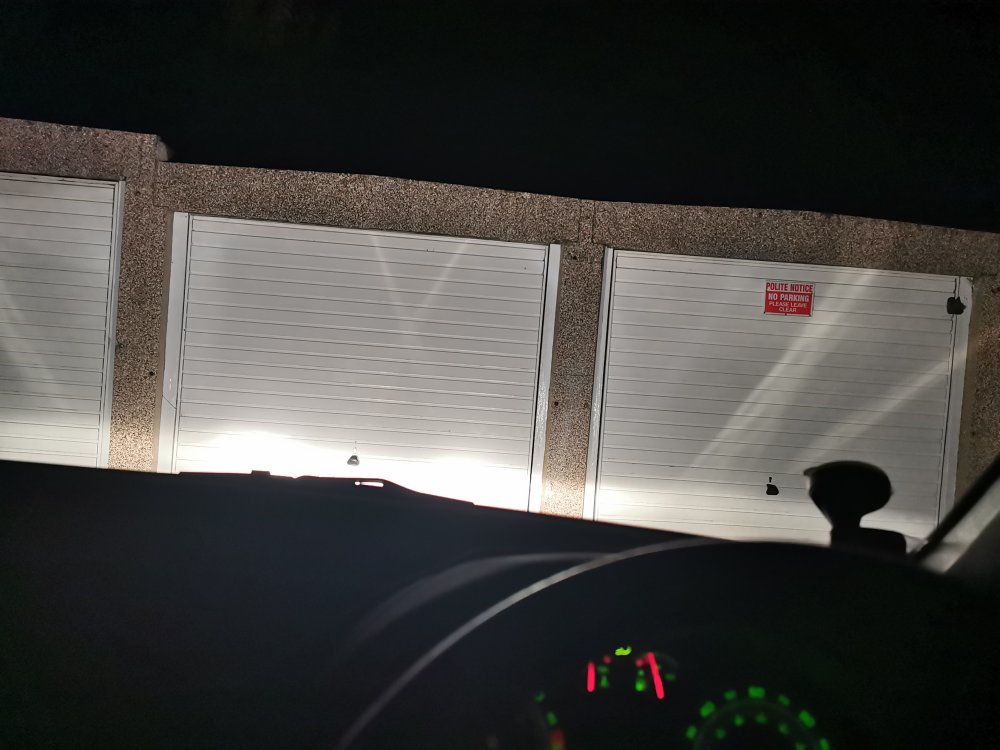
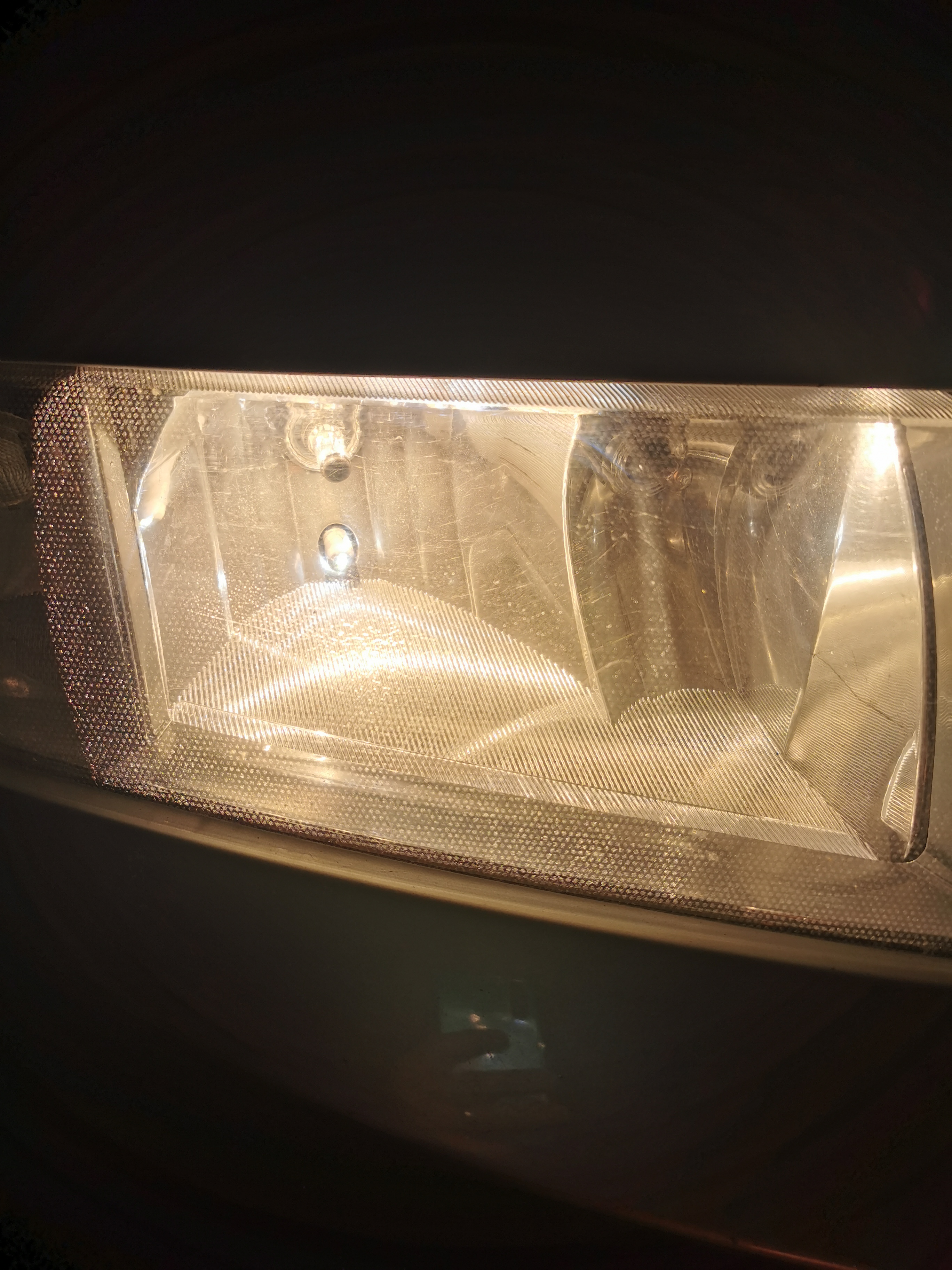
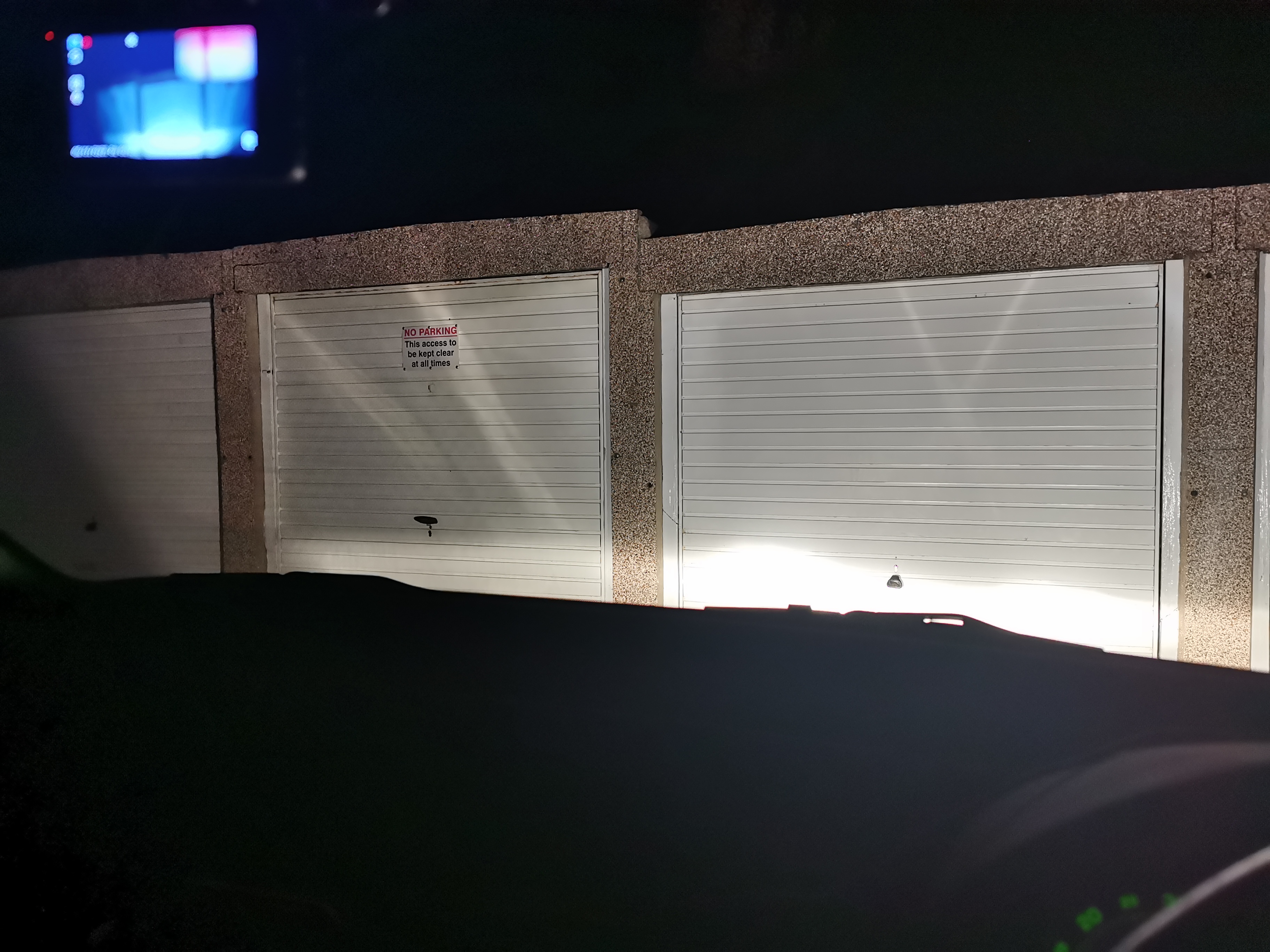
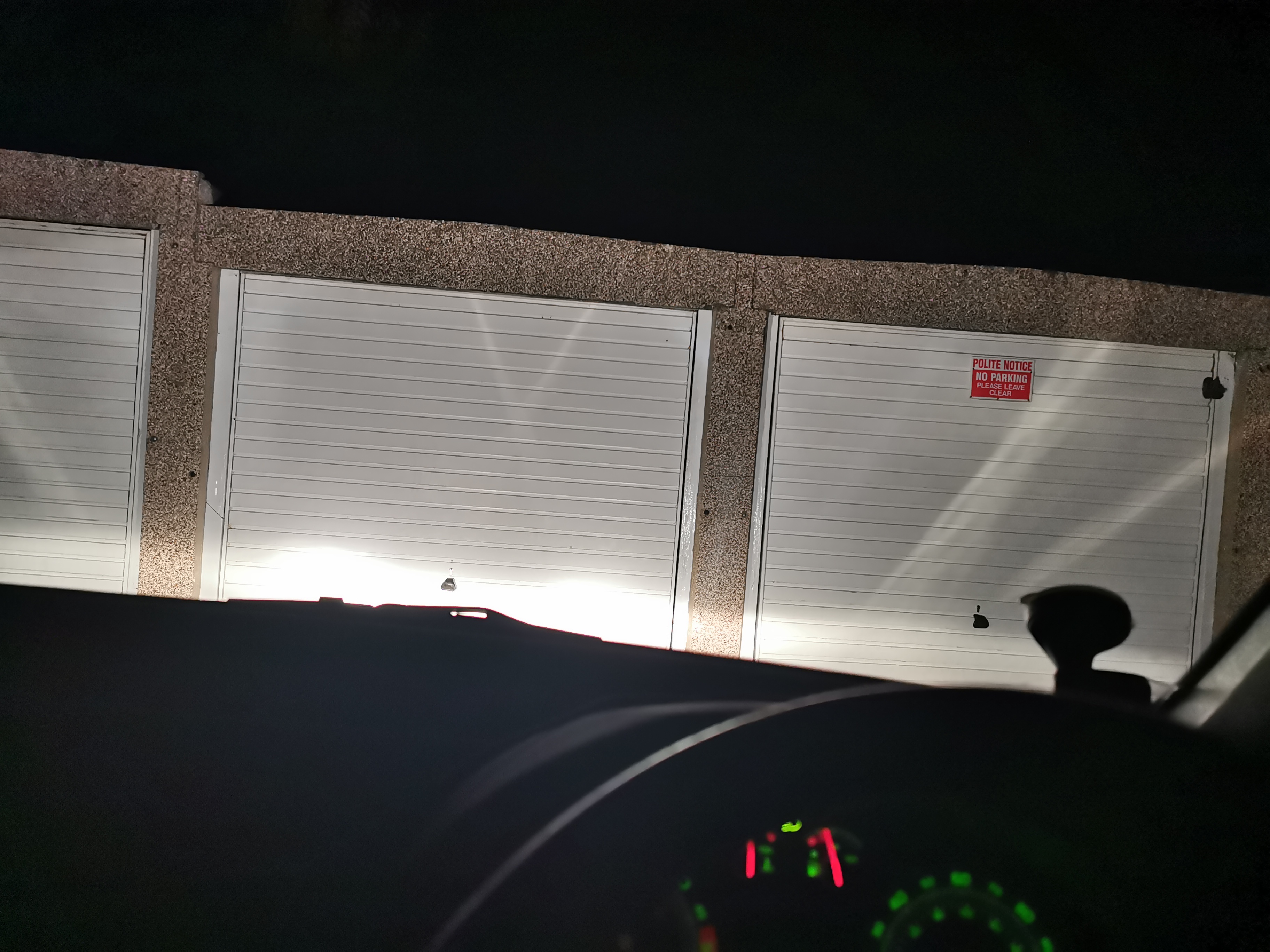
Hi folks I have been flashed a couple of times this evening which is weird. I have noticed that when the lights are on I have a strange dot / honeycomb pattern on the lens (presumably inside as they are smooth on the outside). Also when I pulled up to a flat garage I could see light flares / crosses (bad light pattern) When I bought the car there was evidence of black dotted laminate on the headlights and that left glue spots on the exterior of the lens which I removed along with the oxidisation. Could the external stickers have affected the inside of the lenses due to heat spots or has anyone had a similar experience with their lights please? I have added some photos Many thanks.